GitHub widgets for developers
Keep review requests, releases, notifications, commits, and trending repositories close without reopening GitHub all day.
For many developers, GitHub is not one place. It is a set of repeated checks: unread notifications, pull requests waiting for review, release pages, tags, branch activity, and trending repositories worth noticing.
The problem is not that GitHub is hard to use. The problem is that important signals live behind the same browser tab as everything else. You open GitHub to check one thing, then spend a few minutes clearing noise, searching for the right repository, or remembering why you went there.
A good GitHub desktop widget should not replace GitHub. It should make the checks you repeat every day visible at the right level of detail.
That is the purpose of the Kepo GitHub plugin: it brings the GitHub views developers already monitor into small desktop widgets, so daily engineering work can stay visible without turning into another inbox.
What widgets are included in GitHub
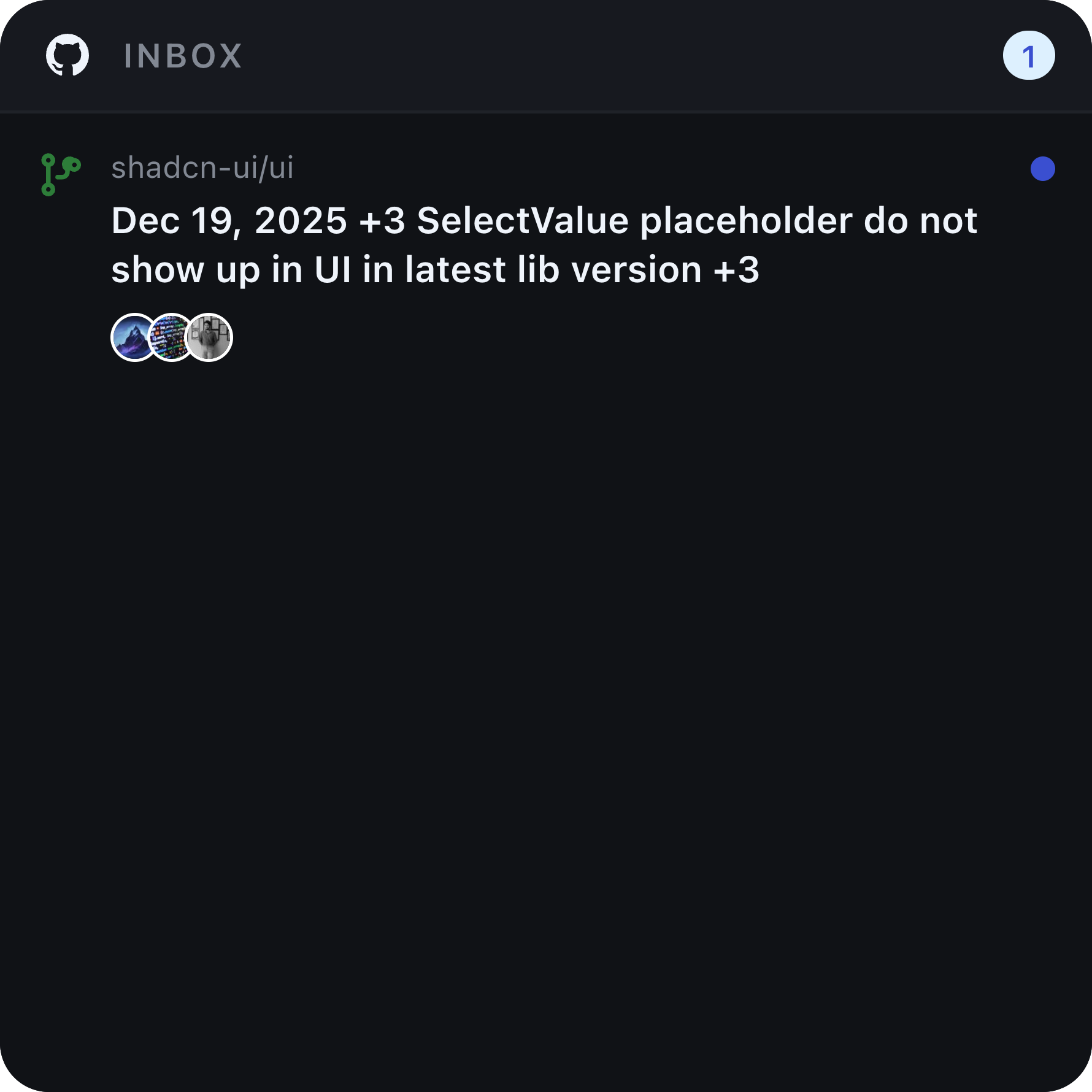
Notifications Inbox
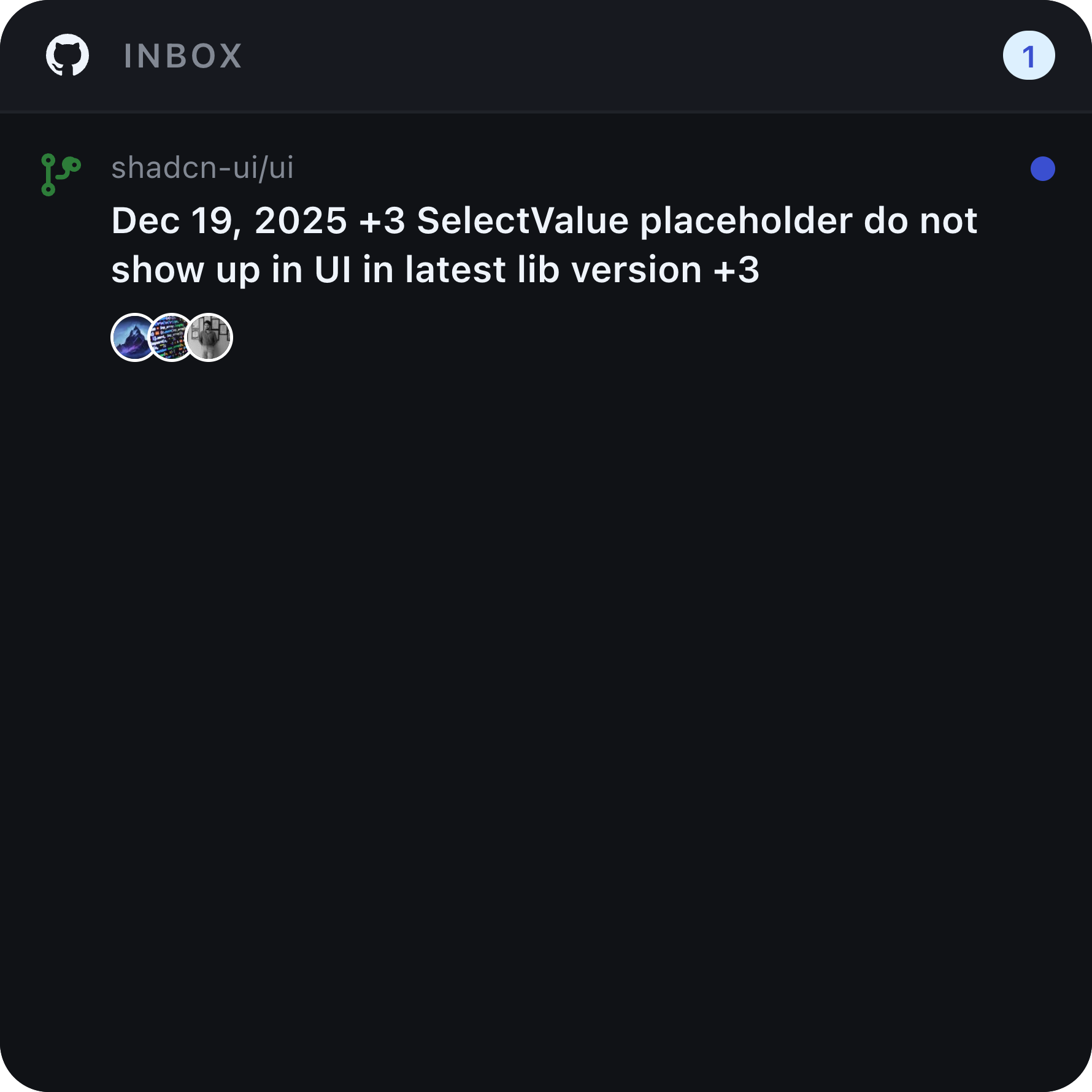
View the latest unread items from the GitHub notifications inbox.
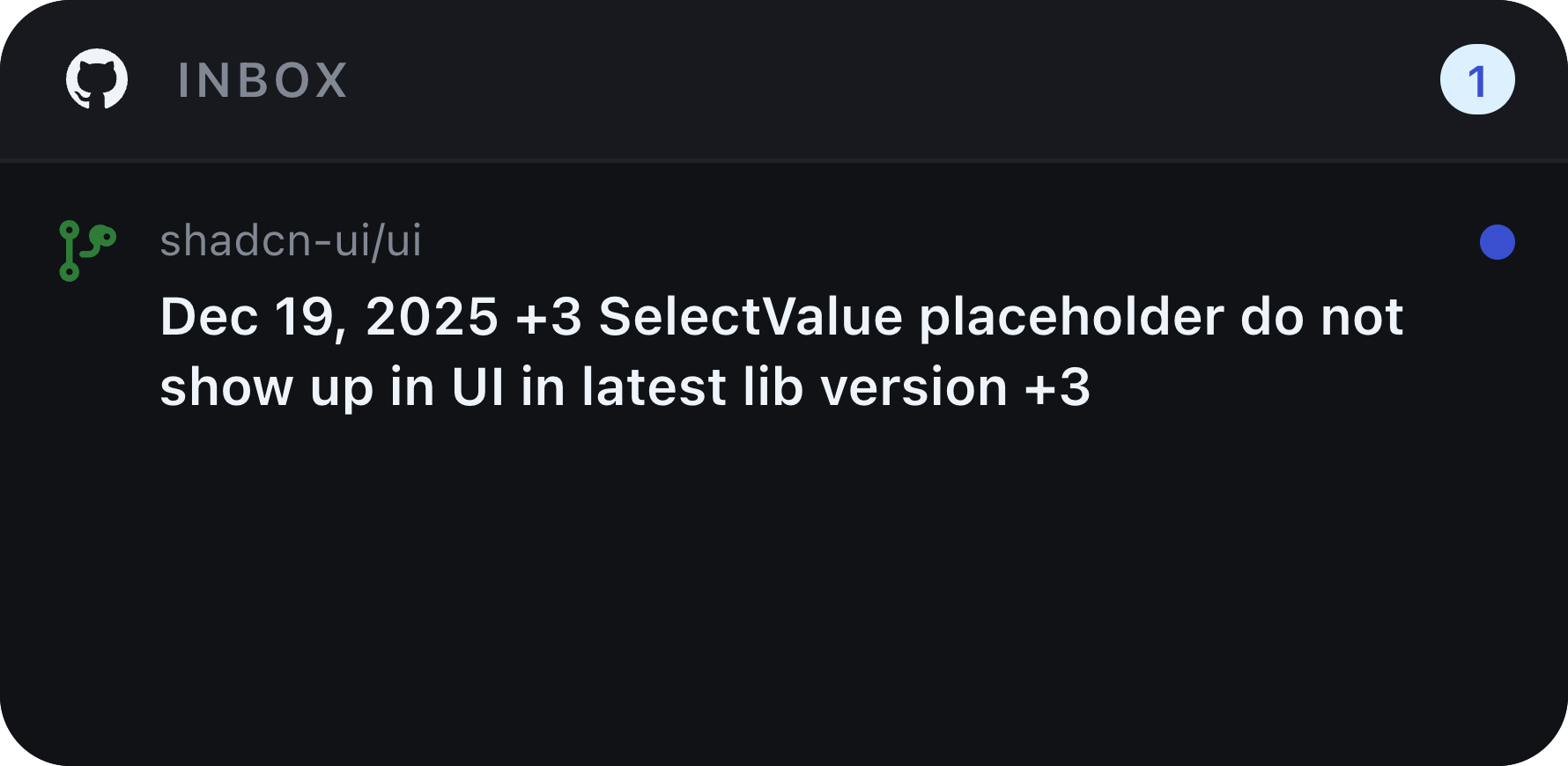
Review Requests
View pull requests that currently request your review.
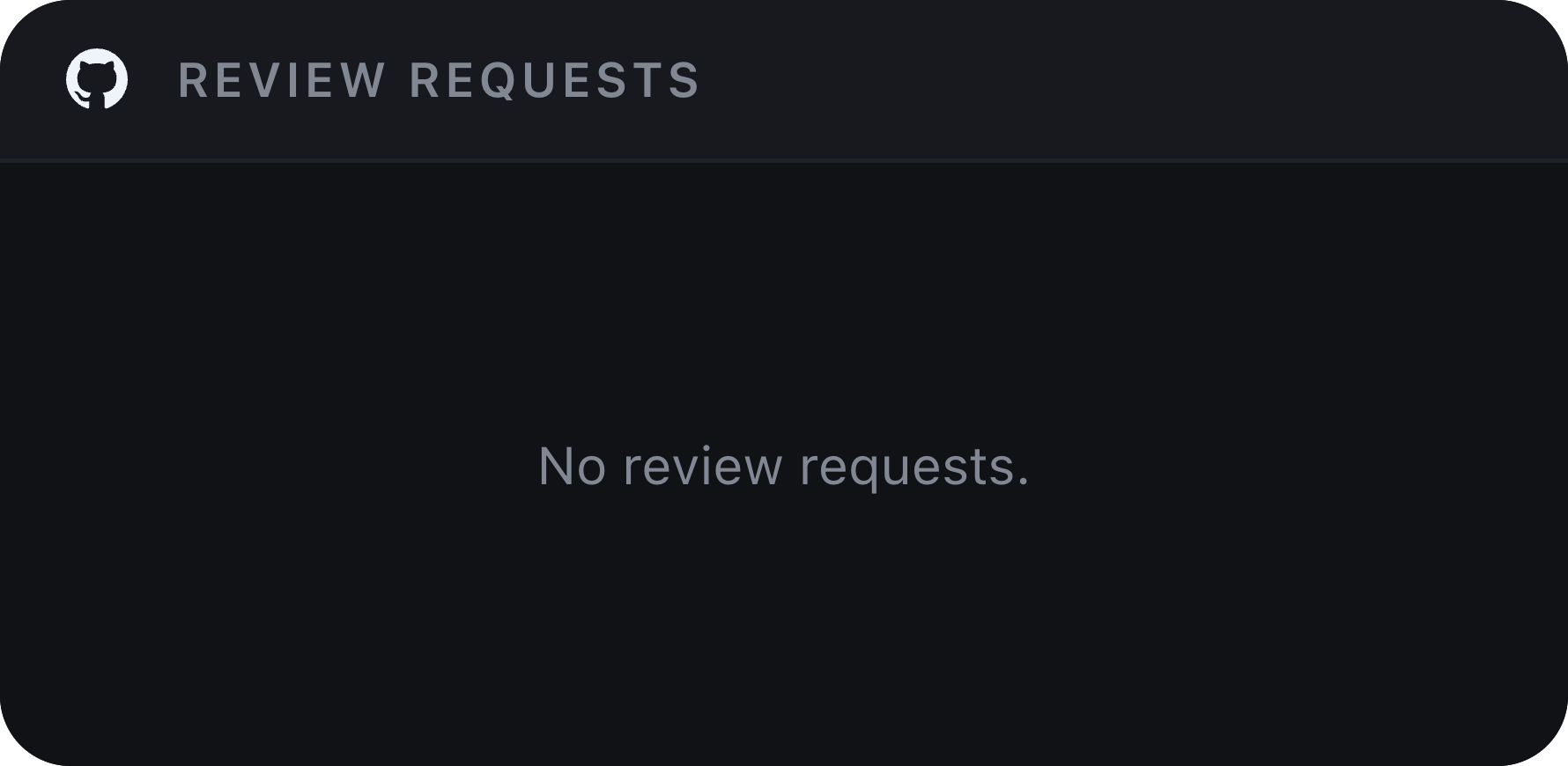
Release Watch
Watch the latest releases for a specific GitHub repository.
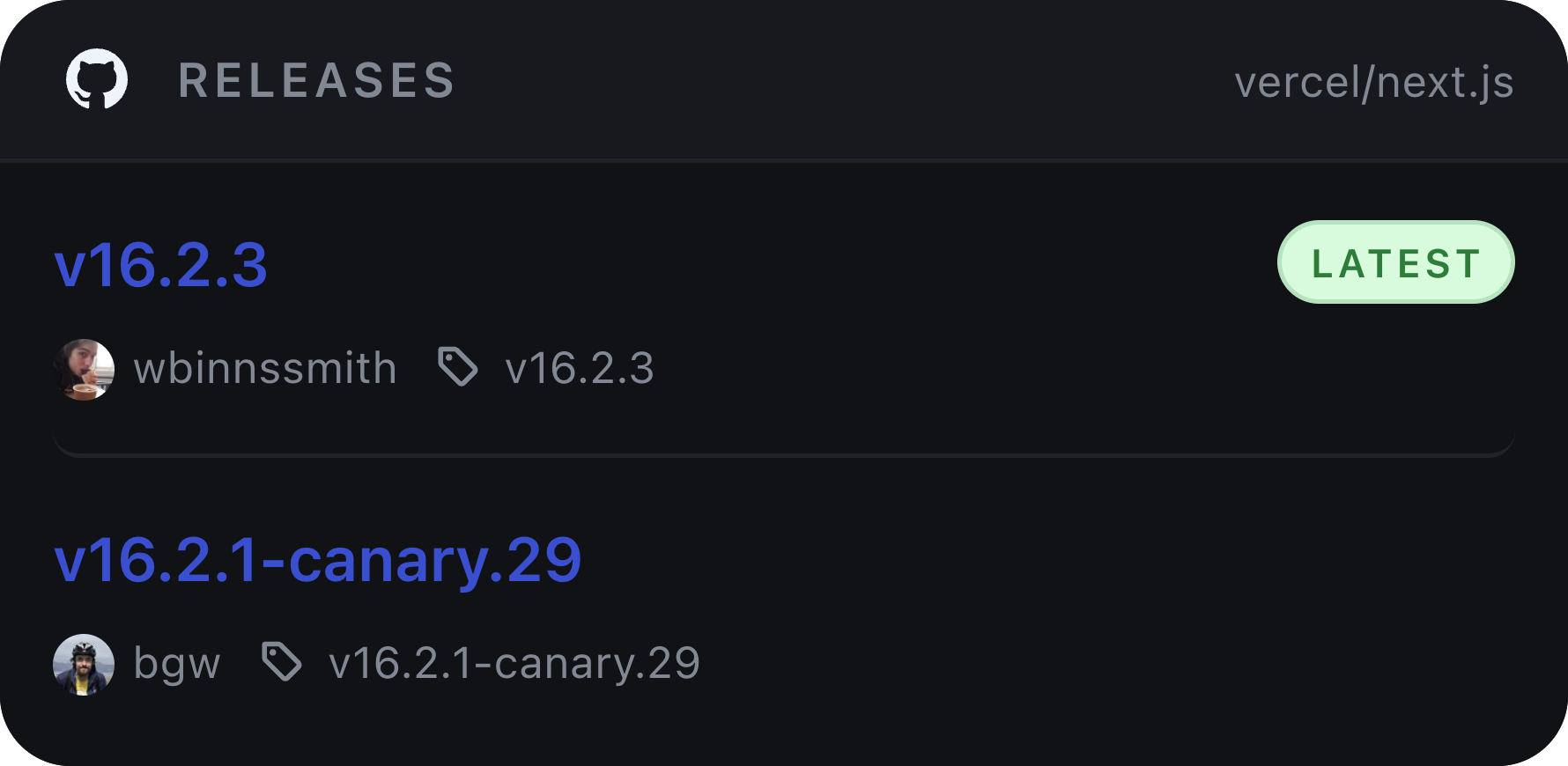
Tag Watch
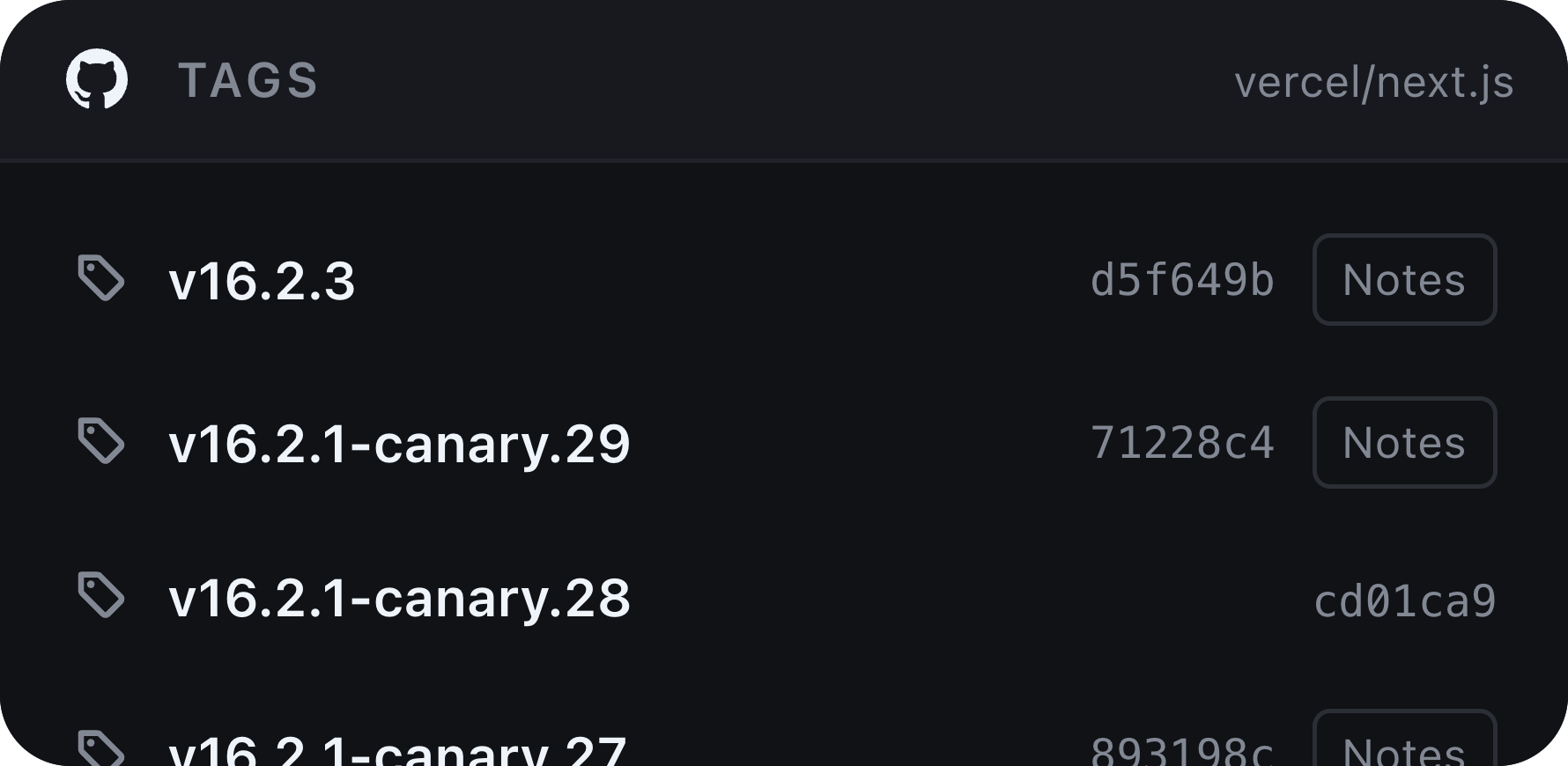
Watch the latest tags for a specific GitHub repository.
Commit Timeline
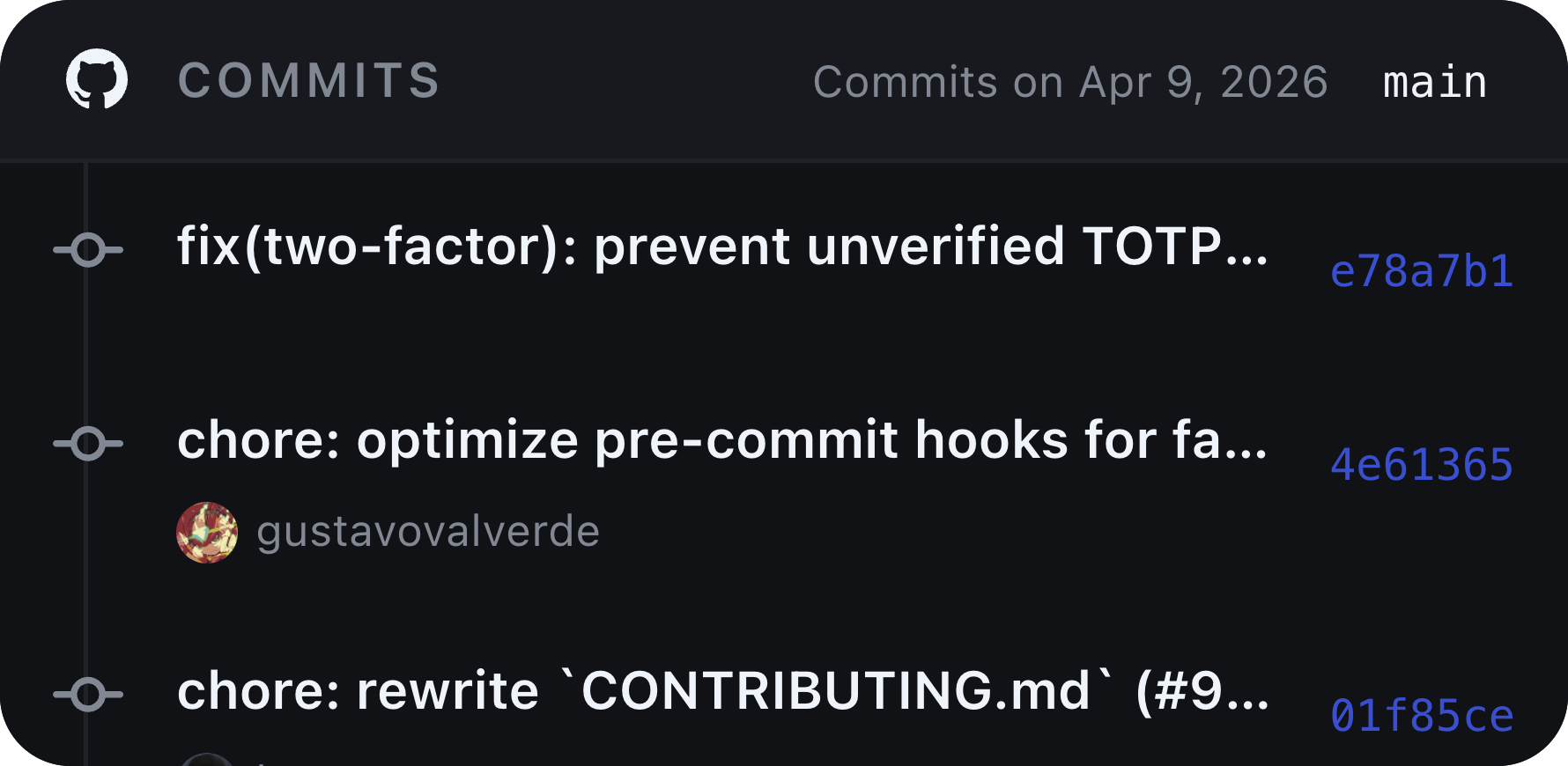
View recent commits for a specific GitHub repository branch.
Trending Repositories
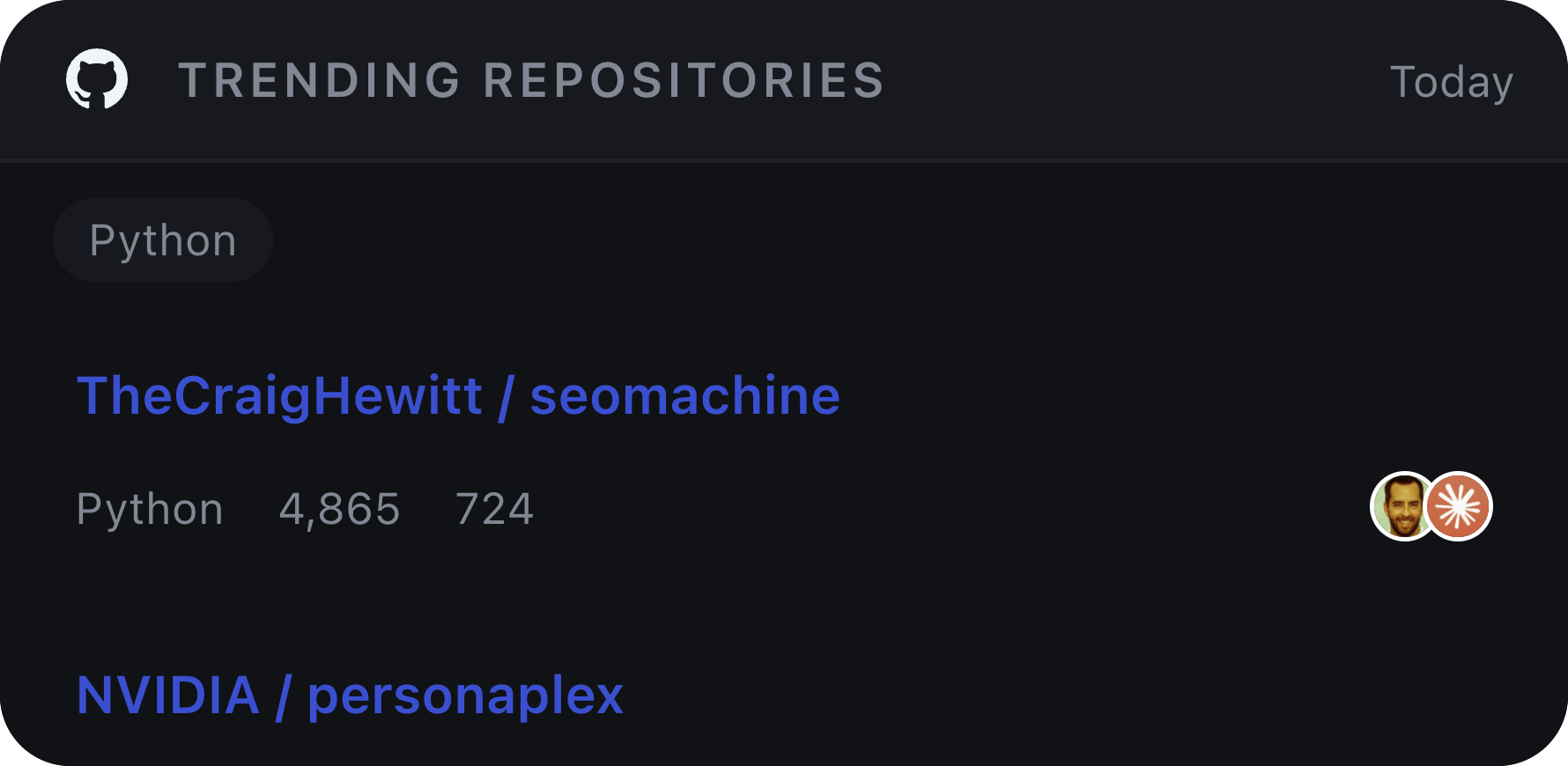
View current trending repositories with optional language filters.
Who needs a GitHub desktop widget
A solo developer may want to know when an open source dependency ships a release. A maintainer may need to catch review requests quickly. A product engineer may follow commits on a fast-moving branch. A founder may scan trending repositories to see what developers are adopting.
These are not deep workflows. They are repeated awareness checks. That makes them a strong fit for desktop widgets: small, glanceable, and available without changing context.
The Kepo GitHub plugin currently includes six focused widgets: Notifications Inbox, Review Requests, Release Watch, Tag Watch, Commit Timeline, and Trending Repositories.
GitHub Notifications Inbox
GitHub notifications are useful, but they can also become a second inbox. The Notifications Inbox widget is for developers who want a quick view of the latest unread GitHub items without opening the full notifications page first.
This helps when you only need to answer a simple question: is there anything new that needs attention now? If yes, open GitHub from the widget. If not, stay in your current work.
Pull request review requests
Review requests are easy to miss when they arrive between meetings, builds, and feature work. The Review Requests widget shows pull requests that currently request your review, which makes it useful for team engineers and maintainers who need to keep review latency low.
This is especially useful when code review is part of your daily rhythm but not the only thing you do. The widget keeps the list close enough to notice, without asking you to keep GitHub open all the time.
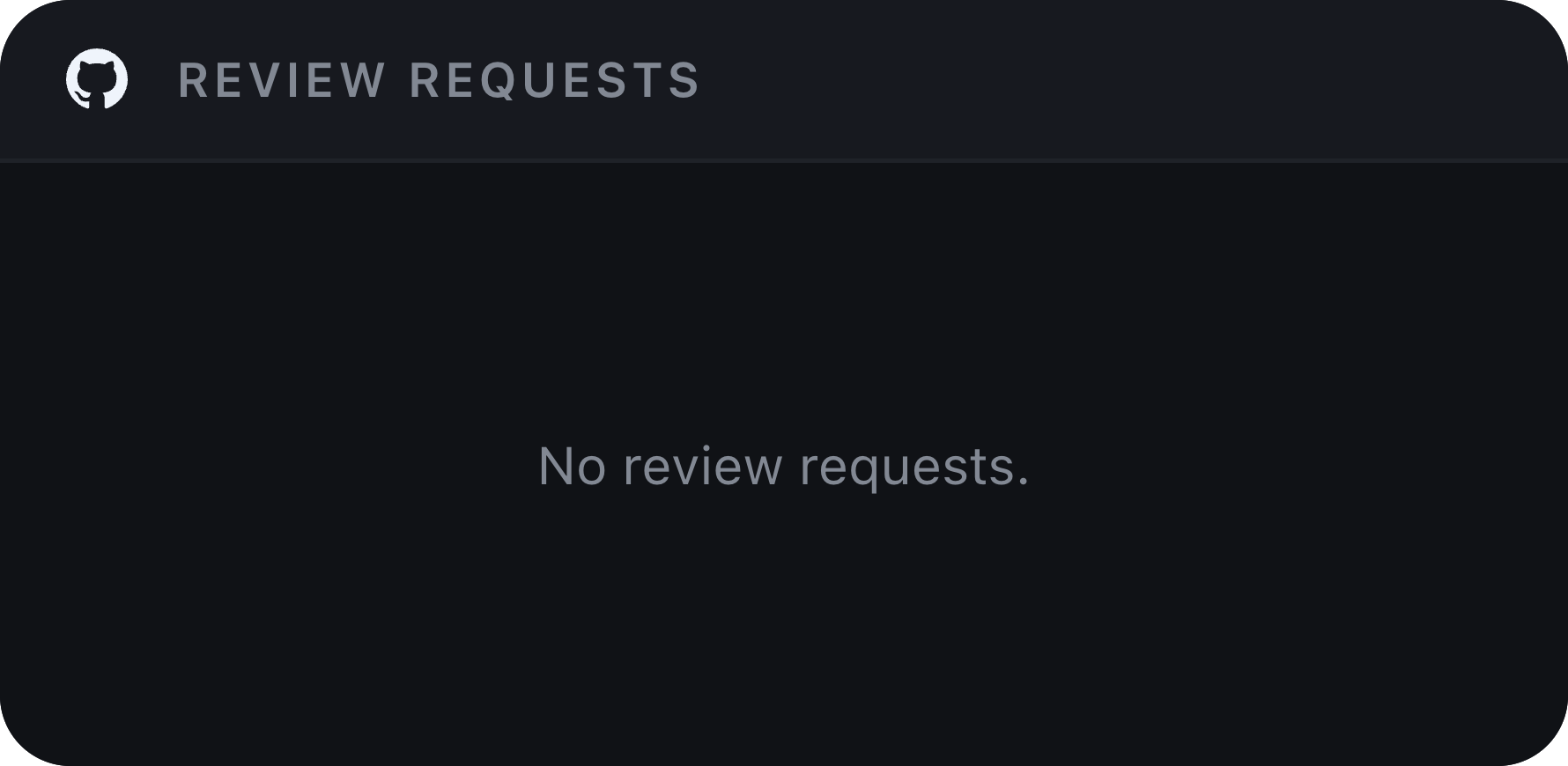
Release Watch and Tag Watch
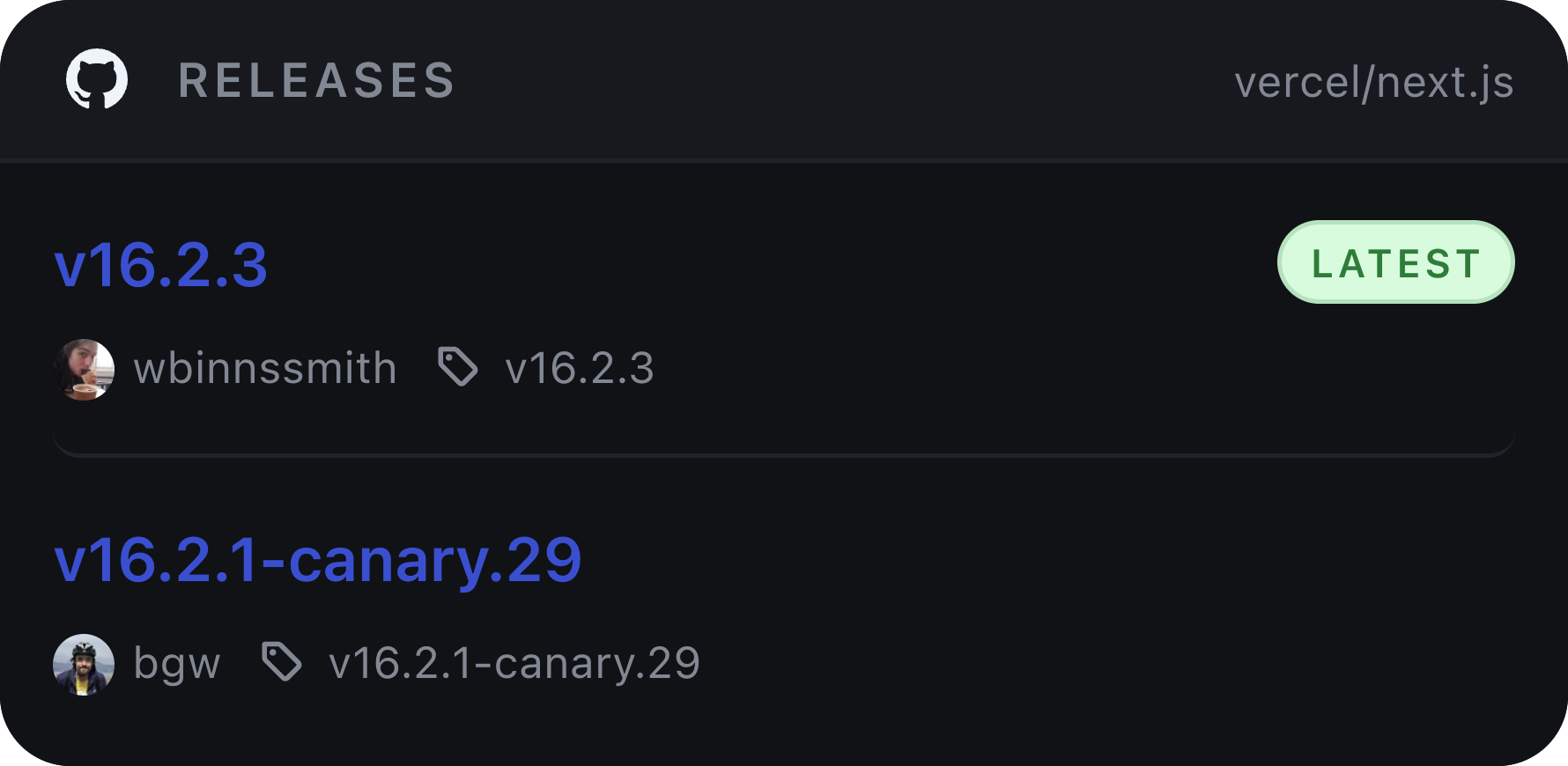
Release monitoring is a common need for developers who depend on frameworks, SDKs, open source packages, or internal services. The Release Watch widget tracks the latest releases for one repository. The Tag Watch widget follows the latest tags for one repository.
Both widgets work best when you provide the exact repository name in owner/repo format, such as vercel/next.js or openai/openai-node. This makes the widget specific enough to be useful: one dependency, one signal, one place to look.
Commit Timeline for active branches
Some repositories move quickly. If you follow a framework branch, an internal integration branch, or a release branch, the Commit Timeline widget gives you a compact view of recent commits for a specific repository branch.
This is useful for engineers who need to understand whether a branch is active, whether a fix has landed, or whether a dependency is moving toward a release. Instead of refreshing the commits page, you keep that activity in a dedicated desktop surface.
Trending repositories for research
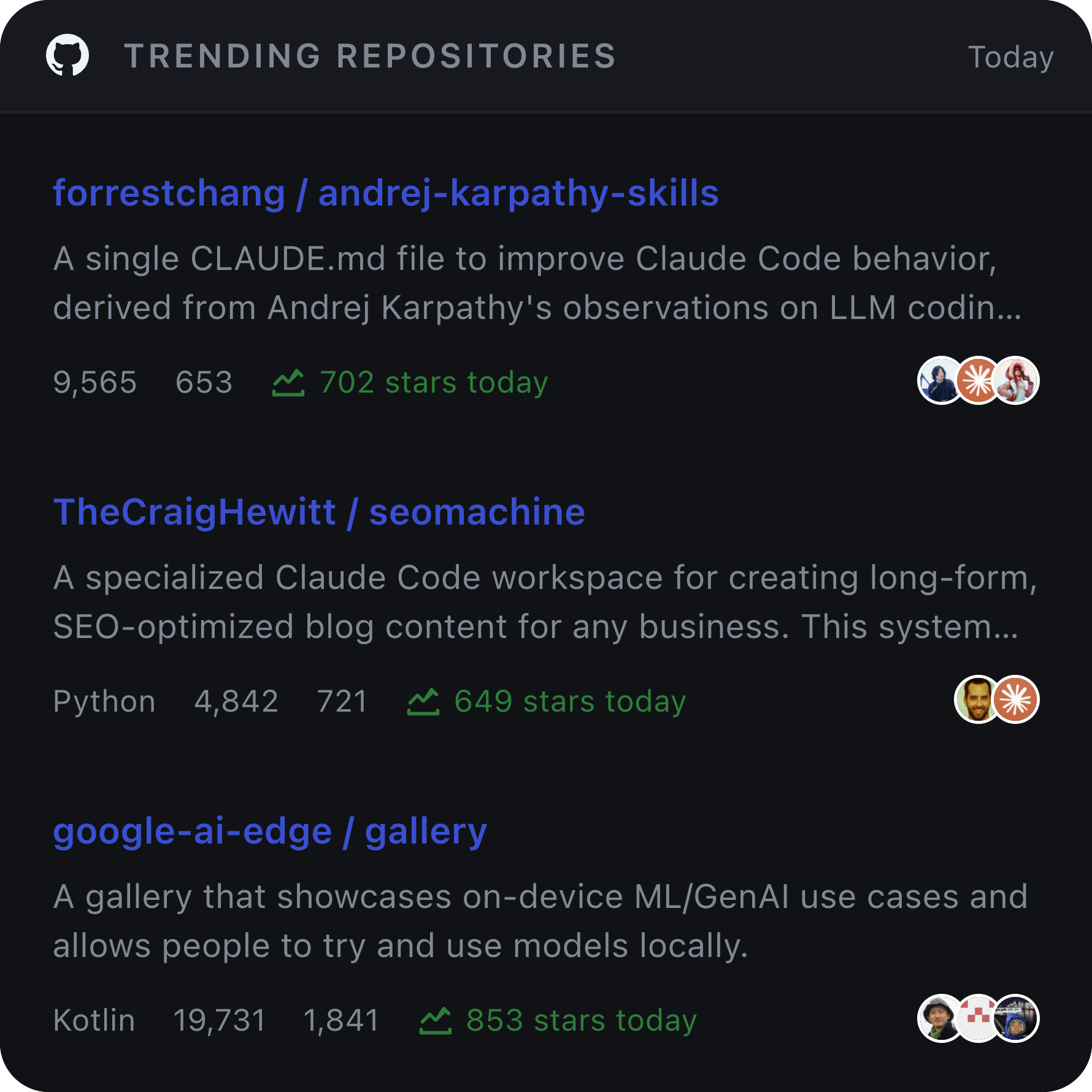
GitHub Trending is useful for developer research, open source discovery, and market awareness. The Trending Repositories widget brings that view into Kepo with optional language and time-range filters.
For builders, this can become a lightweight research habit: check what is trending today, this week, or this month, then open the original repository only when something is worth inspecting.
A smaller surface for repeated GitHub checks
Most developers do not need another full GitHub client on the desktop. They need faster answers to focused questions: What GitHub notifications are unread? Which pull requests need my review? Did this repository publish a new release? What changed on this branch? What repositories are trending today?
That is why the GitHub plugin is organized as separate widgets instead of one oversized panel. Notifications, pull request reviews, release monitoring, tag updates, commit timelines, and trending repositories each get their own focused view, so the desktop stays useful instead of becoming another place to sort through noise.
GitHub desktop widget FAQ
Can I view GitHub notifications on my desktop?
Yes. The Notifications Inbox widget shows recent GitHub notifications in Kepo, so you can decide whether anything needs attention before opening GitHub.
How can I monitor GitHub releases or tags for one repository?
Use Release Watch for the latest release and Tag Watch for the latest tag. Both work best with an exact owner/repo name such as vercel/next.js or openai/openai-node.
Is there a desktop widget for pull requests waiting for my review?
Yes. Review Requests focuses on pull requests that currently request your review, which is useful for engineers and maintainers who do not want to keep the full GitHub page open.
Is Kepo trying to replace GitHub?
No. GitHub remains where you do the work. Kepo keeps repeated status checks visible on the desktop so you only open GitHub when there is something worth handling.
GitHub should still be where you do the work.
Kepo helps make the signals around that work easier to see.
For developers who check GitHub many times a day, that smaller surface can remove a surprising amount of friction.