X desktop widgets
Keep profiles, feeds, trends, notifications, and keyword activity close without reopening X all day.
X is useful when you need fast signals, but it is also easy to lose time in the full timeline.
Most checks are smaller than that: did this account post anything new, are notifications waiting, what is trending, or is a keyword moving right now?
Kepo turns those repeated checks into separate desktop widgets so social monitoring can stay close without pulling you into the full feed.
A good X desktop widget should help you notice the signal, not ask you to live inside the timeline.

What widgets are included in X
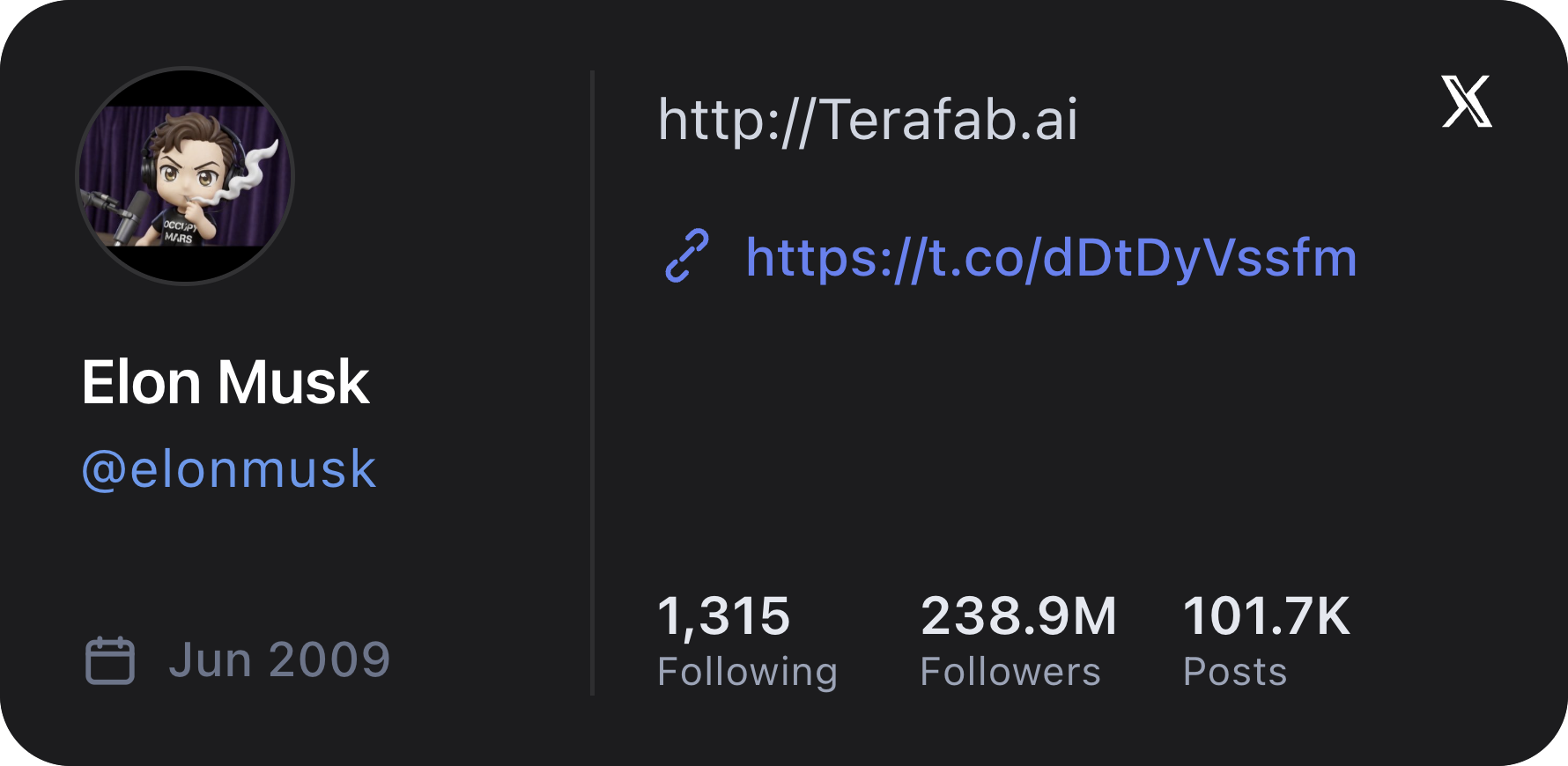
X Profile
View a public X (Twitter) profile for a specific account or the current signed-in account.
X Feed
View recent X (Twitter) posts, tweets, and feed updates from a specific account or the current signed-in account.
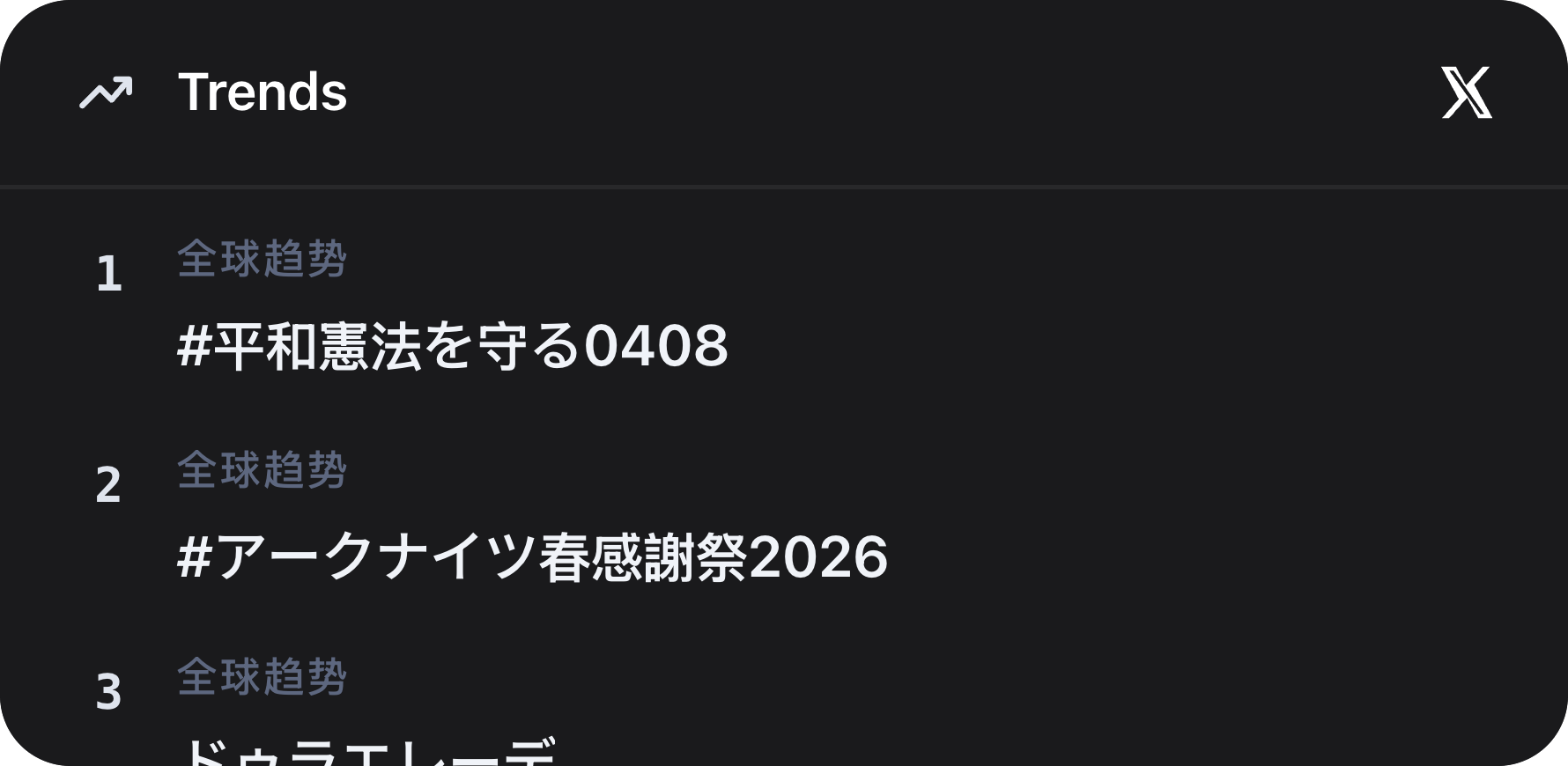
X Trends
View current X (Twitter) trends for the signed-in account's region and language.
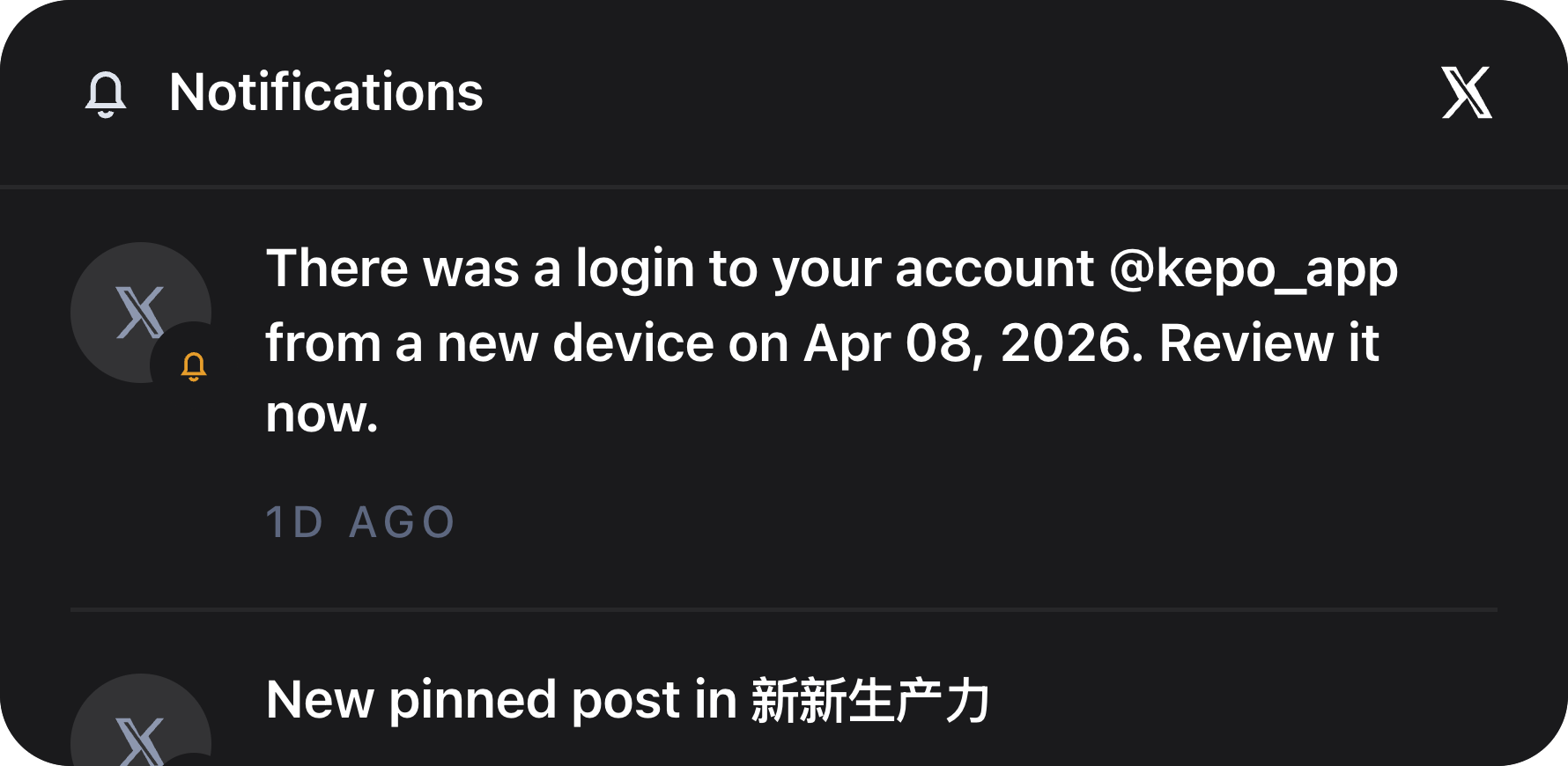
X Notifications
View the latest X (Twitter) notifications from the signed-in account's All notifications feed.
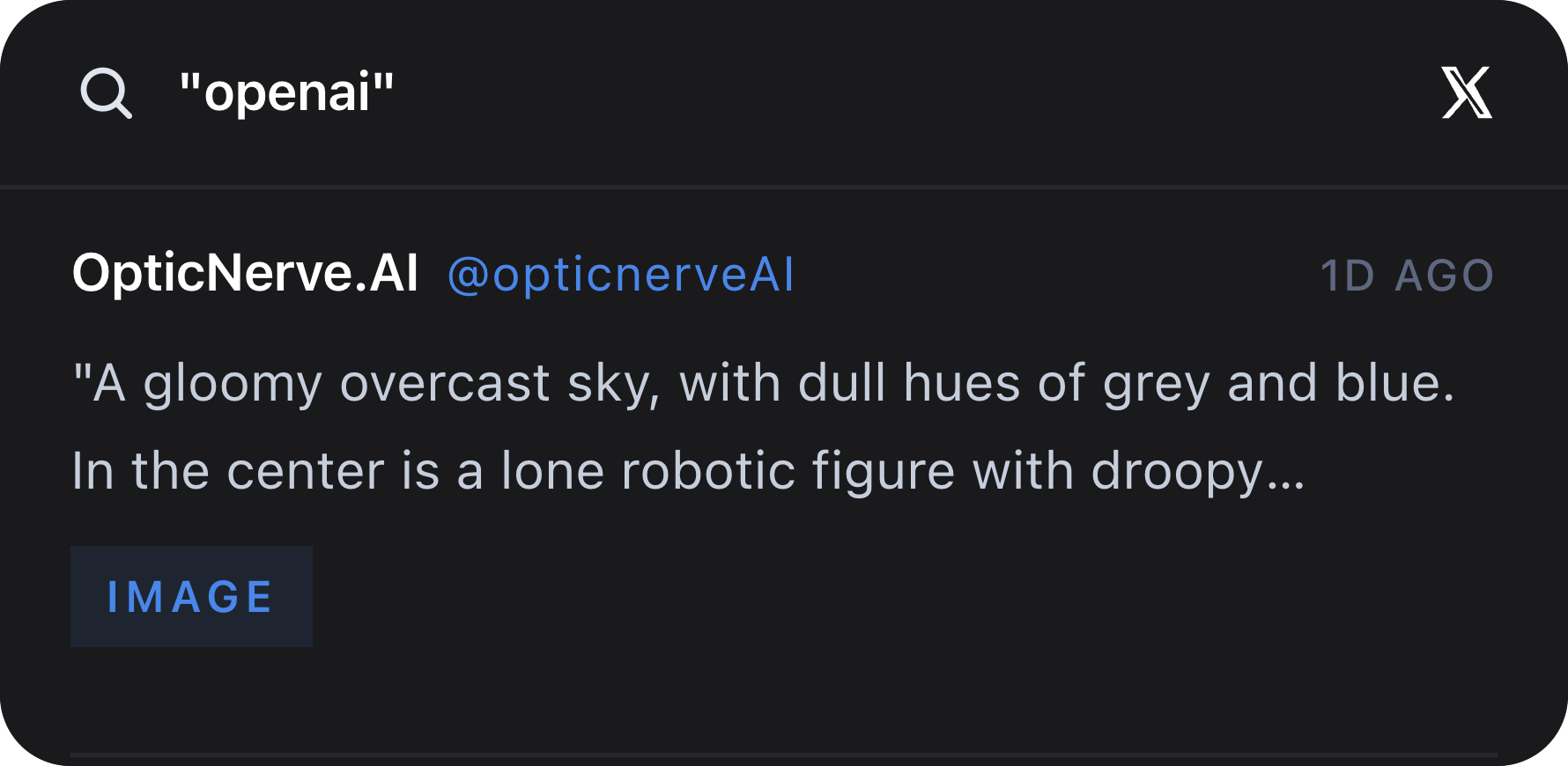
X Keyword Watch
Watch the latest live X (Twitter) mentions, posts, and tweets for a simple keyword.
Who needs X desktop widgets
Founders, marketers, researchers, creators, and developers often follow a small set of accounts, keywords, and trends.
The X plugin is useful when you need awareness across a few specific surfaces, not a full social media dashboard.
Profiles, feeds, trends, notifications, and keywords
X Profile and X Feed focus on one account. X Trends shows the current trend list for the signed-in account region and language.
X Notifications brings account activity into view, while X Keyword Watch follows live posts for an exact keyword such as a product, competitor, topic, or event.
Use exact usernames and exact keywords
Profile and feed widgets work best when the username is exact, with or without the @ prefix.
Keyword Watch uses the exact search value you enter. That makes it better for focused monitoring than broad discovery.
X desktop widgets FAQ
Can I monitor X or Twitter keywords from my desktop?
Yes. X Keyword Watch follows the latest live X posts for one exact keyword and shows them in a Kepo desktop widget.
Can I see X notifications without opening the full site?
Yes. X Notifications shows recent notification activity from the signed-in account so you can decide whether to open X.
Does the X plugin post or reply for me?
No. The X plugin is read-only. It helps you monitor profiles, feeds, trends, notifications, and keywords.
X remains where you read, reply, and inspect context.
Kepo keeps the repeated checks visible so you open X when there is actually something worth handling.