Weibo desktop widgets
Keep Weibo hot search, keyword results, mentions, and profile posts visible from Kepo.
Weibo can move quickly during news, product launches, entertainment cycles, and public discussion.
You may need hot search topics, posts for one keyword, mentions for a logged-in account, or recent posts from one profile.
Kepo separates those checks into focused widgets so you can notice movement without keeping Weibo open all day.
Weibo widgets are for fast awareness: what is hot, what mentions you, and what one account is posting.
What widgets are included in Weibo
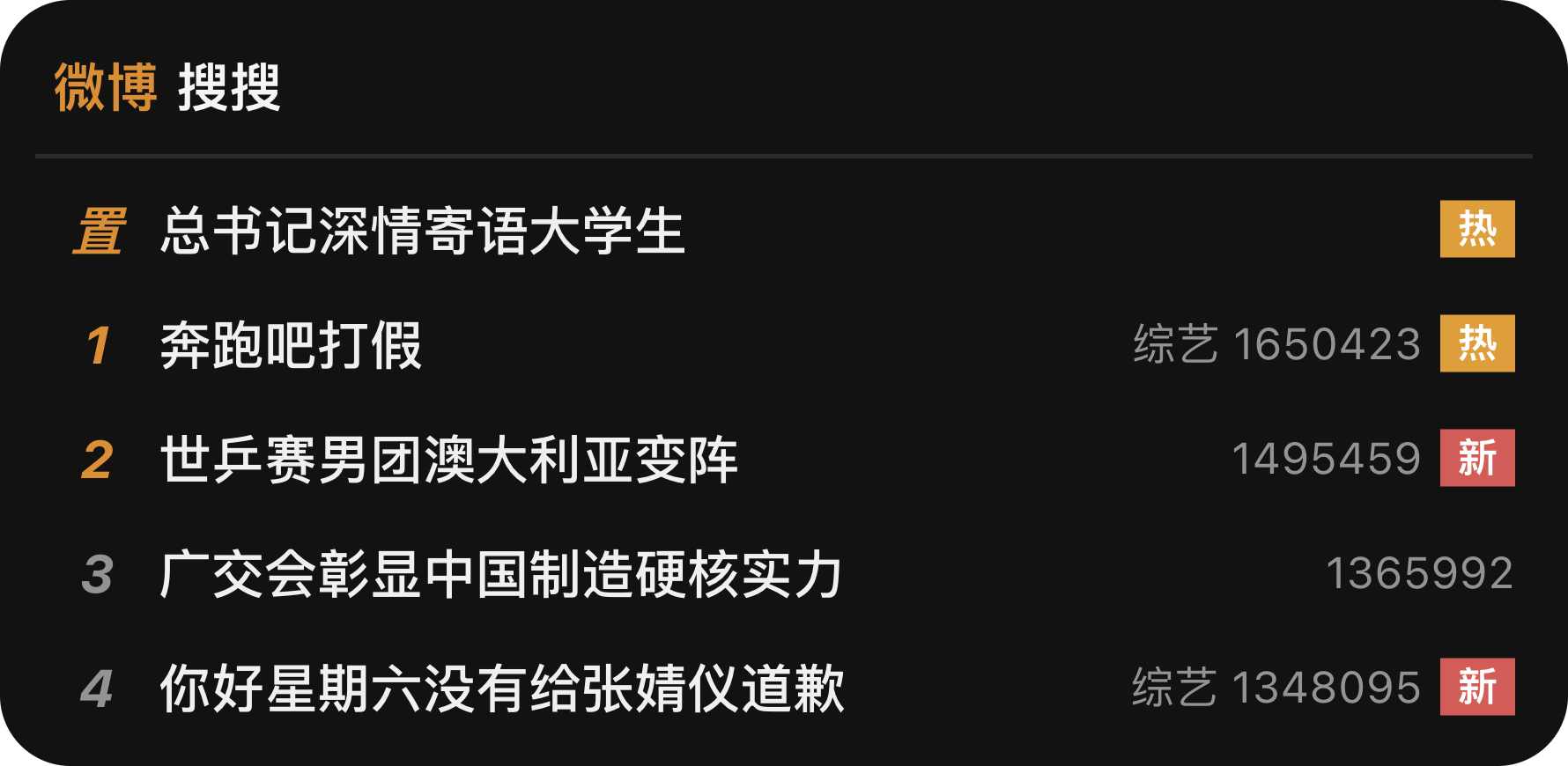
Weibo Hot Search
Show the latest Sina Weibo hot search topics and heat labels.
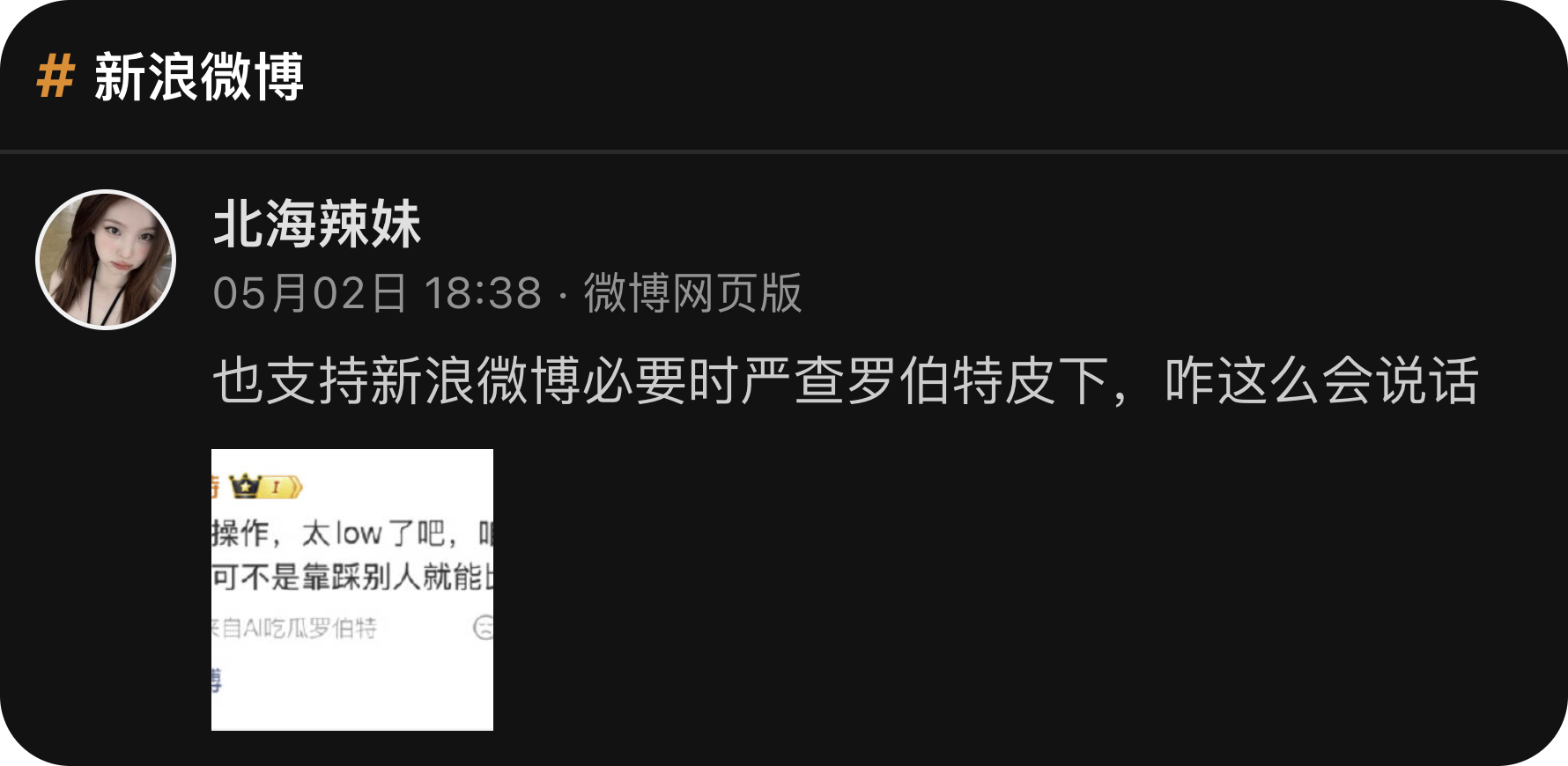
Weibo Keyword Feed
Watch Sina Weibo search results for a keyword, including posts from many accounts that mention it.
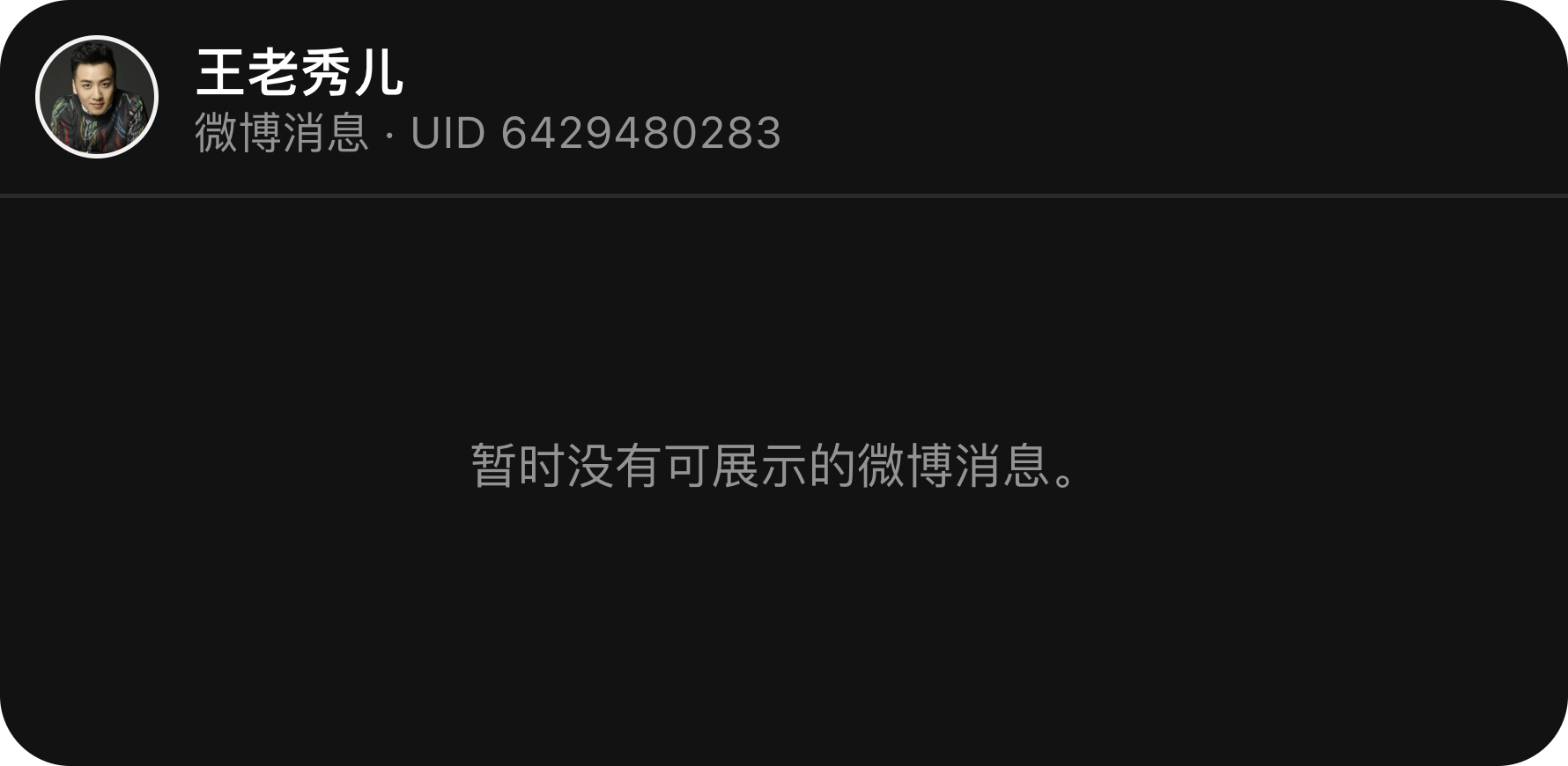
Weibo Mentions
Show configured Sina Weibo message feeds for the logged-in user.
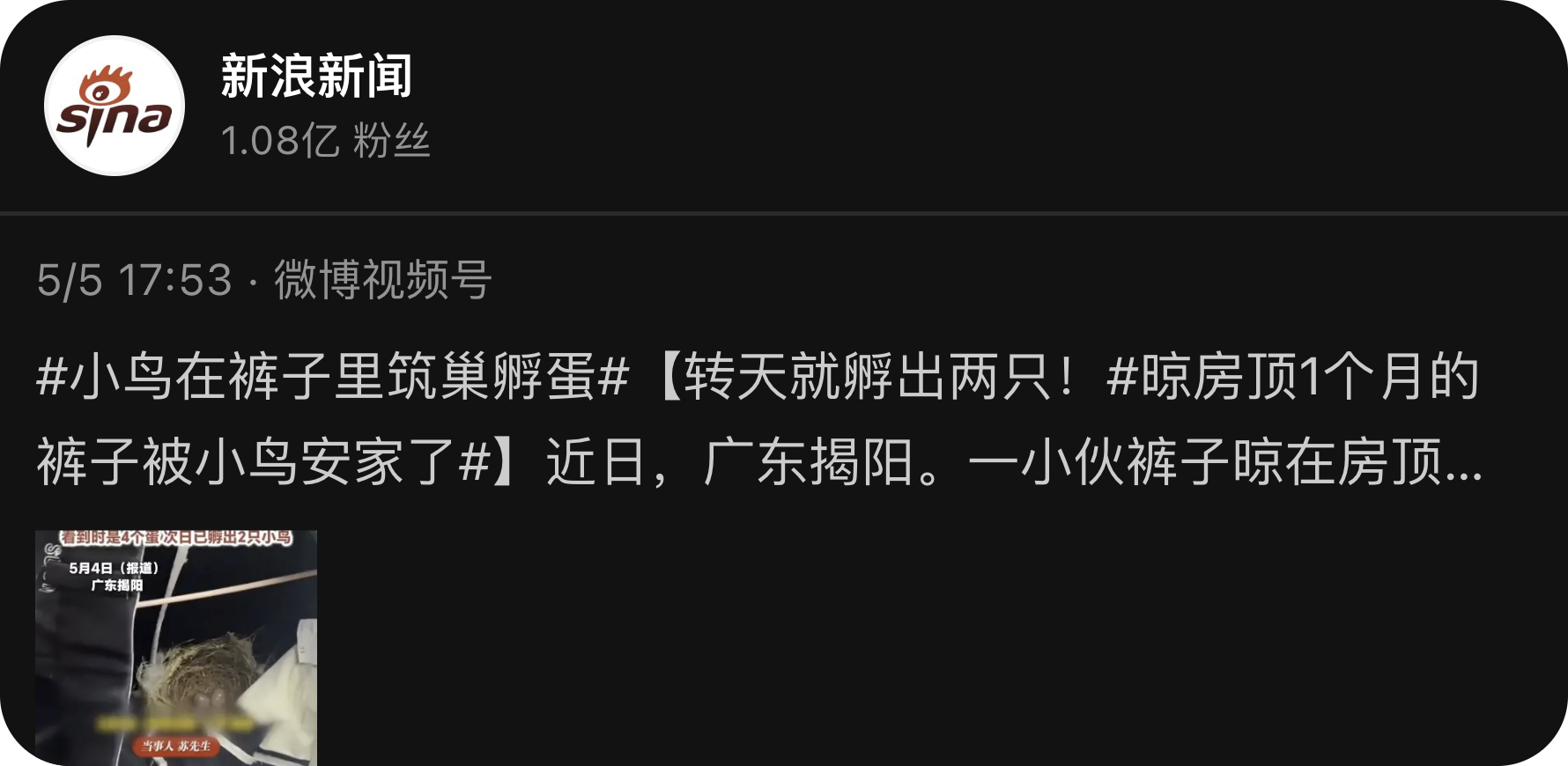
Weibo Profile Feed
Follow recent posts from one specific Sina Weibo account or person's profile by UID or profile URL.
Who needs Weibo widgets
Social teams, founders, creators, and market researchers often need quick Weibo awareness.
The plugin is useful when Weibo is a signal source, not the place where you want to spend the whole day.
Hot search, keywords, mentions, and profile feeds
Weibo Hot Search shows current hot topics. Weibo Keyword Feed tracks one search keyword.
Weibo Mentions follows selected logged-in message tabs, and Weibo Profile Feed follows one account by UID or profile URL.
Login and exact inputs matter
Mentions require a logged-in Weibo session. Profile Feed works best with a numeric UID or a URL such as https://weibo.com/u/2028810631.
Scheduled refreshes do not open the browser by themselves, so complete any required login step first.
Weibo desktop widgets FAQ
Can I see Weibo hot search on my desktop?
Yes. Weibo Hot Search shows current hot search topics and heat labels in a Kepo widget.
Can I monitor a Weibo keyword?
Yes. Weibo Keyword Feed uses one exact keyword and shows related posts from Weibo search.
Does Weibo Mentions require login?
Yes. Mentions uses the logged-in Weibo browser session and the selected message tab.
Weibo remains where you read context and interact.
Kepo keeps repeated monitoring views close enough to notice changes.