X desktop widgets
The Kepo X plugin turns repeated Twitter checks into focused desktop widgets for social listening and daily account monitoring.

X is useful when you need fast signals, but it is also easy to lose time in the full timeline.
Most checks are smaller than that: did this account post anything new, are notifications waiting, what is trending, or is a keyword moving right now?
Kepo turns those repeated checks into separate desktop widgets so social monitoring can stay close without pulling you into the full feed.
A good X desktop widget should help you notice the signal, not ask you to live inside the timeline.
Use the X desktop widgets plugin
A good X desktop widget should help you notice the signal, not ask you to live inside the timeline.
Key solutions at a glance The main decisions from this guide, condensed into one table.
What widgets are included in X
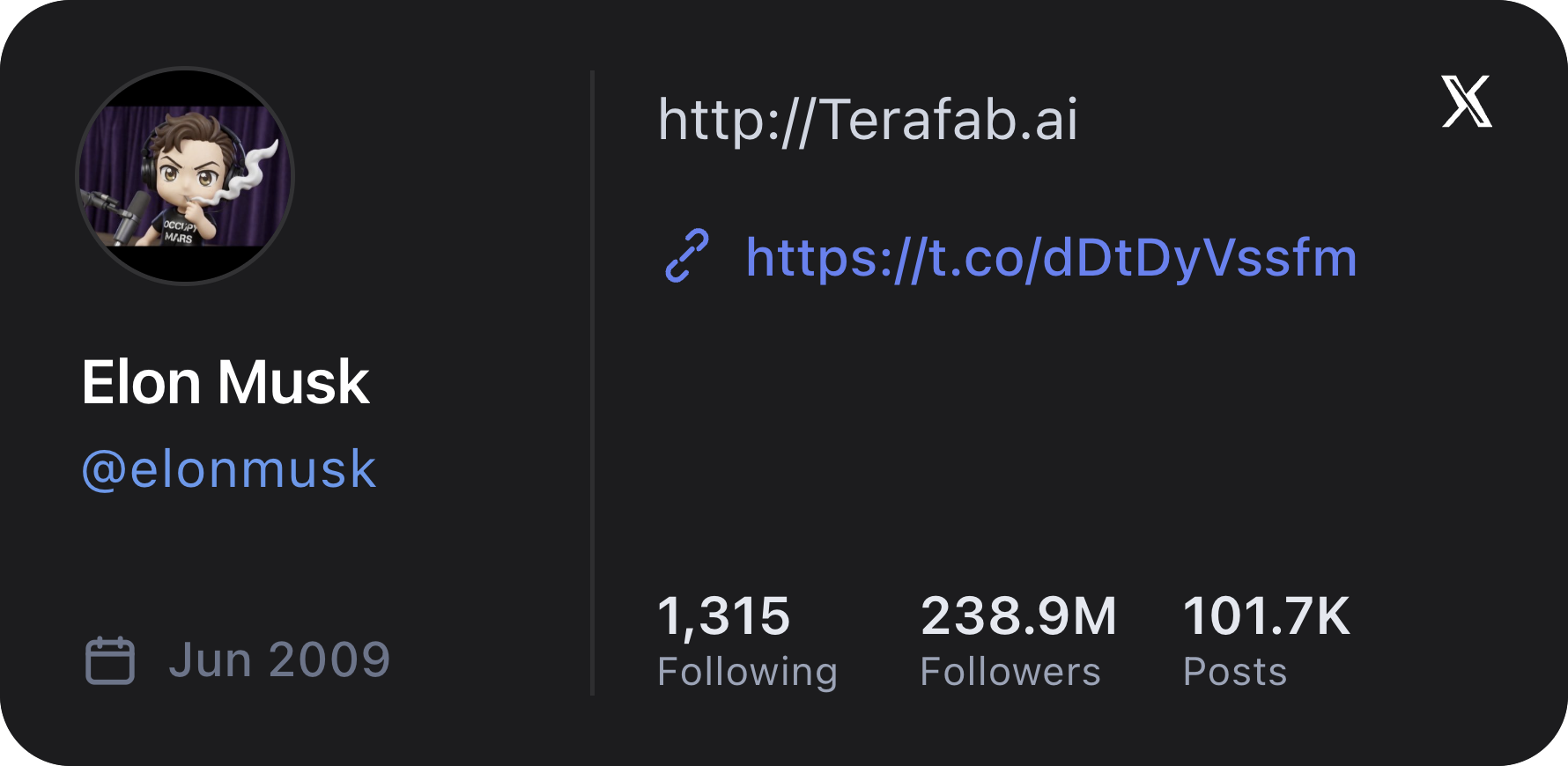
X Profile
View a public X (Twitter) profile for a specific account or the current signed-in account.
X Feed
View recent X (Twitter) posts, tweets, and feed updates from a specific account or the current signed-in account.

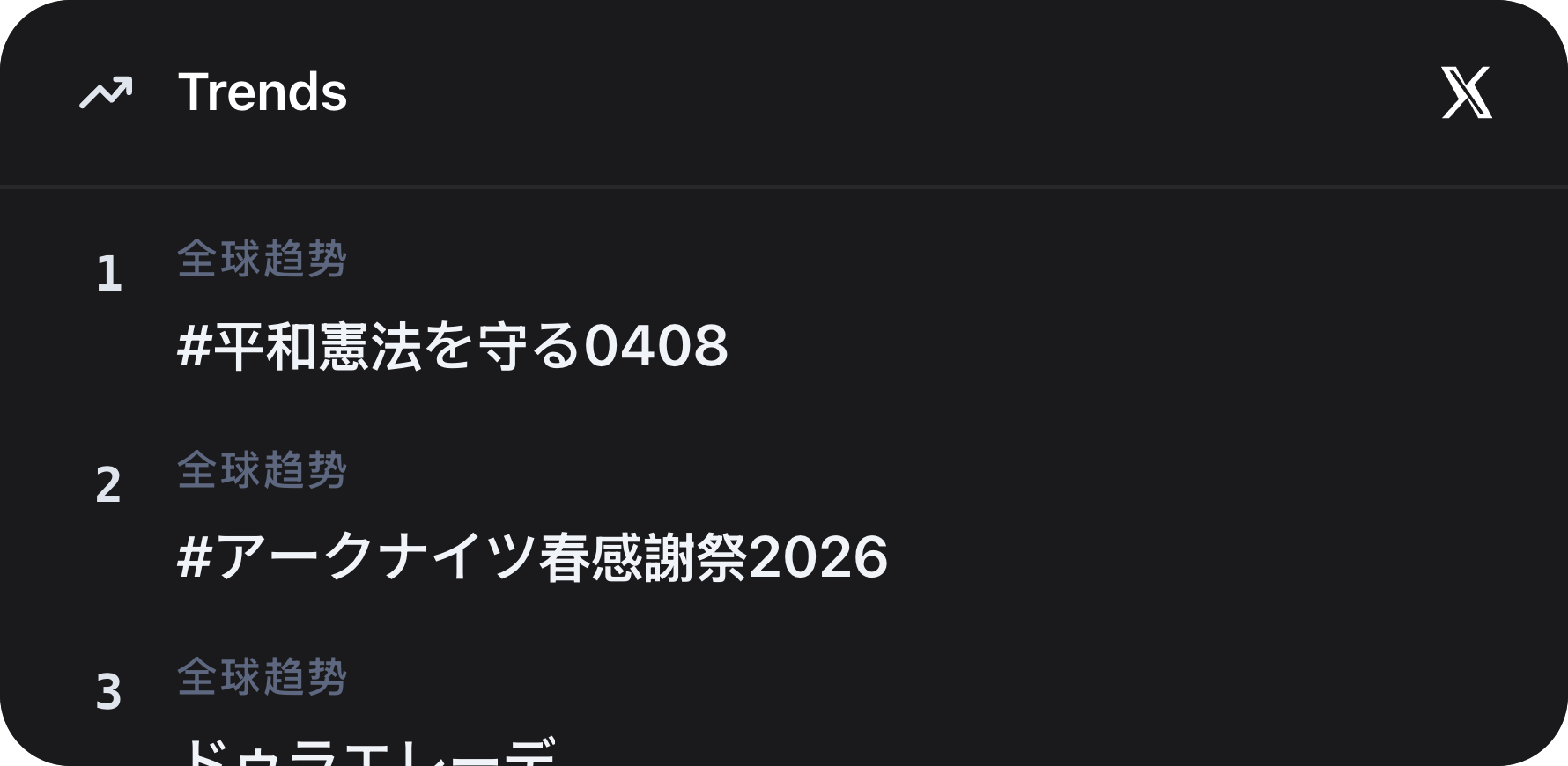
X Trends
View current X (Twitter) trends for the signed-in account's region and language.
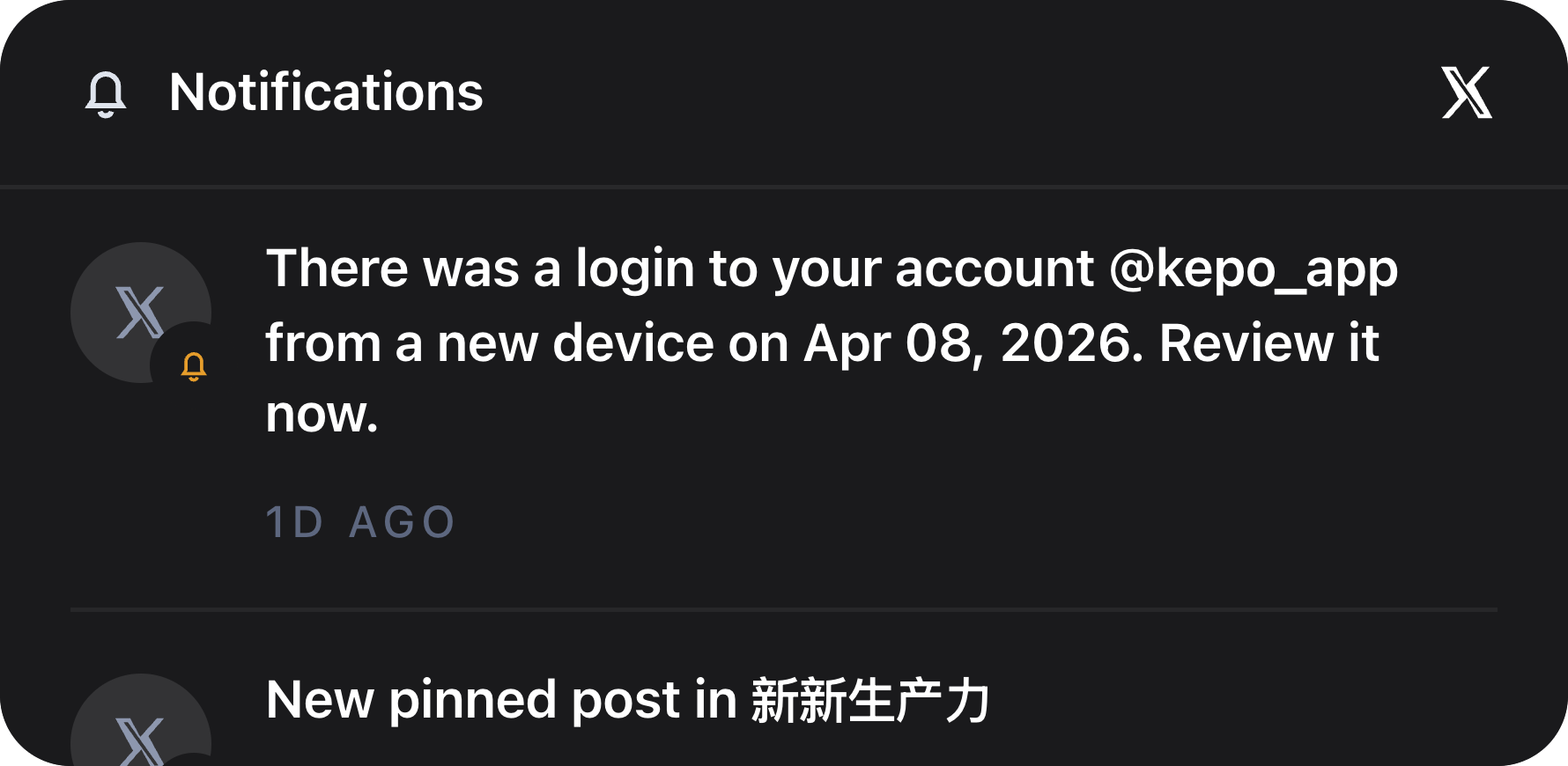
X Notifications
View the latest X (Twitter) notifications from the signed-in account's All notifications feed.
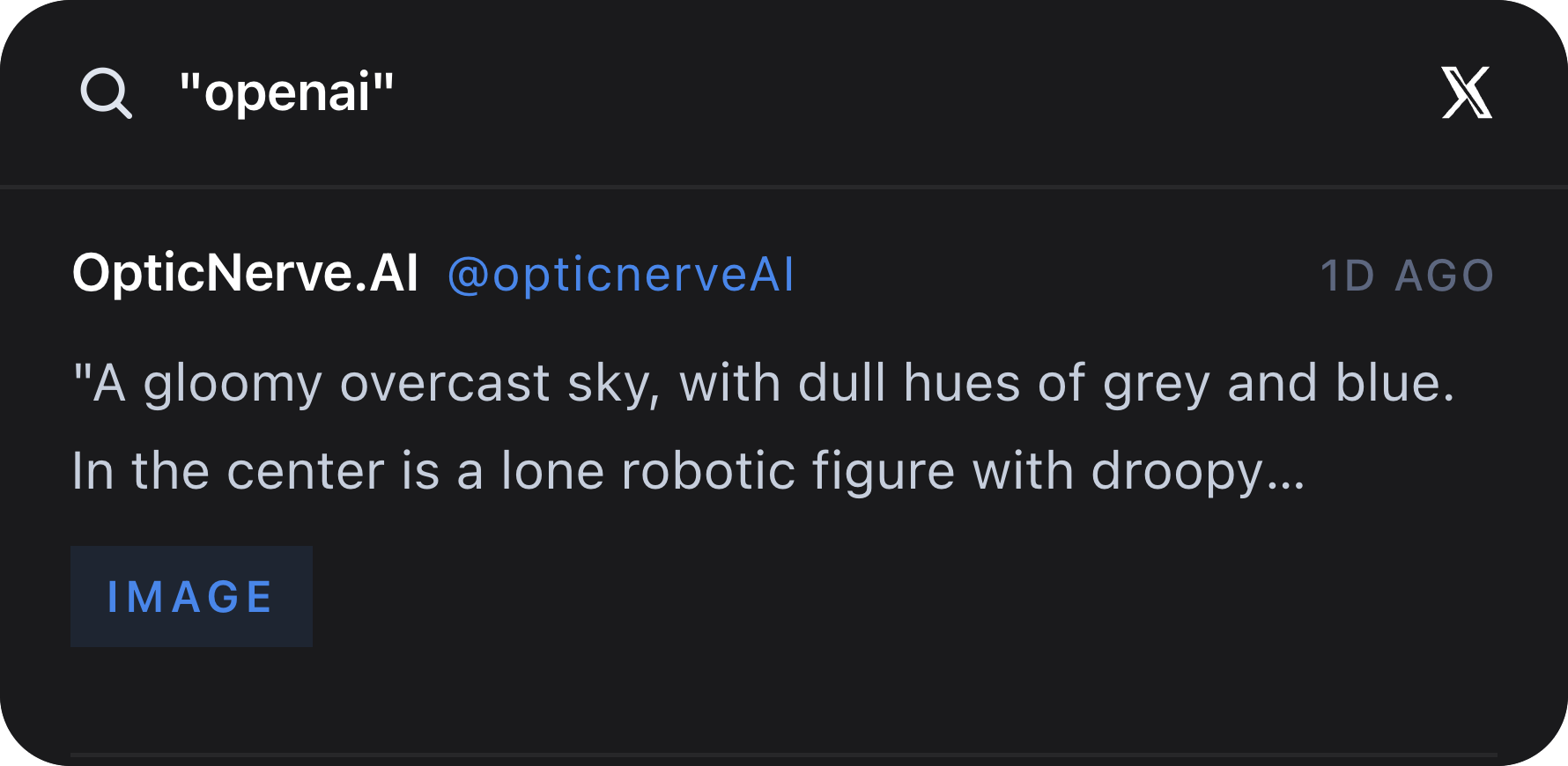
X Keyword Watch
Watch the latest live X (Twitter) mentions, posts, and tweets for a simple keyword.
Who needs X desktop widgets
Founders, marketers, researchers, creators, and developers often follow a small set of accounts, keywords, and trends.
The X plugin is useful when you need awareness across a few specific surfaces, not a full social media dashboard.
Profiles, feeds, trends, notifications, and keywords
X Profile and X Feed focus on one account. X Trends shows the current trend list for the signed-in account region and language.
X Notifications brings account activity into view, while X Keyword Watch follows live posts for an exact keyword such as a product, competitor, topic, or event.
Use exact usernames and exact keywords
Profile and feed widgets work best when the username is exact, with or without the @ prefix.
Keyword Watch uses the exact search value you enter. That makes it better for focused monitoring than broad discovery.
X desktop widgets FAQ
Can I monitor X or Twitter keywords from my desktop?
Yes. X Keyword Watch follows the latest live X posts for one exact keyword and shows them in a Kepo desktop widget.
Can I see X notifications without opening the full site?
Yes. X Notifications shows recent notification activity from the signed-in account so you can decide whether to open X.
Does the X plugin post or reply for me?
No. The X plugin is read-only. It helps you monitor profiles, feeds, trends, notifications, and keywords.
Related Mac Desktop Widgets Resources
Explore more Mac desktop widgets and curated guides to run alongside this widget in Kepo:
X remains where you read, reply, and inspect context.
Kepo keeps the repeated checks visible so you open X when there is actually something worth handling.
Stay informed with Kepo on your desktop
Embed interactive widgets, monitor dynamic sites, track APIs, and run ambient AI agents right on your macOS desktop.
Related Articles
View all posts →GitHub widgets for developers
The Kepo GitHub plugin turns common GitHub checks into focused desktop widgets for builders who need to stay aware without living in browser tabs.
Developer Tools desktop widgets
The Kepo Developer Tools plugin turns small developer checks into desktop widgets so JSON, JWTs, regex tests, hashes, timestamps, cron schedules, colors, diffs, and UUIDs stay one glance away.
Google Search Console desktop widget
The Kepo Google Search Console plugin turns repeated SEO checks into a small desktop view for the sites you watch every day.
Instagram desktop widgets
The Kepo Instagram plugin helps creators and researchers check the Instagram views they revisit without opening the full app every time.