AI Widget desktop workspace
Create a reusable AI text workspace or chat by defining the system prompt once.
Many AI tasks are not one-off chats. They are repeated text workflows with the same role, constraints, and output format.
Instead of rewriting the same instruction every time, AI Widget lets you configure the prompt once and reuse it from Kepo.
It is designed for text input and text output, not external actions or file operations.
AI Widget is strongest when the prompt defines a clear repeatable job.
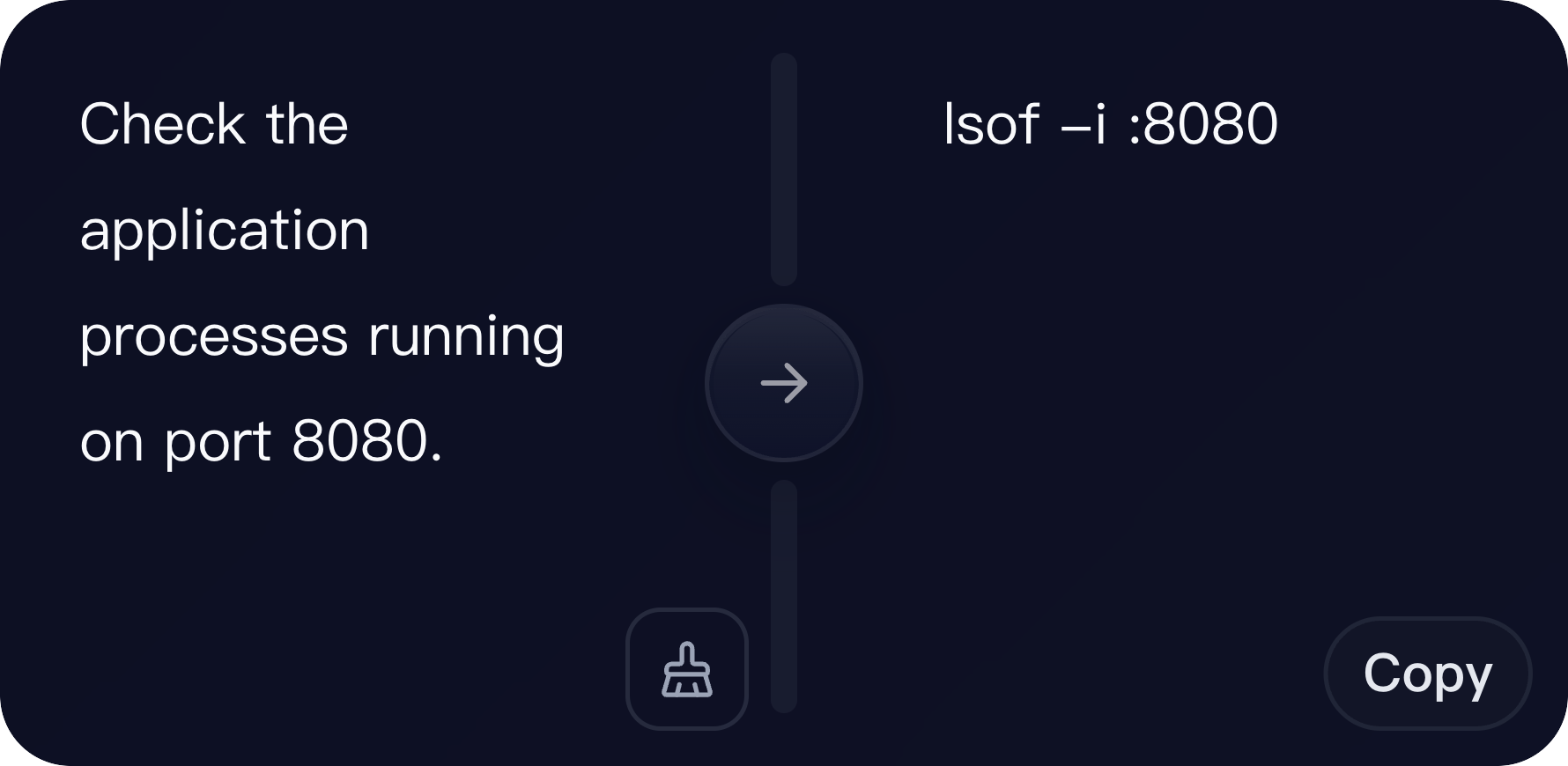
What widgets are included in AI Widget
workspace
Configurable AI workspace for single-input text tasks. Use the system prompt to define the role, task, output format, constraints and response boundaries.
chat
Configurable AI chat for multi-turn text tasks. Use the system prompt to define assistant behavior, conversation style, constraints and response boundaries.
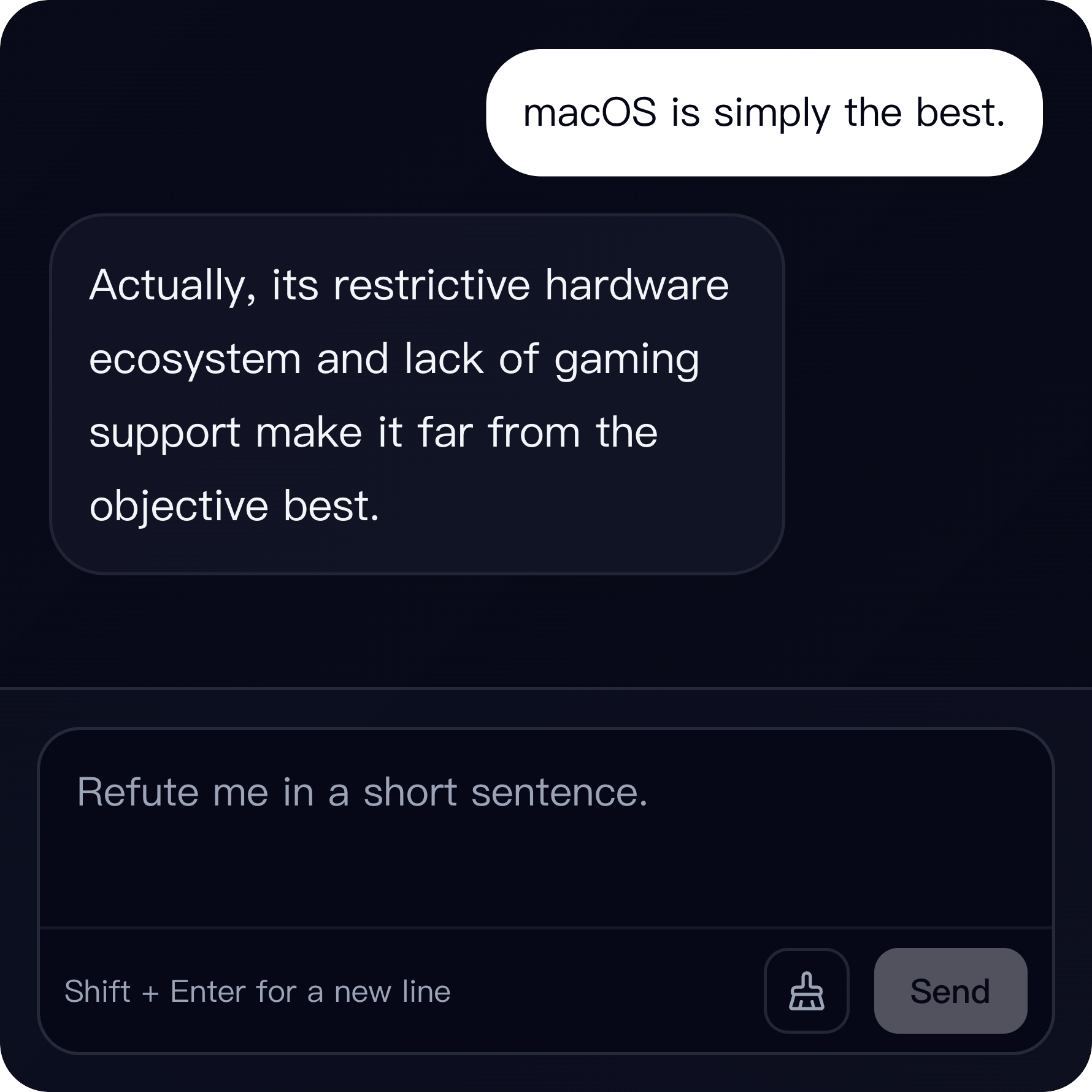
Who needs an AI text widget
Writers, operators, support teams, and builders can use it for repeatable text processing.
It is useful when you know the task shape and want a dedicated surface for it.
Workspace and chat modes
Workspace is best for one input and one output. It supports split-view editing or single-pane replacement.
Chat is better for multi-turn text tasks that need follow-up or iteration.
The system prompt is the product
The configured system prompt defines role, task, output format, constraints, and response boundaries.
The plugin does not execute external systems, operate files, control websites, or call tools for you.
AI Widget desktop workspace FAQ
Can I create a custom AI text widget?
Yes. AI Widget lets you define a system prompt and reuse it as a Kepo workspace or chat widget.
What is the difference between workspace and chat?
Workspace is best for single-input tasks. Chat is better for multi-turn tasks that need follow-up.
Can AI Widget operate files or websites?
No. It is for text input and text output only.
Use AI Widget for repeatable text work.
Use full chat or custom automation when the task needs tools, files, or external actions.