RSS Reader desktop widget
Keep one RSS or Atom feed visible from your Kepo workspace.
RSS is still one of the cleanest ways to follow sites without algorithms or social feeds.
The problem is that a separate RSS reader can become another app you forget to open.
Kepo puts one feed directly into a desktop widget so updates stay close to the rest of your work.
RSS works best when each widget tracks one source you truly care about.
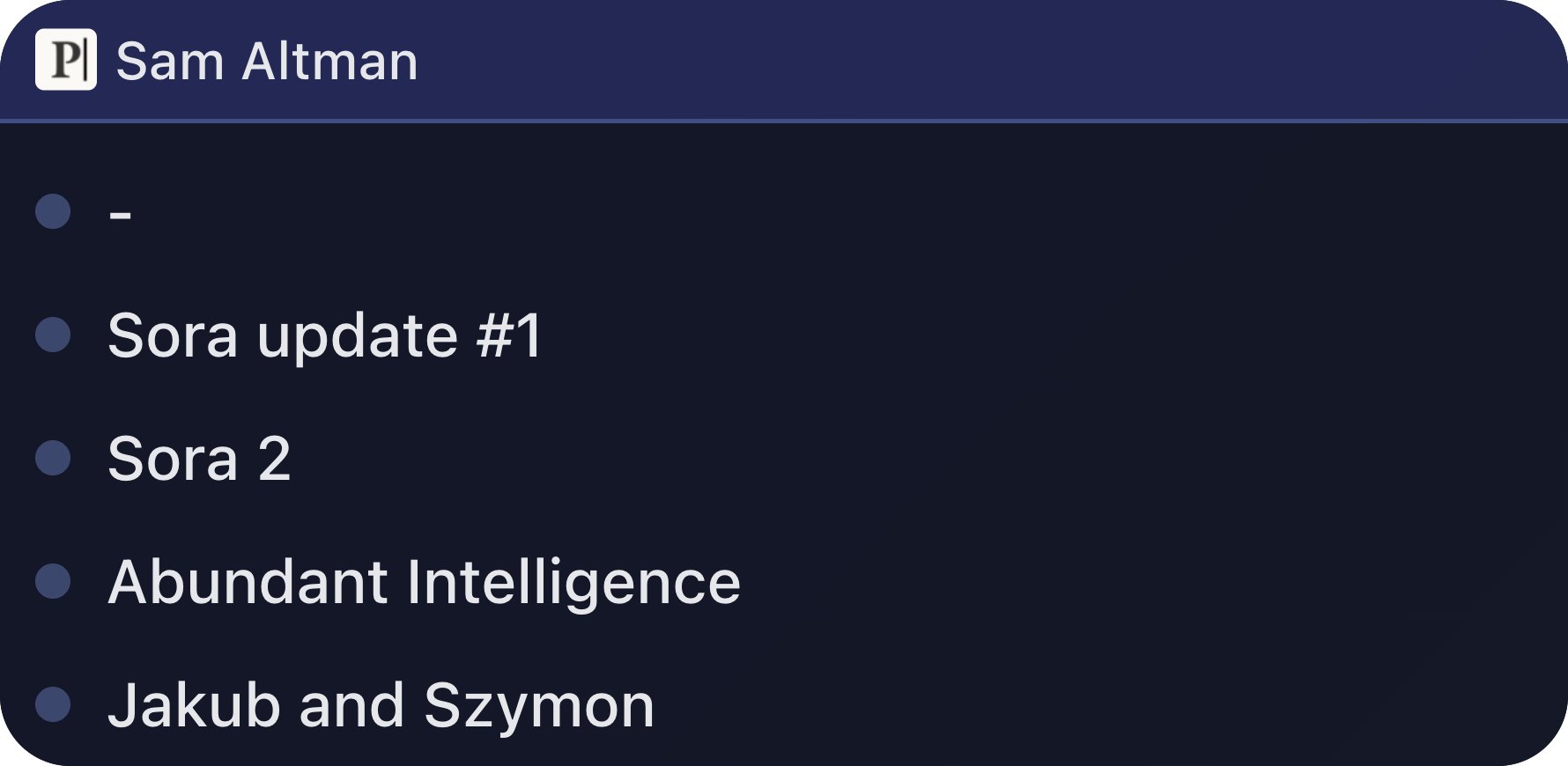
What widgets are included in rss
RSS Reader
rss reader support rss & atom
Who needs an RSS desktop widget
Developers can follow changelogs and engineering blogs. Writers can watch newsletters and publications. Operators can keep product updates or status feeds nearby.
Use multiple widgets when you want separate feeds instead of mixing everything into one inbox.
RSS and Atom feeds in one small surface
RSS Reader supports RSS and Atom URLs. You paste a feed URL, choose a theme color, and the widget shows recent items with links back to the source.
The widget is for reading updates quickly, not for managing a large feed library.
Use clean public feed URLs
The feed quality depends on the source site. A broken or empty feed will produce an empty state or an error.
When a site provides multiple feeds, choose the one closest to the topic you want to follow.
RSS Reader desktop widget FAQ
Can I add an RSS feed to my desktop?
Yes. RSS Reader shows one RSS or Atom feed inside a Kepo desktop widget.
Can I follow multiple RSS feeds?
Yes. Use multiple RSS Reader widgets when you want to watch multiple feed URLs.
Does RSS Reader require login?
No. It works best with public RSS or Atom feed URLs.
Your original site remains the place to read full posts.
Kepo keeps the latest feed items visible so you know when something changed.