Server Monitor desktop widget
Keep one remote server health view visible from Kepo.
Many server checks are repetitive: is it online, is CPU high, is memory tight, is disk close to full?
Opening a terminal or monitoring dashboard for each check can be too heavy.
Server Monitor puts one remote server health view into Kepo.
A server widget is for fast health checks, not for replacing your monitoring stack.
What widgets are included in server-monitor
Server Monitor
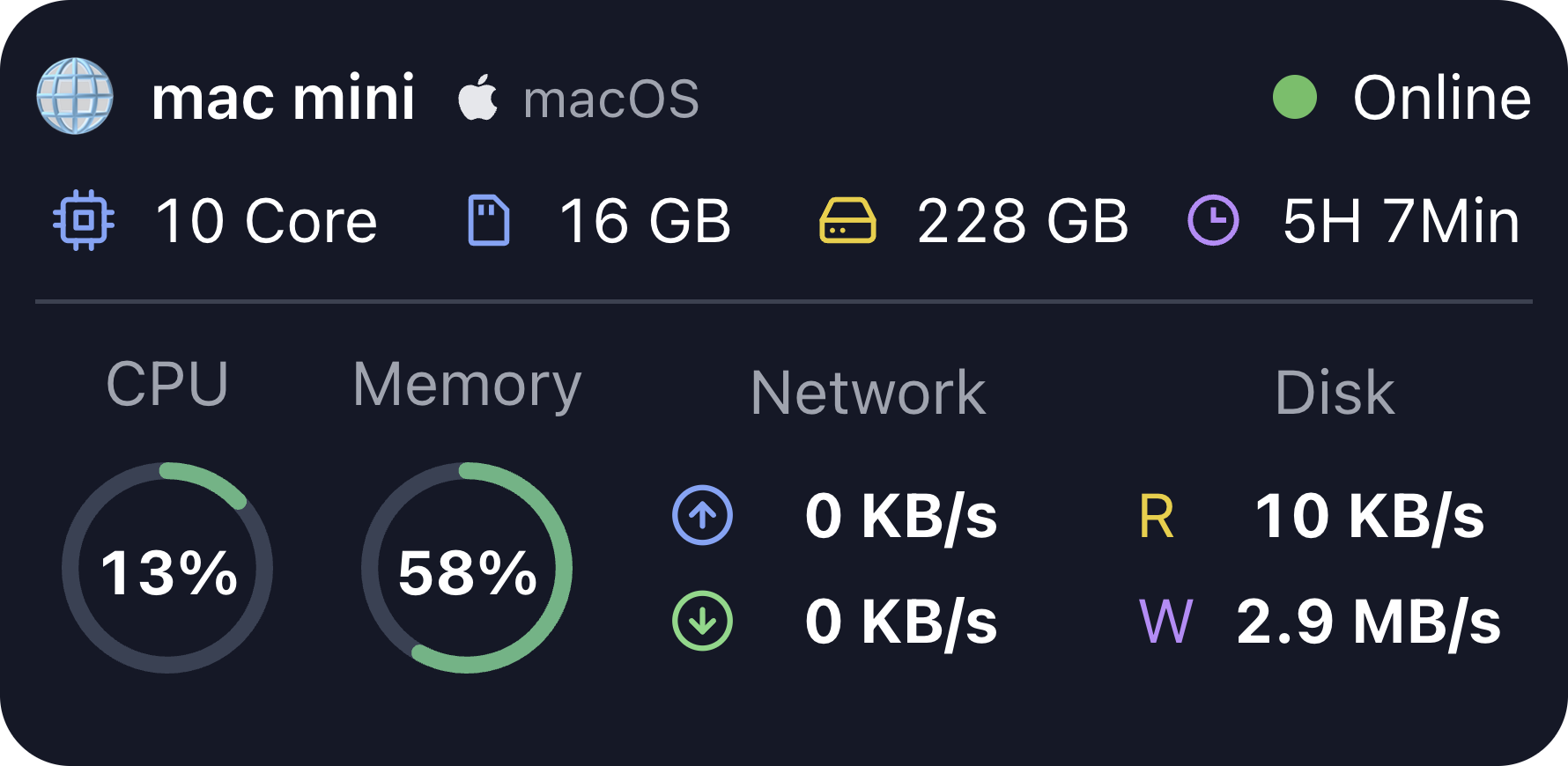
Real-time server monitoring including CPU, memory, and other key metrics.
Who needs a server monitor widget
Indie developers, small teams, and operators who manage a few servers can keep basic health visible.
It is useful when you want a quick desktop view before opening deeper monitoring tools.
SSH-based server metrics
The widget uses SSH connection details and shows online status, CPU, memory, disk, network, and uptime.
You can name the server so the widget is easy to recognize.
Read-only monitoring
Server Monitor observes the server. It does not manage services or run maintenance actions.
If the server is unreachable, the widget may show an offline state until the connection works again.
Server Monitor desktop widget FAQ
Can I monitor a remote server from my desktop?
Yes. Server Monitor connects over SSH and shows core health metrics in Kepo.
What server metrics does it show?
It can show online status, CPU, memory, disk, network, and uptime for one server.
Does Server Monitor run commands for maintenance?
No. It is a read-only monitoring widget.
Use Kepo for quick server awareness.
Use dedicated monitoring and logs for incidents and detailed diagnosis.