System Monitor desktop widget
Watch CPU and memory pressure for your current machine from Kepo.
Performance problems often start as small signals: a fan spins up, memory pressure rises, or one app starts using too much CPU.
You may not need a full system utility open all day, but you do need a quick way to notice pressure.
System Monitor keeps CPU and memory checks inside Kepo.
System Monitor is for observing your current machine, not controlling processes.
What widgets are included in system-monitor
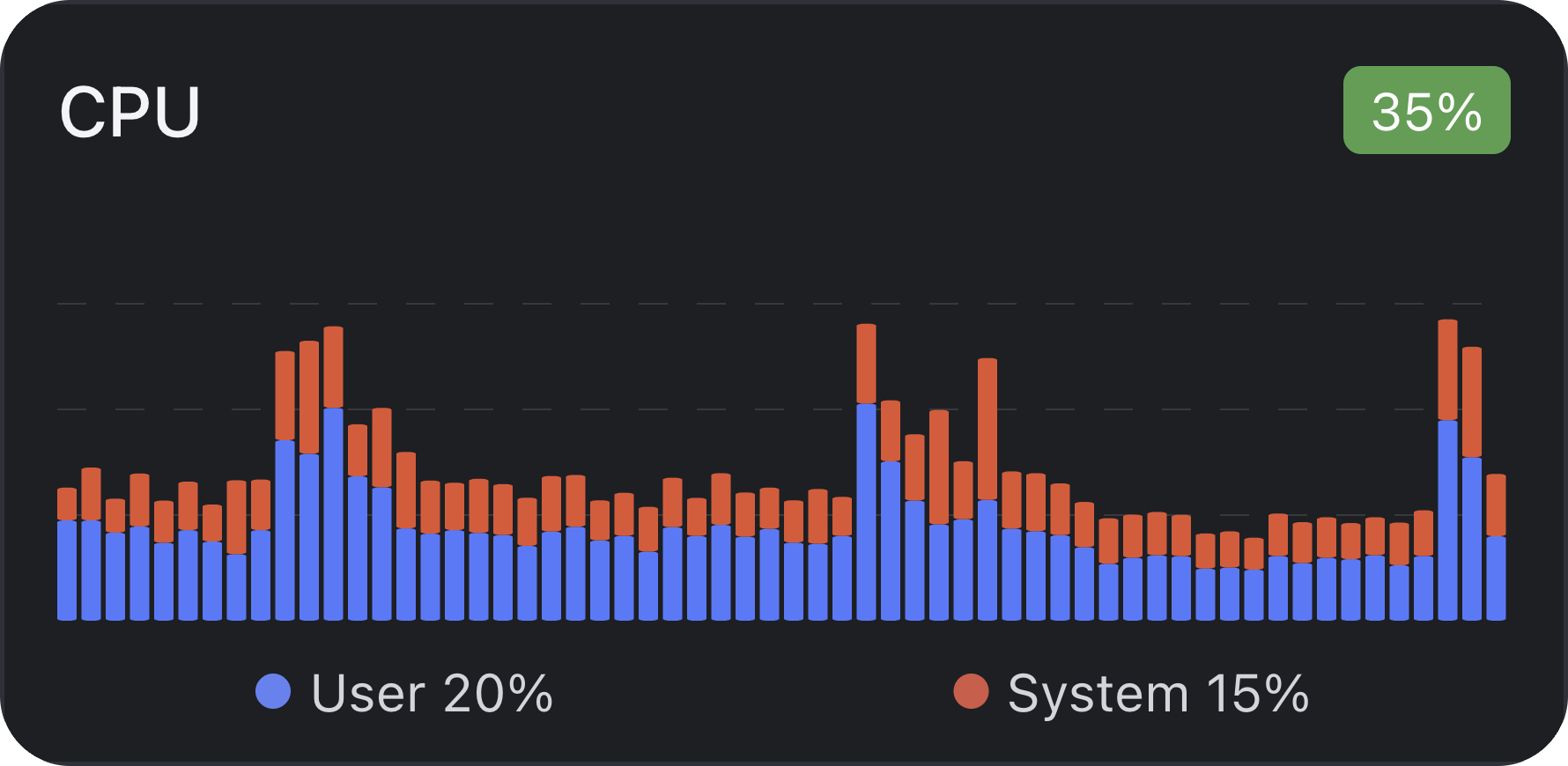
system-monitor:CPU
Real-time monitoring of CPU usage, temperature and load status
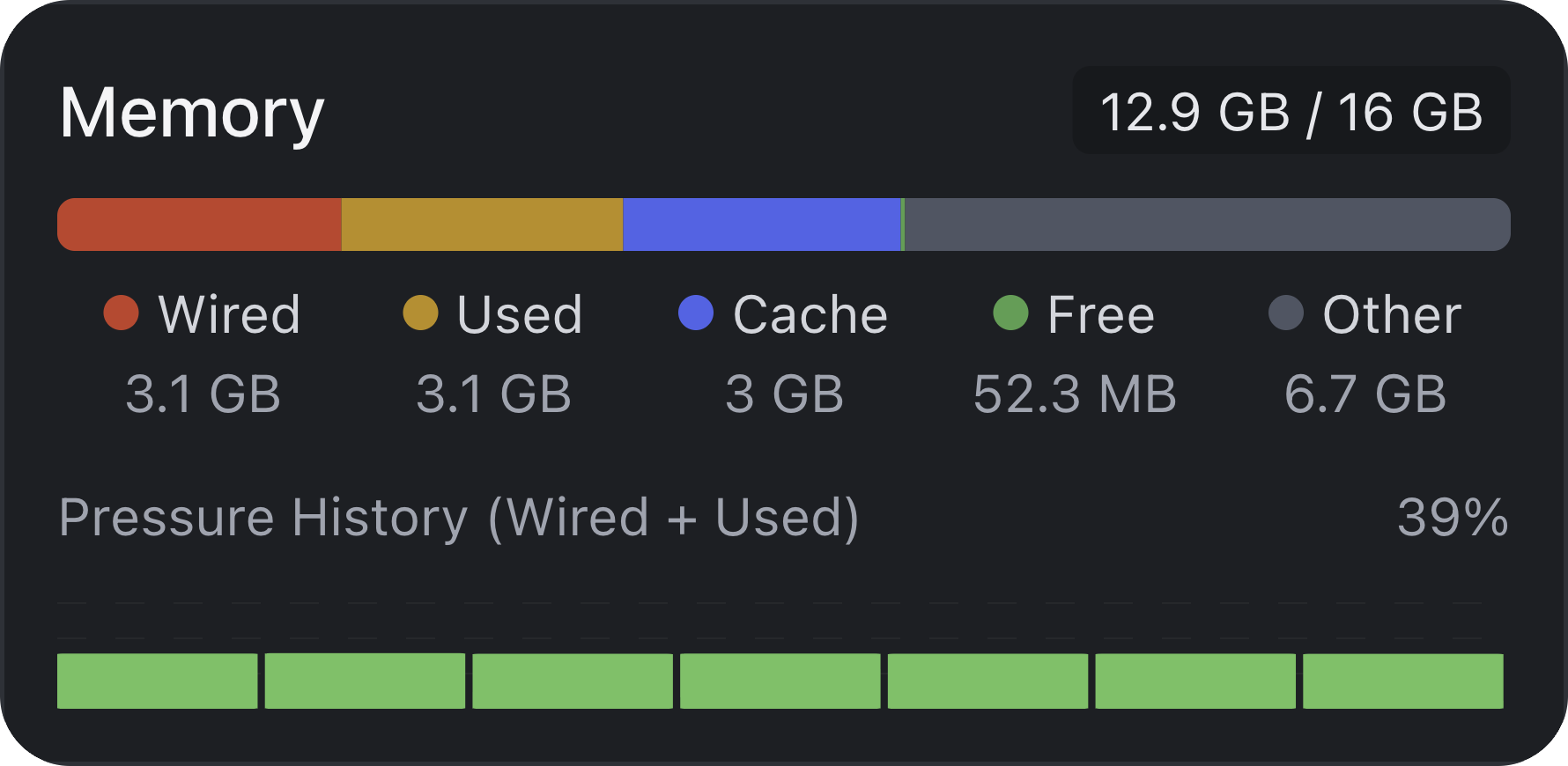
system-monitor:memory
Real-time monitoring of memory usage and memory pressure
Who needs a system monitor widget
Developers, designers, and power users can watch resource pressure while running heavy apps.
It is useful when you want quick awareness without opening Activity Monitor every time.
CPU and memory widgets
The CPU widget shows current load, recent history, and heavier process activity.
The memory widget shows usage, distribution, and memory-heavy apps.
No setup required
System Monitor watches the current machine only and does not need login or server configuration.
Larger widget sizes provide more room for detail when you are troubleshooting.
System Monitor desktop widget FAQ
Can I monitor CPU usage from my desktop?
Yes. System Monitor includes a CPU widget for current load, recent history, and heavier process activity.
Can I see memory pressure in Kepo?
Yes. The memory widget shows memory usage, distribution, and memory-heavy apps.
Does System Monitor control or stop processes?
No. It is for observation only.
Kepo keeps resource pressure visible.
Dedicated system tools remain the place for deeper inspection and process control.