Todo List desktop widget
Keep a small personal task list in Kepo with completion tracking and simple styling.
Not every task needs a project management system.
Sometimes you just need a small list that stays near your work: today’s fixes, errands, writing notes, or follow-ups.
Todo List keeps that list in Kepo so task capture does not become another app switch.
The best desktop todo widget is small enough to stay visible and simple enough to keep using.
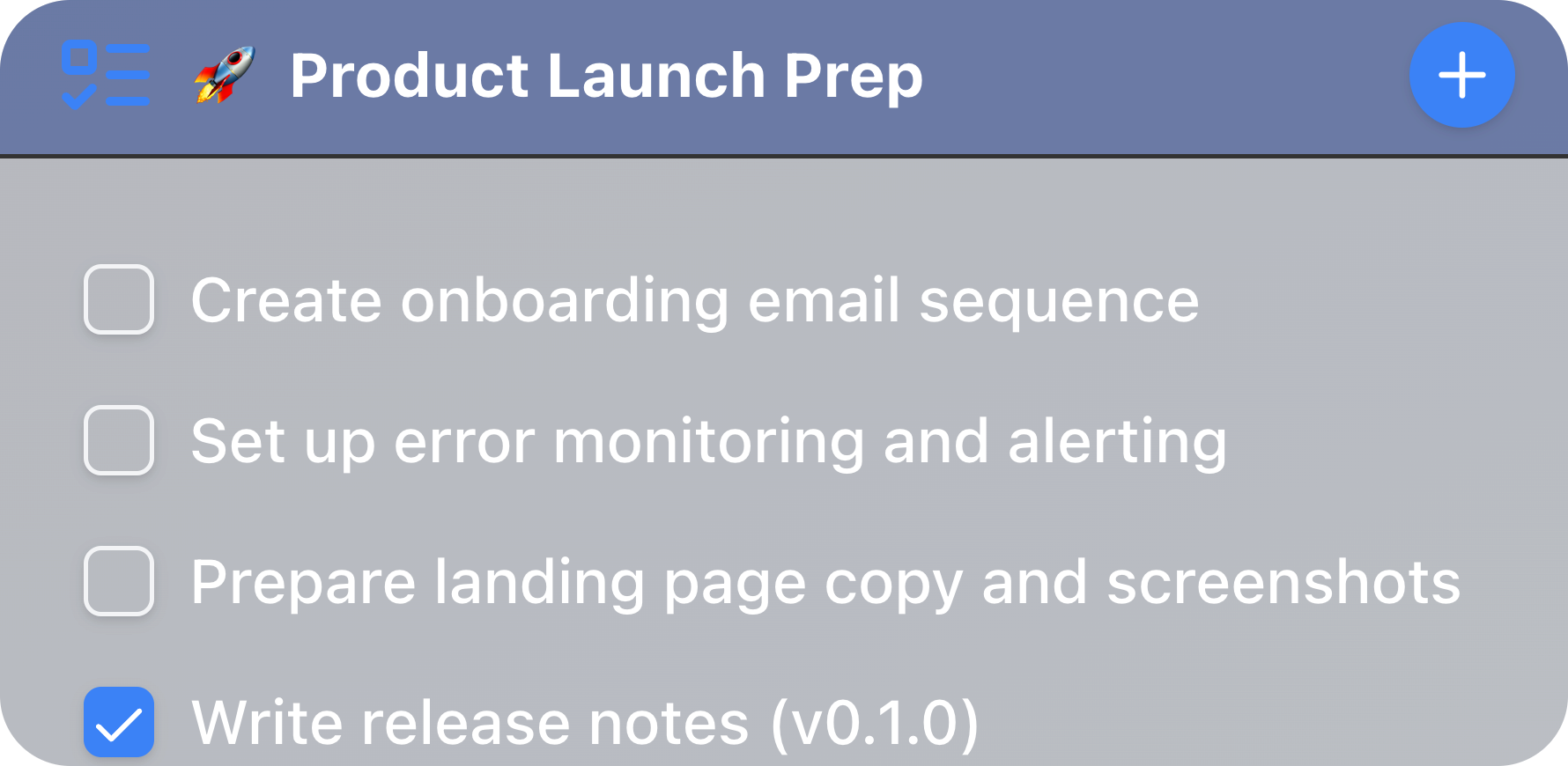
What widgets are included in todolist
Todo List
a todo list
Who needs a desktop todo widget
Use it for personal daily tasks, lightweight checklists, or a focused list for one workflow.
Create multiple widgets if you want separate lists for work, writing, operations, or personal items.
Customize the list without overbuilding it
Todo List supports a custom name, header color, header icon, completed item sorting, and a limit for completed items kept visible.
It focuses on quick task entry and completion, not team collaboration or calendar scheduling.
Keep finished tasks under control
Auto-sort can move completed items to the end. The keep limit prevents old finished tasks from taking over the widget.
That makes the list easier to scan during a busy day.
Todo List desktop widget FAQ
Can I keep a todo list on my desktop?
Yes. Todo List shows a lightweight task list in Kepo and supports adding, editing, ordering, and completing tasks.
Can I create separate lists?
Yes. Add multiple Todo List widgets when you want separate personal, work, or project lists.
Does Todo List include reminders or calendar sync?
No. It focuses on quick task management inside a desktop widget.
Use Todo List for the tasks that need to stay close.
Use a larger task system only when the work really needs one.