TradeTrack market widget
Watch one market symbol from your desktop without opening a full charting app.
Markets move all day, but most checks are small.
You may only need to know whether one symbol moved, whether a price is near an area you care about, or whether a short trend changed.
TradeTrack keeps that single-symbol view close without opening a full trading interface.
A market widget is useful when it answers one question quickly: what is happening to this symbol right now?
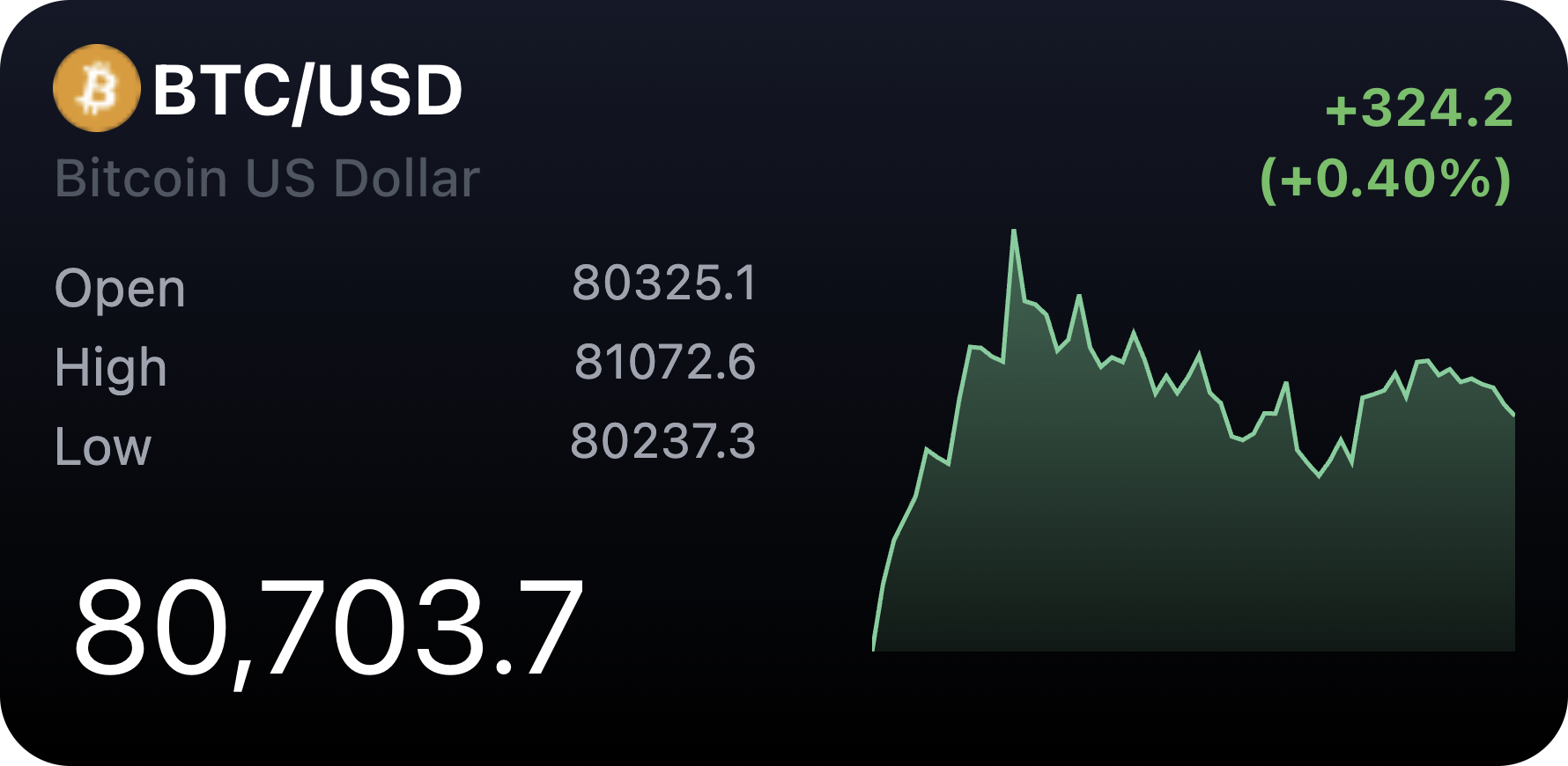
What widgets are included in TradeTrack
Symbol
Check the current quotation and pay attention to the trend for one day.
Who needs TradeTrack
Investors, builders, and operators often keep a small watchlist in mind.
TradeTrack is useful when you want a glanceable quote for one symbol rather than a full research terminal.
One symbol, current quote, compact trend
The Symbol widget uses search to choose the exact market symbol.
It shows the current quotation and a compact recent trend so you can decide whether to open a deeper chart.
Use the source for trading decisions
TradeTrack is for monitoring, not trading actions or complete chart analysis.
Use the original market platform when you need full details, execution, or final confirmation.
TradeTrack market widget FAQ
Can I add a stock or crypto quote to my desktop?
Yes. TradeTrack lets you select one market symbol and show quote and trend information in Kepo.
Does TradeTrack place trades?
No. It is for monitoring and quick checks only.
Can I use multiple symbols?
Use multiple TradeTrack widgets if you want to watch multiple symbols separately.
Kepo keeps the watch signal visible.
The full market platform remains where you do deeper analysis.