Store GitHub

GitHub

GitHub widgets plugin

Levine Levine
100%
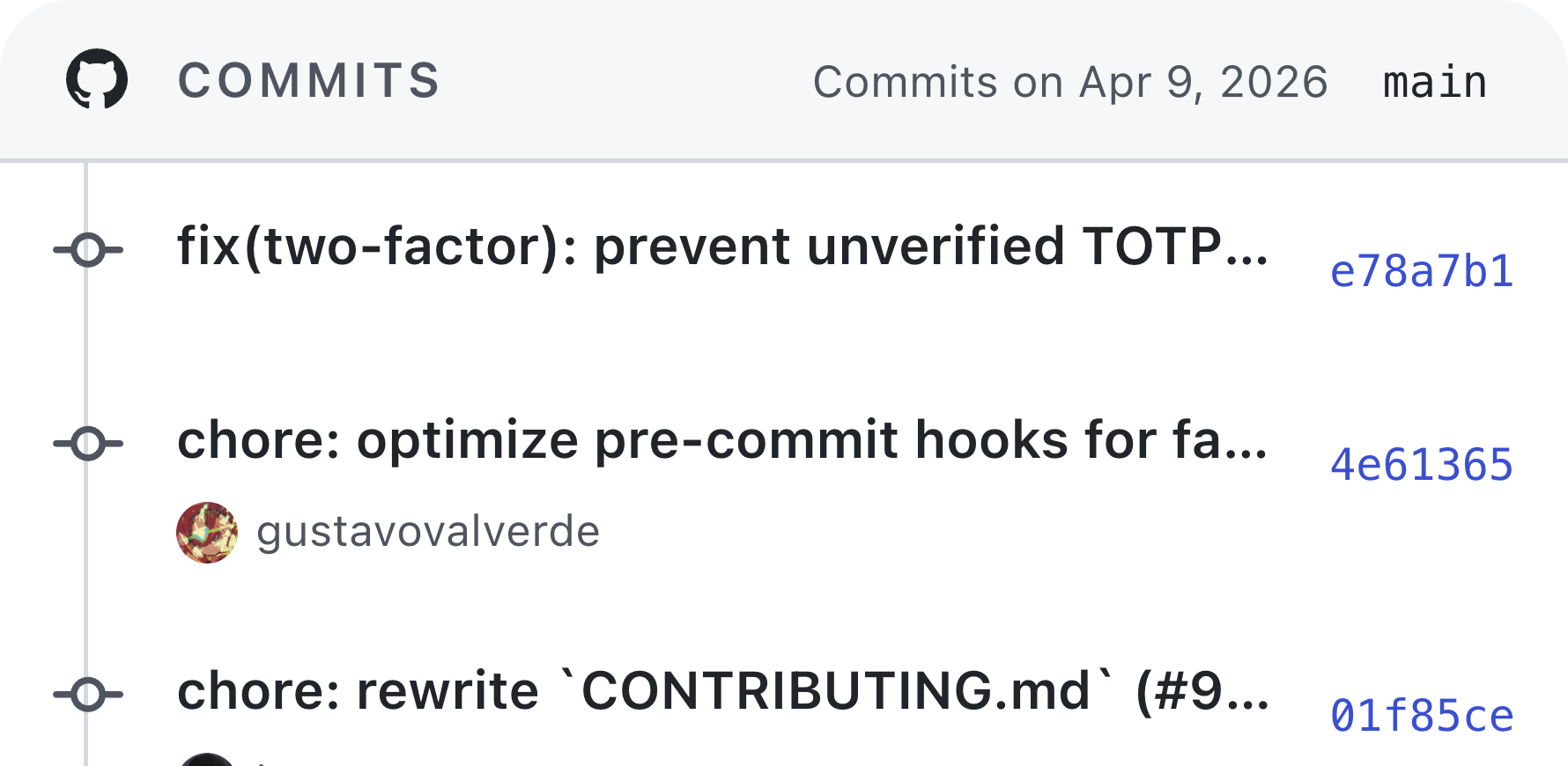
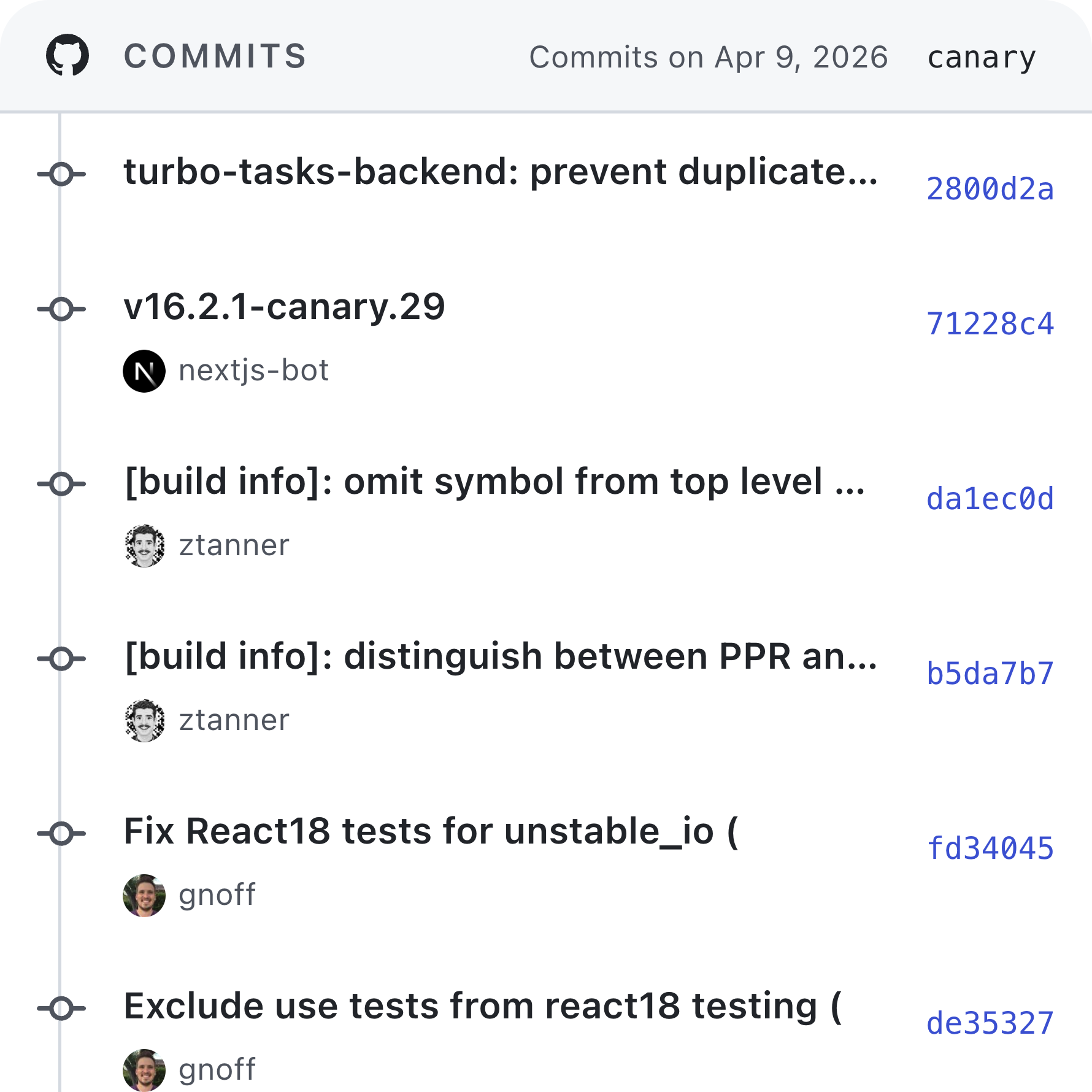
Commit Timeline wide preview
Commit Timeline large preview
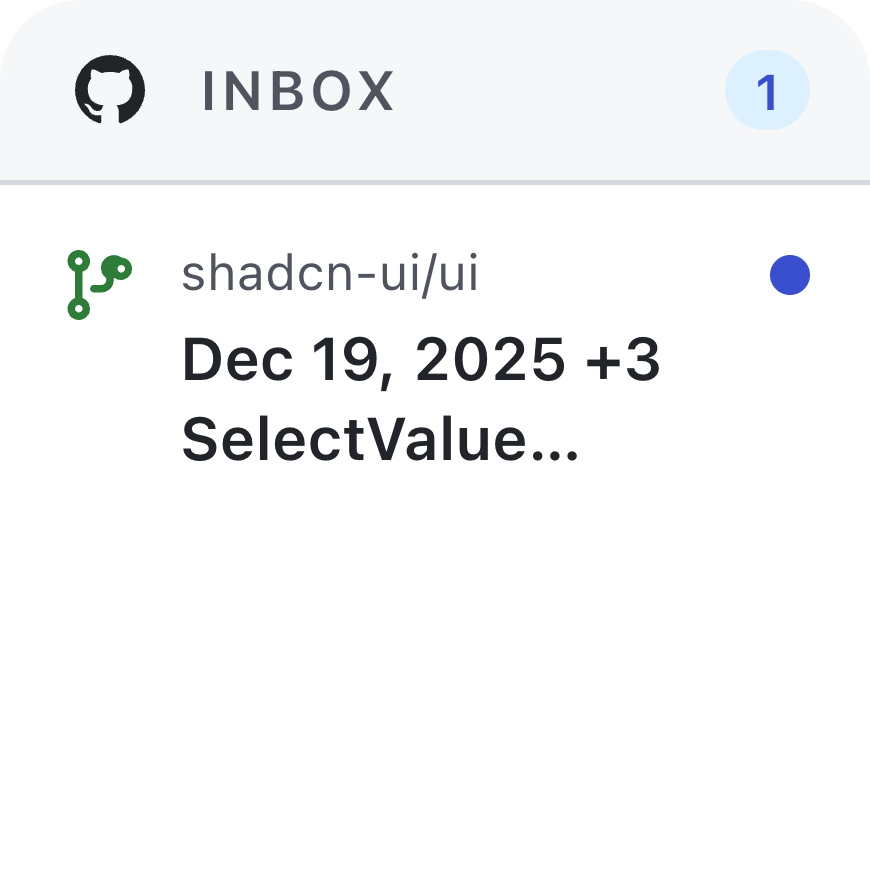
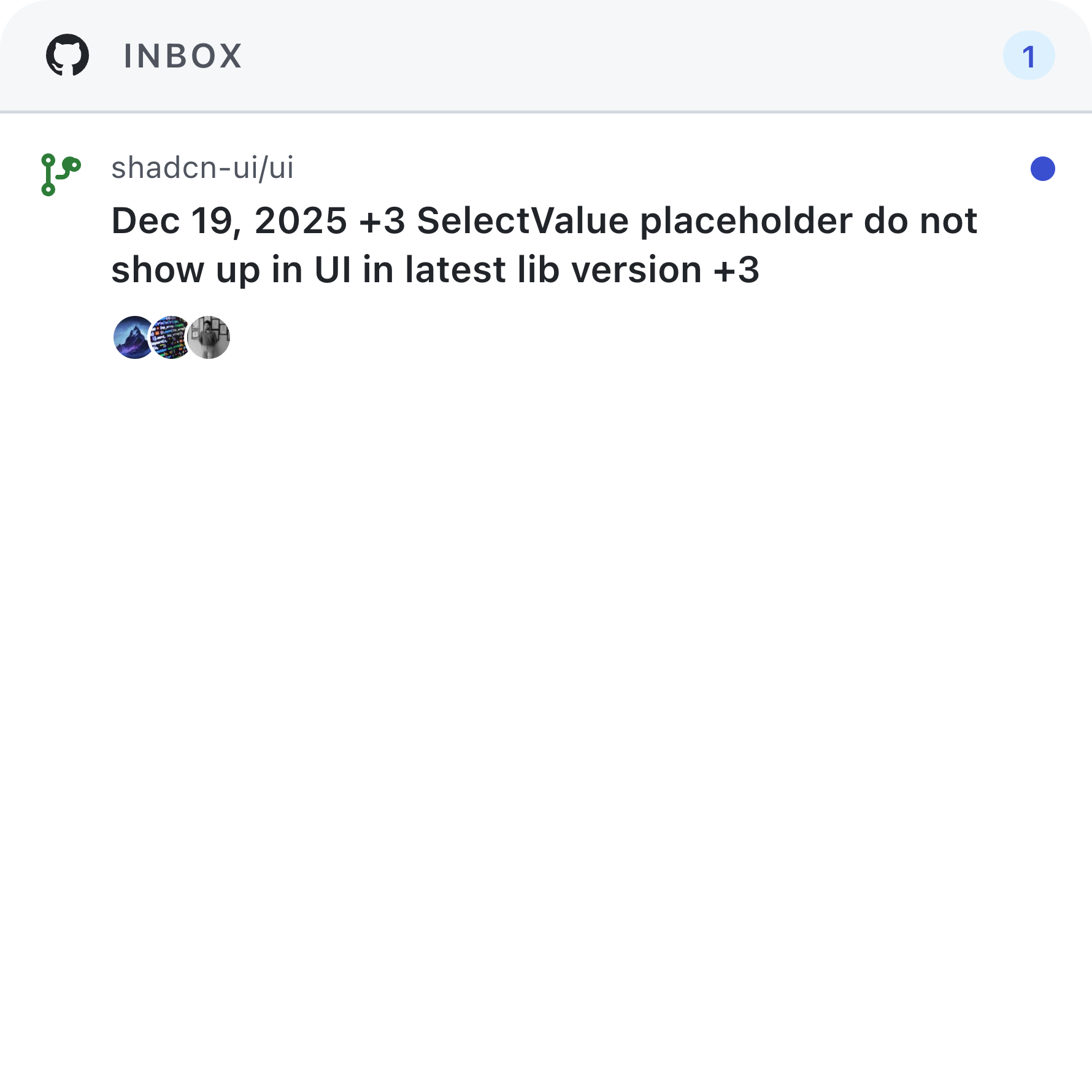
Notifications Inbox small preview
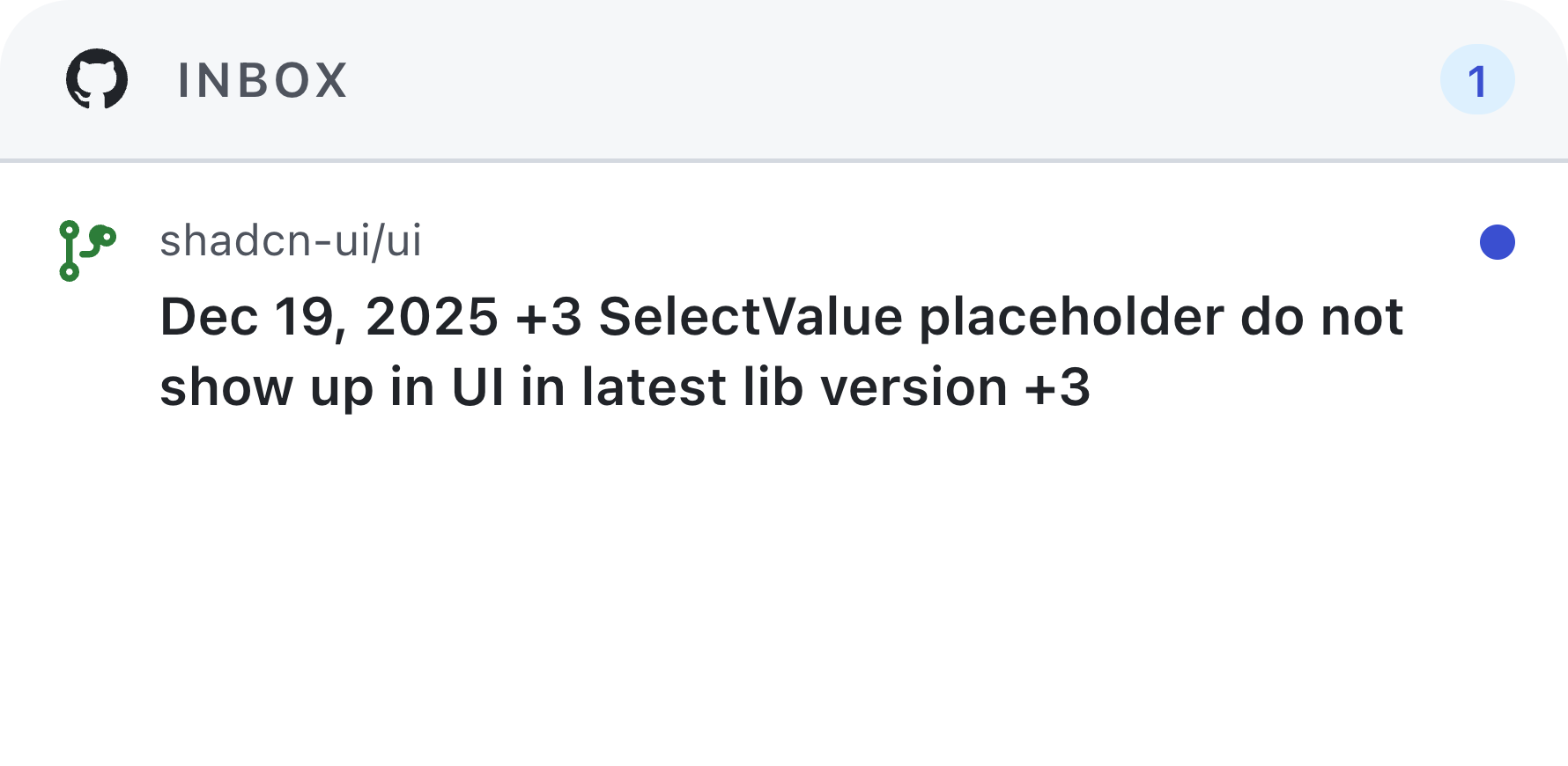
Notifications Inbox wide preview
Notifications Inbox large preview
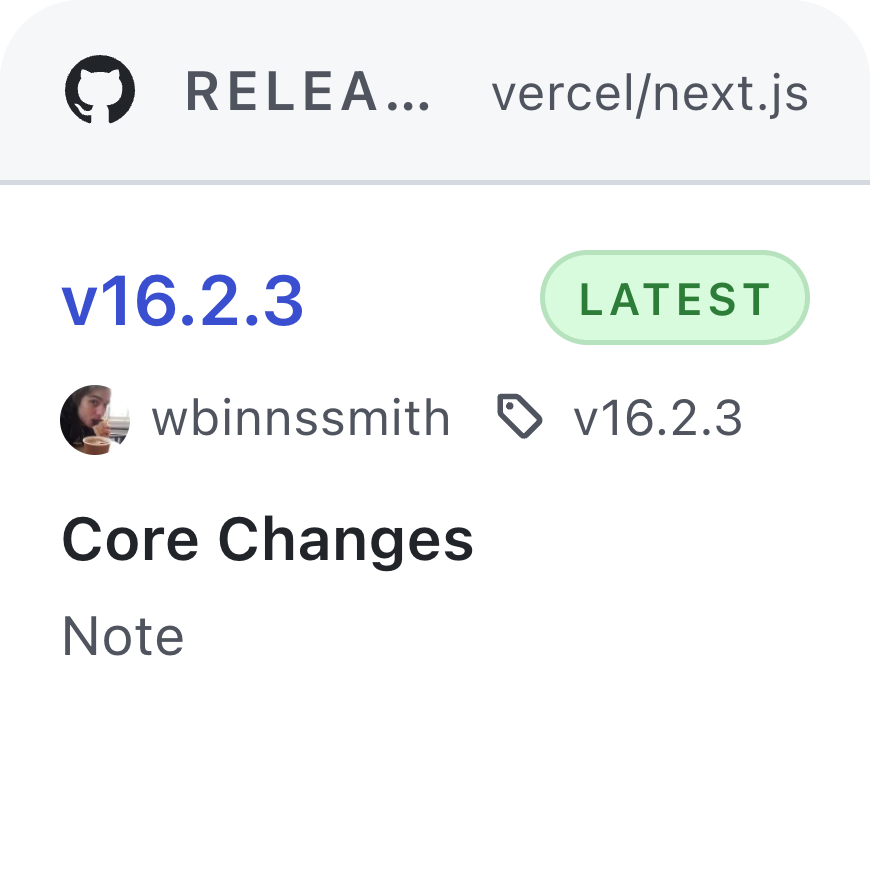
Release Watch small preview
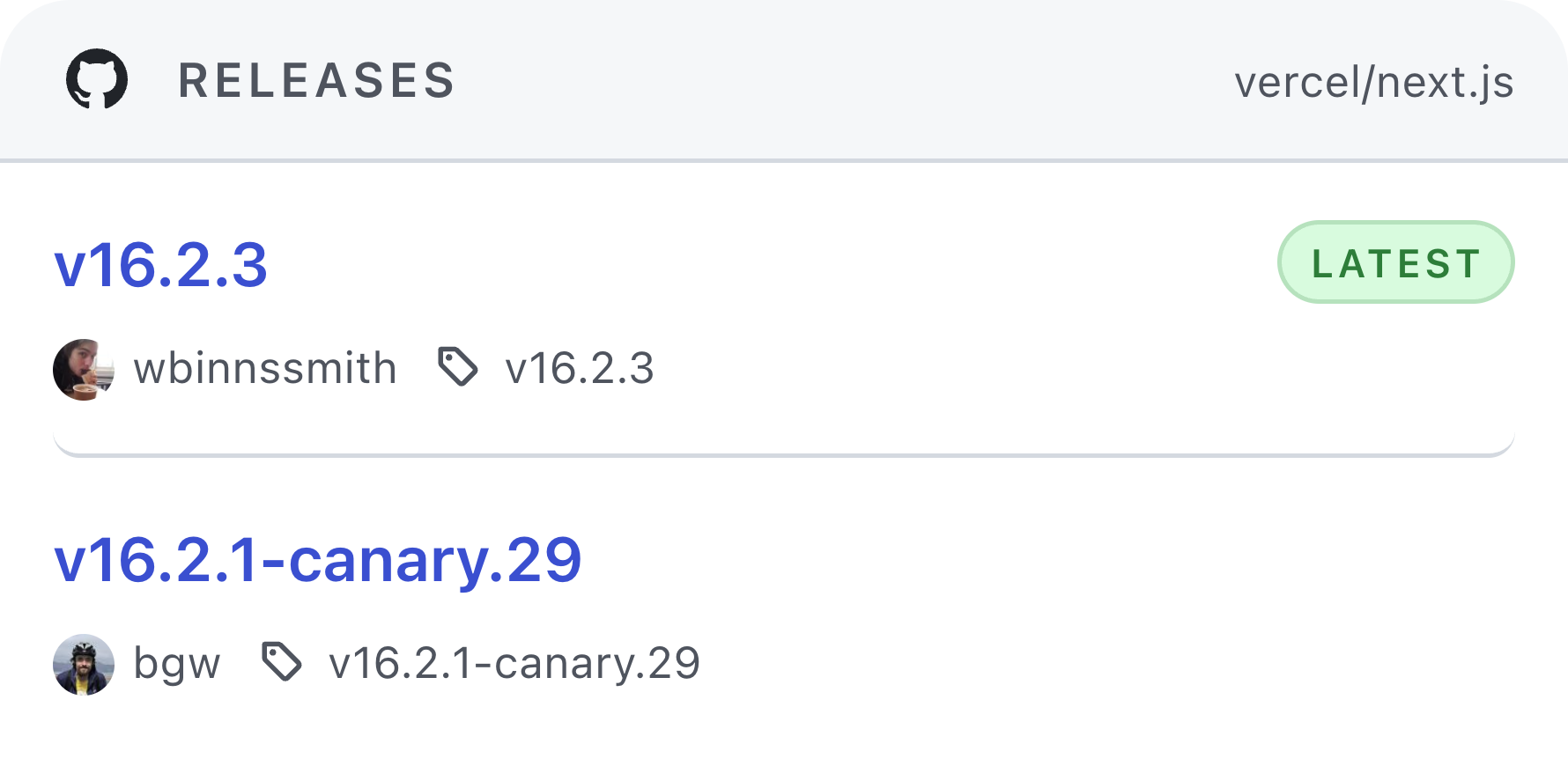
Release Watch wide preview
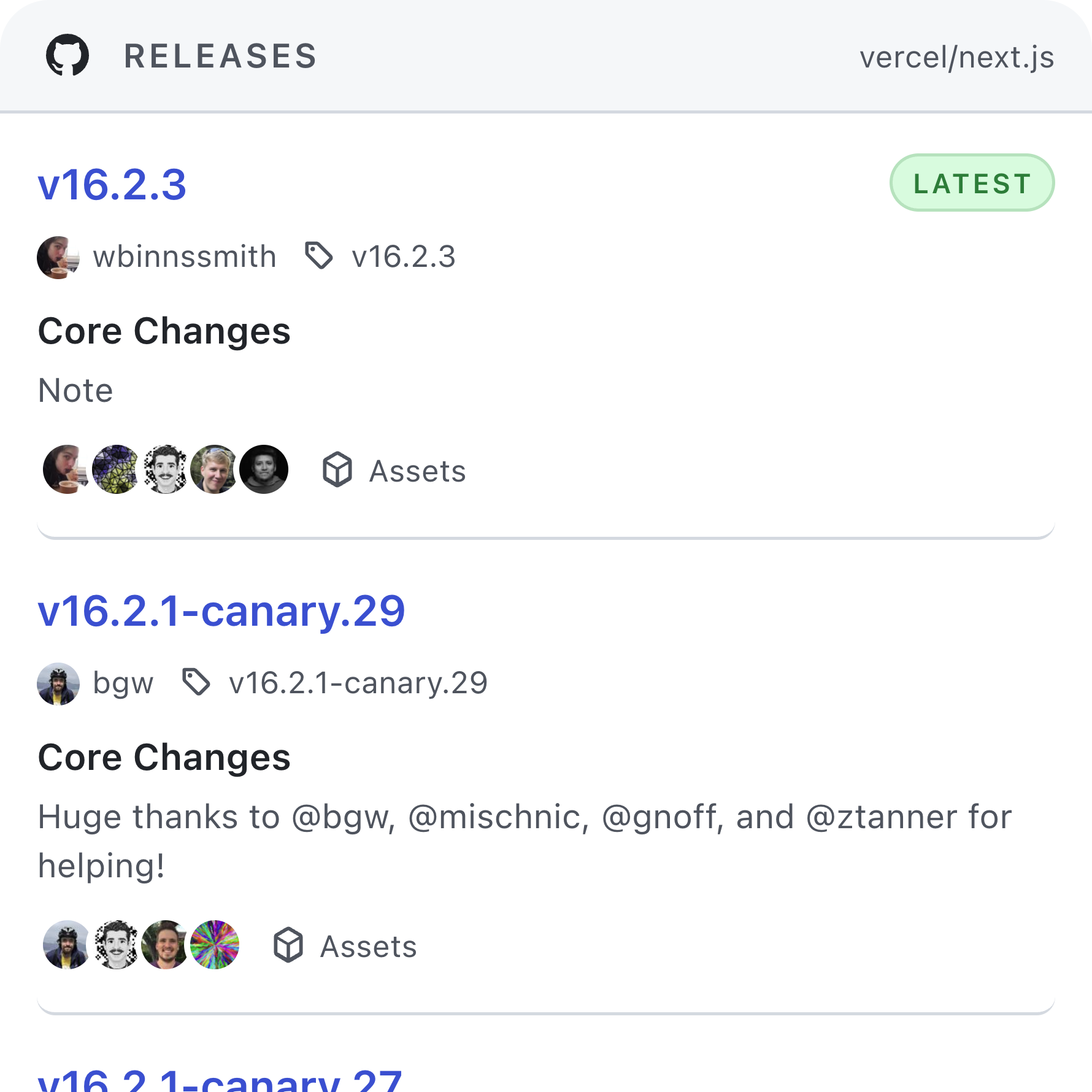
Release Watch large preview
Review Requests small preview
Review Requests wide preview
Review Requests large preview
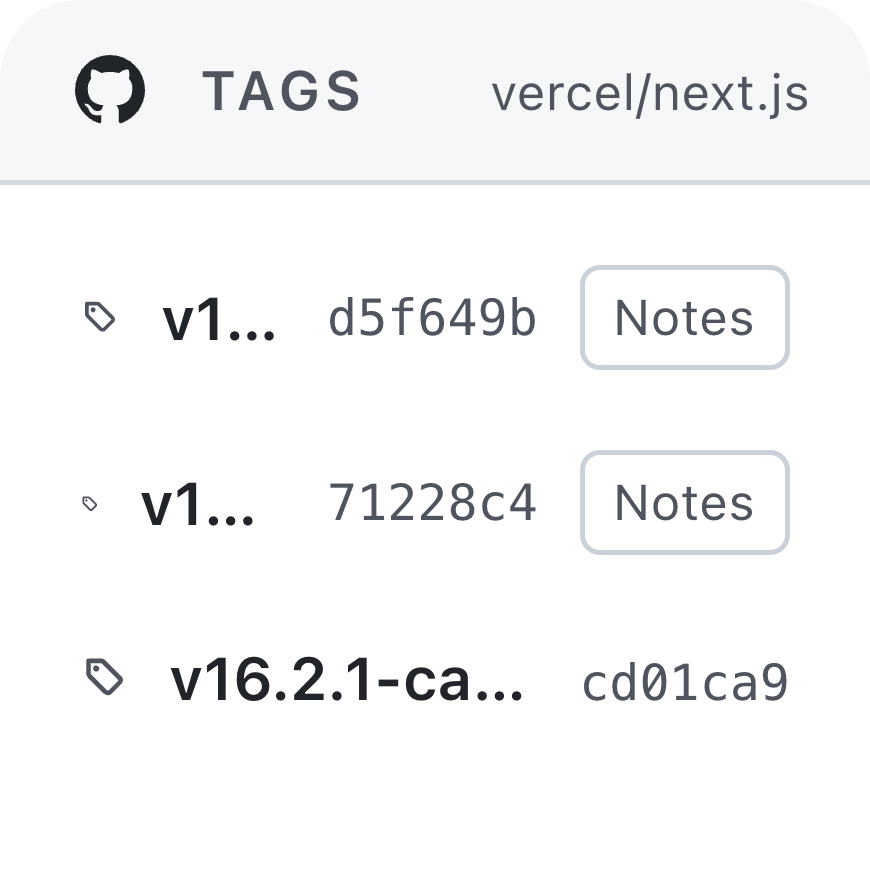
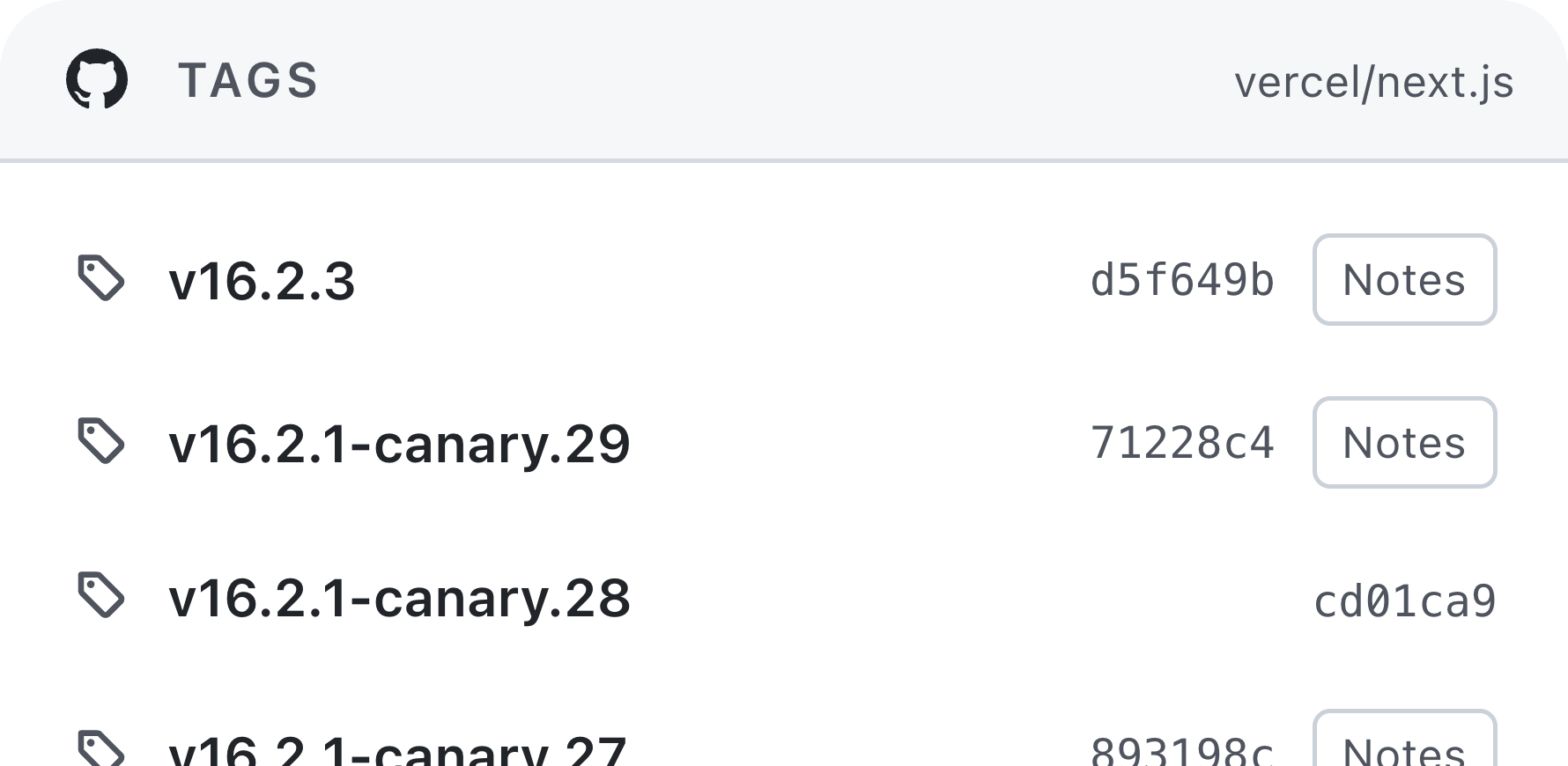
Tag Watch small preview
Tag Watch wide preview
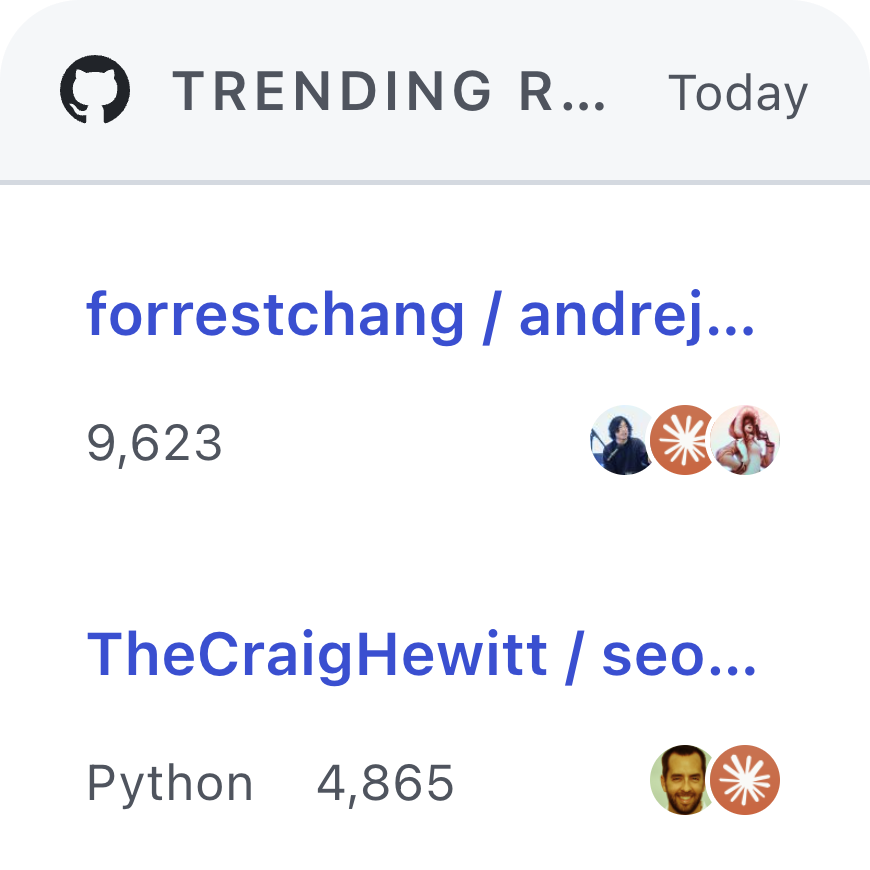
Trending Repositories small preview
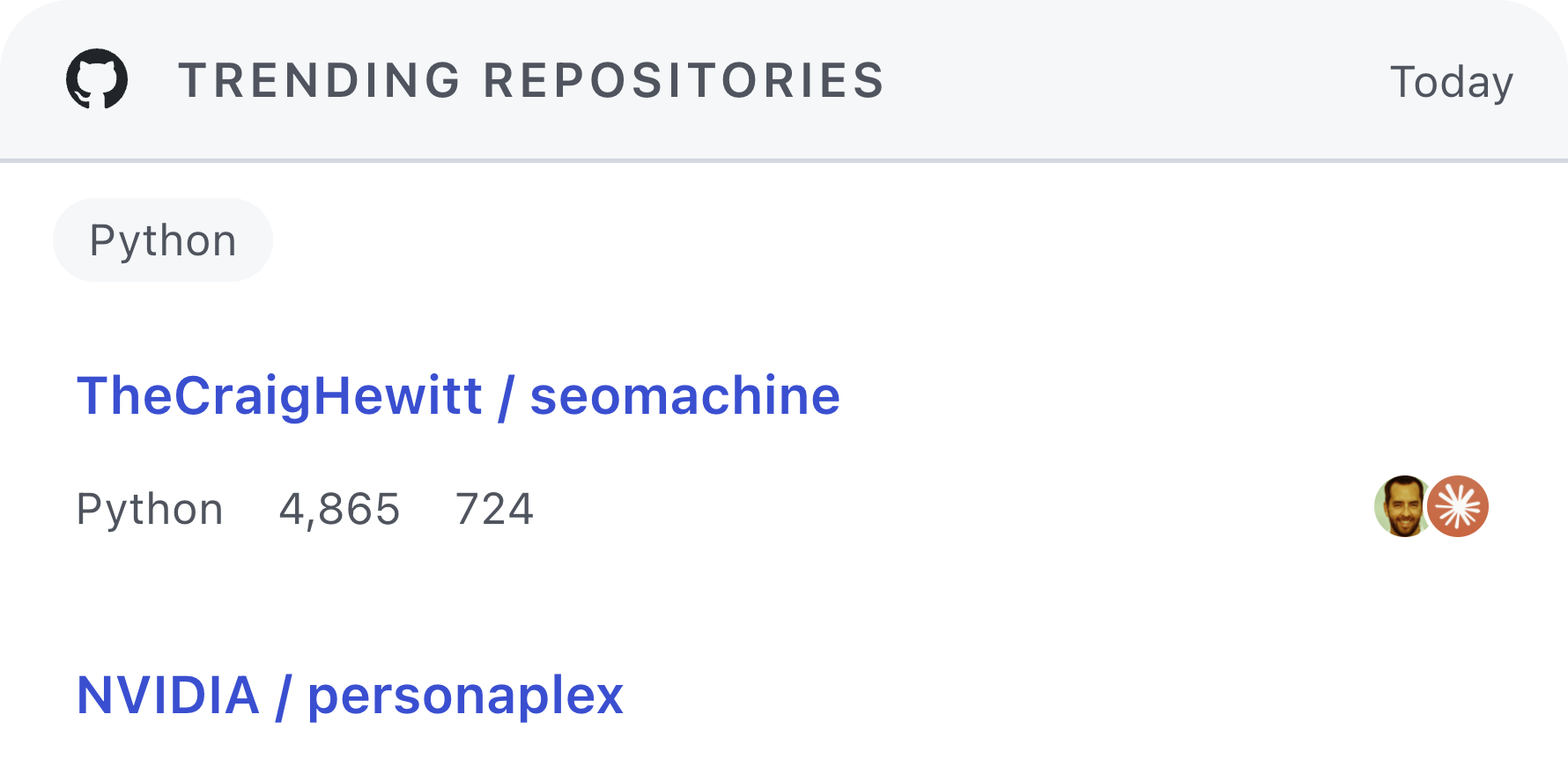
Trending Repositories wide preview
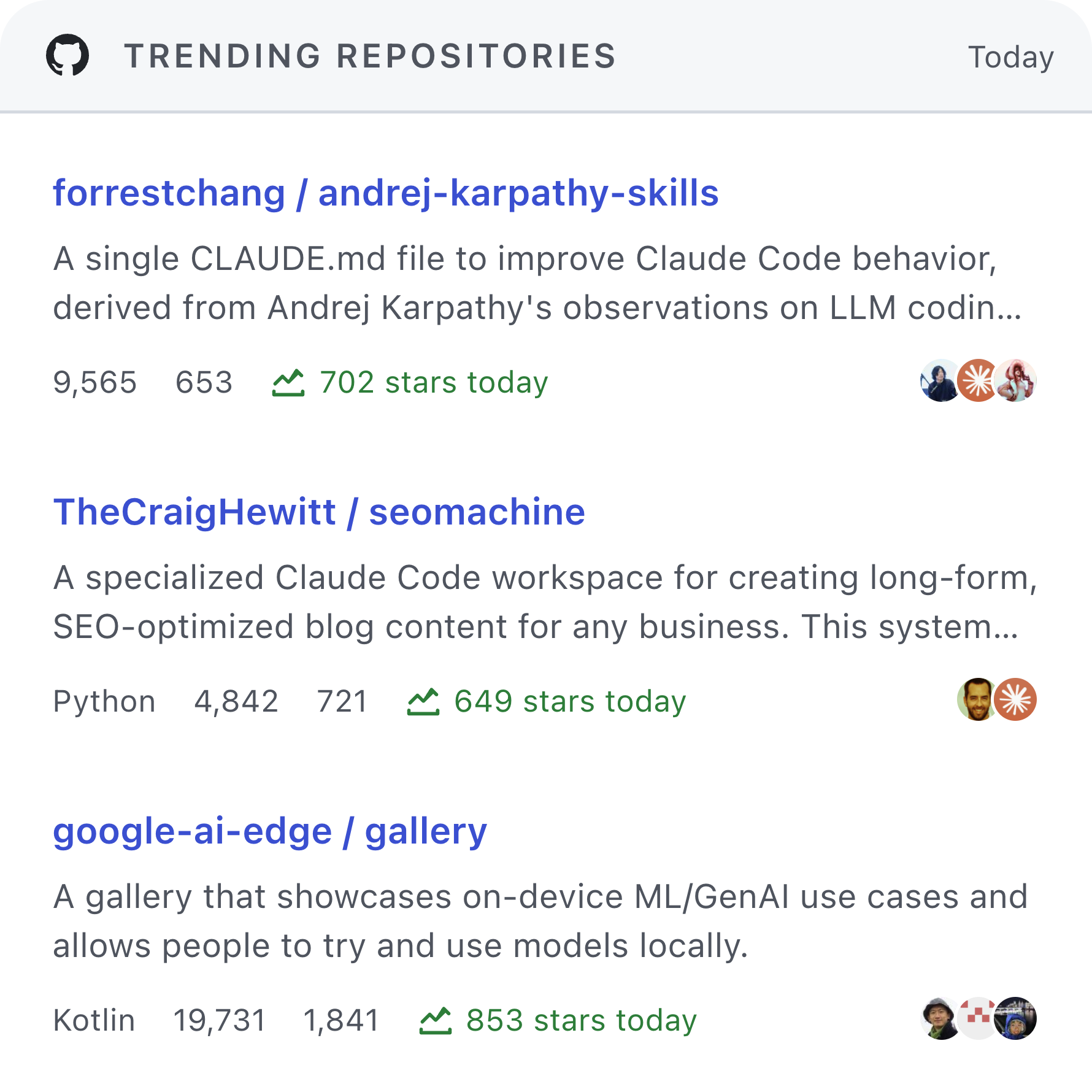
Trending Repositories large preview

Widgets

Components

See what this plugin includes and which component sizes it supports.

6 components

Notifications Inbox

3 sizes

View the latest unread items from the GitHub notifications inbox.

small wide large

Review Requests

3 sizes

View pull requests that currently request your review.

small wide large

Release Watch

3 sizes

Watch the latest releases for a specific GitHub repository.

small wide large

Tag Watch

2 sizes

Watch the latest tags for a specific GitHub repository.

small wide

Commit Timeline

2 sizes

View recent commits for a specific GitHub repository branch.

wide large

Trending Repositories

3 sizes

View current trending repositories with optional language filters.

small wide large

How to Use

GitHub Widgets

Introduction

GitHub Widgets brings common GitHub views into Kepo so you can check updates quickly without opening GitHub first.

Capability Scope

  • Notifications Inbox View the latest items from your GitHub notifications inbox.

  • Review Requests View pull requests that are currently waiting for your review.

  • Release Watch Track the latest releases for one repository.

  • Tag Watch Track the latest tags for one repository.

  • Commit Timeline View recent commits for one repository branch.

  • Trending Repositories View current GitHub trending repositories with optional filters.

Important Notes

  • Notifications Inbox and Review Requests require a signed-in GitHub session.
  • Repository-based widgets work best when you use the exact owner/repo format.
  • Commit Timeline also needs the exact branch name shown on GitHub.
  • GitHub may change page structure over time. If that happens, a widget may temporarily show an error until the plugin is updated.

Version History

0