
Google Search Console
Show Search Console performance numbers for one website property inside a Kepo widget.
Setup
- Add the widget to a panel.
- Open widget settings.
- Set
Websiteto the domain you want to monitor, such asexample.com. - Choose the time range.
- Open the report once if Google asks you to sign in.
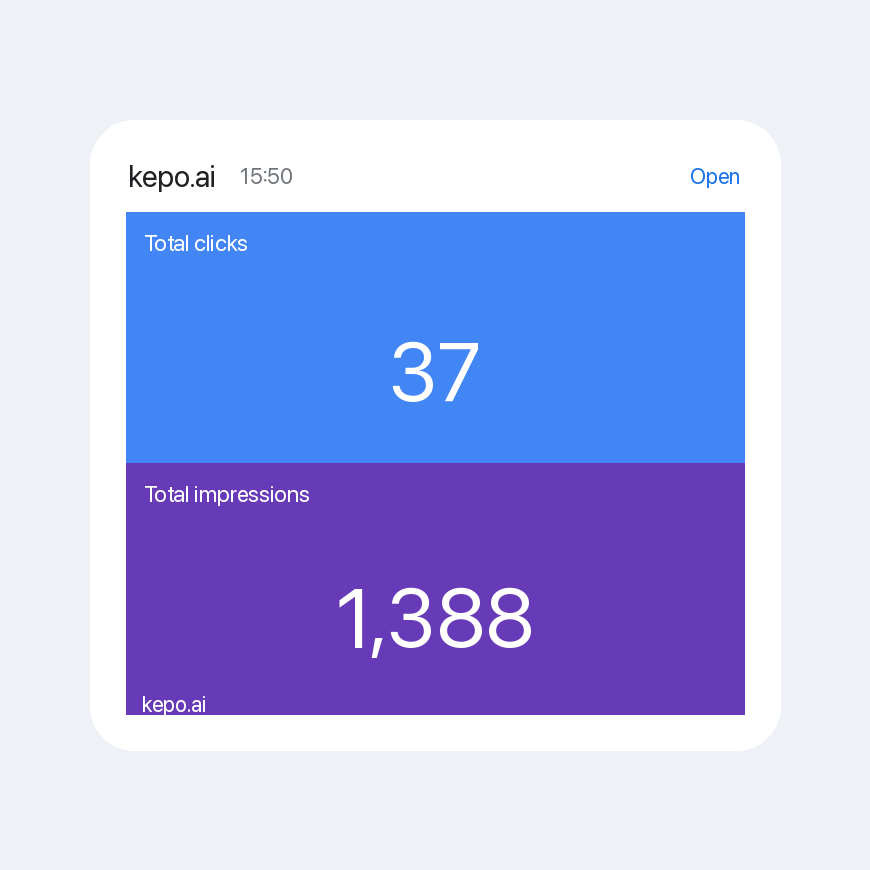
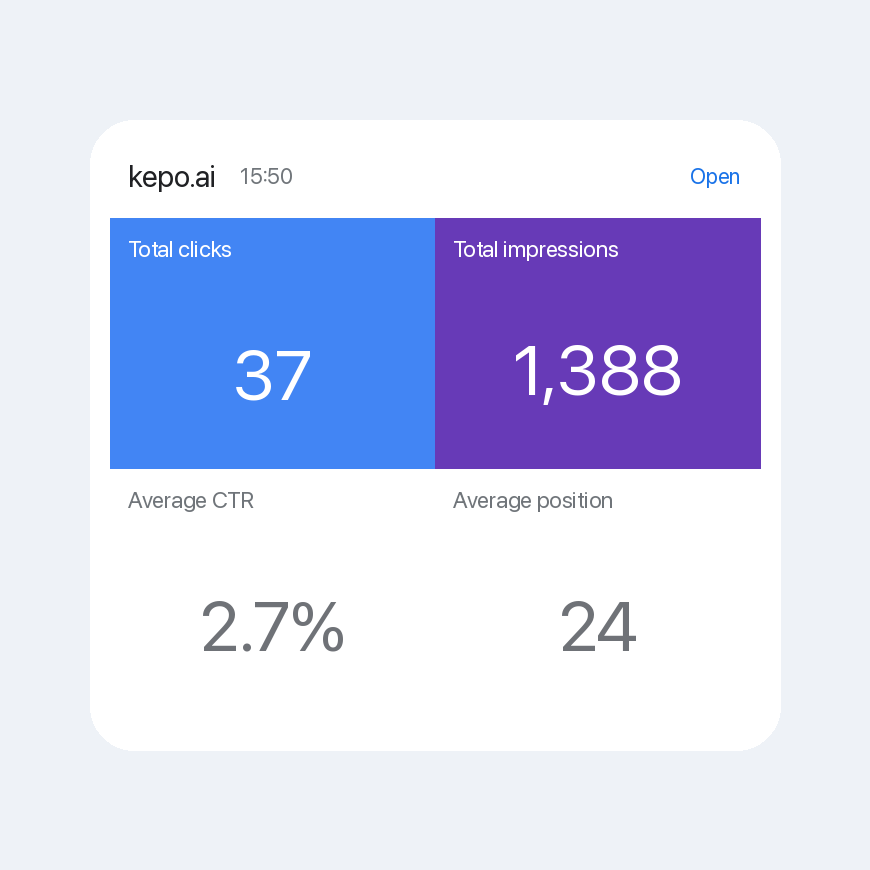
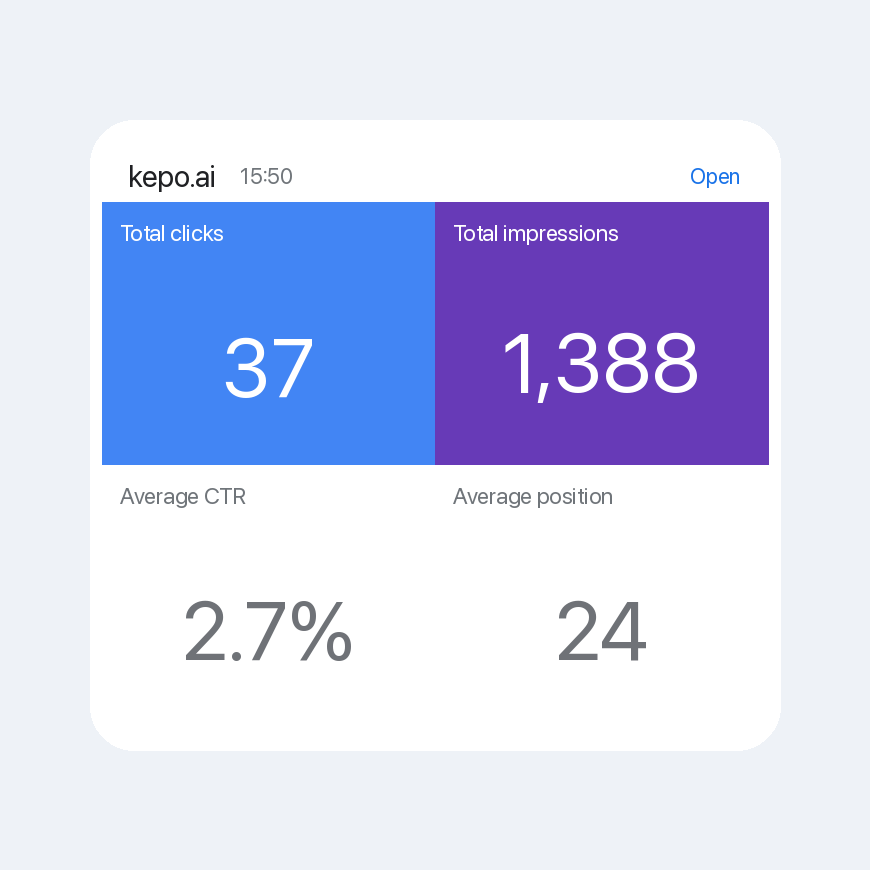
The small widget displays clicks and impressions. Wide and large widgets display clicks, impressions, click-through rate, and average position from the Search Console performance page.
If you paste a full URL or a sc-domain: value, the widget keeps only the host in settings.