Apple Services Outage Nov 17 on Mac: Track System Status Without Tabs
Apple resolved a Nov 17, 2026 System Status incident after an internal update. Official windows, the company statement, and a Mac widget setup for iCloud and App Store status.
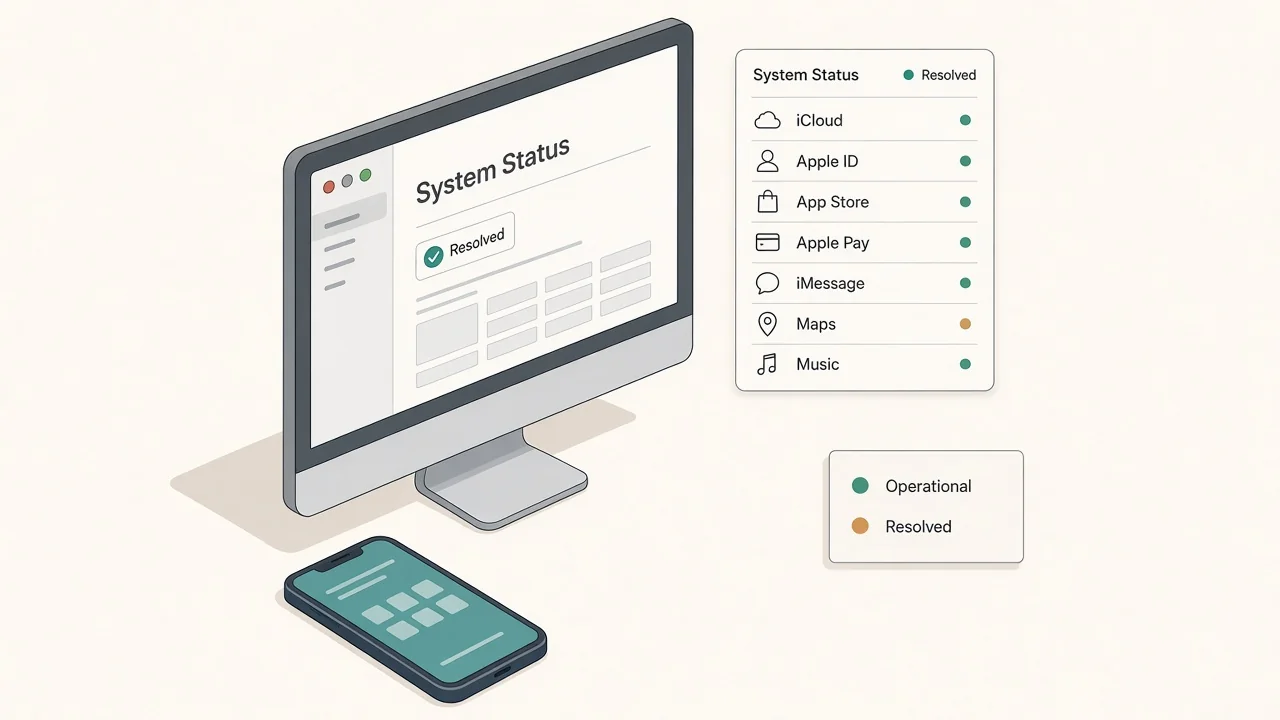
Apple's System Status page listed a cluster of resolved incidents on Tuesday, November 17, 2026, after an internal update disrupted several services during the U.S. day. The public page, last updated at 9:25 p.m. ET, showed every listed item as resolved. In a statement reported by TechCrunch, Apple said, "Many of our systems are back up and running after an internal update caused some outages this morning. We're working to get the remaining systems online as soon as possible," and said the problems did not come from a cyberattack. TechCrunch reported that by 6:00 p.m. ET the status page already showed the outages resolved.
This page follows Apple's System Status list—not secondary reports that named services Apple did not list. It is a status check, not a fix guide. Sign-in, App Store, and AppleCare purchases belong in Apple's own apps. A Mac panel can hold a short service board, a news feed, and one keyword watch behind a shortcut, so you are not reloading the status page between other work.
Tuesday's Apple incidents landed in a noisy week for large systems, including a United Airlines outage the day before. Those are separate events. Pin Apple's list when you care about iCloud or the App Store; use the airline board when you care about flights.
Try it here
Glance at official service labels and time windows from your desktop panel without keeping the System Status tab open.
Static snapshot baked at publish time from Apple System Status as of 9:25 p.m. ET Nov 17 (all listed incidents resolved). Not live status.
Apple System Status
9:25 p.m. ET
AppleCare on Device
Resolved outage
11:15 a.m.–3:39 p.m.
App Store
Resolved outage
11:45 a.m.–3:00 p.m.
iCloud Account & Sign In
Resolved issue
11:45 a.m.–4:15 p.m.
iCloud Mail
Resolved perf.
11:45 a.m.–1:25 p.m.
Desktop AI Widget
Track Apple System Status on your Mac with Kepo AI
 Kepo
Key solutions at a glance The main decisions from this guide, condensed into one table.
What Tuesday's System Status list showed
Times below are Eastern, as Apple displayed them on the public System Status page, as of the 9:25 p.m. ET update on November 17. They will not change if Wednesday looks different.
| Service | Status on the page | Window (ET) | Who was affected |
|---|---|---|---|
| AppleCare on Device | Resolved Outage | 11:15 a.m.–3:39 p.m. | All users (purchasing AppleCare on a device was temporarily unavailable) |
| App Store | Resolved Outage | 11:45 a.m.–3:00 p.m. | Some users |
| iCloud Account & Sign In | Resolved Issue | 11:45 a.m.–4:15 p.m. | Some users |
| iCloud Mail | Resolved Performance | 11:45 a.m.–1:25 p.m. | Some users |
| iCloud Web Apps (iCloud.com) | Resolved Performance | 11:45 a.m.–4:15 p.m. | Some users |
| Apple Business, Apple School Manager, Schoolwork | Resolved Issue | 1:40 p.m.–5:00 p.m. | Some users |
| Volume Purchase Program | Resolved Outage + resolved issue | Outage 11:45 a.m.–3:00 p.m.; issue 12:11 p.m.–5:00 p.m. | Some users |
The official JSON behind that page had no Tuesday events for the Mac App Store, Find My, Apple Pay, or Apple Music. This table does not add them.
A status board is for glanceable availability. It does not replace Apple's sign-in screens, the App Store, or AppleCare purchase flow.
Signals worth pinning
The official list is the first source: Apple System Status. Developer-facing status is a separate page; this write-up stays on the public consumer list.
Useful companions next to that page:
- A short news feed for the next official wording after the first statement
- One keyword watch for "Apple outage" or "System Status" if you want the social reaction without treating it as official
- Your own Apple ID and App Store apps for anything that requires signing in or buying
Why a pinned status page is a weak primary signal
You can try to pin Apple's System Status page in a web-view widget, but a long public list is easy to over-scroll, and a browser view often hides the one line you needed—whether iCloud sign-in is still listed as an issue. A compact board of the services you actually use, plus a news feed, answers "is it cleared?" without keeping the status tab in the way.
Set up an Apple status tracker in Kepo
Kepo keeps small widgets in a floating panel you open with a global shortcut, over any app, including full-screen ones. Four widgets cover a status day like Tuesday.
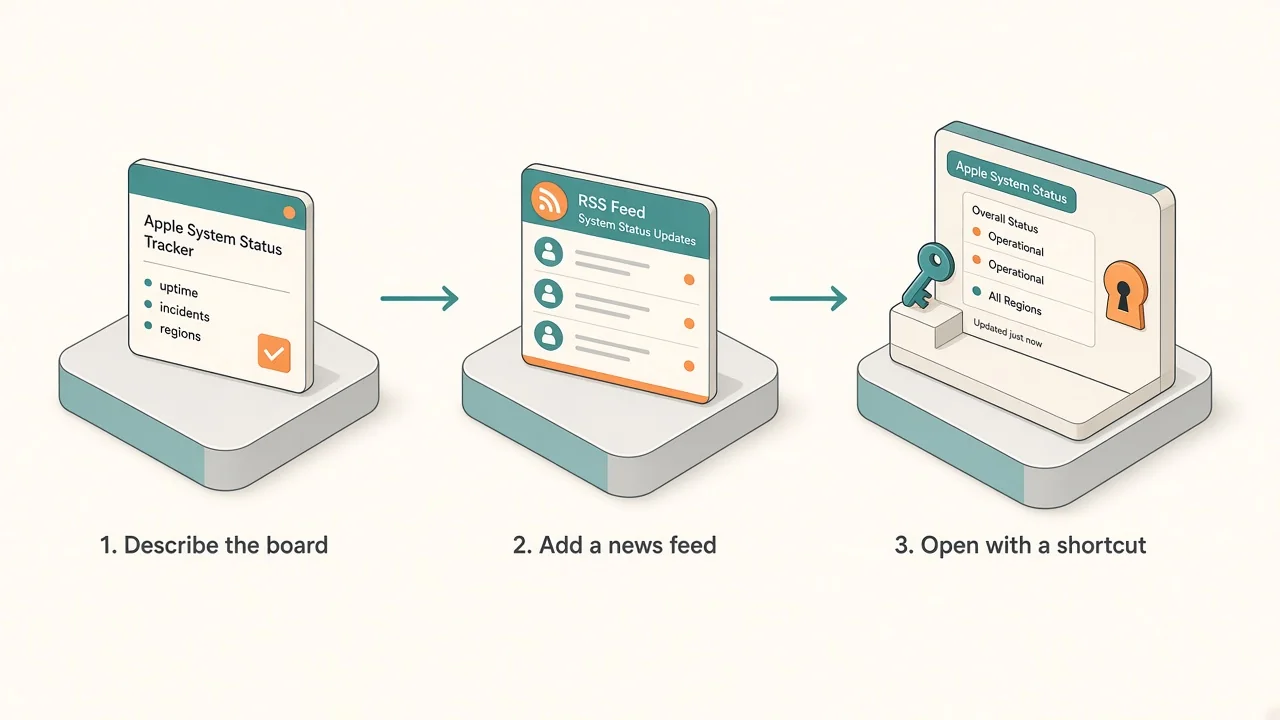
1. System Status board (built with AI)
Kepo has no fixed Apple-status plugin, so describe the widget you want. Name the source, the fields, and the refresh:
- Prompt example: "Show Apple System Status from the public System Status page: each service I care about (iCloud Account & Sign In, iCloud Mail, iCloud.com, App Store, AppleCare on Device, Mac App Store), its current status label, and the time window if an incident is listed. Refresh every 5–10 minutes. Label that this is a status board, not a support tool, and show an as-of time in my time zone."
- Check it: compare the first result with Apple's System Status page before you rely on it. The table on this page is a November 17, 9:25 p.m. ET snapshot, not live.
2. Apple / tech headlines
- Widget: RSS Reader, which reads one RSS or Atom feed.
- What to watch: a short Apple or tech feed that surfaces System Status follow-ups. A "resolved" headline is context; your board still owns the official labels.
3. Optional: one service watch
If you only care about iCloud sign-in or the App Store, add a second small board for that one service. Keep both widgets short so the panel stays glanceable. Password resets and purchases still happen in Apple's apps.
4. Apple outage on X
- Widget: X Keyword Watch from the X widgets.
- Keyword:
Apple outageorApple System Status. - What it shows: the latest posts from X's Live results for that keyword. Sign in to X first for reliable results. Treat social posts as reactions, not official status.
Tabs vs one shortcut panel
One shortcut panel keeps the official list, a news feed, and a keyword watch together without a stack of status tabs.
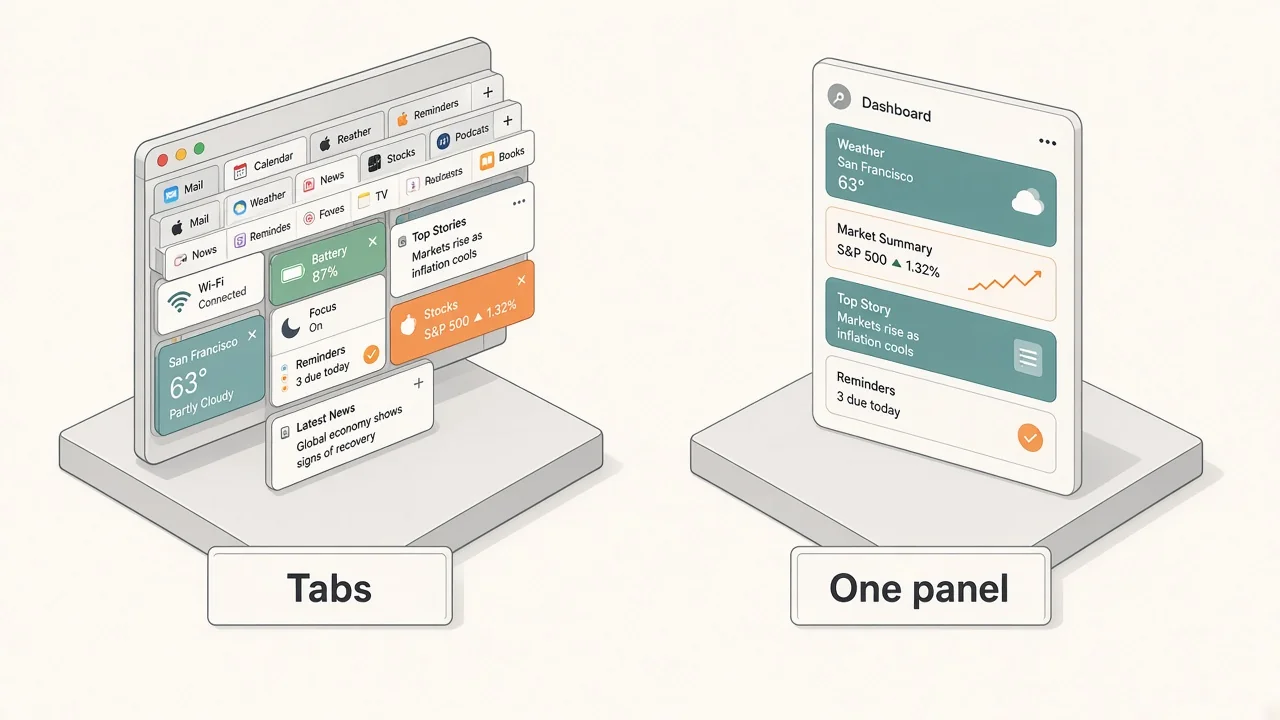
| Tabs and iPhone Settings | Kepo panel | |
|---|---|---|
| Official labels | Reload System Status | Status board refreshes |
| Company wording | Keep news / TechCrunch open | One feed, newest first |
| Reactions | An X tab you keep scrolling | Keyword widget, glance and close |
| During work | Switch away from your app | One shortcut over the app, one to hide |
Keep the panel small. One service board and one feed answer most recovery evenings. Add the single-service watch and keyword watch only if you check them.
Before you install
Kepo runs on Macs with Apple silicon (M1 or later) and macOS 12 or later. There is no Intel version. Details are in Kepo system requirements.
New to widgets on the Mac? Start with the built-in Mac desktop widgets, browse free widgets for Mac, or build custom Mac widgets for sources Apple does not cover. Download Kepo when you are ready to add the first widget.
FAQ
Are Apple services still down?
Apple's public System Status page, as of 9:25 p.m. ET on November 17, 2026, listed Tuesday's incidents as resolved. Use that page for Wednesday, not this static article.
Why isn't Apple Pay or Apple Music in the table?
This page follows Apple's official list. The System Status JSON used for this snapshot had no Tuesday events for Apple Pay or Apple Music. If those names appear in news coverage, check the official page rather than this table.
Can I pin Apple's System Status page in a widget?
You can try a web-view widget, but a long public list is a poor primary signal compared with a compact board of the services you use plus a news feed. Build from the fields you care about.
Does Kepo send an alert when iCloud goes down?
The widgets in this setup are for glancing: open the panel and see the current state. They do not send notifications by themselves. Add an Apple or calendar alert if you need one.
Get set up for Apple status checks
Set it up once: a System Status board for the services you use, a tech news feed, an optional single-service watch, and an X keyword watch, all behind one shortcut. Download Kepo for your Apple silicon Mac and add the first widget in a few minutes.
Stay informed with Kepo on your desktop
Embed interactive widgets, monitor dynamic sites, track APIs, and run ambient AI agents right on your macOS desktop.
Related Articles
View all posts →How to calculate days between dates and business days
Enter two dates to count calendar days, weekdays, and weekends. Check whether to include the end date, follow a worked example, and account separately for holidays.
How to find IP address on Mac: local vs. public IP explained
Learn how to find IP address on Mac across local network interfaces and public gateways. Master Terminal shortcuts, understand private vs. public routing, and pin live network widgets to your desktop.
How to crop an image on Mac: native tools and instant workflows
Crop an image on Mac with Preview or Photos, or try the center-crop tool on this page. Compare selection controls, aspect ratios, PNG export, and ways to preserve the original.
How to add widgets on Mac with AI-built custom widgets
A practical guide to adding widgets to the Mac desktop, using the built-in widget gallery, and creating custom widgets when the widget you need does not already exist.