Where are widgets on Mac, including AI-built custom widgets?
Mac widgets can appear in more than one place. If you cannot find them, start by checking the desktop, Notification Center, and the widget gallery.

When people ask where widgets are on Mac, they usually mean one of three things: widgets already placed on the desktop, widgets inside Notification Center, or the widget gallery where new widgets are added.
Mac widgets are not a separate app. They are small surfaces provided by apps and shown in specific places.
If you want widgets for sources Apple does not show in the widget gallery, Kepo gives you a separate custom widget workspace.
Create it with Kepo AI
If you want widgets for sources Apple does not show in the widget gallery, Kepo gives you a separate custom widget workspace.
Key solutions at a glance The main decisions from this guide, condensed into one table.
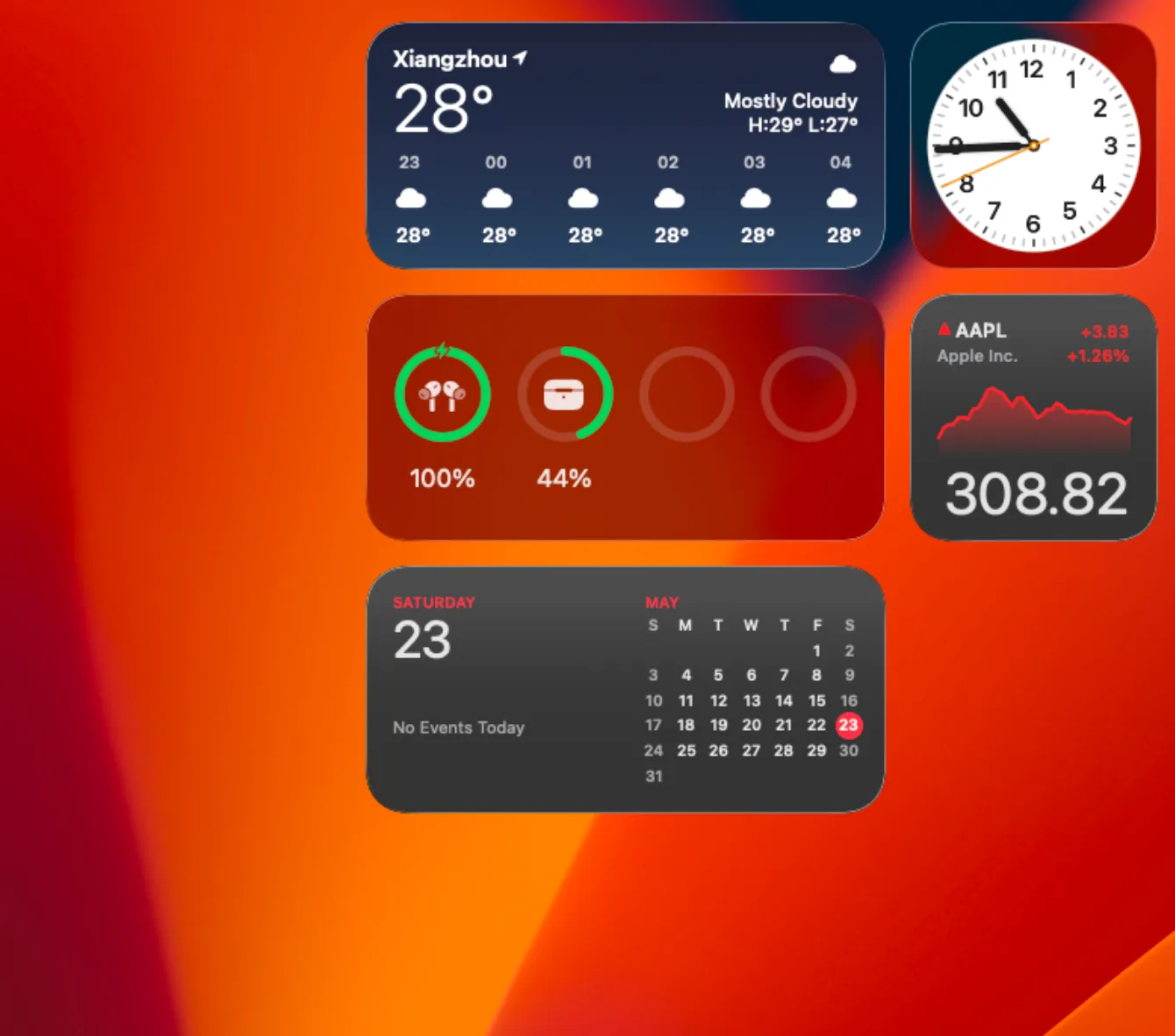
Find widgets on the desktop
Desktop widgets appear directly on your Mac wallpaper. If windows cover them, click the wallpaper to reveal the desktop, depending on your Desktop & Dock settings.
Find widgets in Notification Center
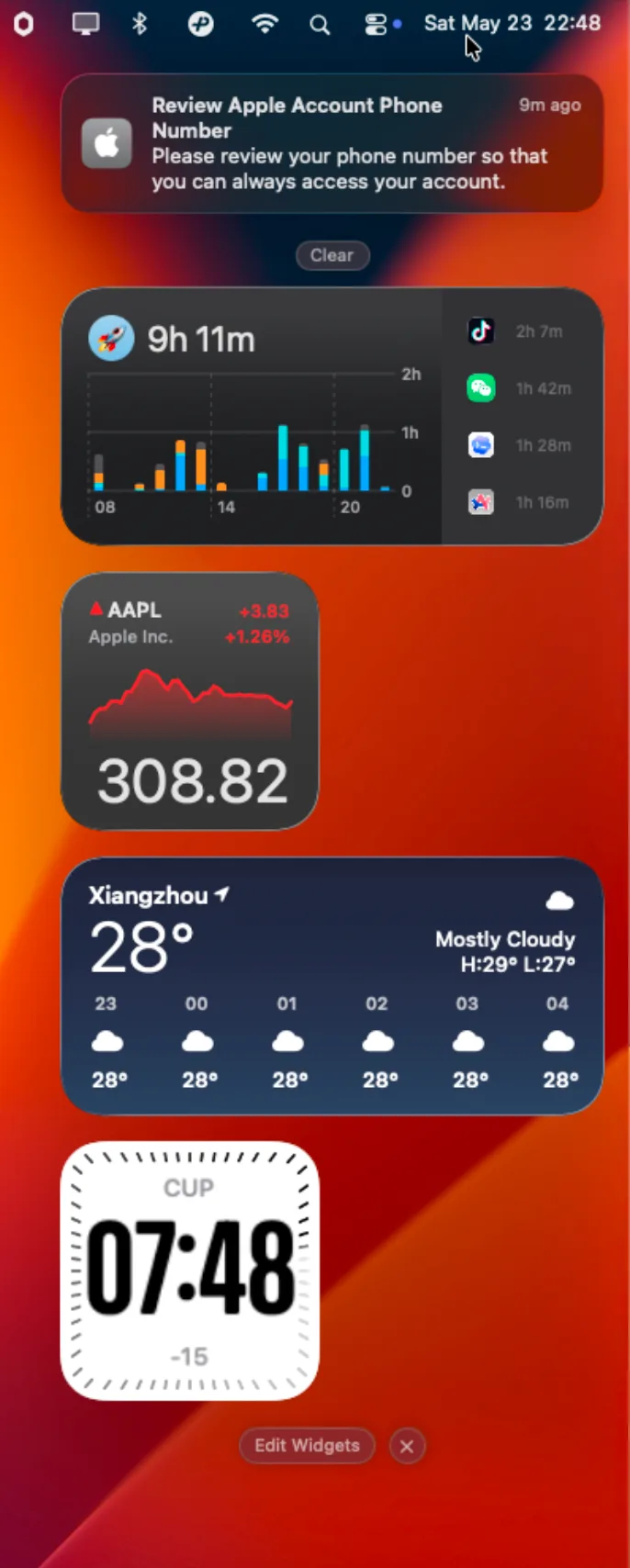
Click the date and time in the menu bar to open Notification Center. Widgets placed there appear below notifications or in the widget area.
Find the widget gallery
Control-click the wallpaper and choose Edit Widgets to open the widget gallery. You can also open Notification Center and click Edit Widgets at the bottom.
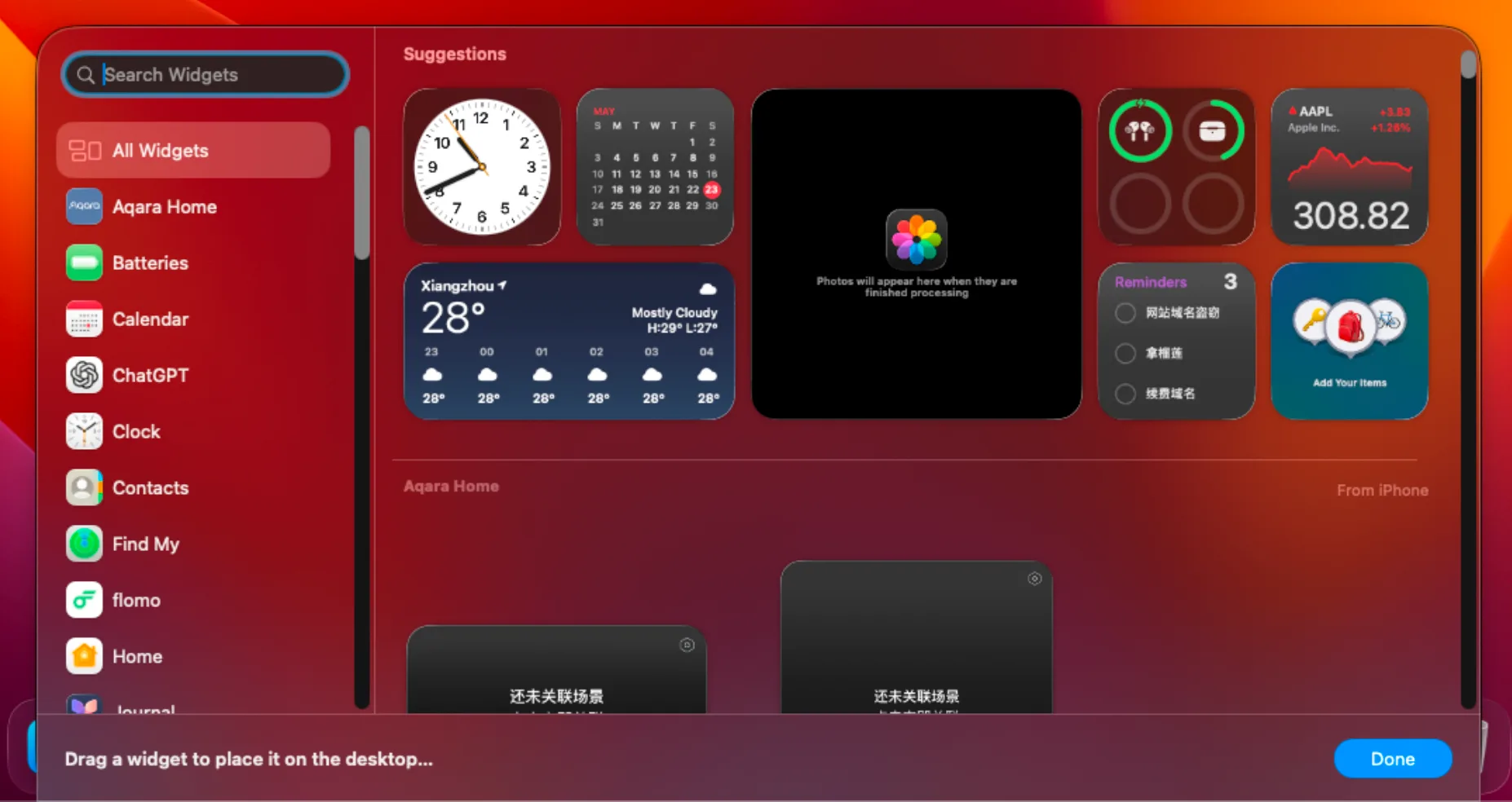
The gallery is where you search for supported widgets and add them to the desktop or Notification Center.
Find iPhone widgets on Mac
If iPhone widgets are enabled and your devices meet Apple continuity requirements, available iPhone widgets can appear in the Mac widget gallery.
If an expected iPhone widget is missing, check that your iPhone and Mac use the same Apple Account and that iPhone widgets are enabled in Desktop & Dock settings.
Find custom widgets in Kepo
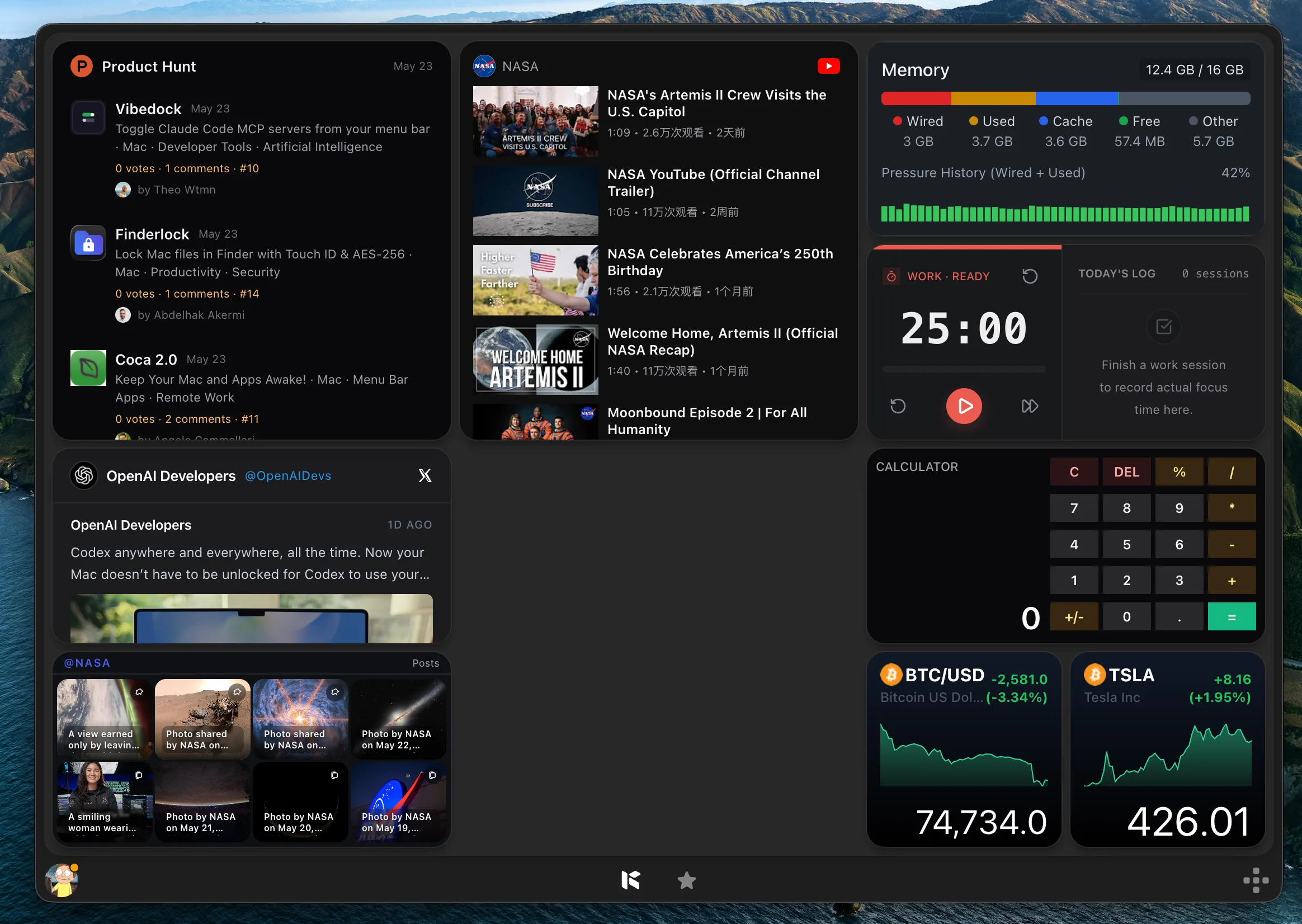
Kepo widgets live inside the Kepo desktop panel. This keeps custom feeds, monitors, and AI-built tools together instead of spreading them across the Mac desktop.
Find widgets FAQ
Where do I find widgets on Mac?
Check the desktop, Notification Center, and the widget gallery. Open the gallery by Control-clicking the wallpaper and choosing Edit Widgets.
Where are my desktop widgets?
Desktop widgets appear on the wallpaper. If they are hidden by windows, click the wallpaper to reveal the desktop, depending on your settings.
Where are custom Kepo widgets?
Kepo widgets appear inside the Kepo desktop panel, where you can keep custom feeds, monitors, and tools together.
Built-in widgets live on the desktop, in Notification Center, and in the widget gallery.
Custom Kepo widgets live in the Kepo panel so they stay organized.
Stay informed with Kepo on your desktop
Embed interactive widgets, monitor dynamic sites, track APIs, and run ambient AI agents right on your macOS desktop.
Related Articles
View all posts →How to calculate days between dates and business days
Enter two dates to count calendar days, weekdays, and weekends. Check whether to include the end date, follow a worked example, and account separately for holidays.
How to find IP address on Mac: local vs. public IP explained
Learn how to find IP address on Mac across local network interfaces and public gateways. Master Terminal shortcuts, understand private vs. public routing, and pin live network widgets to your desktop.
How to crop an image on Mac: native tools and instant workflows
Crop an image on Mac with Preview or Photos, or try the center-crop tool on this page. Compare selection controls, aspect ratios, PNG export, and ways to preserve the original.
How to add widgets on Mac with AI-built custom widgets
A practical guide to adding widgets to the Mac desktop, using the built-in widget gallery, and creating custom widgets when the widget you need does not already exist.