How to calculate days between dates and business days
Enter two dates to count calendar days, weekdays, and weekends. Check whether to include the end date, follow a worked example, and account separately for holidays.

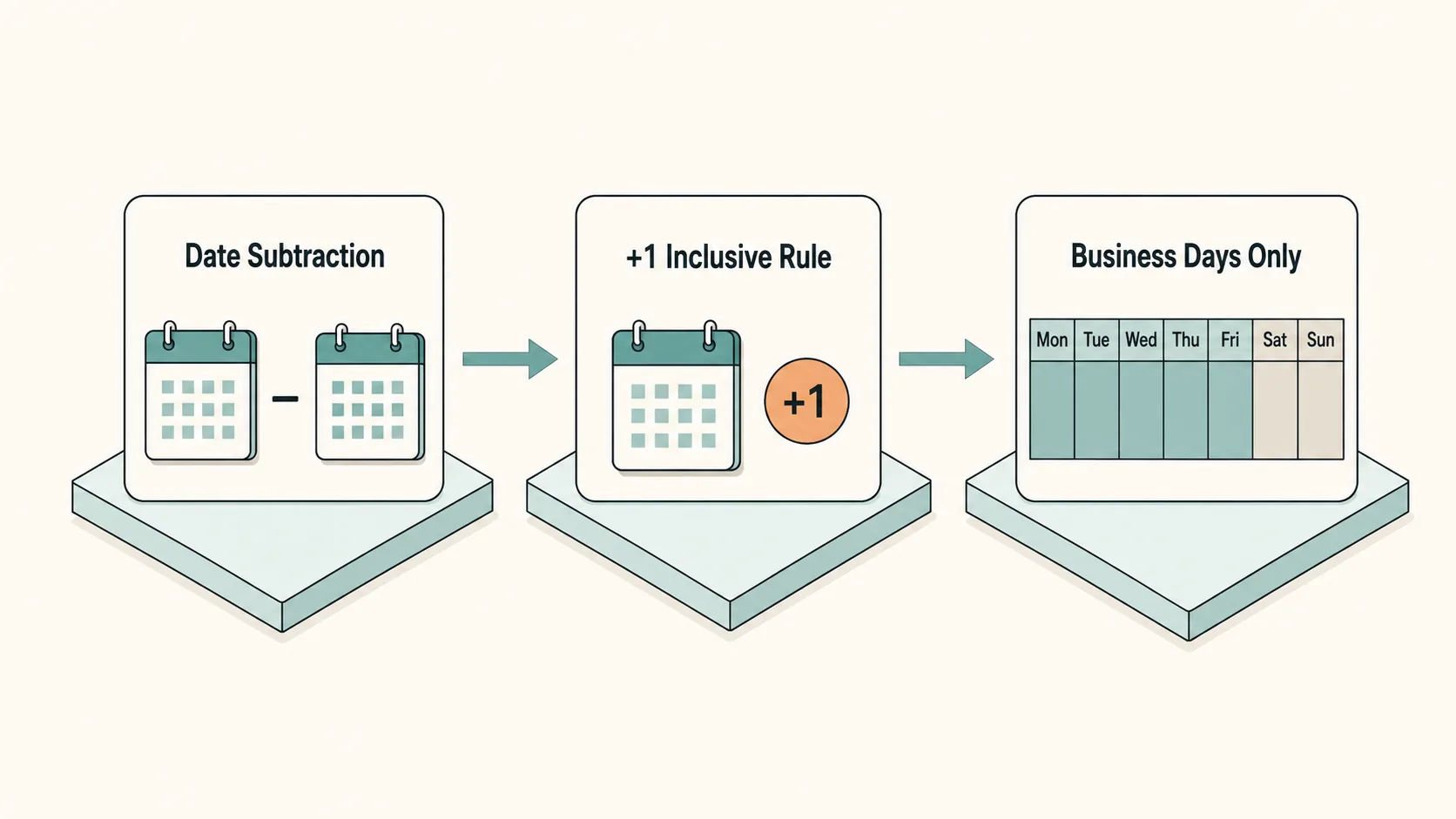
To calculate days between dates, subtract the earlier date from the later date. Add one if both endpoints should count. Enter your two dates in the calculator below to see the calendar span, Monday-to-Friday count, and weekends.
This page measures an interval between two chosen dates. The weekday count excludes Saturdays and Sundays, but it does not subtract public holidays or account for a custom workweek. Treat it as a starting point if your task requires a regional business calendar.
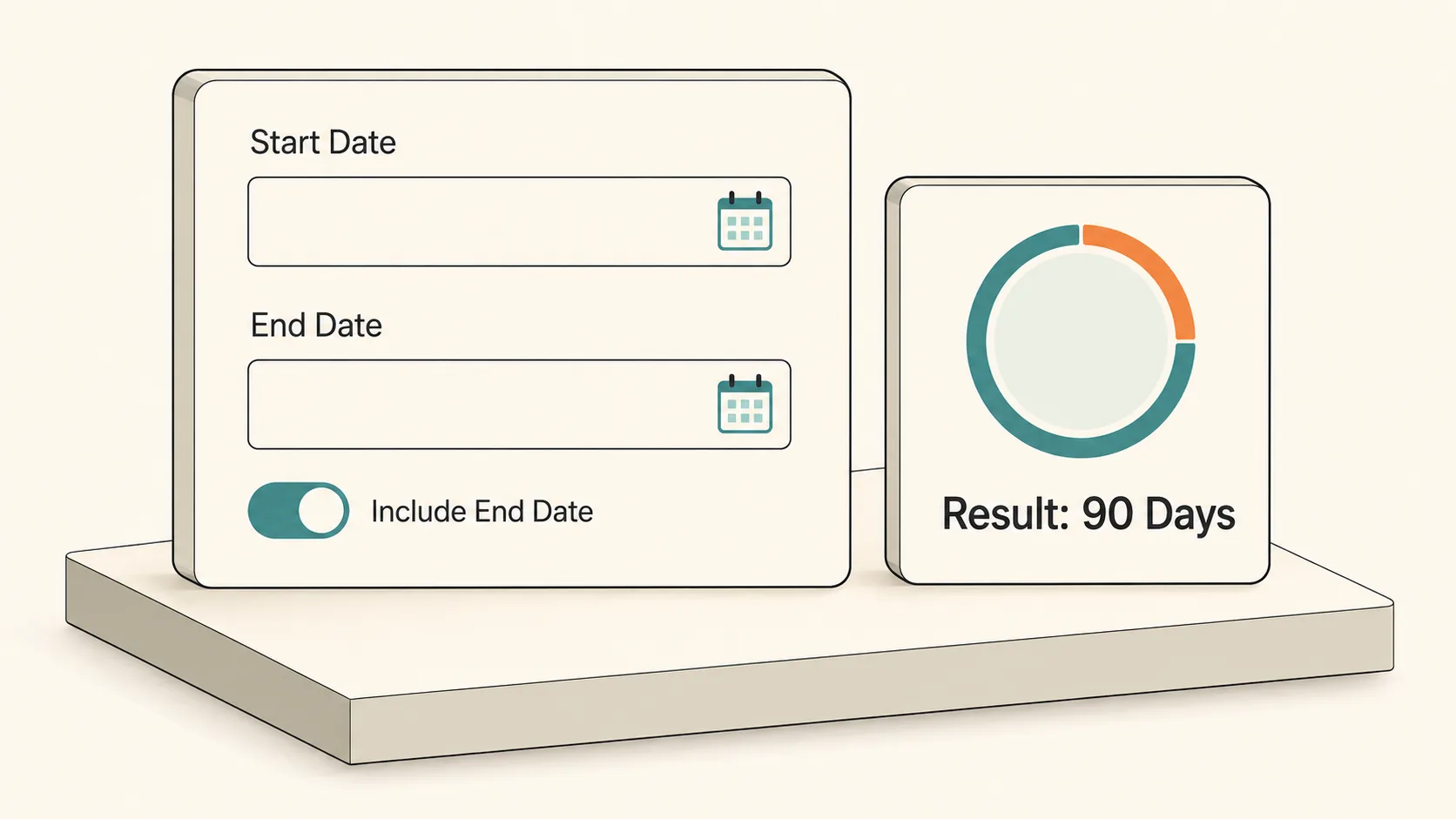
Default: count the earlier date and exclude the later date. Turn on +1 Inclusive to count both. Holidays are not deducted from the Monday-to-Friday total.
Try it here
To calculate days between dates, subtract the earlier date from the later date.
Select two dates to count calendar days, Monday-to-Friday dates, weekends, and weeks. Include both endpoints if needed. Holidays are not deducted; use Copy Result to save the count.
Calendar days
90
90 elapsed days · 64 Mon–Fri dates
26 weekend dates · 12 weeks + 6 days
Civil dates, not elapsed hours. No holidays deducted.
Standalone tool
Date difference calculator
 Kepo
KepoKey solutions at a glance The main decisions from this guide, condensed into one table.
Quick Answer: Calendar Days vs. Business Days Formulas
To calculate the days between dates, first identify the exact counting method required by your use case. In standard calendar math, you can calculate the span in two different ways:
1. Calendar Date Difference: End Date - Start Date. September 1 to September 5 is a difference of 4 calendar days. This is a date calculation, not necessarily 96 elapsed hours if a local clock change occurs.
2. Inclusive Calendar Span (Counting Both Endpoints): (End Date - Start Date) + 1. If an event or agreement begins on September 1 and concludes at the end of September 5, all 5 calendar days are active.
3. Working Schedule: Count Monday-to-Friday dates in your chosen interval, then deduct applicable holidays that fall on those weekdays. Do not subtract a Saturday holiday twice. This calculator performs the weekday count only.
Worked Example: Count Between Two Chosen Dates
To understand how these formulas operate in practical project management, let us walk through a real-world scenario. Suppose your team launches an initiative on September 5, 2026, and targets delivery on December 4, 2026.
Step 1: Count Total Calendar Days. September has 30 days, October has 31 days, and November has 30 days. From September 5 to September 30 is 25 days. Adding all 31 days of October, all 30 days of November, and 4 days of December yields: 25 + 31 + 30 + 4 = 90 calendar days. If both the start and completion days are billable, the inclusive span is 90 + 1 = 91 active calendar days.
Step 2: Isolate Full Weeks and Residual Days. 90 calendar days divided by 7 equals 12 full weeks plus 6 extra days (12 * 7 = 84 days). Each full week contributes exactly 2 weekend days, producing 24 weekend days. In the remaining 6 days (Saturday through Thursday), September 5 is a Saturday and September 6 is a Sunday, adding another 2 weekend days for a total of 26 weekend days.
Step 3: Deduct Weekends for Business Days. Subtracting the 26 weekend days from the 90 calendar days leaves 64 working days: 90 - 26 = 64 business days. Any official holidays falling on weekdays during this period (such as Thanksgiving in the US) must be deducted individually from this total.
How the Endpoint Setting Changes a Date Difference
Use the same pair of dates when comparing calculators. The examples below use September 2026 and a Monday-to-Friday workweek without holiday deductions. In the default mode the earlier date counts and the later date does not; inclusive mode counts both.
| Selected dates | Endpoint rule | Calendar days | Monday–Friday | Weekend days |
|---|---|---|---|---|
| September 1 → September 5 | Start included, end excluded | 4 | 4 | 0 |
| September 1 → September 5 | Both included | 5 | 4 | 1 |
| September 5 → September 7 | Start included, end excluded | 2 | 0 | 2 |
| September 5 → September 7 | Both included | 3 | 1 | 2 |
| September 7 → September 7 | Start included, end excluded | 0 | 0 | 0 |
| September 7 → September 7 | Both included | 1 | 1 | 0 |
A zero-day difference and a one-date inclusive period are both valid answers to different questions. Enter the dates in chronological order. This calculator rejects an end before the start instead of silently swapping the endpoints.
Core Calculation Mechanics: Why Day Counts Differ
Whenever you calculate days between dates across multiple software tools, you will notice minor discrepancies of 1 to 2 days. These differences stem from three fundamental mechanics:
1. Endpoint Boundaries: A date difference measures the distance between dates. A count of included dates needs a separate inclusion rule. A stay measured in nights, a scheduled event, and a work log may use different rules; check your instructions rather than assuming all intervals include both endpoints.
2. Variable Month Lengths and Leap Years: Calculating longer intervals by multiplying months by 30 produces substantial compounding errors. A 3-month window spanning February through April contains fewer calendar days than a 3-month window from July through September. In leap years, February gains a 29th day, shifting annual recurring milestones by 24 hours.
3. Time Zones: Date-only inputs have no hour or time zone. The calculator compares calendar dates without converting them into meeting times. If a deadline has a specific cutoff, record its local time and zone separately before sharing it with someone elsewhere.
Better Deadline Tracking: From One-Off Math to Glanceable Widgets
Need a date 90 days ahead instead of the difference between two dates?
A saved target date stays valid tomorrow. What changes is the number of days remaining until that date. Keep these two values separate: changing the start date to today measures remaining time, while leaving both selected dates fixed preserves the original interval.
Copy the calculated interval when you need a one-off record. For repeated checks, save the target date and your counting rule. A weekday result is not a promise of working capacity; holidays, leave, and nonstandard work schedules still need to be considered.
Kepo offers Mac desktop widgets for repeated checks. The download link opens the app download page, not a configured copy of this calculation. The selected dates in this web calculator stay fixed until you change them; this is not an automatically decreasing countdown.
Frequently Asked Questions
Why does an online date calculator show 1 day less than my manual count?
Most online calculators default to an exclusive range (End Date - Start Date), measuring elapsed time. If your project, contract, or rental period requires counting both the initial day and final day, look for an "Include End Date" checkbox, or simply add 1 to the result.
How do I calculate business days when a statutory holiday falls on a weekend?
Check the holiday calendar used by your organization. Some schedules move the observed day to a weekday and others do not. Deduct only applicable holidays on dates counted as workdays. This calculator does not apply holiday calendars automatically.
What is the easiest way to keep track of remaining days until a deadline?
Save a fixed target date, then compare it with the current date when you need the remaining interval. A countdown can automate repeated checks, but this calculator uses the two dates you select and does not transfer them into Kepo automatically.
Clarifying inclusive endpoints is the secret to accurate date interval calculations.
Use the standard formulas to calculate days between dates for one-off agreements, and verify business days by deducting weekend counts.
For ongoing milestones, pin live countdown widgets to your desktop to keep essential deadlines effortless and clear.
Stay informed with Kepo on your desktop
Embed interactive widgets, monitor dynamic sites, track APIs, and run ambient AI agents right on your macOS desktop.
Related Articles
View all posts →How Many Weeks Are in a Month?
A calendar month contains four full weeks plus zero to three extra days. The exact answer depends on whether the month has 28, 29, 30 or 31 days.
What Is a Leap Year?
A leap year has 366 days instead of 365, adding February 29 to synchronize our calendar with Earth’s 365.2422-day solar orbit. Learn the divisible-by-4, 100, and 400 rules.
What Is a Business Day?
A business day is any standard official working day—typically Monday through Friday, excluding weekends and public holidays. Learn how cut-off times and weekend pauses affect 3-5 day delivery estimates.
How to find IP address on Mac: local vs. public IP explained
Learn how to find IP address on Mac across local network interfaces and public gateways. Master Terminal shortcuts, understand private vs. public routing, and pin live network widgets to your desktop.