YouTube desktop widgets
The Kepo YouTube plugin turns two repeated YouTube checks into focused desktop widgets: channel updates and notification bell activity.

YouTube is useful, but it is also easy to open for one quick check and lose time in the full site.
Most repeated YouTube checks are smaller than the YouTube homepage: did this creator publish anything new, and did my notification bell receive anything important?
The Kepo YouTube plugin splits those checks into two focused desktop widgets so the signal stays close without turning into a browsing session.
YouTube widgets work best when each widget answers one narrow question before you decide whether to open YouTube.
Use the YouTube desktop widgets plugin
YouTube widgets work best when each widget answers one narrow question before you decide whether to open YouTube.
Key solutions at a glance The main decisions from this guide, condensed into one table.
What widgets are included in youtube
channel-updates
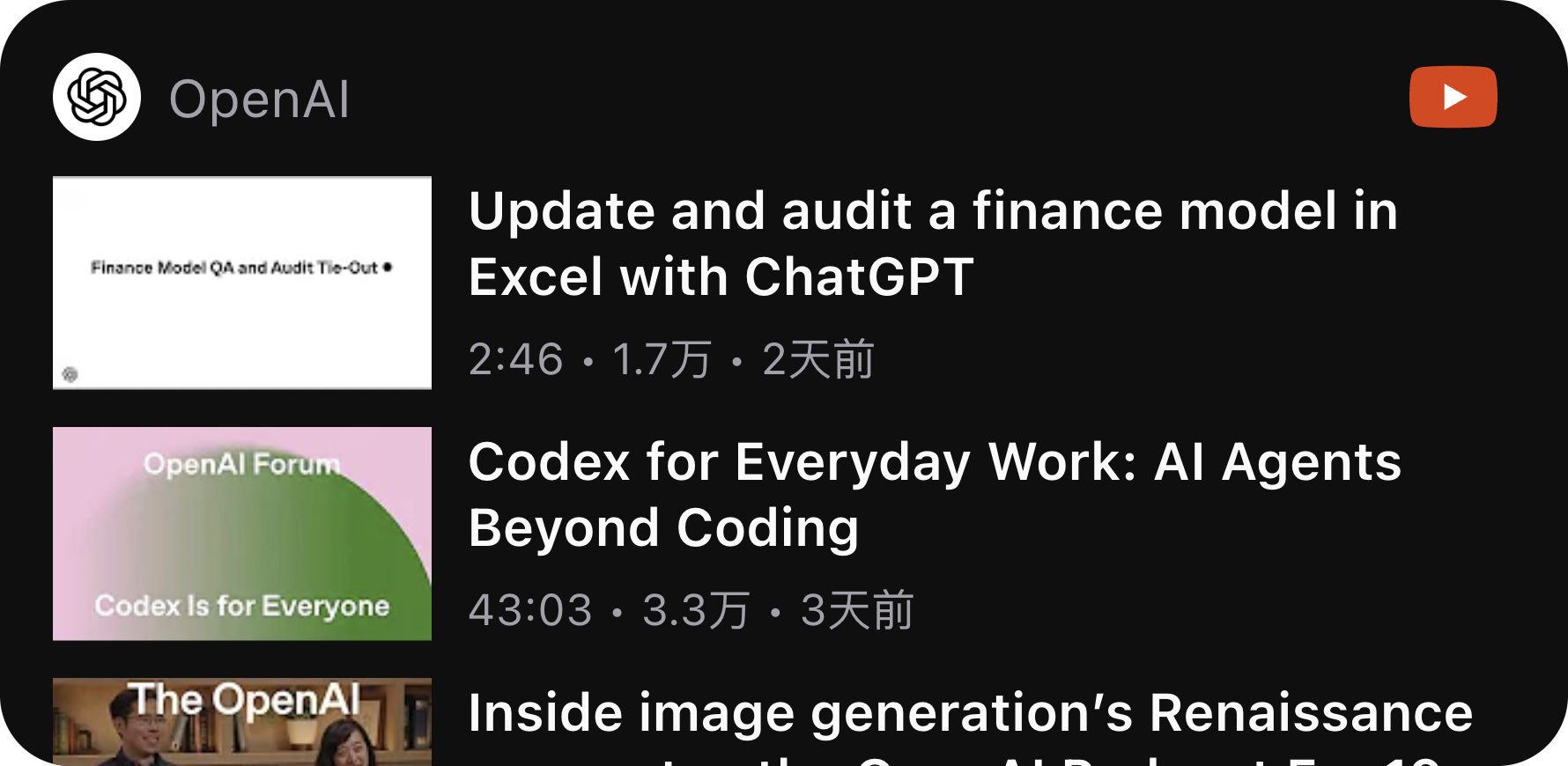
Show recent videos from one configured YouTube channel, URL, channel ID, or @handle.
notifications
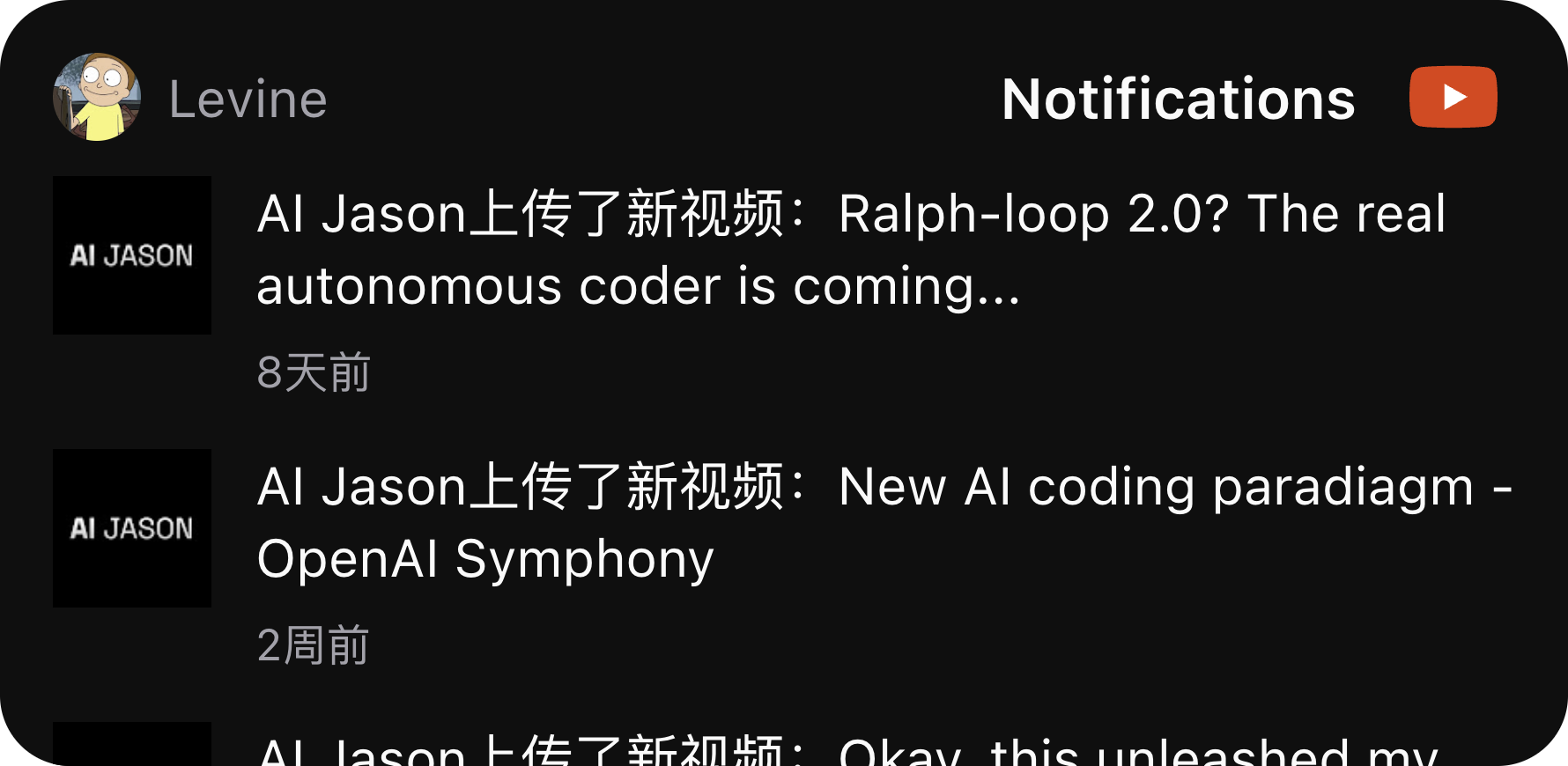
Show items from the signed-in YouTube account notification bell.
Who needs YouTube desktop widgets
Creators, researchers, builders, and operators often follow a few channels closely. They may also rely on the YouTube notification bell for uploads, replies, livestreams, or creator activity.
The plugin is for that repeated awareness work. It is not a full YouTube client, and it does not replace watching, commenting, or managing a channel on YouTube.
Channel Updates: follow one creator or channel
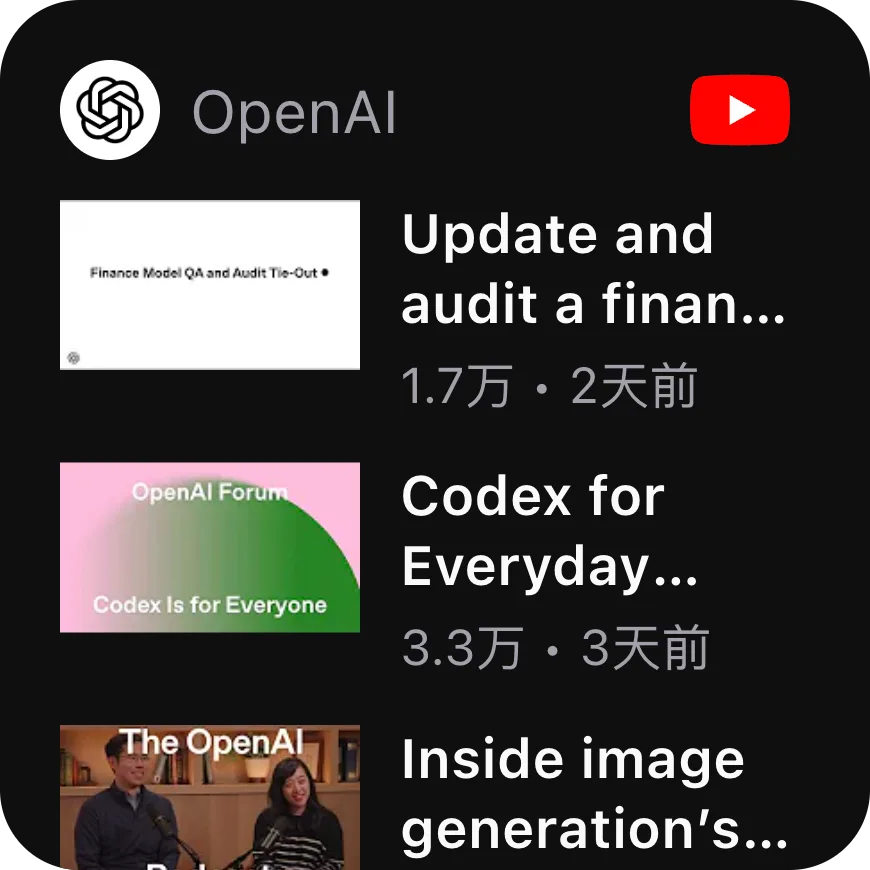
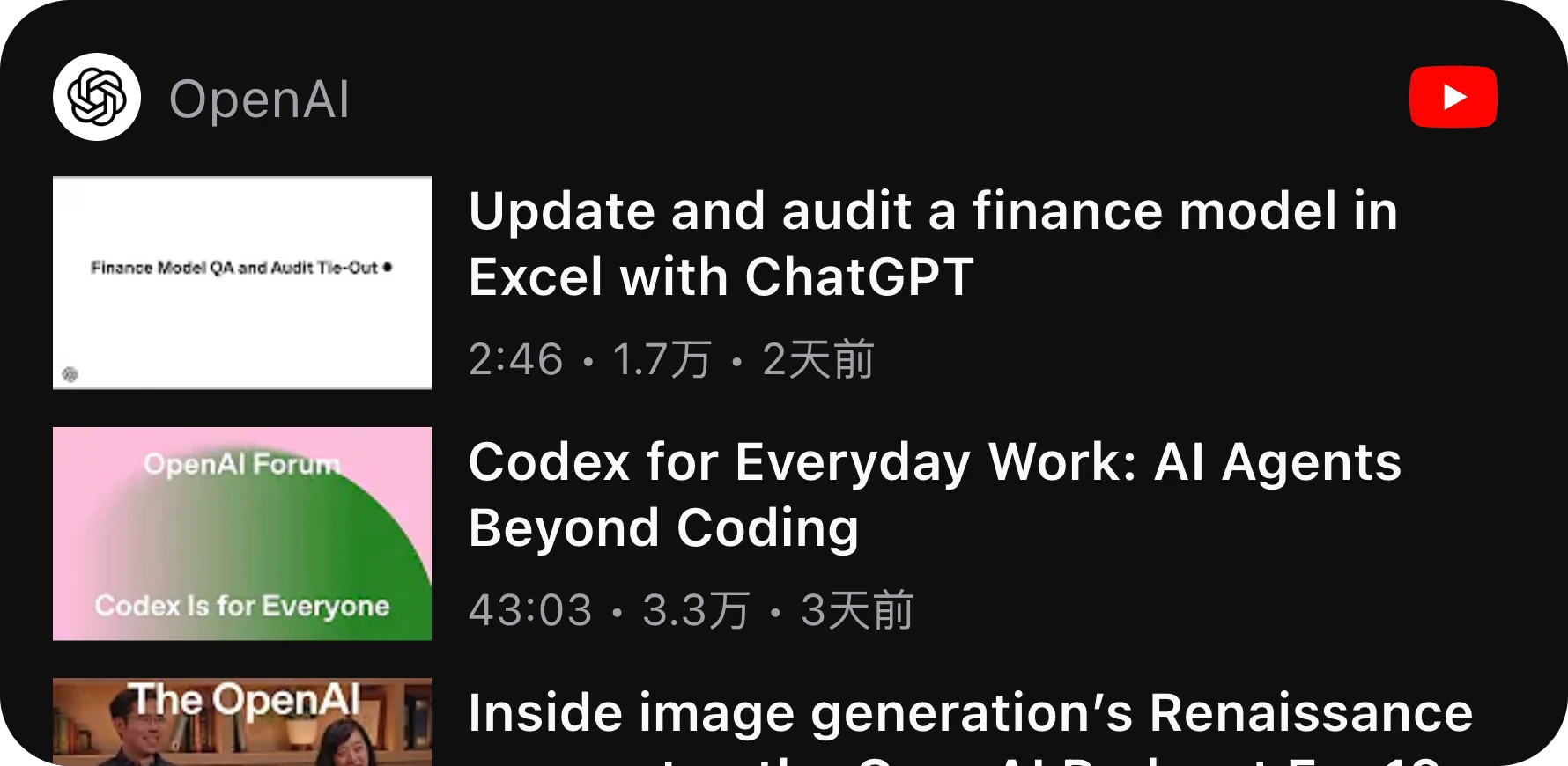
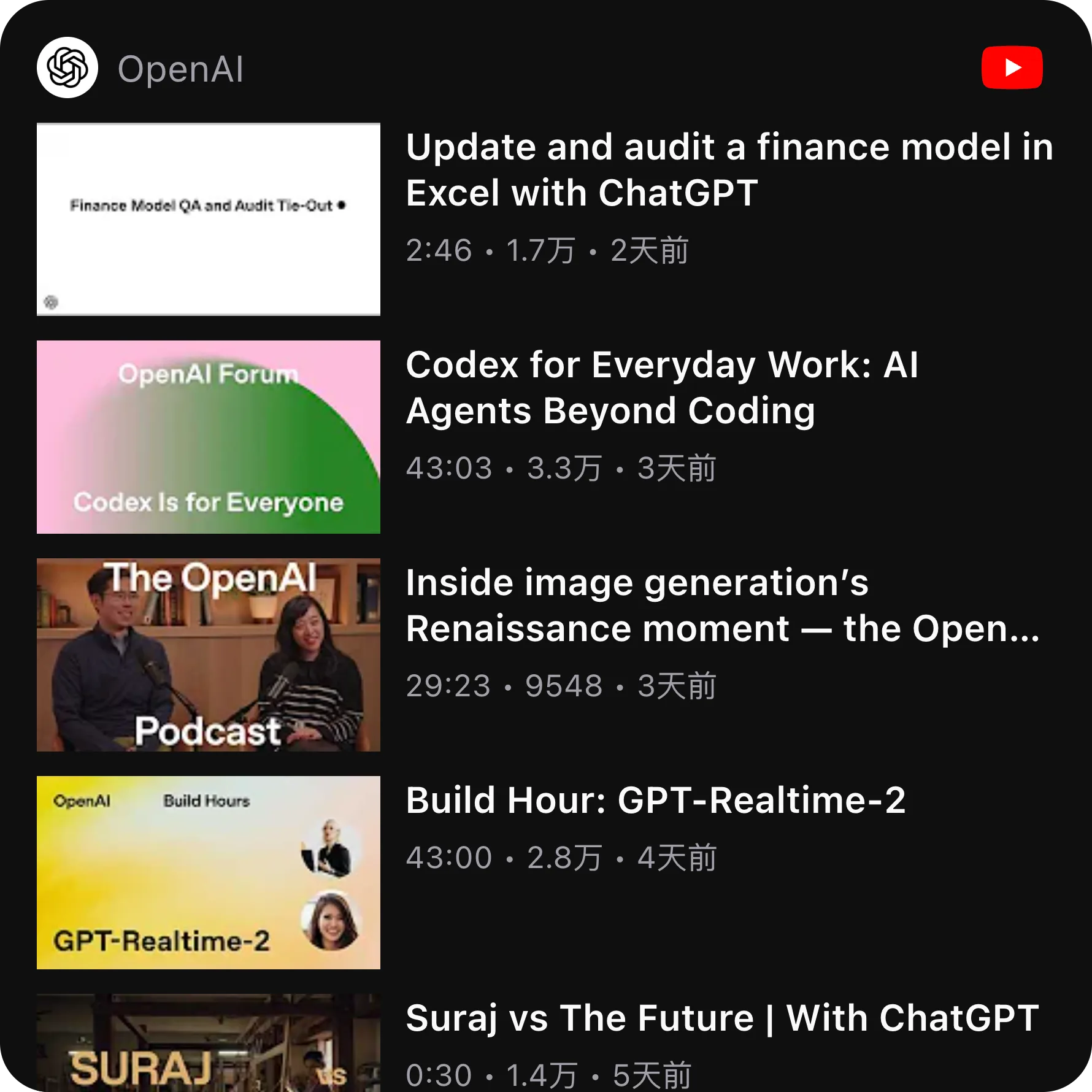
Channel Updates shows recent videos from one configured YouTube channel. You can enter a channel URL, a channel ID, or an @handle such as @OpenAI.
The small view is for the latest video glance. The wide and large views show more recent videos with thumbnails, titles, duration, view count, and relative publish time.
Notifications: check the signed-in YouTube bell
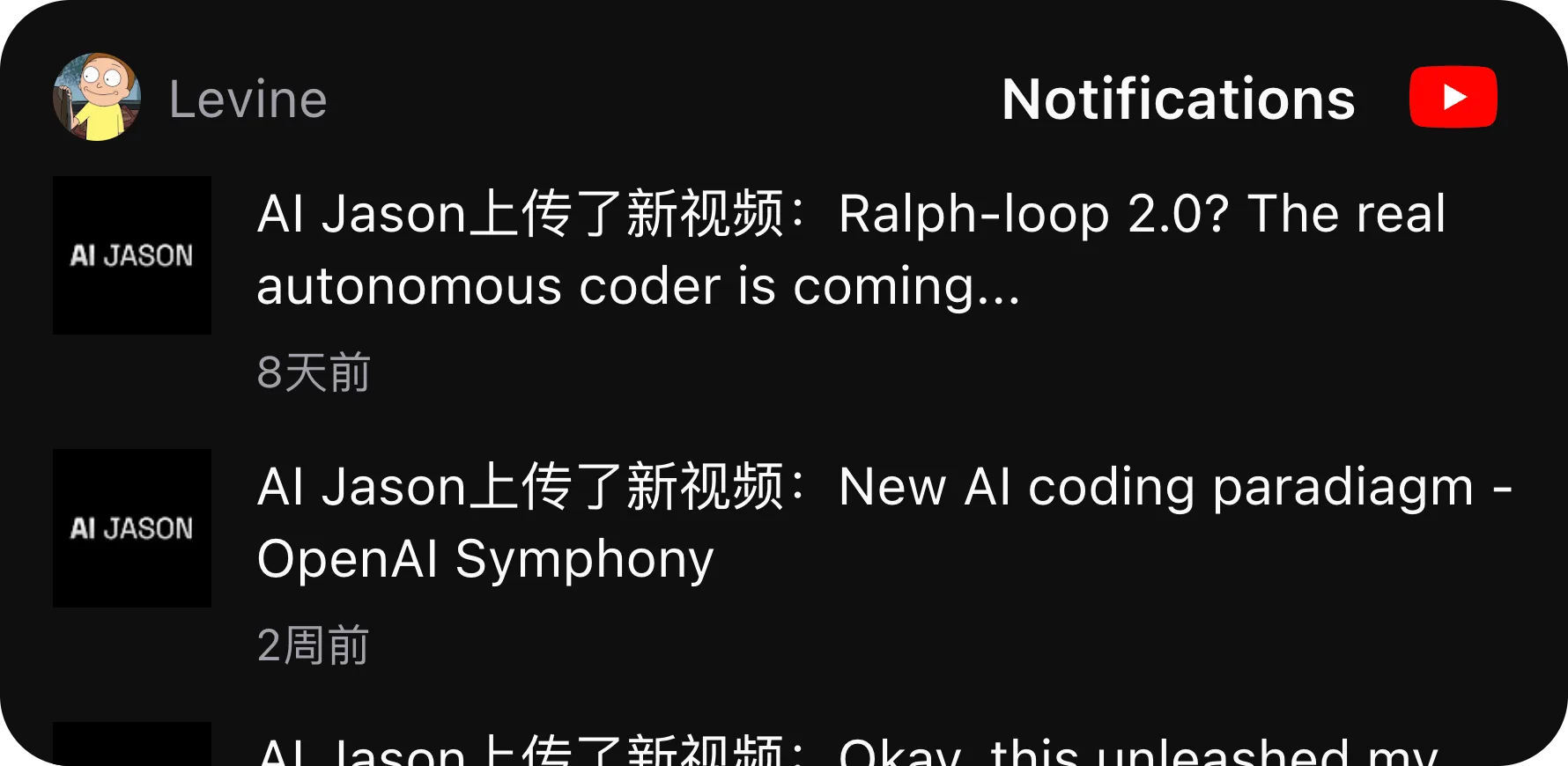
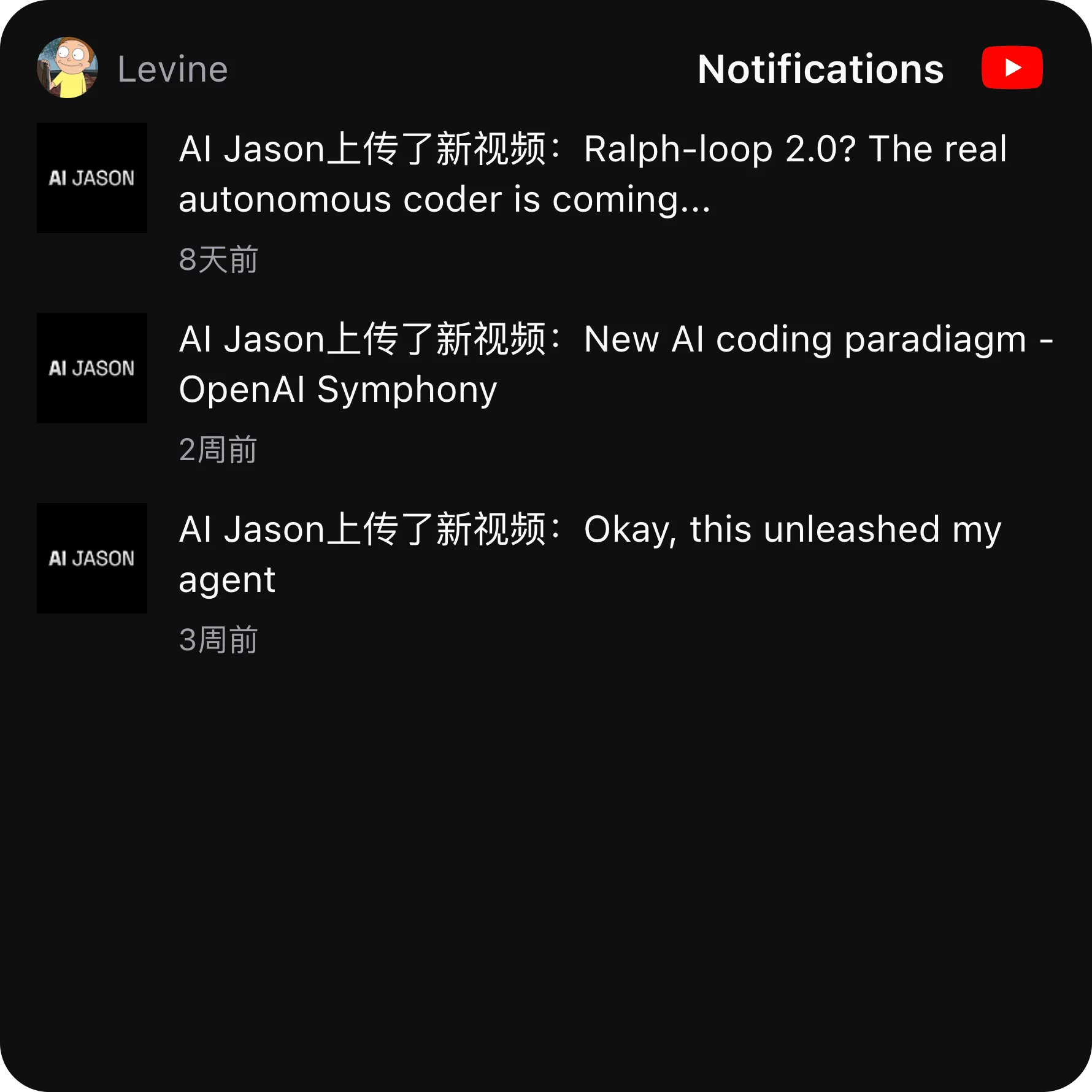
Notifications shows items from the signed-in YouTube account notification bell. It is useful when YouTube notifications matter, but you do not want to keep the full YouTube page open just to check the bell.
The short view gives a compact unread count style surface. The wide and large views show notification rows with thumbnail or avatar, message text, and relative time. If YouTube access is needed, the widget asks you to sign in from a user-triggered popup.
Keep YouTube as the place for watching and acting
The YouTube plugin is intentionally read-only. Click a video or notification when something deserves attention, then continue in YouTube for watching, replying, subscribing, or managing your account.
That boundary matters because a desktop widget should reduce repeated checking. It should not become another feed that asks for the same amount of attention as the original site.
YouTube desktop widgets FAQ
Can I follow a YouTube channel from my desktop?
Yes. Channel Updates shows recent videos from one configured YouTube channel URL, channel ID, or @handle.
Can I view YouTube notifications in a desktop widget?
Yes. Notifications shows items from the signed-in YouTube account notification bell inside Kepo.
Does the YouTube plugin require login?
Channel Updates can work for public channels. Notifications requires a signed-in YouTube session because it reads the account notification bell.
Does Kepo replace YouTube?
No. Kepo keeps repeated checks visible. You still open YouTube to watch videos, reply, manage your account, or take action.
Related Mac Desktop Widgets Resources
Explore more Mac desktop widgets and curated guides to run alongside this widget in Kepo:
YouTube remains where you watch and interact.
Kepo keeps channel updates and notification bell activity visible at the desktop level.
For people who check the same creators or the same bell menu every day, that smaller surface is the point.
Stay informed with Kepo on your desktop
Embed interactive widgets, monitor dynamic sites, track APIs, and run ambient AI agents right on your macOS desktop.
Related Articles
View all posts →GitHub widgets for developers
The Kepo GitHub plugin turns common GitHub checks into focused desktop widgets for builders who need to stay aware without living in browser tabs.
Developer Tools desktop widgets
The Kepo Developer Tools plugin turns small developer checks into desktop widgets so JSON, JWTs, regex tests, hashes, timestamps, cron schedules, colors, diffs, and UUIDs stay one glance away.
Google Search Console desktop widget
The Kepo Google Search Console plugin turns repeated SEO checks into a small desktop view for the sites you watch every day.
X desktop widgets
The Kepo X plugin turns repeated Twitter checks into focused desktop widgets for social listening and daily account monitoring.