 Kepo
Kepo
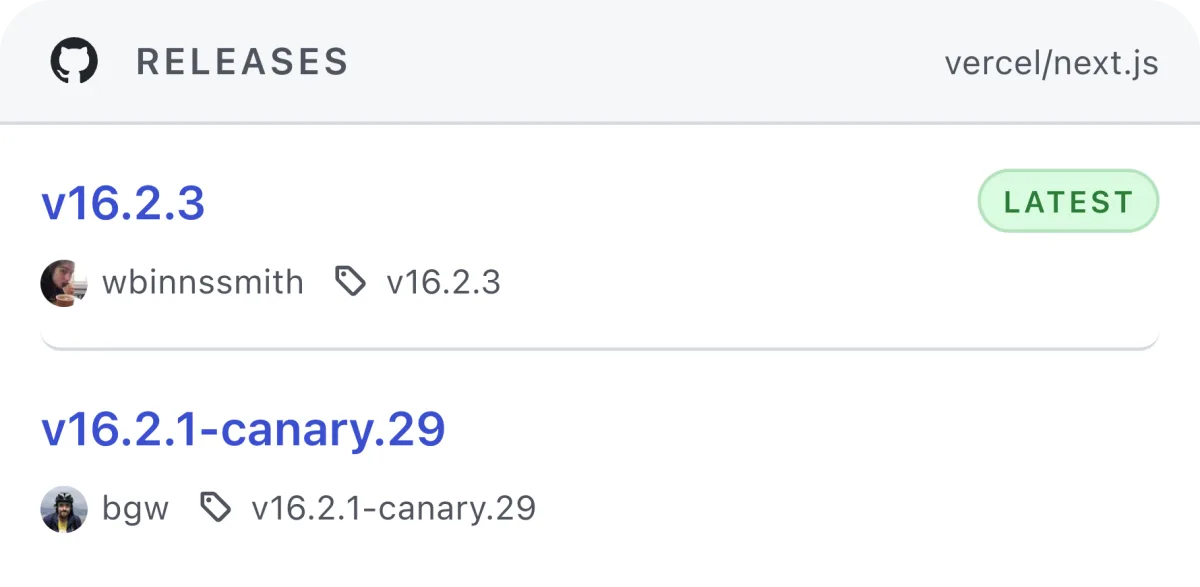
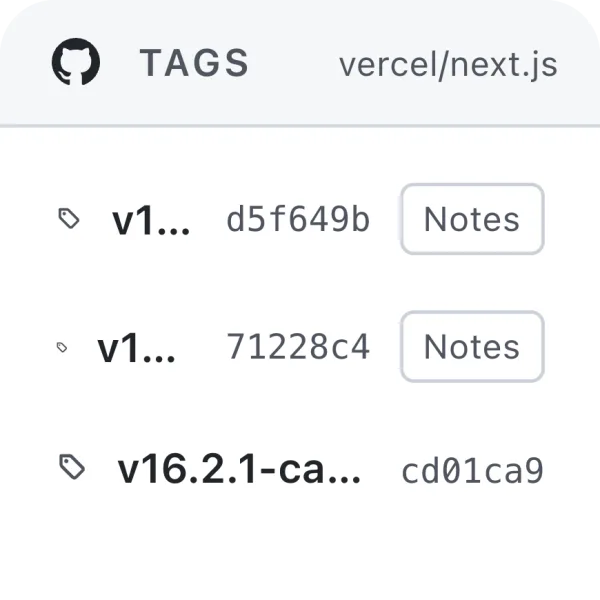
Releases and tags
Follow frameworks, SDKs, product repositories, internal services, and dependencies that publish releases through GitHub.
Kepo keeps GitHub releases, tags, and repository update signals visible as Mac desktop widgets for developers, maintainers, and indie builders.
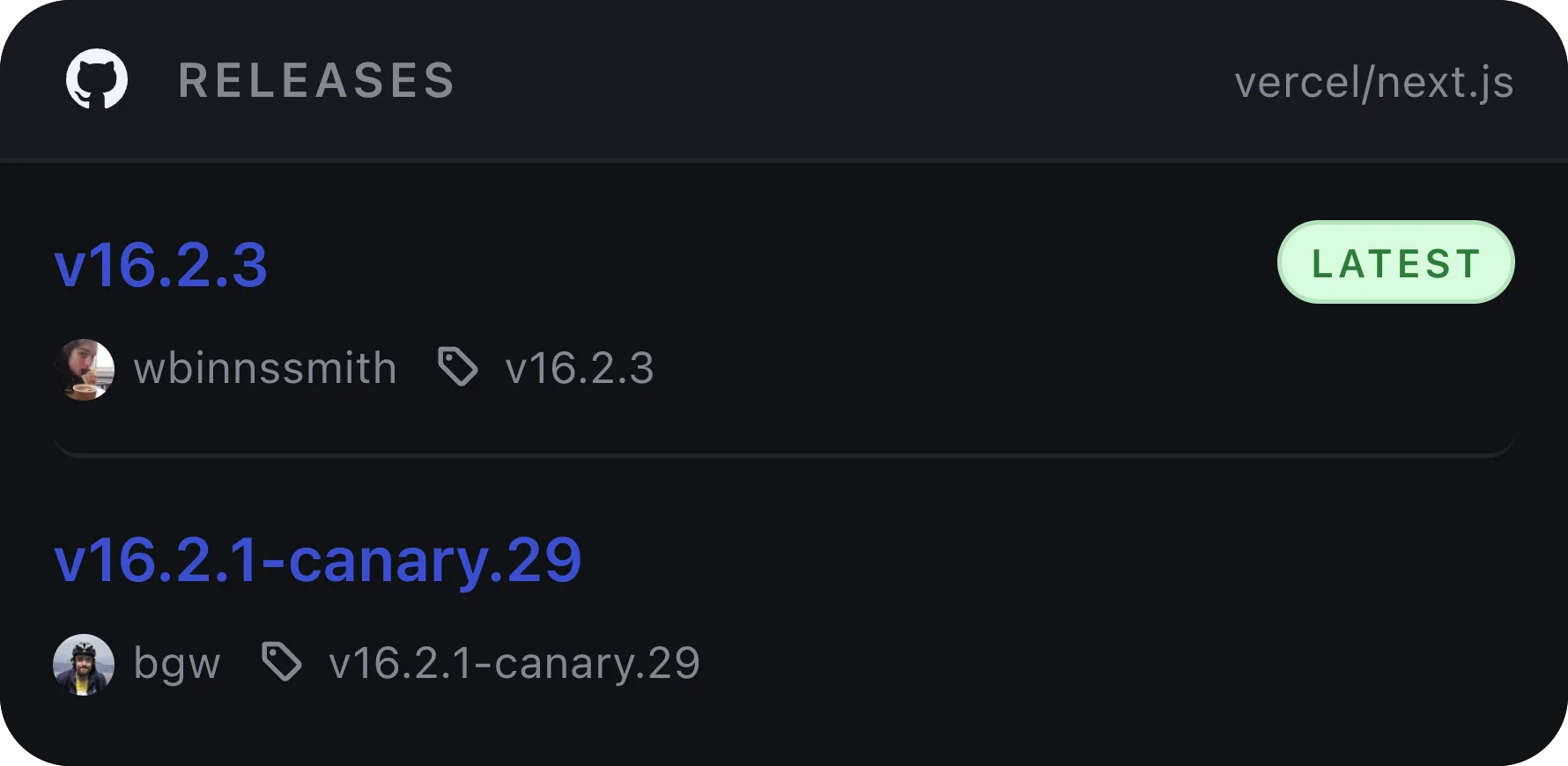
Shortcut-ready — Build widgets from sources you already check, then open the Kepo panel with one shortcut.
Why it exists
GitHub is where the work happens. Kepo is for the smaller habit around GitHub: checking whether something changed.
A release widget answers a narrow question: did this repository publish a new version, tag, changelog, or dependency update?
Use the widget for awareness, then open GitHub for full release notes, assets, discussions, or migration details.



Use Cases
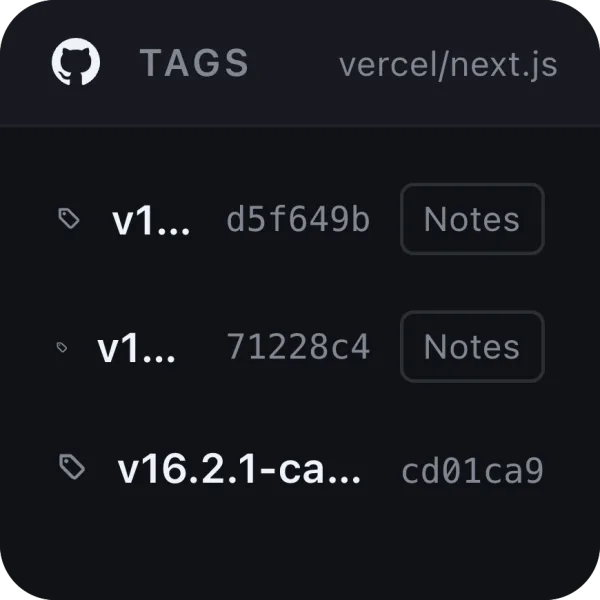
Keep the repository signals you repeatedly check in a smaller surface.
Follow frameworks, SDKs, product repositories, internal services, and dependencies that publish releases through GitHub.
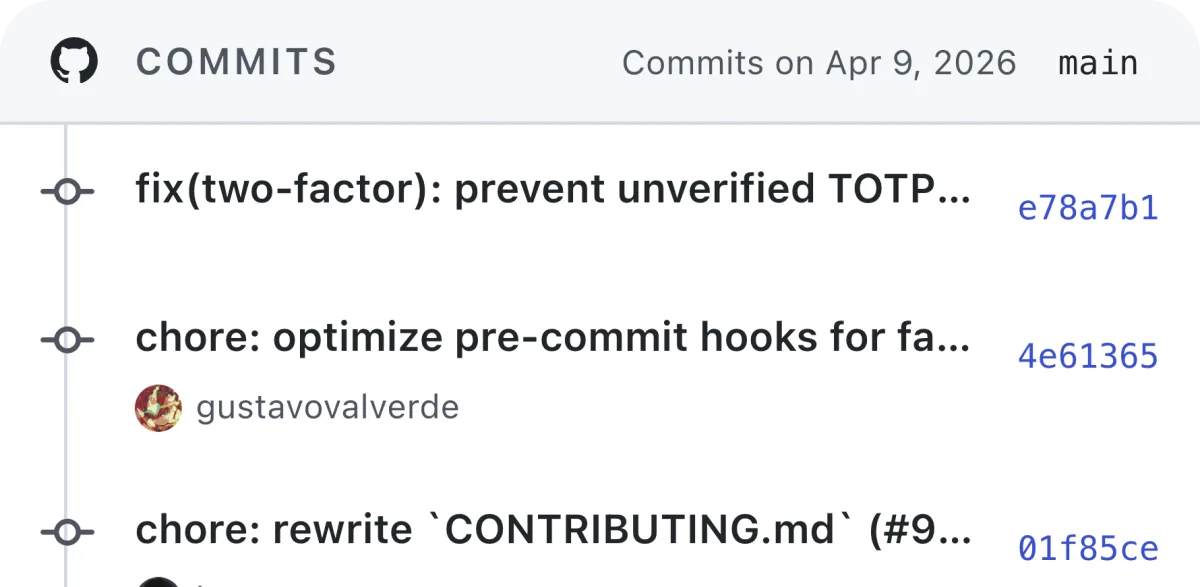

Track commits, branches, pull request queues, review requests, and issue movement when those signals matter during the day.
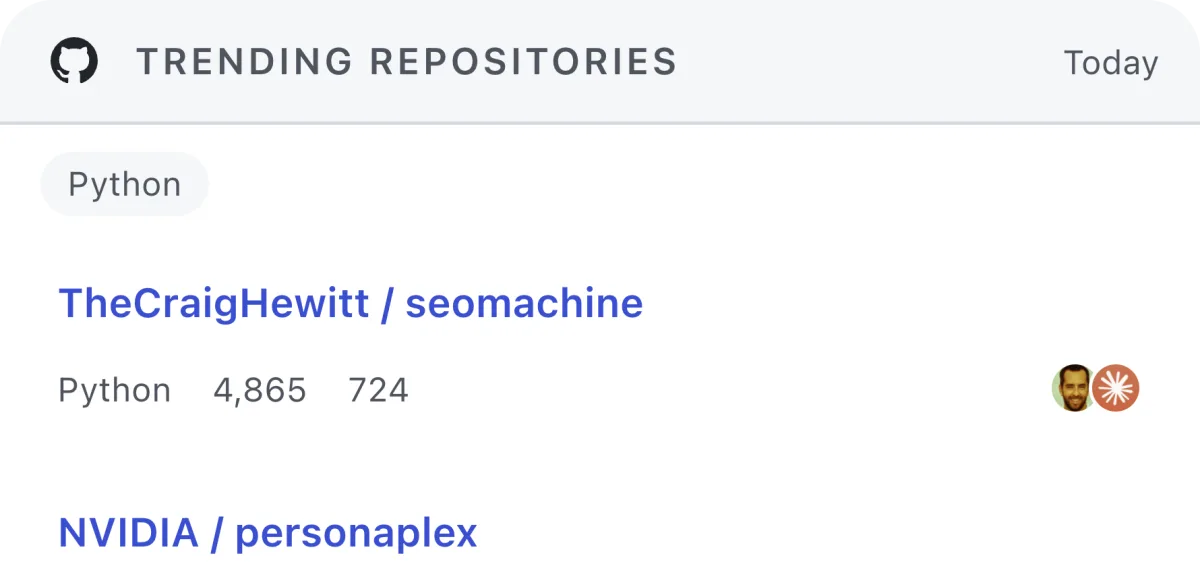
Use a widget as a lightweight daily scan for GitHub Trending or repositories you watch for product research.
Workflow
The widget should answer whether GitHub deserves attention now.
Start with one dependency, product repo, SDK, framework, or internal project.
Track latest release, tags, recent commits, review requests, notifications, or trending repositories.
Use the widget to notice the change, then use GitHub for review, reading, merging, and investigation.
Fit
Kepo is not a full GitHub client.
Best for quick release checks, small repository signals, and deciding whether GitHub needs attention.
Best for reviewing code, managing pull requests, reading issues, and inspecting repository details.
Questions
Yes. Kepo can track the latest releases and related repository signals for specific GitHub repositories.
Yes. Kepo is useful for small repeated repository checks such as tags, commits, releases, review requests, and notifications.
No. Kepo is for quick status checks. GitHub Desktop and GitHub itself remain the right tools for source control and deep repository work.
Start small
Kepo works best when the first widget has one clear source and one repeated question.
Download Kepo