Website widget for Mac
Not every website gives you RSS, a native Mac widget, or a useful notification channel. Kepo gives repeated website checks a smaller desktop surface.

Not every website gives you RSS, a native Mac widget, or a useful notification channel.
If you keep checking the same web page, article list, changelog, release list, status page, ranking, community thread list, or internal dashboard, Kepo can help turn the useful part into a focused Mac desktop widget.
The goal is not to shrink a whole website into a tiny box. The goal is to keep one repeated website check close enough that you can glance at it and keep working.
Create it with Kepo AI
The goal is not to shrink a whole website into a tiny box.
Key solutions at a glance The main decisions from this guide, condensed into one table.
Turn repeated website checks into desktop widgets
A website widget for Mac is useful when the source you care about lives on the web, but the check itself is small. You may only need to know whether a new article appeared, a release shipped, a status changed, a ranking moved, a thread updated, or a dashboard number crossed a threshold.
Instead of keeping another browser tab open, you can create a custom website widget that shows the part of the page you actually check.
Why normal Mac widgets often stop short
Built-in Mac widgets work well when an app already provides the widget you want. The problem appears when the source is a website, a page section, or a work-specific dashboard.
Many websites do not provide a native Mac widget. Some do not provide RSS. Some publish the important information inside a list, table, status view, changelog, release page, or community page.
Website sources that work well as widgets
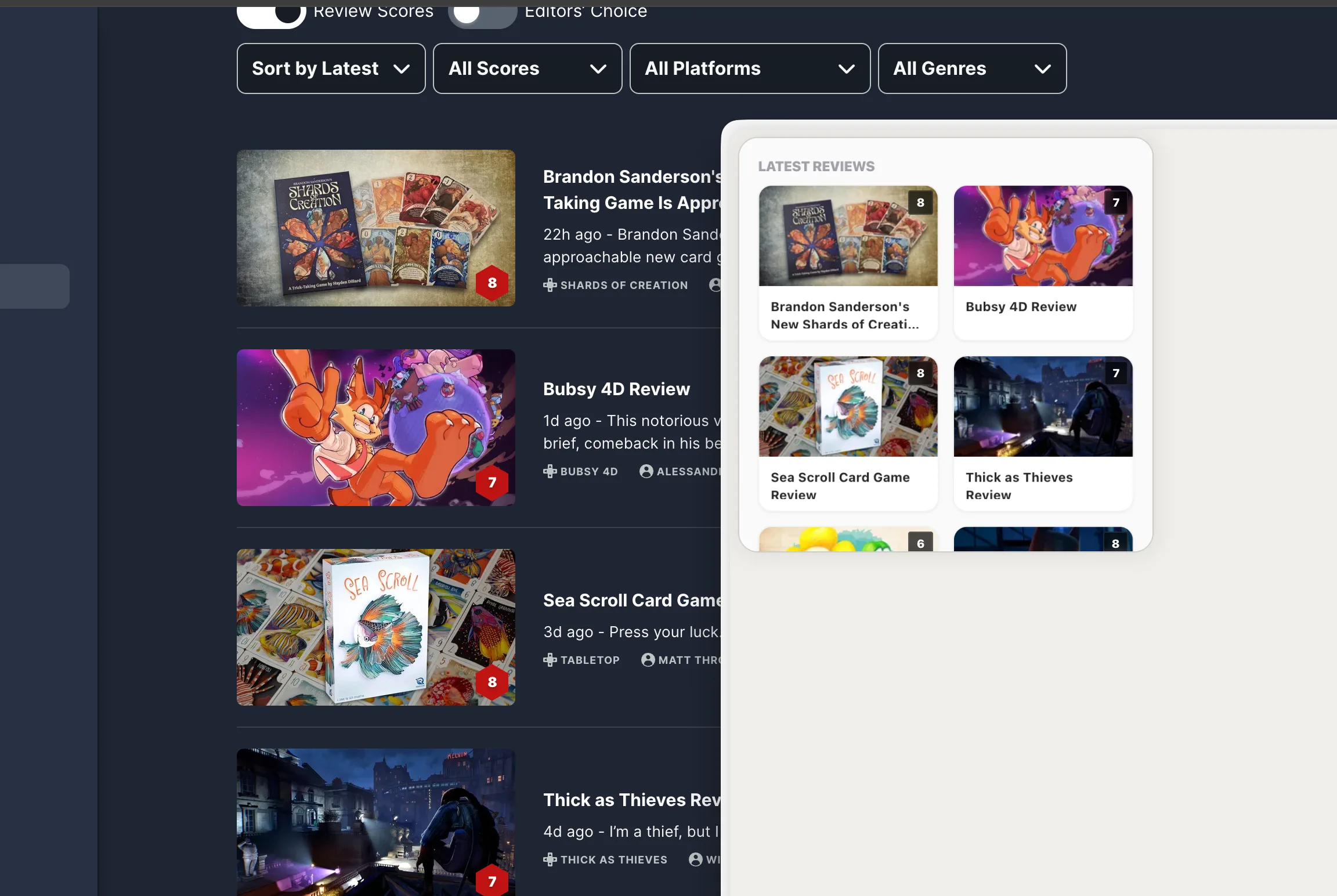
Kepo works best when the widget has a narrow job: latest articles from one page, a company changelog, a product release list, a status page, a ranking, a community thread list, a documentation update page, or a small internal dashboard view.
These sources all have the same shape: you do not need the entire website. You need the newest item, current state, short list, recent change, or small signal.
What to expect with login pages and dynamic sites
Some websites are simple to turn into widgets. Others are not. Kepo works best when the useful page area is accessible, stable, and clear.
Logged-in pages, internal systems, dynamic pages, frequently changing layouts, CAPTCHA-protected pages, paywalled pages, and sites with strict anti-automation controls may be less reliable or may require opening the original website.
Website widget FAQ
Can I turn a website into a Mac widget?
Yes, when the useful part of the website is clear and accessible. Kepo is designed for custom website widgets such as article lists, changelogs, release pages, status views, rankings, community thread lists, and internal dashboard sections.
Is a website widget the same as an RSS widget?
No. An RSS widget uses a feed when the site provides one. A website widget can start from a web page or page section when there is no clean RSS feed or native widget.
Can Kepo make a widget from any website?
Not always. Some websites require login, change their structure often, block automation, use CAPTCHA, or restrict repeated access. Kepo works best with clear, accessible page areas.
Related reading
This website widget sits next to other custom Mac desktop widgets and the free widgets for Mac overview.
Create a website widget in Kepo when one page keeps pulling you back into the browser.
Start from the source you already check: a page, list, status view, changelog, release page, ranking, thread list, or dashboard.
Stay informed with Kepo on your desktop
Embed interactive widgets, monitor dynamic sites, track APIs, and run ambient AI agents right on your macOS desktop.
Related Articles
View all posts →Best macOS widgets according to Reddit: what people keep and what they miss
Reddit threads reveal two truths about Mac widgets: people keep tools that answer repeated checks at a glance, and they quickly outgrow Apple’s static built-in gallery. Here is the distilled Reddit setup and how Kepo fills the gap.
Mac productivity widgets for repeated checks
Mac productivity is not only about faster commands. It is also about reducing the repeated checks that interrupt deep work.
Custom Mac widgets for the sources you keep checking
Native macOS widgets are great when an app already gives you what you need. Kepo covers the rest — including the web pages and feeds people used to wish old Mac OS X widgets could handle.
RSS widget for Mac and desktop RSS ticker
An RSS reader is the right place to read and organize many feeds. An RSS widget is for a smaller job: seeing whether one important source changed.