GitHub widget for Mac
GitHub is still where the real work happens. Kepo is for the smaller habit around GitHub: checking whether something changed.

GitHub is still where the real work happens: code review, issues, pull requests, releases, branches, and repository details. Kepo is not trying to replace that.
Kepo is for the smaller habit around GitHub: checking whether something changed. A GitHub widget for Mac can keep the signals you look at repeatedly on your desktop, so you do not need to reopen GitHub just to answer the same status questions all day.
Use a GitHub widget for unread notifications, pull requests waiting for review, repository releases, tags, active branch commits, and trending repositories worth opening.
Create it with Kepo AI
Use a GitHub widget for unread notifications, pull requests waiting for review, repository releases, tags, active branch commits, and trending repositories worth opening.
Key solutions at a glance The main decisions from this guide, condensed into one table.
A desktop GitHub widget should answer one small question
Most developers do not need another full GitHub client on the desktop. They need a faster way to notice when a specific GitHub signal deserves attention.
Opening GitHub is for doing the work. A widget is for deciding whether there is work worth opening.
GitHub notifications widget for Mac
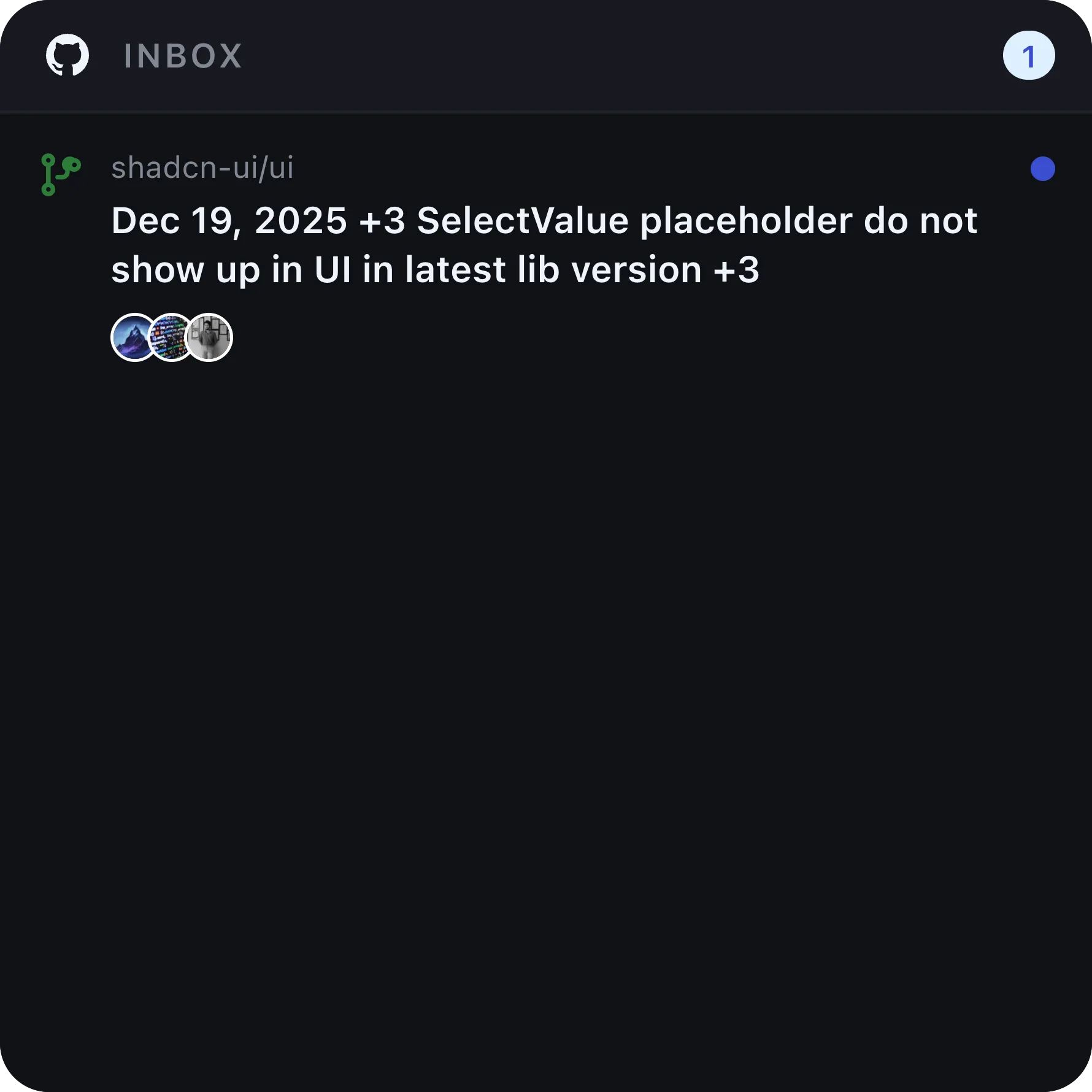
GitHub notifications can become another inbox. A GitHub notifications widget is useful when you only want to know whether anything new needs attention before opening the full notifications page.
In Kepo, the GitHub Notifications Inbox widget is designed for that quick scan. If something matters, open GitHub and handle it there. If nothing matters, stay in your current work.
Pull request review requests on the desktop
Code review is important, but it should not force you to live inside GitHub. A review request widget helps when your daily question is simple: which pull requests currently need my review?
Kepo’s Review Requests widget keeps that list focused. It is not a replacement for the pull request page. It is a way to keep review work visible enough that you can respond at the right time.
GitHub release widget for dependencies and projects
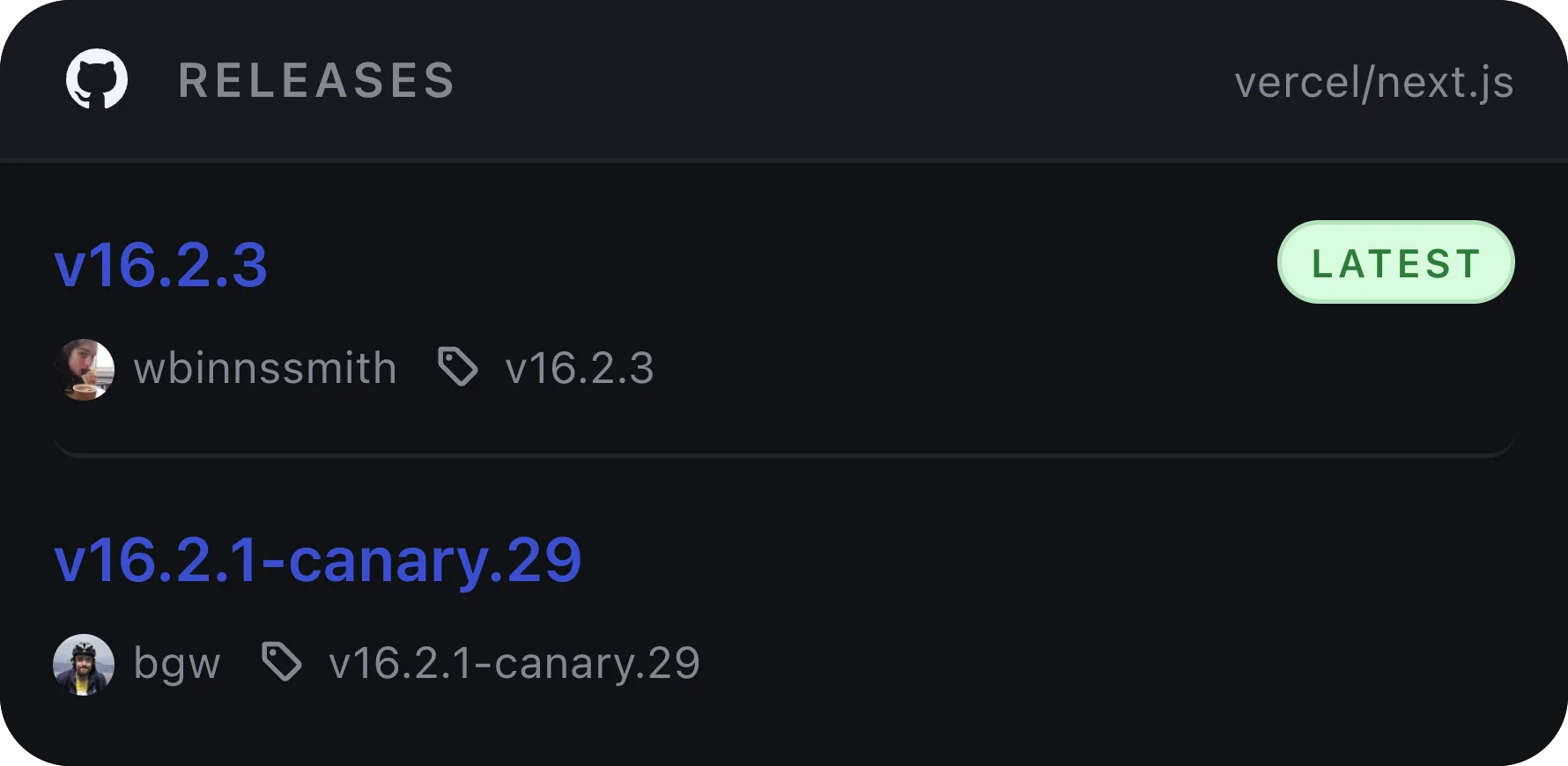
A GitHub release widget is useful when one repository matters enough to check repeatedly. That might be a framework you depend on, an SDK you integrate with, a product repository you follow, or an internal service that publishes release notes through GitHub.
The widget is there to answer the first question: did a new version ship? If yes, you can open GitHub for the full notes, assets, changelog, or migration details.
GitHub widget FAQ
Is there a GitHub widget for Mac?
Yes. Kepo can show focused GitHub desktop widgets on Mac, including notifications, pull request review requests, releases, tags, commits, and trending repositories.
Does Kepo replace GitHub or GitHub Desktop?
No. Kepo is not a full GitHub client. GitHub remains where you review code, manage pull requests, read issues, and inspect repository details. Kepo keeps repeated status checks visible on your Mac desktop.
What GitHub widgets are useful for developers?
The most useful developer widgets are usually notifications, pull request review requests, release monitoring, tag monitoring, commit timelines, and trending repositories.
Related reading
This GitHub widget sits next to other custom Mac desktop widgets and the free widgets for Mac overview.
Use GitHub for the real work.
Use Kepo when the repeated GitHub check is small enough to live as a desktop widget.
Stay informed with Kepo on your desktop
Embed interactive widgets, monitor dynamic sites, track APIs, and run ambient AI agents right on your macOS desktop.
Related Articles
View all posts →Best macOS widgets according to Reddit: what people keep and what they miss
Reddit threads reveal two truths about Mac widgets: people keep tools that answer repeated checks at a glance, and they quickly outgrow Apple’s static built-in gallery. Here is the distilled Reddit setup and how Kepo fills the gap.
Mac productivity widgets for repeated checks
Mac productivity is not only about faster commands. It is also about reducing the repeated checks that interrupt deep work.
Custom Mac widgets for the sources you keep checking
Native macOS widgets are great when an app already gives you what you need. Kepo covers the rest — including the web pages and feeds people used to wish old Mac OS X widgets could handle.
Website widget for Mac
Not every website gives you RSS, a native Mac widget, or a useful notification channel. Kepo gives repeated website checks a smaller desktop surface.