Internet Speed Test
Measure browser download and upload throughput to Cloudflare using a bounded, manually started internet speed test. The component also shows HTTP latency when measured. It transfers up to 18.2 MB of payload plus network overhead, does not measure packet loss, and is not a guarantee of the speed available to every destination.
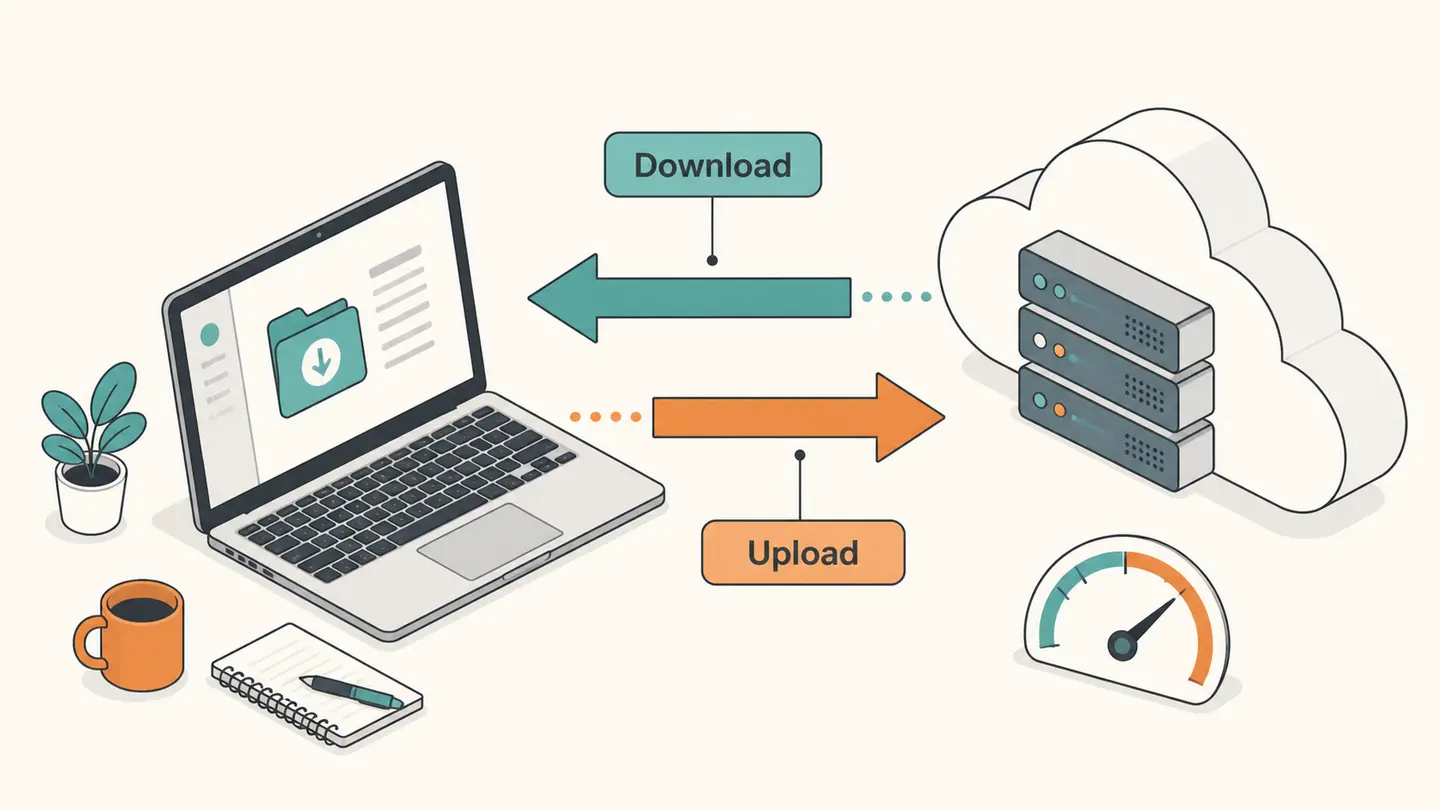
Measure browser download and upload throughput to Cloudflare using a bounded, manually started internet speed test. The component also shows HTTP latency when measured. It transfers up to 18.2 MB of payload plus network overhead, does not measure packet loss, and is not a guarantee of the speed available to every destination.
A real transfer test using Cloudflare’s speed-test engine. Manual consent and a stop button are required.
Best solution
Measure browser download and upload throughput to Cloudflare using a bounded, manually started internet speed test.
A real transfer test using Cloudflare’s speed-test engine. Manual consent and a stop button are required.
—
—
HTTP latency: —
Ready when you are
Cloudflare receives the test traffic and your connection address. Optional result logging is disabled. No packet-loss or Wi-Fi signal measurement.

Opens the Kepo download page; this calculation or file is not transferred.
Key solutions at a glance The main decisions from this guide, condensed into one table.
How to Use This Check
Check whether the connection is metered before starting. Close large transfers you do not want competing with this measurement, or deliberately leave normal activity running if your question is about the connection under its usual load. Record which condition you chose so later comparisons mean the same thing.
Read the transfer allowance and select the consent checkbox. Start the internet speed test only when you are ready for real network traffic. The bounded sequence includes small and larger download and upload samples, with optional result-reporting endpoints disabled. Cloudflare still receives the traffic and your request address.
Wait for completion or use Stop test. An interrupted sequence is not presented as a final result. If some measurements fail, available values remain labeled as partial and missing values show unavailable rather than zero. Do not treat zero and missing as equivalent when reporting a connection problem.
Compare download and upload separately. They describe different directions and may differ substantially on the same connection. Read Mbps as megabits per second, not megabytes per second. Dividing a Mbps value by eight gives a rough bytes-per-second conversion before protocol overhead and application behavior.
What the Result Actually Means
An internet speed test estimates throughput across a particular route during its measurement window. The browser, device, network activity and remote endpoint all participate in that result. This component uses Cloudflare’s published engine with a limited transfer sequence so the data allowance is explicit. A short, bounded test may underrepresent a very fast connection because large transfers can be needed to reach steady throughput. It is useful for a quick repeatable observation, not a replacement for an ISP contract measurement procedure or a comprehensive network assessment.
| Field or observation | Meaning |
|---|---|
| Download | Cloudflare to browser throughput, Mbps |
| Upload | Browser to Cloudflare throughput, Mbps |
| Latency | HTTP timing, not ICMP ping |
| Payload budget | Up to 18.2 MB, plus overhead |
Limits and Common Misreadings
Wi-Fi speed test searches often refer to internet throughput while connected by Wi-Fi. This tool does not measure radio signal strength, negotiated wireless link rate or the isolated speed between your laptop and router.
A VPN can change the route and add overhead, while a busy device can limit browser performance. Keep these factors visible when comparing results. A single low observation does not establish which component caused the limitation.
The internet speed test does not collect a WebRTC packet-loss sample, run a hidden background transfer or automatically save a monitoring history. Repeat only when a new observation will answer a specific comparison question.
An Example of Careful Interpretation: Separate the Observation from Its Cause
A hypothetical result of 80 Mbps download corresponds to about 10 megabytes per second before overhead, because one byte contains eight bits. It does not mean that every file download will sustain that rate. A small file can spend a larger share of its transfer on connection setup, while a busy server can deliver more slowly. Upload may have a different limit altogether. When comparing two internet speed test results, preserve the endpoint, transfer method and connection state instead of comparing only the largest number displayed.
Keep a Useful Troubleshooting Record
Keep the question, input, observation time and source together. A bare address, percentage or status code is difficult to interpret later because it omits the connection and measurement context. When comparing two observations, note what changed between them: the target, network, VPN state, selected adapter, record type or remote origin. Change one relevant condition at a time when possible. That makes the comparison easier to explain without inventing a cause from one number.
Save only information you actually need. Network records can reveal infrastructure names and connection details, even when they do not contain a password. Remove unrelated identifiers before sharing a screenshot with another person. Never put private credentials in a domain field or publish an internal hostname as part of a public test. A copied result is a snapshot, not a promise that the same conditions still apply when someone reads it later.
Kepo is a Mac desktop-widget product for repeated checks and small workflows. A labeled troubleshooting note or a supported monitoring widget can keep the relevant context accessible while you work. The download link opens the product workflow; this article does not automatically install a configured diagnostic widget, transfer your network inputs or start a scheduled check. Confirm the actual widget’s capabilities before relying on it for ongoing observations.
Choose the next task by the question you need answered.
Frequently Asked Questions
Does internet speed test describe my entire network?
No. The steps and component above define the scope of this observation. A local adapter value, an external address and a remote probe result describe different viewpoints. Preserve that context and do not generalize a single observation to every application or connection.
What should I do when a result is unavailable?
Keep it marked unavailable. An unfinished or failed observation is not a successful zero result and does not establish the cause of a problem. Check the input and try again later only when another observation is useful. Respect provider limits rather than repeatedly retrying.
Does this page save a monitoring history or install a desktop widget?
No. The page provides the specific manual workflow described above. It does not schedule future tests or create a configured desktop widget. Save the relevant result yourself and use an explicitly supported monitoring feature if you need recurring checks.
Sources and Method
Primary references for the protocol, provider or operating-system steps.
A useful network answer states what was checked, where the observation came from and what remains unknown. Keep those distinctions when you save or share the result.
Stay informed with Kepo on your desktop
Embed interactive widgets, monitor dynamic sites, track APIs, and run ambient AI agents right on your macOS desktop.
Related Articles
View all posts →How to calculate days between dates and business days
Enter two dates to count calendar days, weekdays, and weekends. Check whether to include the end date, follow a worked example, and account separately for holidays.
90 days from today: calculate the exact date
Find the date 90 days from today with the calculator below. See a worked example, compare calendar days with weekdays, and understand why three months can give a different answer.
How to find IP address on Mac: local vs. public IP explained
Learn how to find IP address on Mac across local network interfaces and public gateways. Master Terminal shortcuts, understand private vs. public routing, and pin live network widgets to your desktop.
How to crop an image on Mac: native tools and instant workflows
Crop an image on Mac with Preview or Photos, or try the center-crop tool on this page. Compare selection controls, aspect ratios, PNG export, and ways to preserve the original.