 Kepo
Kepo
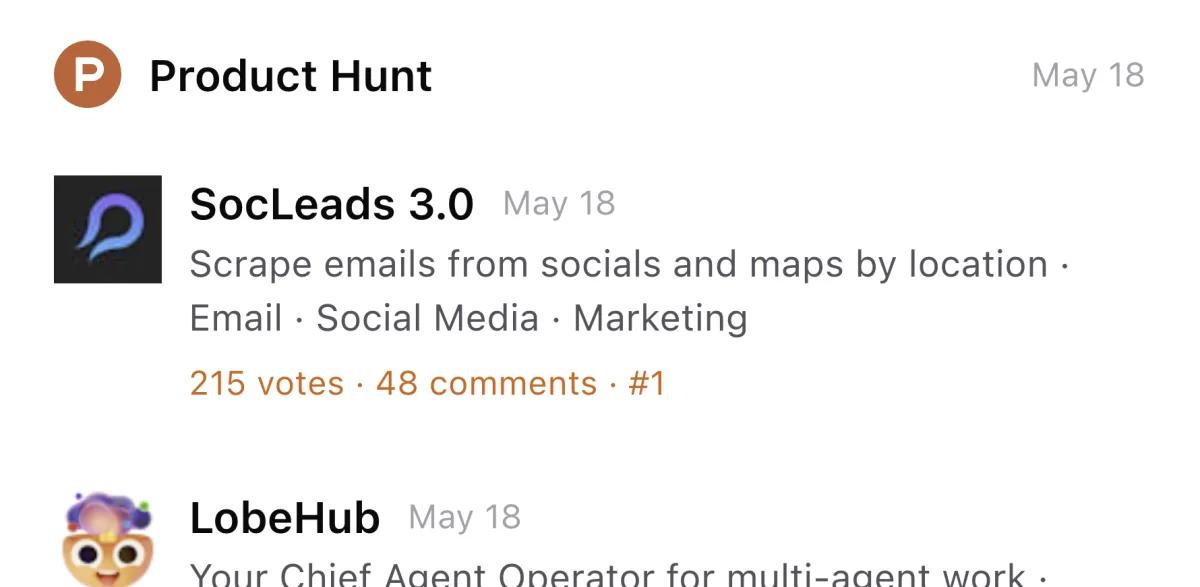
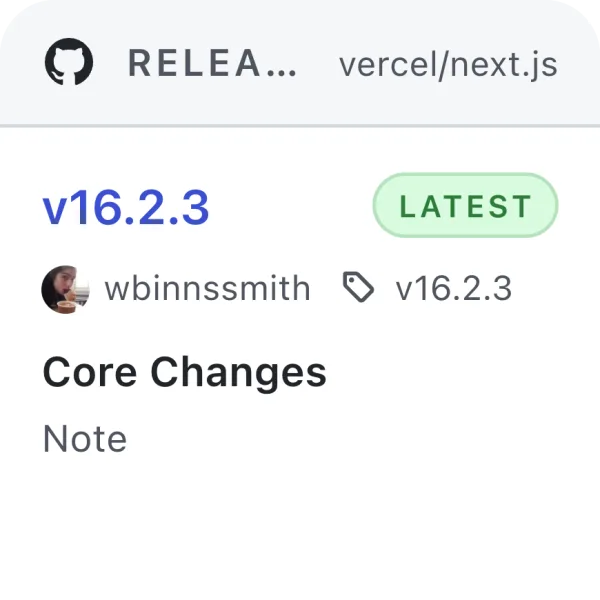
Builder dashboard
Product Hunt launches, GitHub releases, Stripe or analytics checks, support queues, and status pages.
Kepo keeps repeated updates in a compact desktop panel, so MacBook users can glance at live information and return to the current workspace.
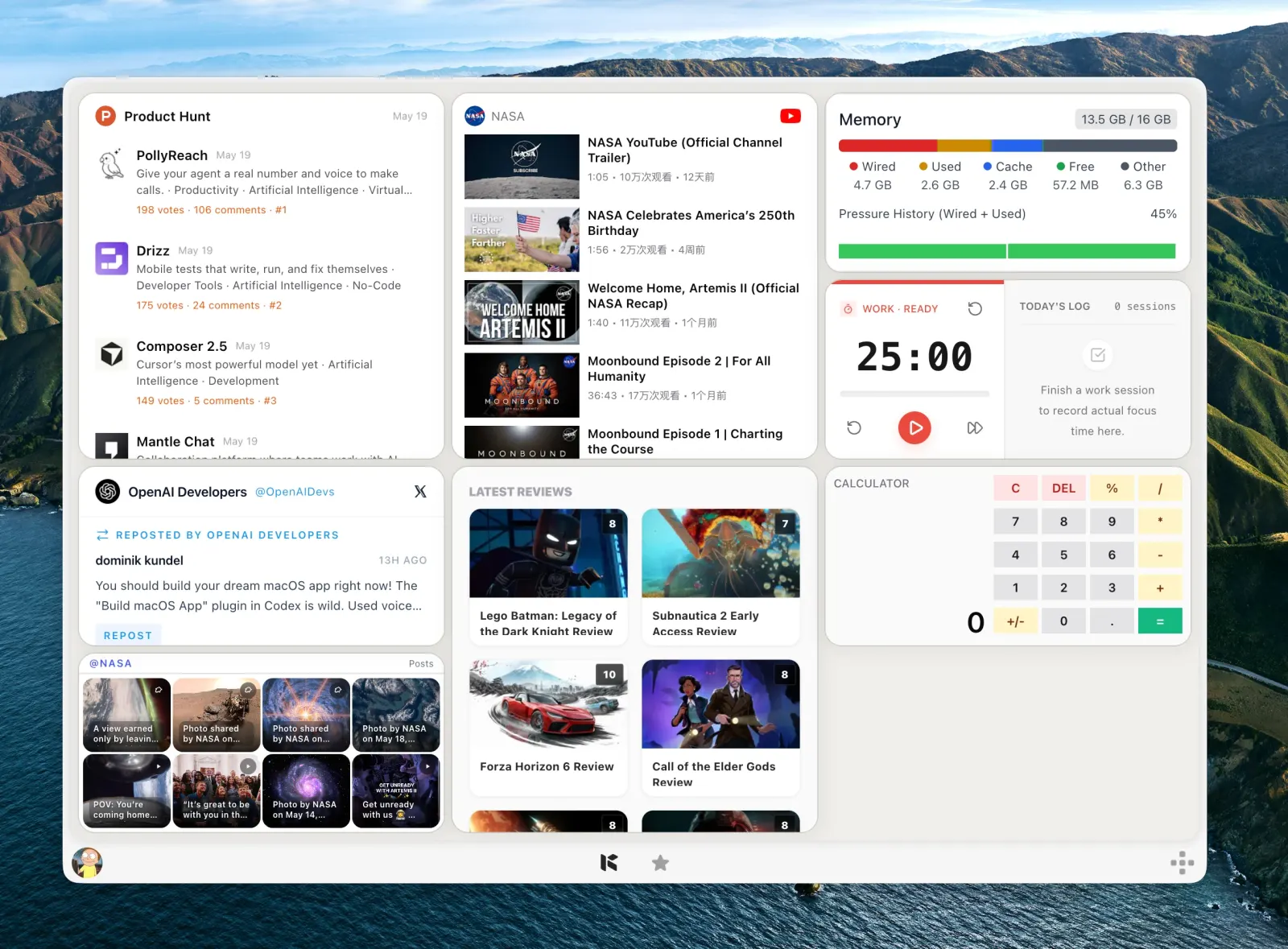
Shortcut-ready — Build widgets from sources you already check, then open the Kepo panel with one shortcut.
Why it exists
MacBook screens make tab sprawl more painful. Every repeated check competes with your editor, browser, notes, and messaging apps.
Kepo gives those checks a separate widget panel that appears with a shortcut and disappears when you go back to work.
It is most useful for narrow signals: latest update, current status, newest release, unread item, or one small tool.
Use Cases
Use widgets that keep context small and glanceable.
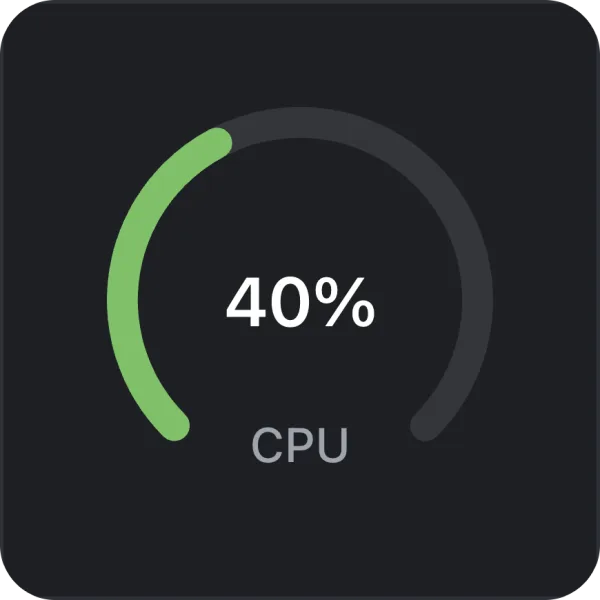
Product Hunt launches, GitHub releases, Stripe or analytics checks, support queues, and status pages.
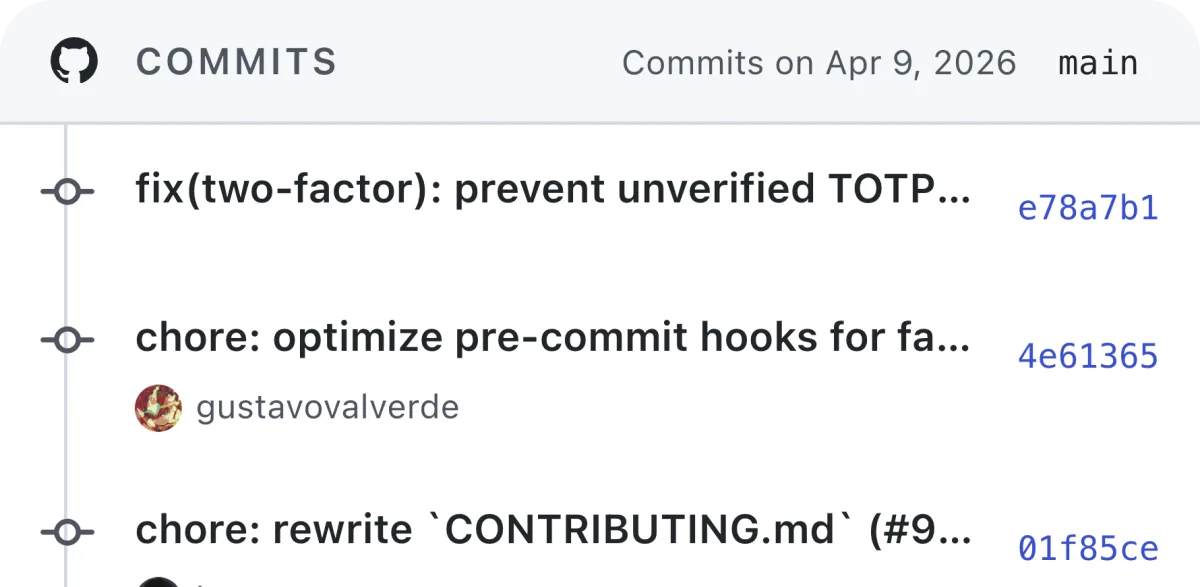
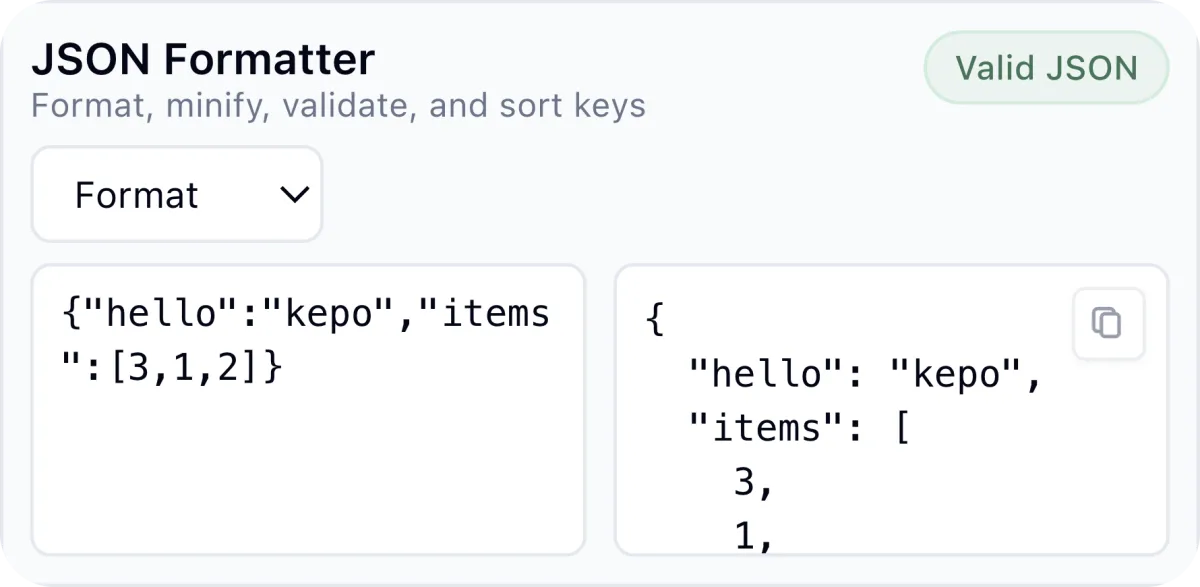
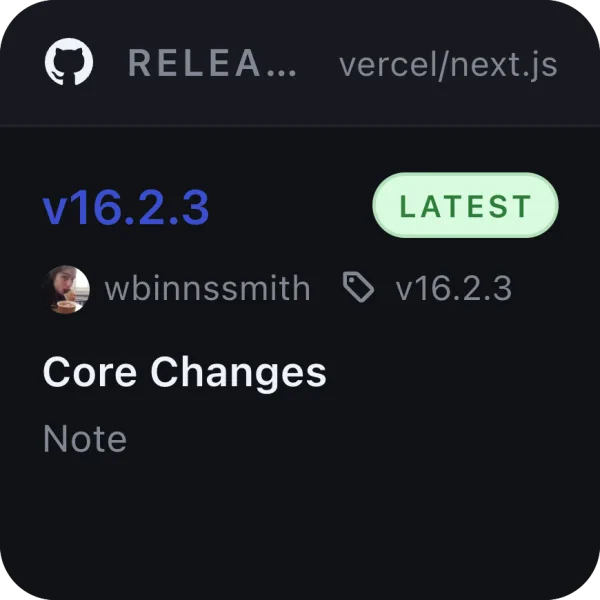
Repository updates, review requests, docs changes, dependency releases, and quick JSON or timestamp tools.
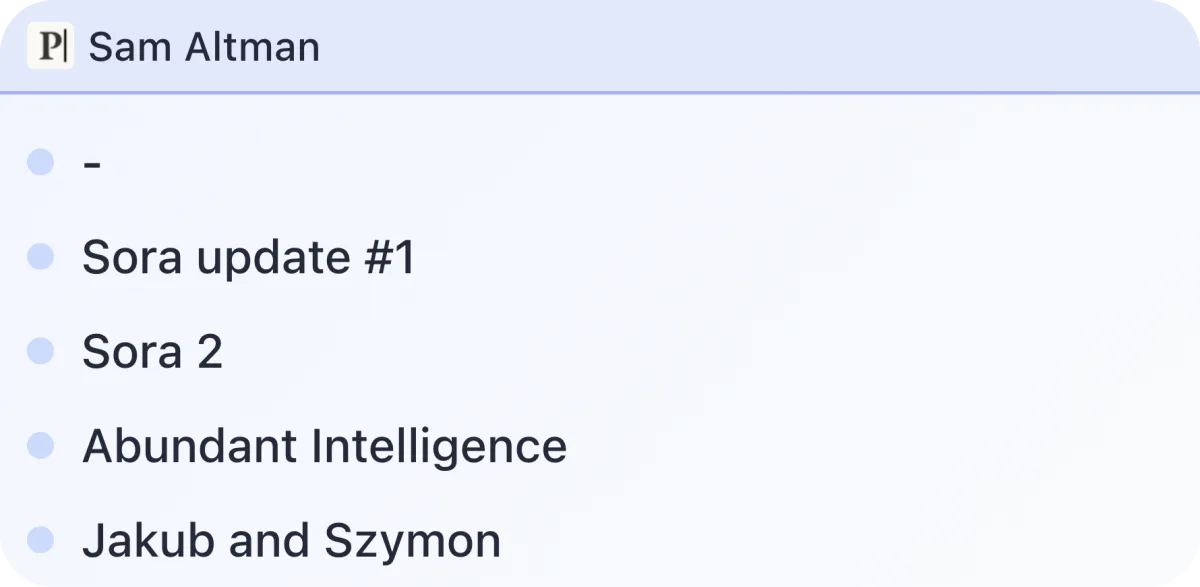
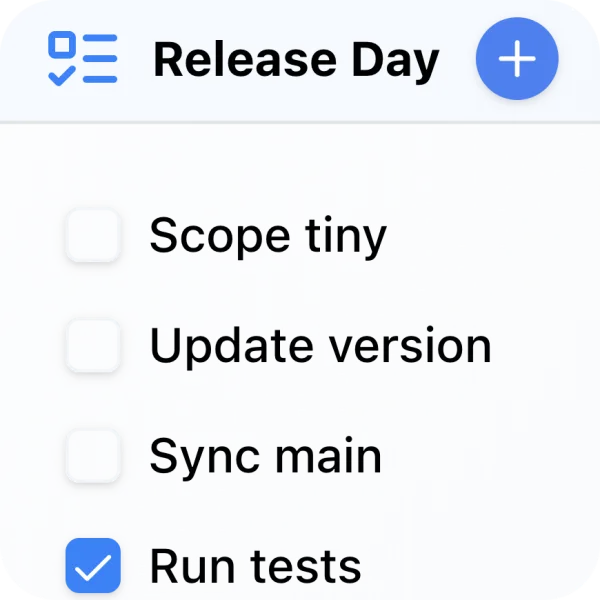
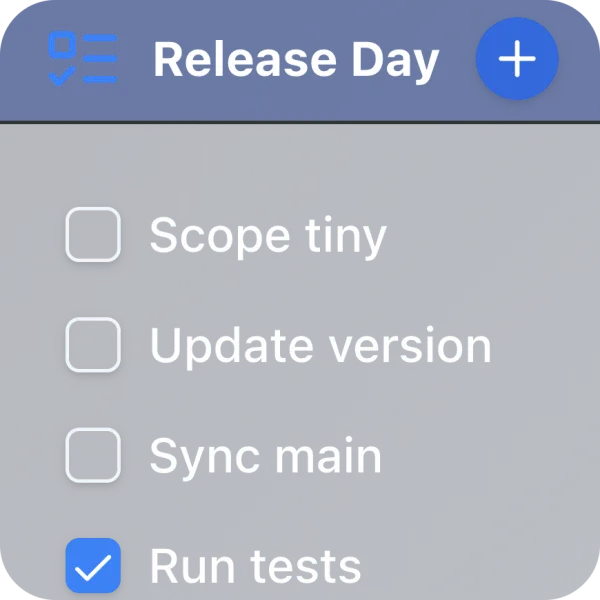
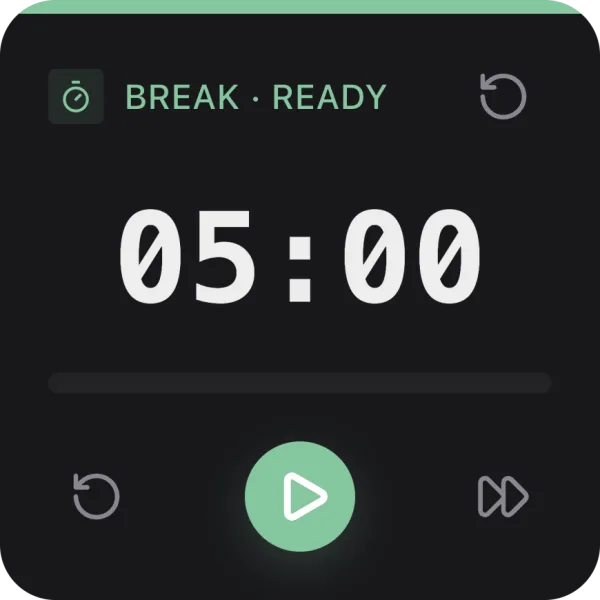
RSS updates, tasks, timers, newsletters, YouTube channel updates, and small recurring checks.
Workflow
Kepo is designed around quick access, not permanent distraction.
Move repeated status checks out of pinned tabs and into widgets.
Bring Kepo up with one shortcut, scan the widgets, and close it.
If the widget shows a change worth acting on, jump back to the original website or app.
Fit
A widget should reduce the number of surfaces you manage.
The best widgets answer one question in a few seconds.
When the task becomes reading, editing, approving, or debugging, open the original app or page.
Questions
Yes. Kepo runs on Mac and is useful on MacBook screens because the widget panel can be opened with a shortcut and closed when you return to work.
Useful MacBook widgets include GitHub releases, Product Hunt launches, Reddit threads, RSS feeds, status pages, checklists, timers, and compact developer tools.
No. Kepo is for quick checks and small tools. Full reading, editing, account actions, and deep work still belong in the original apps and websites.
Start small
Kepo works best when the first widget has one clear source and one repeated question.
Download KepoTurn web sources and small workflows into live desktop widgets.
Create widgets for websites, feeds, monitors, and tools that do not already have native widgets.
Use ready-made widgets and build local custom widgets with Kepo Skills.
Compare built-in Mac widgets with custom desktop widgets.
Follow selected X/Twitter creators without relying on the algorithmic feed.
Track releases and developer updates from the desktop.