 Kepo
Kepo
Built-in macOS widgets
Use Apple and app-backed widgets for calendar events, reminders, weather, batteries, notes, clocks, and supported third-party apps.
Start with built-in macOS widgets and ready-made Kepo widgets. Developers can also build and run local custom widgets for free with Kepo Skills.
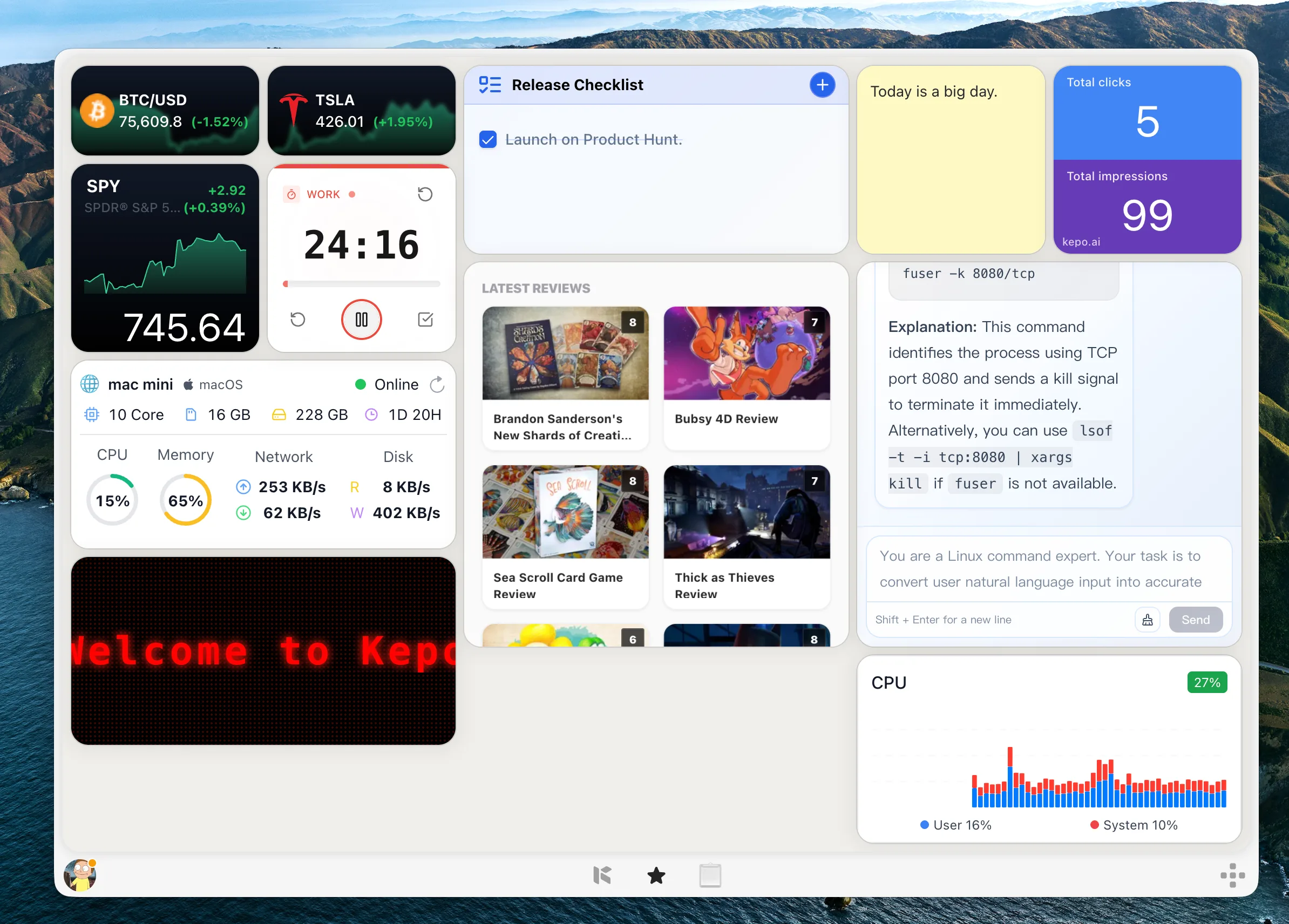
Shortcut-ready — Build widgets from sources you already check, then open the Kepo panel with one shortcut.
Why it exists
If you want free Mac widgets, start with the built-in macOS widget gallery and the widgets provided by apps you already use.
Kepo adds ready-made widgets for repeated checks and small tools, and developers can use Kepo Skills to build and run local custom widgets for free.
The built-in AI creation flow is paid. It is a convenience layer for people who want Kepo to help create a custom widget from a page or source without manually developing the widget.
Continue with Mac desktop widgets , best widgets for Mac , or Mac widgets guide .

Use Cases
Use the free path that matches the widget you need.
Use Apple and app-backed widgets for calendar events, reminders, weather, batteries, notes, clocks, and supported third-party apps.
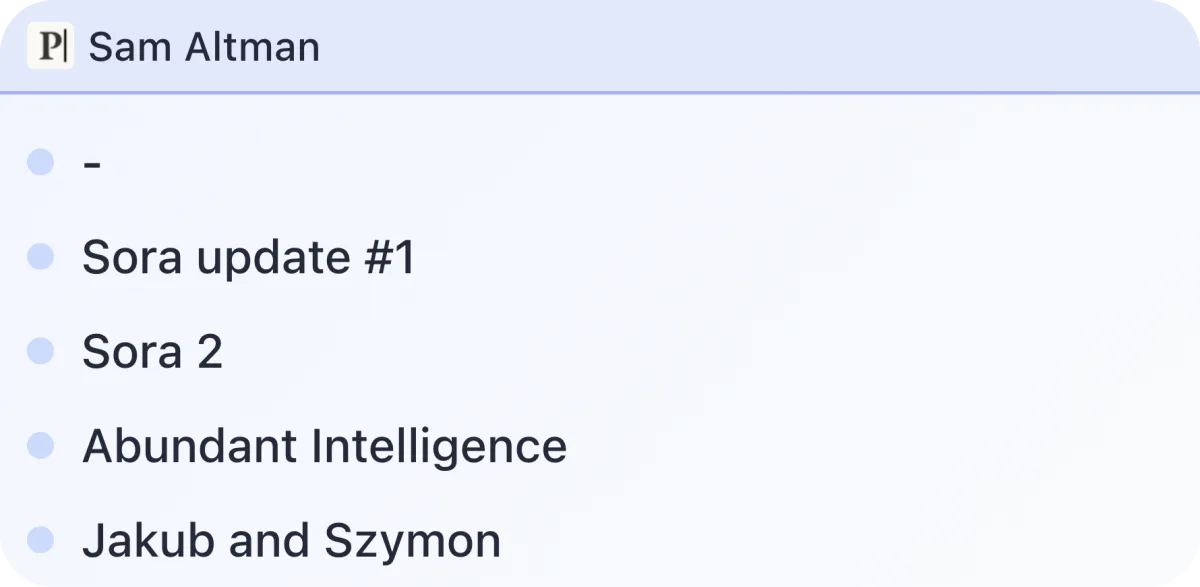
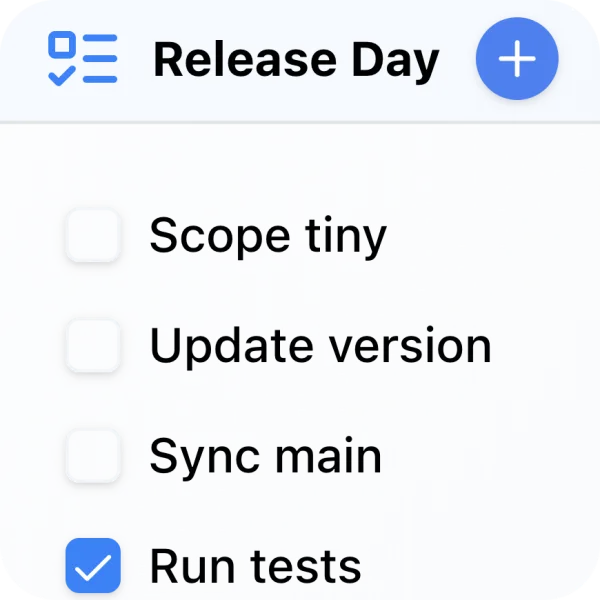
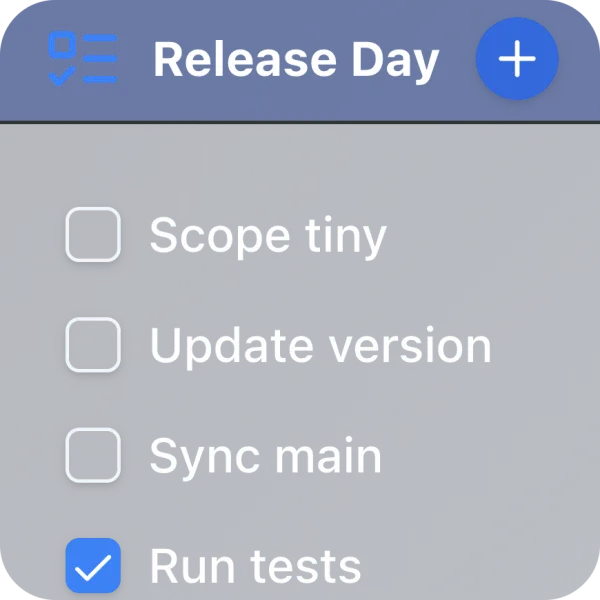
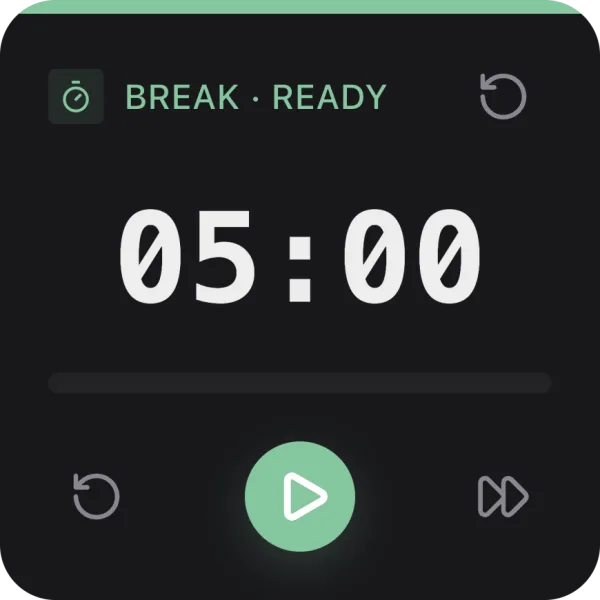
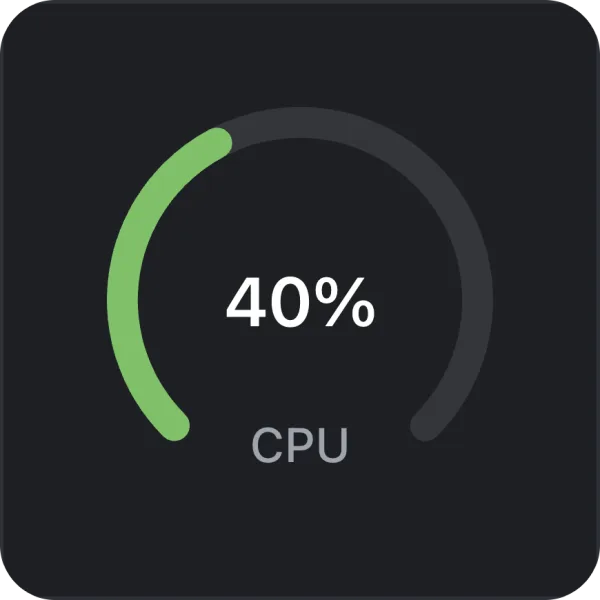
Use available widgets for feeds, tasks, timers, monitors, developer checks, social updates, and small tools.
Developers can build custom widgets locally with Kepo Skills without paying for the built-in AI creation flow.
Workflow
Use ready-made widgets first, then build locally if you need something custom.
If a Mac app already provides the widget you need, use the built-in widget gallery.
Use Kepo widgets when you need a shortcut-ready panel for repeated checks and small tools.
Install the Kepo plugin development Skill and build local custom widgets when the ready-made options do not cover your source.
Fit
Both paths create widgets, but they fit different users.
Best for developers who are comfortable building and running local custom widgets for free.
Best for users who want the app to help create a widget from a page or source with less manual development.
Questions
Yes. macOS includes built-in widgets, many apps provide their own widgets, and Kepo provides ready-made widgets plus a free local Skills workflow for developers.
Kepo includes free ready-made widgets and free local custom widget development through Skills. The built-in AI creation flow is paid.
You can download Kepo for Mac and use its available widgets from the store. Developers can also build and run local custom widgets with Skills.
Start small
Kepo works best when the first widget has one clear source and one repeated question.
Download KepoCompare native widgets with Kepo custom widgets.
See practical widget ideas by use case.
Understand native macOS widgets versus custom Kepo widgets.
Build widgets for specific websites, feeds, and tools.
Browse ready-made widgets.