 Kepo
Kepo
Websites and feeds
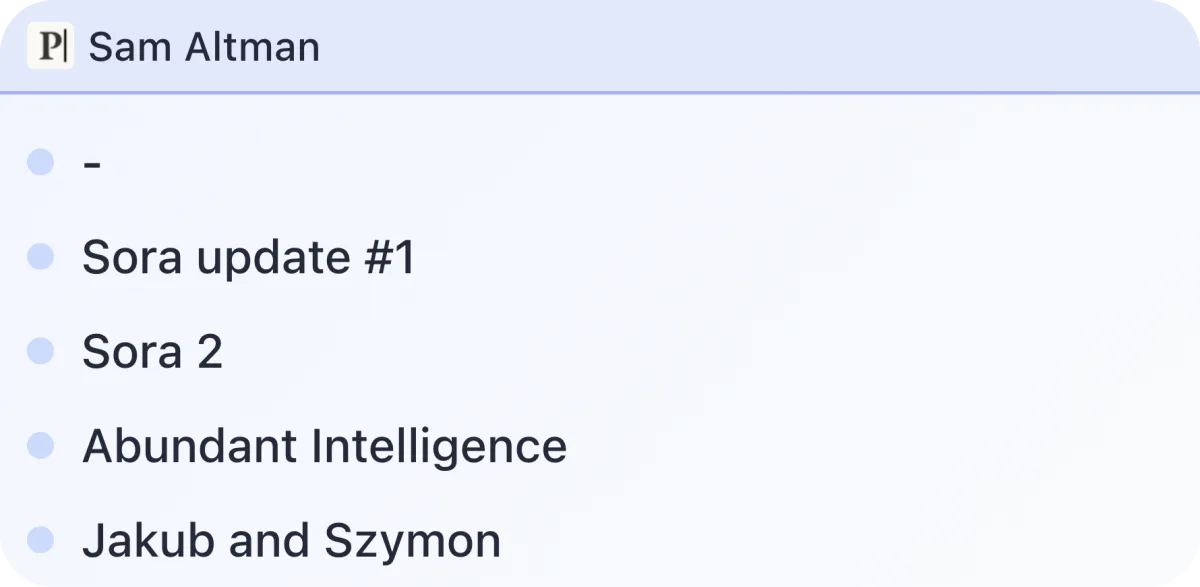
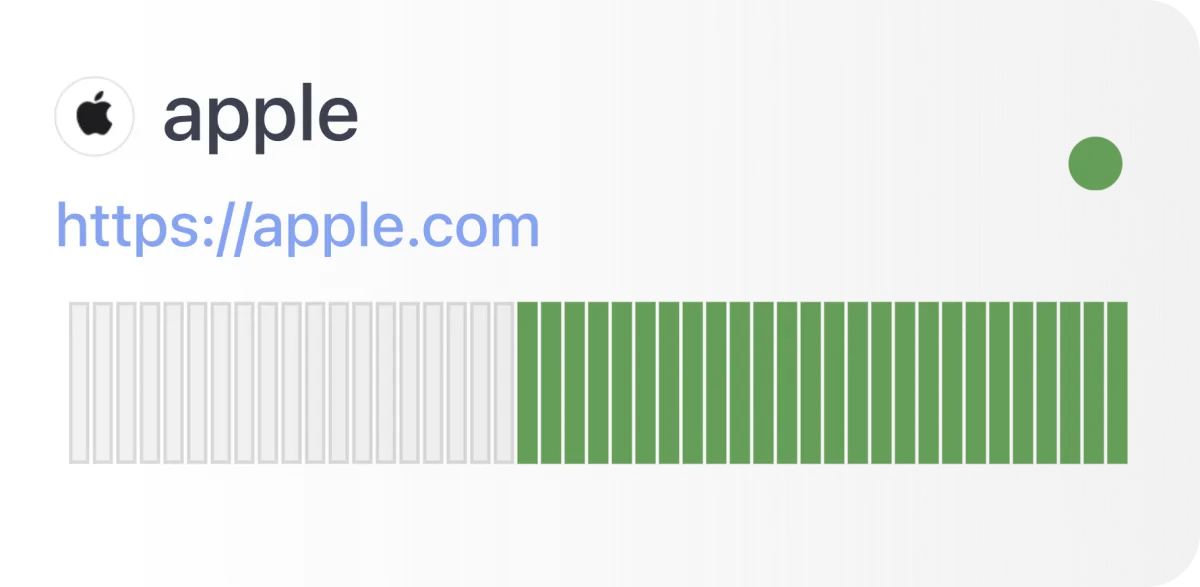
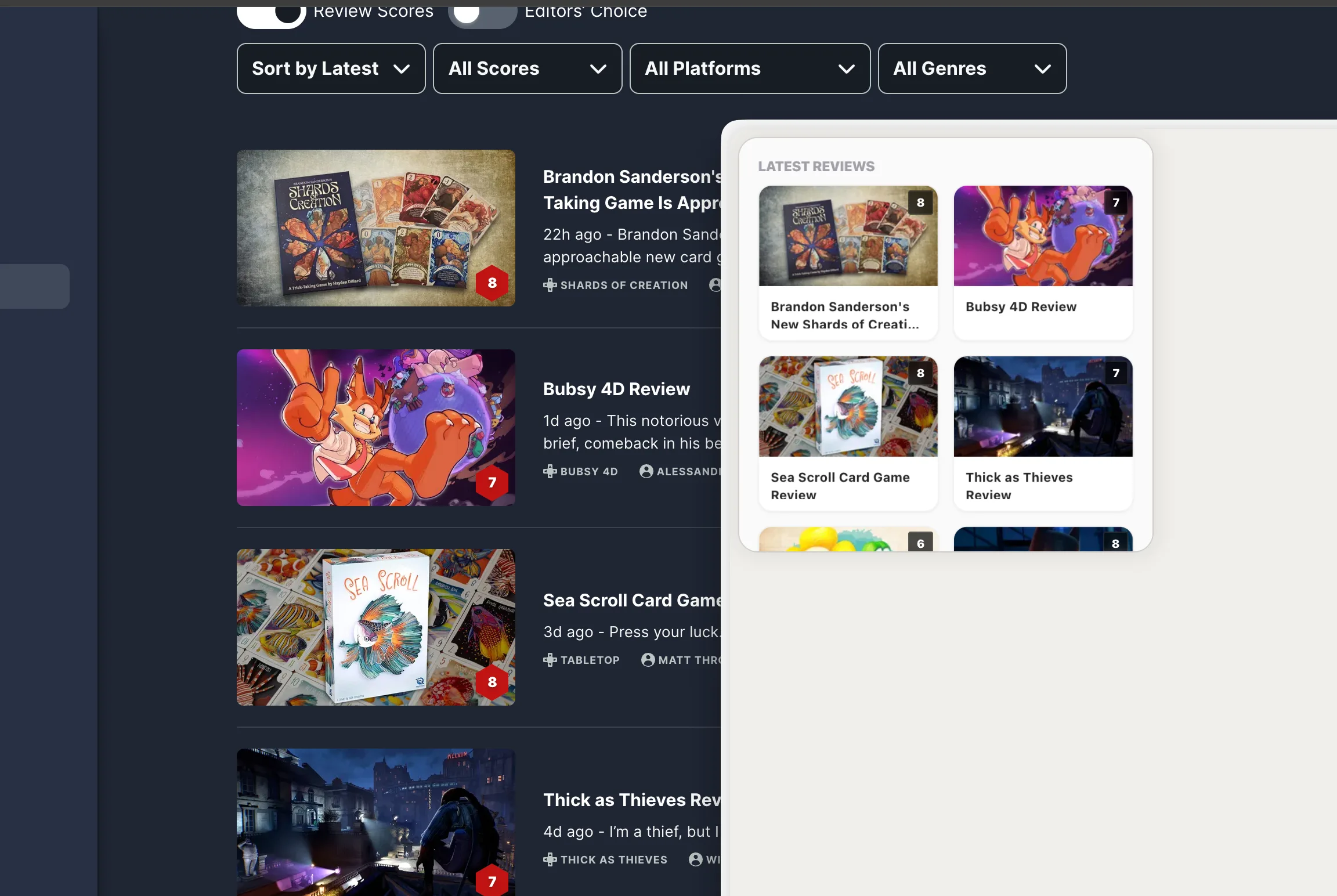
Create widgets for RSS feeds, article lists, changelogs, documentation updates, launch pages, and pages without clean native widgets.
Kepo helps you turn the web pages, feeds, repositories, launch pages, dashboards, and small tools you keep checking into focused Mac widgets.
Shortcut-ready — Build widgets from sources you already check, then open the Kepo panel with one shortcut.
Why it exists
Many widget apps are built around fixed templates. That works for common information, but not for the exact web page, feed, repository, status view, or internal page you personally check.
Kepo is designed for custom widgets. Start from the source you care about, define the small signal you want to see, and keep the result in a shortcut-ready Mac panel.
The original website or app remains the place for deep work. The custom widget gives you the first glance before you decide whether to open it.
Use Cases
A custom widget should answer one repeated question quickly.
Create widgets for RSS feeds, article lists, changelogs, documentation updates, launch pages, and pages without clean native widgets.
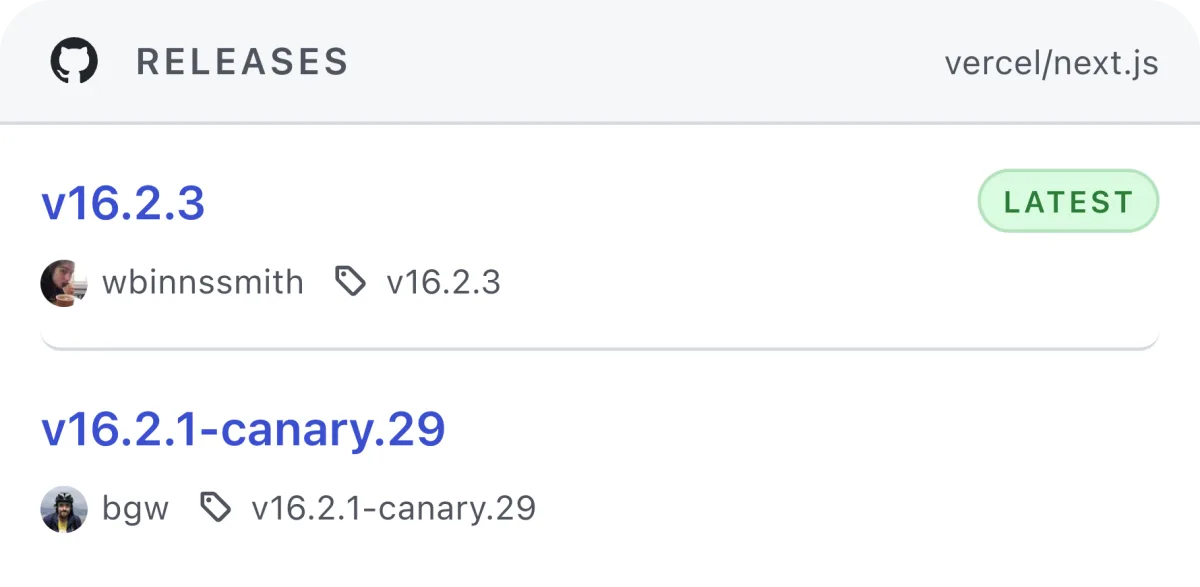
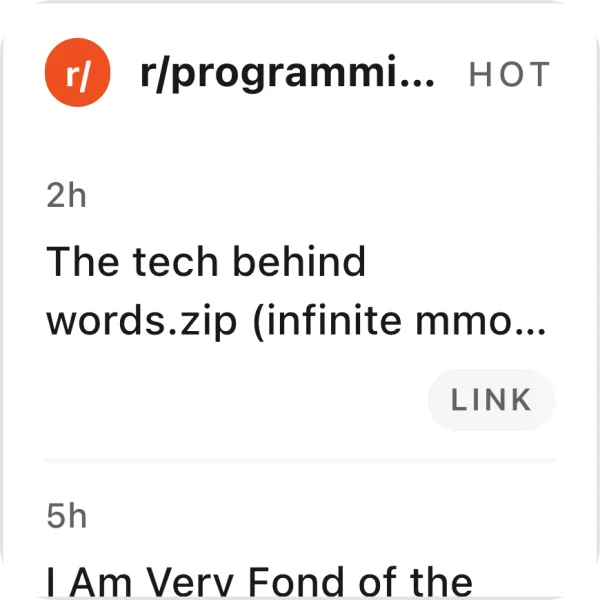
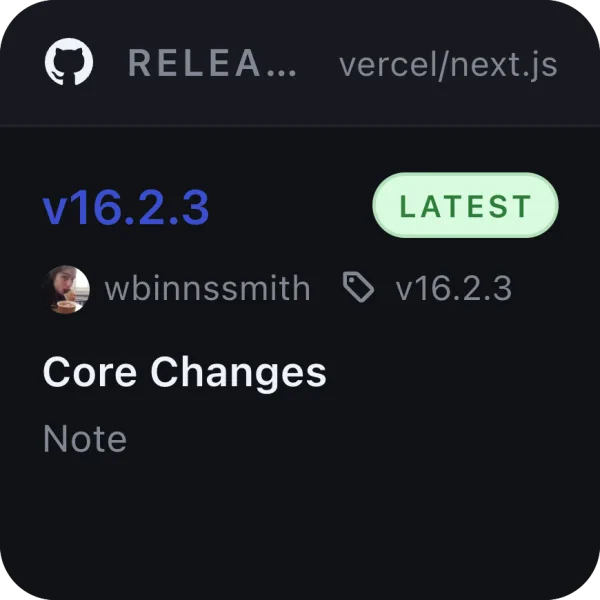
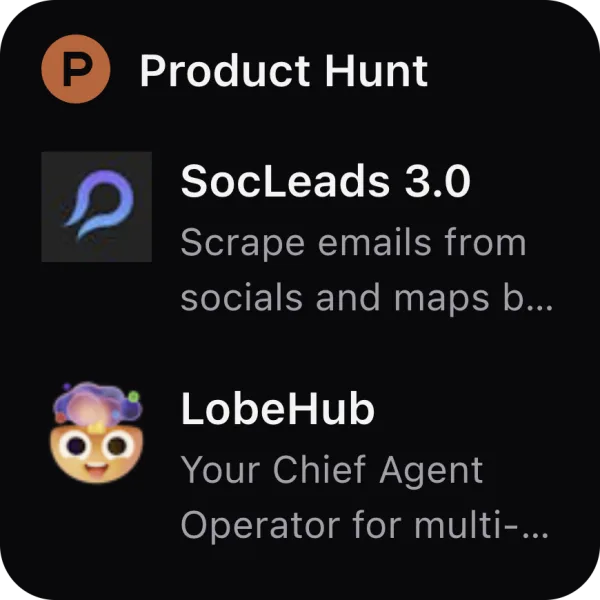
Track GitHub releases, Product Hunt pages, Reddit threads, status pages, internal dashboards, and small product signals.
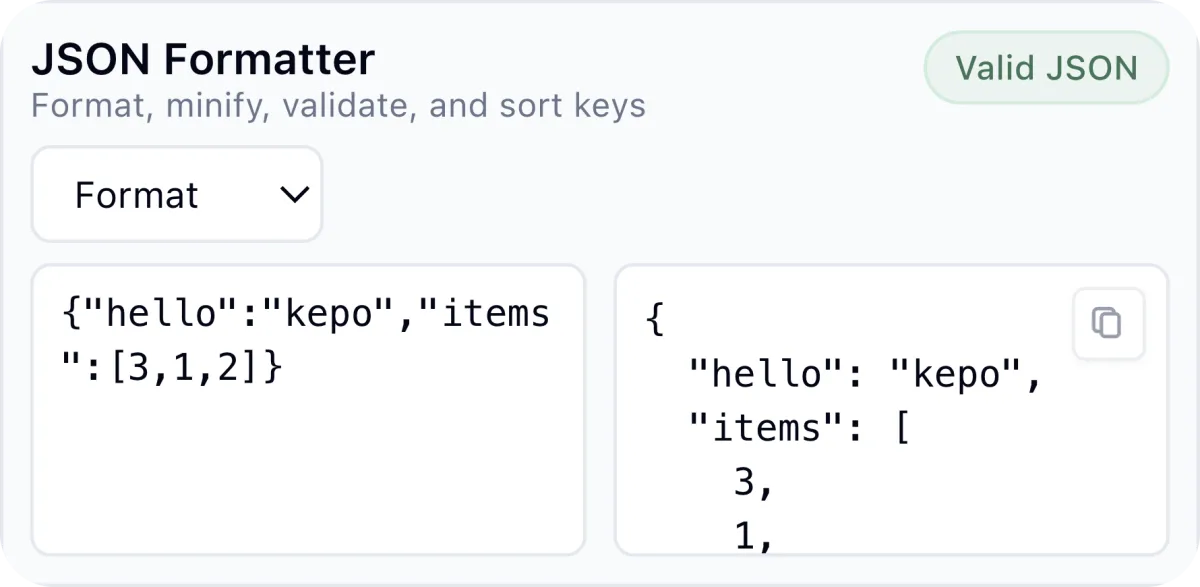
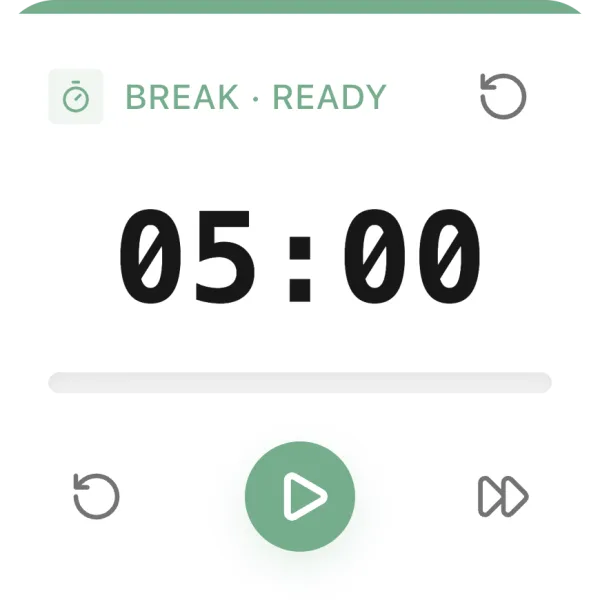
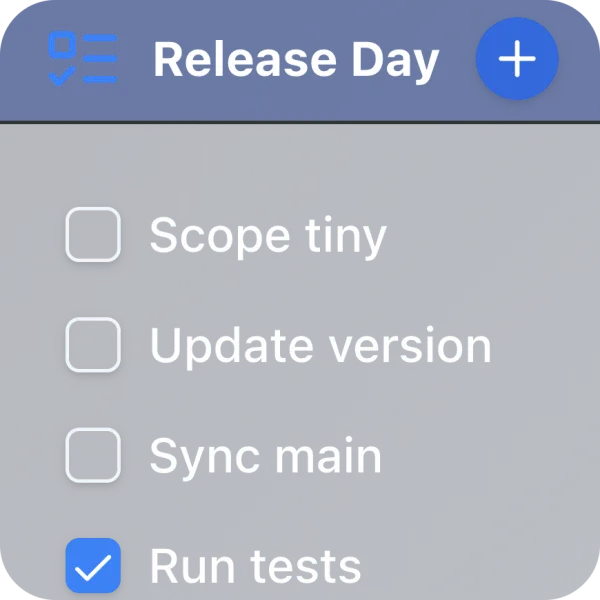
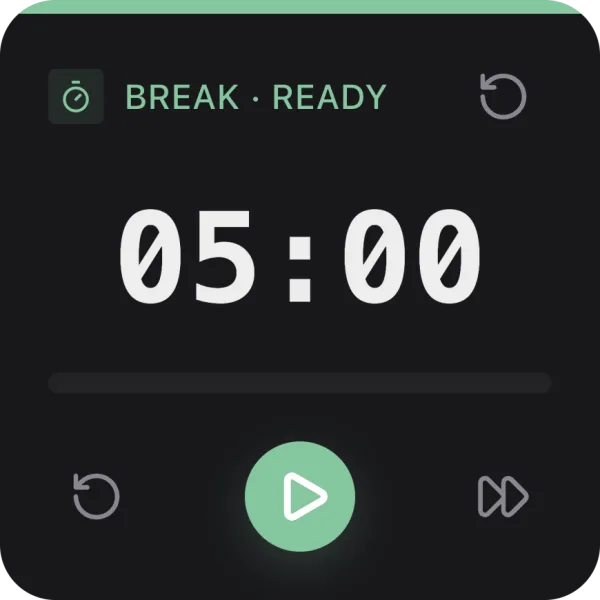
Keep checklists, timers, formatters, calculators, monitors, and prompt-based tools near your work.
Workflow
Keep the request narrow so the widget stays useful.
Start with one URL, feed, page section, repository, status page, or small workflow.
Ask for the latest items, current status, release version, unread count, timer, checklist, or compact tool output.
Use the built-in AI creation flow, or build local custom widgets for free with Kepo Skills.
Fit
Use templates when they fit. Use custom widgets when your source is specific.
Best for common data types such as weather, calendar, notes, reminders, and simple decorative widgets.
Best for web pages, feeds, repositories, launch pages, dashboards, and small tools that are specific to your workflow.
Questions
Yes. Kepo is designed for custom widgets around websites, RSS feeds, GitHub pages, Reddit threads, Product Hunt launches, status pages, dashboards, and small tools.
No. A custom widget is for quick awareness. Use the original website or app when you need full reading, editing, account actions, or deep context.
Yes. Kepo Skills let developers build and run local custom widgets for free. The built-in AI creation flow is the paid convenience layer.
Start small
Kepo works best when the first widget has one clear source and one repeated question.
Download Kepo