DNS Checker: Compare Remote Resolvers
Compare a DNS record from probes requested in the United States, Germany and Singapore. This DNS checker shows the actual returned locations, resolver addresses, answers and TTLs. It is a small multi-region sample, not proof that a DNS change has propagated to every resolver worldwide.
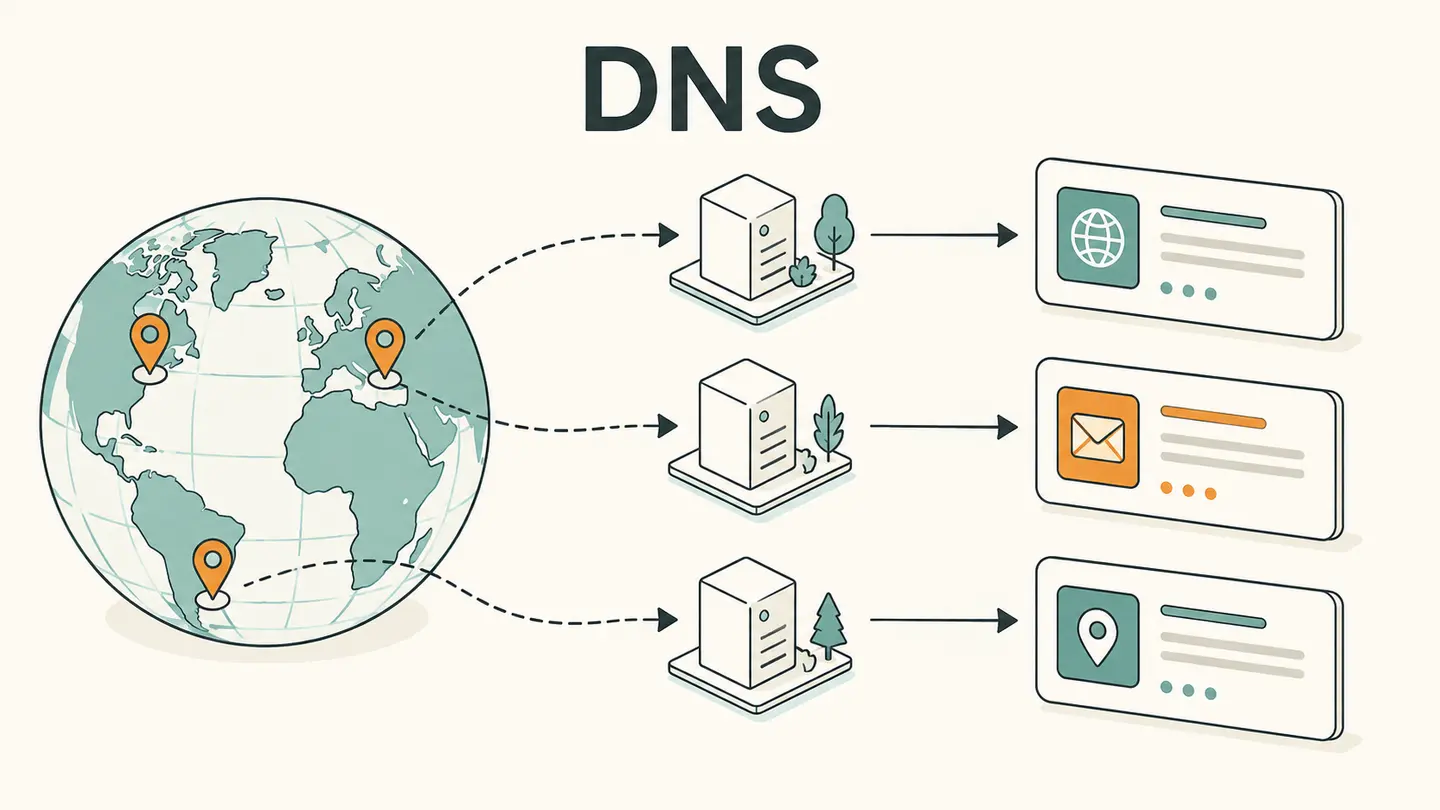
Compare a DNS record from probes requested in the United States, Germany and Singapore. This DNS checker shows the actual returned locations, resolver addresses, answers and TTLs. It is a small multi-region sample, not proof that a DNS change has propagated to every resolver worldwide.
One requested probe per region. Actual availability and resolver details are shown, not assumed.
Best solution
Compare a DNS record from probes requested in the United States, Germany and Singapore.
One requested probe per region. Actual availability and resolver details are shown, not assumed.
No measurement yet. This checks from Globalping probes, not from your computer. No continuous monitoring.

Opens the Kepo download page; this calculation or file is not transferred.
Key solutions at a glance The main decisions from this guide, condensed into one table.
How to Use This Check
Enter the exact public DNS name and select one record type. Keep both constant across comparisons. Looking up an A record at one hostname and an AAAA record at another does not provide a meaningful propagation comparison, even if the names belong to the same website.
Read the external-measurement consent and run the DNS checker once. The request asks for one probe in each of three regions. A provider can return fewer usable observations if a probe is unavailable or a test fails. The tool shows returned results instead of inventing a successful record for a missing region.
Compare each answer with its resolver, location and TTL. The city alone does not identify the recursive resolver’s cache or authoritative route. Different valid answers can arise from geographic routing, load distribution or deliberate DNS configuration; disagreement does not always mean a failed update.
Save the expected record and the observation time before checking again later. If a record was recently changed, consider the old TTL and which resolver cached it. Repeatedly changing the authoritative record while watching a few recursive responses can make the sequence harder to interpret.
What the Result Actually Means
A DNS checker that samples multiple locations asks a different question from a single DNS lookup. It helps compare how several recursive paths currently answer the same name and type. Those paths remain a sample: a probe’s resolver may forward elsewhere, and large public resolvers can serve distributed caches. This tool uses the resolver information actually returned by Globalping, not a geographic label alone, and retains the raw output. It does not provide a worldwide completion percentage because three observations cannot support that claim.
| Field or observation | Meaning |
|---|---|
| Requested regions | US, Germany and Singapore |
| Actual origin | Returned probe city, country and network |
| Compare | Same name and type, record values and TTL |
| Missing result | Unknown; not assumed to match |
Limits and Common Misreadings
A DNS checker cannot determine what every visitor sees. Browser caches, local resolvers, enterprise networks and application caching introduce additional differences. Treat the result as evidence from the named paths at the shown time.
Some records intentionally vary. A content-delivery network can return different addresses to different resolvers without any configuration error. Compare the observed behavior with the intended policy before trying to make all rows identical.
A DNS propagation check does not test whether the application on the returned address works. An accurate record can point to a service with an unrelated TLS or HTTP problem. Use the relevant diagnostic task for that next question.
An Example of Careful Interpretation: Separate the Observation from Its Cause
Suppose the three returned resolver samples contain two old values and one new value after a planned change. Preserve each value and TTL with its resolver before concluding anything. The pattern may reflect caches populated at different times, but it could also reflect deliberate DNS variation. Check the intended authoritative configuration and previous TTL rather than declaring propagation one-third complete. Three probes are not a random census of all users. The useful output is a small set of named observations that can guide the next authorized check.
Keep a Useful Troubleshooting Record
Keep the question, input, observation time and source together. A bare address, percentage or status code is difficult to interpret later because it omits the connection and measurement context. When comparing two observations, note what changed between them: the target, network, VPN state, selected adapter, record type or remote origin. Change one relevant condition at a time when possible. That makes the comparison easier to explain without inventing a cause from one number.
Save only information you actually need. Network records can reveal infrastructure names and connection details, even when they do not contain a password. Remove unrelated identifiers before sharing a screenshot with another person. Never put private credentials in a domain field or publish an internal hostname as part of a public test. A copied result is a snapshot, not a promise that the same conditions still apply when someone reads it later.
Kepo is a Mac desktop-widget product for repeated checks and small workflows. A labeled troubleshooting note or a supported monitoring widget can keep the relevant context accessible while you work. The download link opens the product workflow; this article does not automatically install a configured diagnostic widget, transfer your network inputs or start a scheduled check. Confirm the actual widget’s capabilities before relying on it for ongoing observations.
Choose the next task by the question you need answered.
Frequently Asked Questions
Does dns checker: compare remote resolvers describe my entire network?
No. The steps and component above define the scope of this observation. A local adapter value, an external address and a remote probe result describe different viewpoints. Preserve that context and do not generalize a single observation to every application or connection.
What should I do when a result is unavailable?
Keep it marked unavailable. An unfinished or failed observation is not a successful zero result and does not establish the cause of a problem. Check the input and try again later only when another observation is useful. Respect provider limits rather than repeatedly retrying.
Does this page save a monitoring history or install a desktop widget?
No. The page provides the specific manual workflow described above. It does not schedule future tests or create a configured desktop widget. Save the relevant result yourself and use an explicitly supported monitoring feature if you need recurring checks.
Sources and Method
Primary references for the protocol, provider or operating-system steps.
A useful network answer states what was checked, where the observation came from and what remains unknown. Keep those distinctions when you save or share the result.
Stay informed with Kepo on your desktop
Embed interactive widgets, monitor dynamic sites, track APIs, and run ambient AI agents right on your macOS desktop.
Related Articles
View all posts →Ping Test from a Remote Probe
Run a small ICMP ping test from a Globalping probe to a public domain you have permission to test. The tool sends five packets and shows returned round-trip statistics and the actual probe location. It does not send ICMP packets from your browser or measure the first Wi-Fi hop from your computer.
Is It Down? Check a Website Response
Check whether a public domain returns an HTTPS response from a remote Globalping probe. This is a single root-path HEAD request with the actual response code and probe location. It helps answer “is it down from that location now?” but does not establish a worldwide outage or test every part of a website.
Packet Loss Test: A Remote ICMP Sample
Run a 16-packet ICMP sample from a named remote probe and inspect the sent, received and lost packet counts. This packet loss test describes the selected remote path during that short sample. It is not a browser-to-game-server test or a continuous measurement of your Wi-Fi connection.
TCP Port Checker
Check one TCP port on an authorized public domain from a remote Globalping probe. The port checker reports whether TCP responses were observed and retains packet statistics. A missing response is not proof that a port is closed, and this tool does not scan a range of ports or inspect your private local network.