TCP Port Checker
Check one TCP port on an authorized public domain from a remote Globalping probe. The port checker reports whether TCP responses were observed and retains packet statistics. A missing response is not proof that a port is closed, and this tool does not scan a range of ports or inspect your private local network.
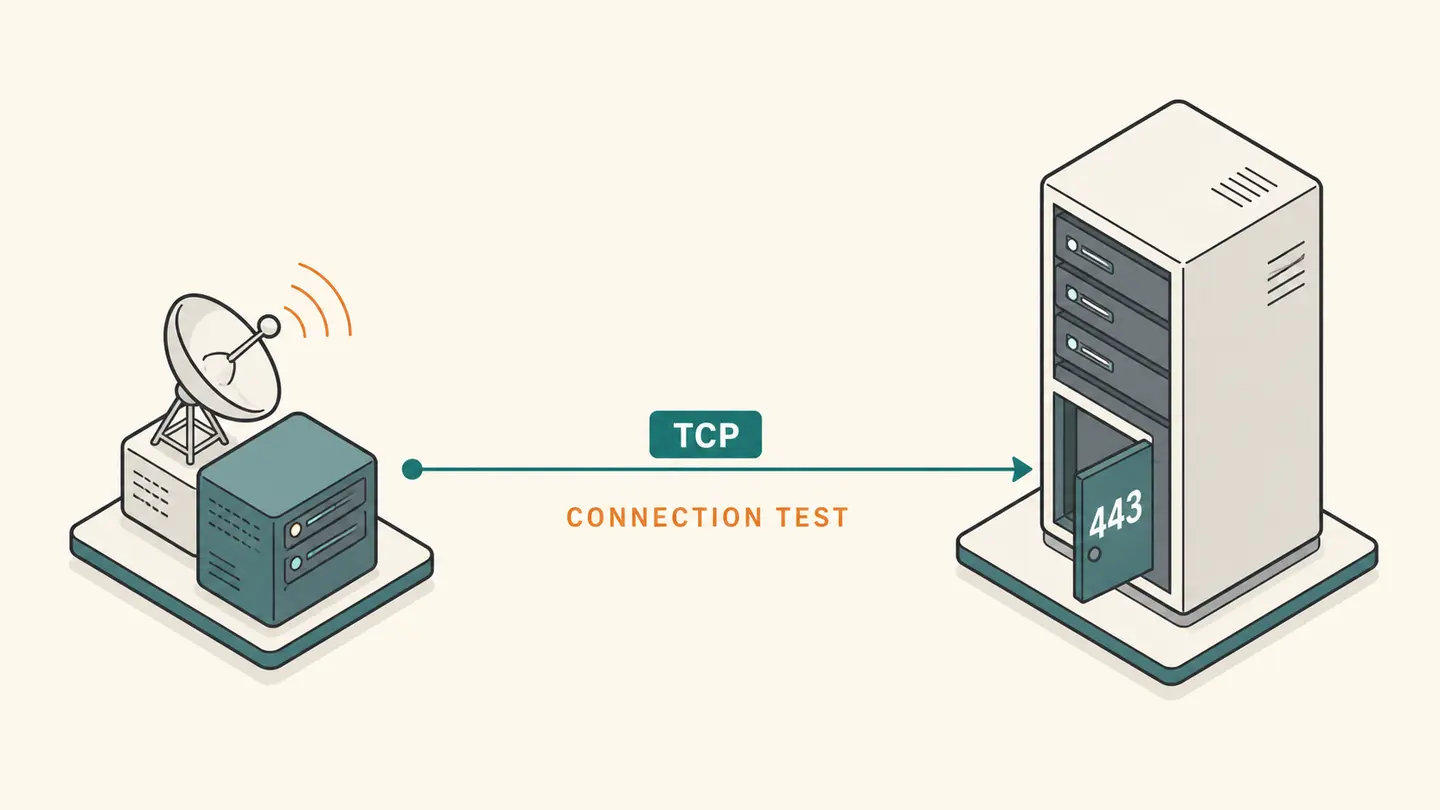
Check one TCP port on an authorized public domain from a remote Globalping probe. The port checker reports whether TCP responses were observed and retains packet statistics. A missing response is not proof that a port is closed, and this tool does not scan a range of ports or inspect your private local network.
Three TCP probes to one port. The observation is from the named remote node.
Best solution
Check one TCP port on an authorized public domain from a remote Globalping probe.
Three TCP probes to one port. The observation is from the named remote node.
No measurement yet. This checks from Globalping probes, not from your computer. No continuous monitoring.

Opens the Kepo download page; this calculation or file is not transferred.
Key solutions at a glance The main decisions from this guide, condensed into one table.
How to Use This Check
Enter the domain of a system you own or have permission to test. Do not enter a local router address or a private machine name. A public port check observes the route to the resolved public host, which can include a proxy or load balancer rather than the internal application server.
Enter exactly one port number from 1 through 65535. The default is 443, commonly used for HTTPS, but choosing that number does not itself establish that the responding service speaks HTTPS. Port and application protocol are related configuration choices, not interchangeable facts.
Consent to the external measurement and run the check. The tool requests a short TCP sample from one probe. Read the actual returned probe location and network. A firewall can allow one origin and deny another, so the observation should not be generalized to all clients.
If a TCP response is observed, test the application separately when appropriate. A connection can be accepted while authentication, TLS or the application itself fails. If no successful response is reported, retain the raw output and investigate authorized configuration; do not immediately conclude that a router forwarding rule is the sole cause.
What the Result Actually Means
A port checker answers a transport-level question about a specific target and port. It does not identify all services on a machine, guarantee that a process is healthy or test UDP behavior. This component uses Globalping’s TCP ping mode with three requested packets and shows the provider’s counters. A positive response is useful evidence from that route. A timeout remains ambiguous because packet filtering, routing, target state or the remote service can prevent a response. The page deliberately avoids turning every non-response into a confident “closed” label.
| Field or observation | Meaning |
|---|---|
| Target | One authorized public domain |
| Protocol | TCP, not UDP |
| Port input | One integer, 1–65535 |
| Result scope | One remote origin and sample |
Limits and Common Misreadings
Do not use the port checker to enumerate third-party infrastructure without permission. There is no range scanner, parallel target list or background retry loop. The bounded tool is intended for checking a known service you administer.
Testing a domain behind a CDN can reach the CDN edge rather than your origin server. The port result then describes that public endpoint. Keep the resolved target and network architecture in mind when troubleshooting.
A successful TCP check does not validate a certificate or complete an authenticated transaction. Use the TLS checker for the certificate observation and your authorized application tests for the actual user operation.
An Example of Careful Interpretation: Separate the Observation from Its Cause
Suppose the TCP sample to port 443 receives replies but the HTTPS check fails certificate validation. The transport observation and the TLS observation can both be correct: a responding port does not imply that the certificate is trusted. In another case, a known service may permit only a specific office network, so a remote public probe receives no response while authorized clients work. That is why the port checker retains origin and raw output. It describes what the probe observed, not the complete firewall policy or a list of every permitted client.
Keep a Useful Troubleshooting Record
Keep the question, input, observation time and source together. A bare address, percentage or status code is difficult to interpret later because it omits the connection and measurement context. When comparing two observations, note what changed between them: the target, network, VPN state, selected adapter, record type or remote origin. Change one relevant condition at a time when possible. That makes the comparison easier to explain without inventing a cause from one number.
Save only information you actually need. Network records can reveal infrastructure names and connection details, even when they do not contain a password. Remove unrelated identifiers before sharing a screenshot with another person. Never put private credentials in a domain field or publish an internal hostname as part of a public test. A copied result is a snapshot, not a promise that the same conditions still apply when someone reads it later.
Kepo is a Mac desktop-widget product for repeated checks and small workflows. A labeled troubleshooting note or a supported monitoring widget can keep the relevant context accessible while you work. The download link opens the product workflow; this article does not automatically install a configured diagnostic widget, transfer your network inputs or start a scheduled check. Confirm the actual widget’s capabilities before relying on it for ongoing observations.
Choose the next task by the question you need answered.
Frequently Asked Questions
Does tcp port checker describe my entire network?
No. The steps and component above define the scope of this observation. A local adapter value, an external address and a remote probe result describe different viewpoints. Preserve that context and do not generalize a single observation to every application or connection.
What should I do when a result is unavailable?
Keep it marked unavailable. An unfinished or failed observation is not a successful zero result and does not establish the cause of a problem. Check the input and try again later only when another observation is useful. Respect provider limits rather than repeatedly retrying.
Does this page save a monitoring history or install a desktop widget?
No. The page provides the specific manual workflow described above. It does not schedule future tests or create a configured desktop widget. Save the relevant result yourself and use an explicitly supported monitoring feature if you need recurring checks.
Sources and Method
Primary references for the protocol, provider or operating-system steps.
A useful network answer states what was checked, where the observation came from and what remains unknown. Keep those distinctions when you save or share the result.
Stay informed with Kepo on your desktop
Embed interactive widgets, monitor dynamic sites, track APIs, and run ambient AI agents right on your macOS desktop.
Related Articles
View all posts →Ping Test from a Remote Probe
Run a small ICMP ping test from a Globalping probe to a public domain you have permission to test. The tool sends five packets and shows returned round-trip statistics and the actual probe location. It does not send ICMP packets from your browser or measure the first Wi-Fi hop from your computer.
Is It Down? Check a Website Response
Check whether a public domain returns an HTTPS response from a remote Globalping probe. This is a single root-path HEAD request with the actual response code and probe location. It helps answer “is it down from that location now?” but does not establish a worldwide outage or test every part of a website.
Packet Loss Test: A Remote ICMP Sample
Run a 16-packet ICMP sample from a named remote probe and inspect the sent, received and lost packet counts. This packet loss test describes the selected remote path during that short sample. It is not a browser-to-game-server test or a continuous measurement of your Wi-Fi connection.
SSL Checker: Inspect a TLS Certificate
Inspect TLS information returned by an HTTPS request from a remote probe, including the certificate subject, issuer, validity dates and probe trust result when available. This SSL checker checks the public domain’s root endpoint. It is not an exhaustive certificate-chain, cipher-suite or browser-compatibility audit.