Anthropic IPO on Mac: Track the S-1 Filing Without Tabs
Anthropic filed its S-1 on Oct 26, 2026, aiming for Nasdaq Class A under ticker ANT. How to follow the roadshow and AI-market news from a Mac widget panel.

Anthropic filed a public S-1 with the U.S. SEC on October 26, 2026, and said it intends to list Class A common stock on Nasdaq under the ticker ANT. Share count and offering price were not set in that announcement (Anthropic).
That is a filing-and-roadshow story, not a live stock quote yet. ANT is not trading until the IPO prices. To follow the news without keeping five tabs open, put three or four things one shortcut away on your Mac: a market or AI-news widget, an Anthropic / ANT IPO keyword watch, and an optional countdown to the expected mid-November listing window. Once ANT starts trading, use the separate stock watchlist desktop widget guide for native Stocks / menu-bar quotes.
Try it here
Glance at the public S-1 filing, intended Nasdaq ticker ANT, roadshow status, and key filing metrics on your Mac without keeping tabs open.
Static S-1 as-of snapshot baked at publish time. ANT does not trade yet; tracks regulatory filings, roadshow milestones, and reported figures without fake quotes.
Nasdaq Class A
Target Window
Mid-Nov 2026 (Reporting)
H1 2026 Revenue
Desktop AI Widget
Track the Anthropic IPO on your Mac with Kepo AI
 Kepo
KepoKey solutions at a glance The main decisions from this guide, condensed into one table.
What is confirmed, and what is still reporting
Keep the company filing apart from market chatter.
| Detail | Status | Source |
|---|---|---|
| Public S-1 filed Oct 26, 2026 | Confirmed | Anthropic S-1 announcement |
| Intended Nasdaq Class A ticker: ANT | Confirmed (intent) | Anthropic |
| Share count / offering price | Not set yet | Anthropic |
| Potential mid-November debut, talk of week of Nov 16 | Reporting | NPR, TechCrunch |
| Valuation talk ~$1.5–2T; raise talk up to ~$100B | Reporting | NPR / TechCrunch coverage after the filing |
| H1 revenue $16.3B (+1300%), large GAAP loss in coverage | Reporting | Same coverage wave |
Google Trends US interest in anthropic ipo spiked after the filing (active interest well into the day of research), with related queries around Anthropic stock and the S-1. Treat valuation and debut-week talk as reporting, not as a scheduled listing time from Anthropic itself.
An IPO filing window is a news-and-calendar job until the stock prices. A glanceable panel beats refreshing every rumor tab.
Why this is not a stock-quote widget yet
ANT does not trade until the offering prices and lists. Do not invent live prices, and do not treat a custom ticker field as a real quote. The setup below is for filing / roadshow / AI-market headlines. After listing day, point a native Stocks watchlist or menu-bar quote at ANT using the stock watchlist guide.
Sites that wrap SEC filings or brokerage pages often block embedding the same way sports scoreboards do. Prefer feeds and keyword watches over a web-view of a filing PDF or a locked brokerage page.
Set up an Anthropic IPO tracker in Kepo
Kepo keeps small widgets in a floating panel you open with a global shortcut, over any app, including full-screen ones. Three widgets cover the filing window; a fourth is optional.
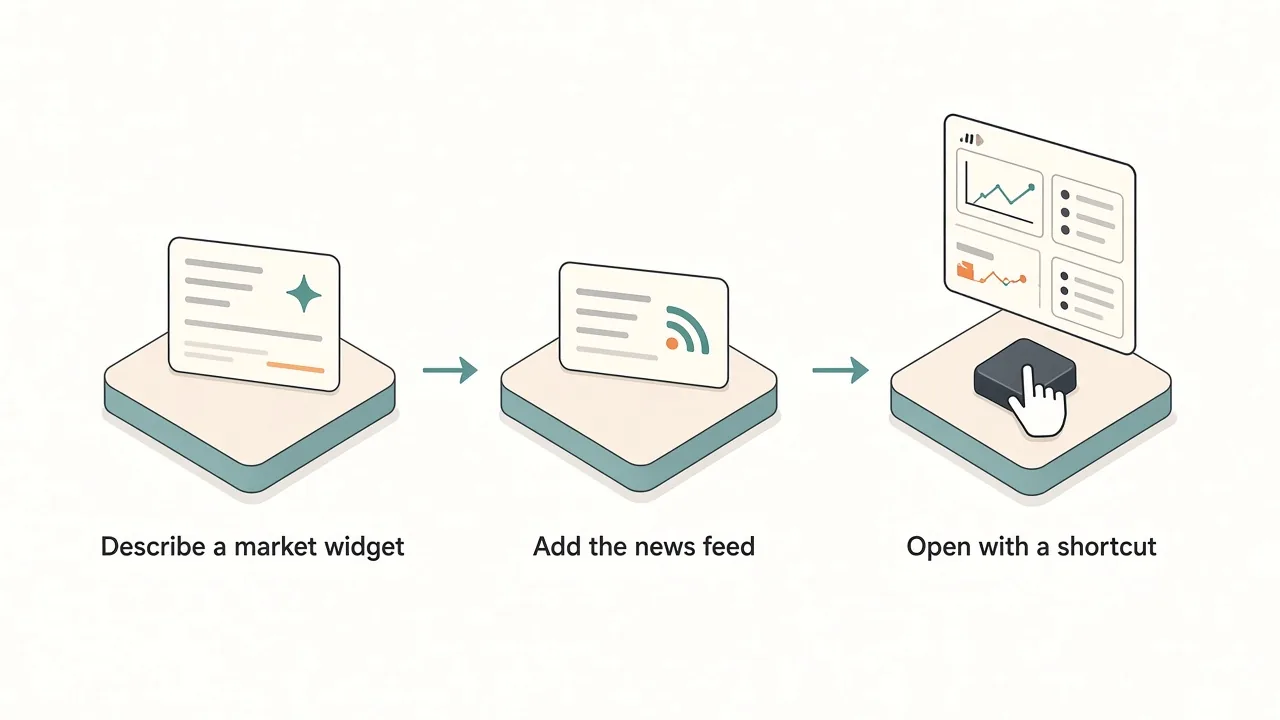
1. Market / AI news panel (built with AI)
Kepo has no fixed IPO plugin, so describe the widget you want. Name the source, the fields and the refresh:
- Prompt example: "Show a compact market-news card for Anthropic's IPO filing: latest headline about the S-1 or ANT listing plans from a public news or company feed, with the source name and publish time. Refresh every 15 minutes. Do not show a live stock price for ANT until it trades."
- Check it: open the linked story once before you rely on the card, and keep it to this event rather than a full market mosaic.
2. AI / tech headlines feed
- Widget: RSS Reader, which reads one RSS or Atom feed.
- Feed idea: one reputable AI or markets feed you already trust (for example a tech or business RSS that covered the S-1). Keep a single source so the list stays glanceable.
- What it shows: newest headlines with links — filing follow-ups, roadshow notes and listing-day coverage when it arrives.
3. Anthropic or ANT IPO on X
- Widget: X Keyword Watch from the X widgets.
- Keyword:
AnthropicorANT IPO. - What it shows: the latest posts from X's Live results for that keyword. Sign in to X first for reliable results. Expect noise around valuation rumors; use it for awareness, not as a primary source.
4. Countdown to the mid-November window (optional)
- Widget: the Event Timer countdown, named
ANT listing windowormid-Nov IPO. - Setting: reporting pointed at a potential mid-November debut (talk of the week of November 16). The countdown runs for a length of time from when you save it, so pick Day as the unit and enter the days left to that window. It is a display only and sends no reminder — add a Calendar alert if you need one.
- What it shows: time left until the window you chose. It is not an official listing clock from Anthropic or Nasdaq.
Optional: related AI names (no invented prices)
If you also follow other AI-related names, describe a second custom card or wait for native Stocks after ANT lists. Do not paste invented live quotes into a widget prompt.
Tabs and alerts vs one shortcut panel
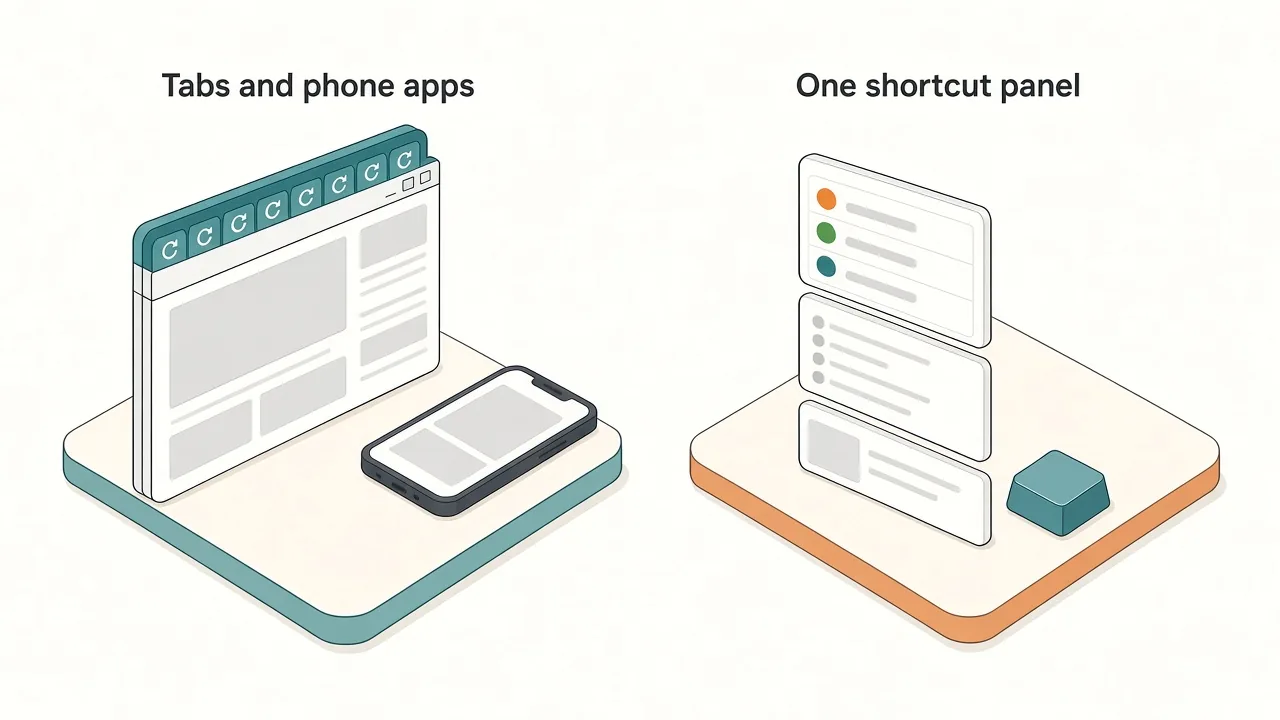
| Tabs and phone apps | Kepo panel | |
|---|---|---|
| Filing / roadshow news | Reload several sites | One feed or AI news card |
| Social chatter | X tab you keep scrolling | Keyword widget, glance and close |
| Listing window | Calendar dig + sticky notes | Countdown display next to the feed |
| During work | Switch away from your app | One shortcut over the app, one to hide |
Keep the panel small. One news card and one keyword watch answer most of the filing week; add the countdown only if you are watching a specific debut window. After ANT prices, move quote tracking to the stock watchlist setup rather than stretching this panel into a fake ticker.
Before you install
Kepo runs on Macs with Apple silicon (M1 or later) and macOS 12 or later. There is no Intel version. Details are in Kepo system requirements.
New to widgets on the Mac? Start with the built-in Mac desktop widgets, browse free widgets for Mac, or build custom Mac widgets for sources Apple does not cover.
FAQ
Did Anthropic file for an IPO?
Yes. Anthropic announced a public S-1 filing on October 26, 2026, and said it intends to list Class A shares on Nasdaq under the ticker ANT. Share count and price were not set in that announcement — see Anthropic's S-1 post.
When will ANT start trading?
Anthropic has not published a final pricing date in the announcement cited above. Reporting after the filing discussed a possible mid-November debut (including talk of the week of November 16). Treat that as coverage, not as a confirmed first-trade day, and refresh from Anthropic or Nasdaq when the roadshow ends.
Is there an Anthropic stock widget for Mac?
Not as a built-in macOS Stocks tile for ANT until the shares list. Until then, track the filing with a news card, RSS feed and keyword watch. After listing, use the stock watchlist desktop widget pattern for native quotes.
Will the widget alert me when the IPO prices?
The widgets in this setup are for glancing: open the panel and see the current headlines or countdown. They do not send notifications by themselves. Add a Calendar or system reminder if you need an alert.
How is this different from a generic stock watchlist?
The stock watchlist guide is for tickers that already trade (menu bar / Stocks-style quotes). This post is for one pre-listing event: S-1 news, roadshow chatter and a listing-window countdown. Link both; do not merge them into one page.
Get set up for the Anthropic IPO window
Set it up once for the filing week: a market-news card, one RSS feed, an Anthropic or ANT IPO keyword watch, and an optional countdown, all behind one shortcut. Download Kepo for your Apple silicon Mac and add the first widget in a few minutes.
Stay informed with Kepo on your desktop
Embed interactive widgets, monitor dynamic sites, track APIs, and run ambient AI agents right on your macOS desktop.
Related Articles
View all posts →How to calculate days between dates and business days
Enter two dates to count calendar days, weekdays, and weekends. Check whether to include the end date, follow a worked example, and account separately for holidays.
How to find IP address on Mac: local vs. public IP explained
Learn how to find IP address on Mac across local network interfaces and public gateways. Master Terminal shortcuts, understand private vs. public routing, and pin live network widgets to your desktop.
How to crop an image on Mac: native tools and instant workflows
Crop an image on Mac with Preview or Photos, or try the center-crop tool on this page. Compare selection controls, aspect ratios, PNG export, and ways to preserve the original.
How to add widgets on Mac with AI-built custom widgets
A practical guide to adding widgets to the Mac desktop, using the built-in widget gallery, and creating custom widgets when the widget you need does not already exist.