BetterMacWidgets and WilliWidgets Alternatives: When Your Widgets Need Live Web Sources
BetterMacWidgets and WilliWidgets give you polished, themed widgets from a fixed catalog. If you need widgets for your own websites, feeds and dashboards, here is when a live-source widget panel is the better alternative.
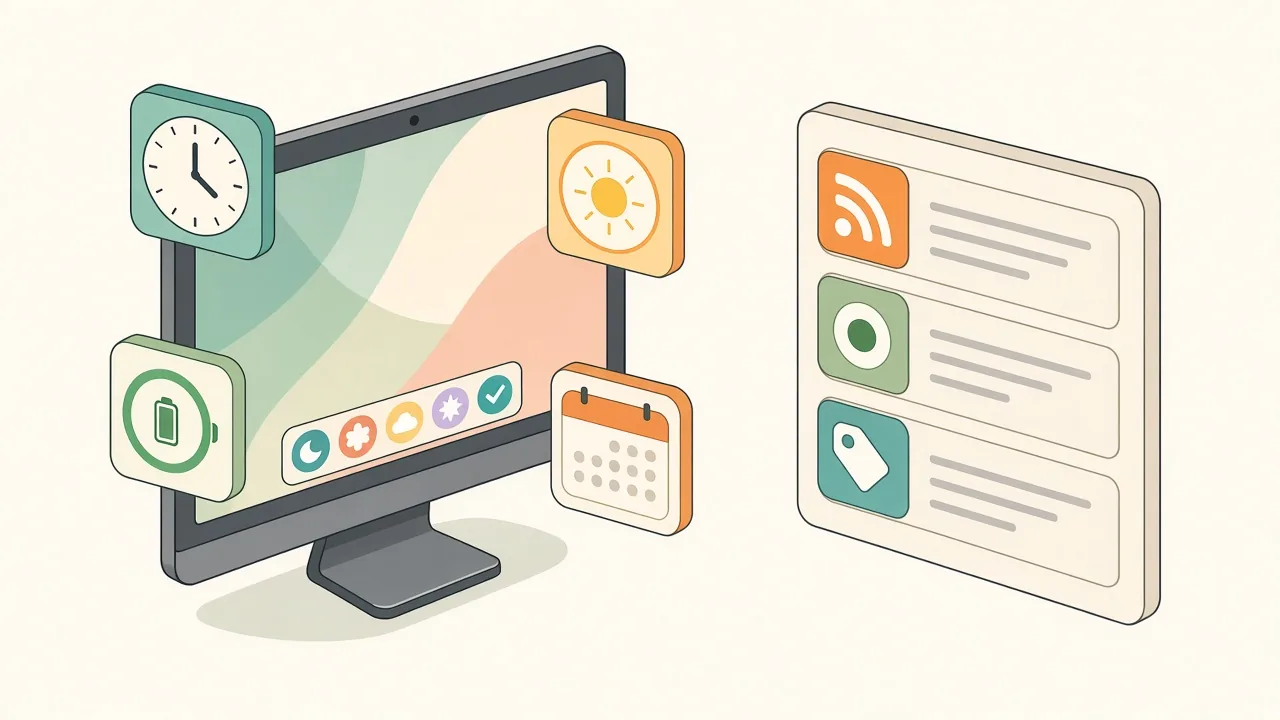
BetterMacWidgets and WilliWidgets are catalog apps: you pick from widgets the developer built (clocks, weather, battery, countdowns) and style them with themes. They are good at that. If what you want on screen is your own sources (a site you check, an RSS feed, a status page, an internal dashboard), a catalog will not have it, and a live-source widget tool like Kepo is the better fit.
Pick by what you are trying to put on screen, not by which app has more widgets.
Create it with Kepo AI
BetterMacWidgets and WilliWidgets give you polished, themed widgets from a fixed catalog.
Key solutions at a glance The main decisions from this guide, condensed into one table.
What BetterMacWidgets is
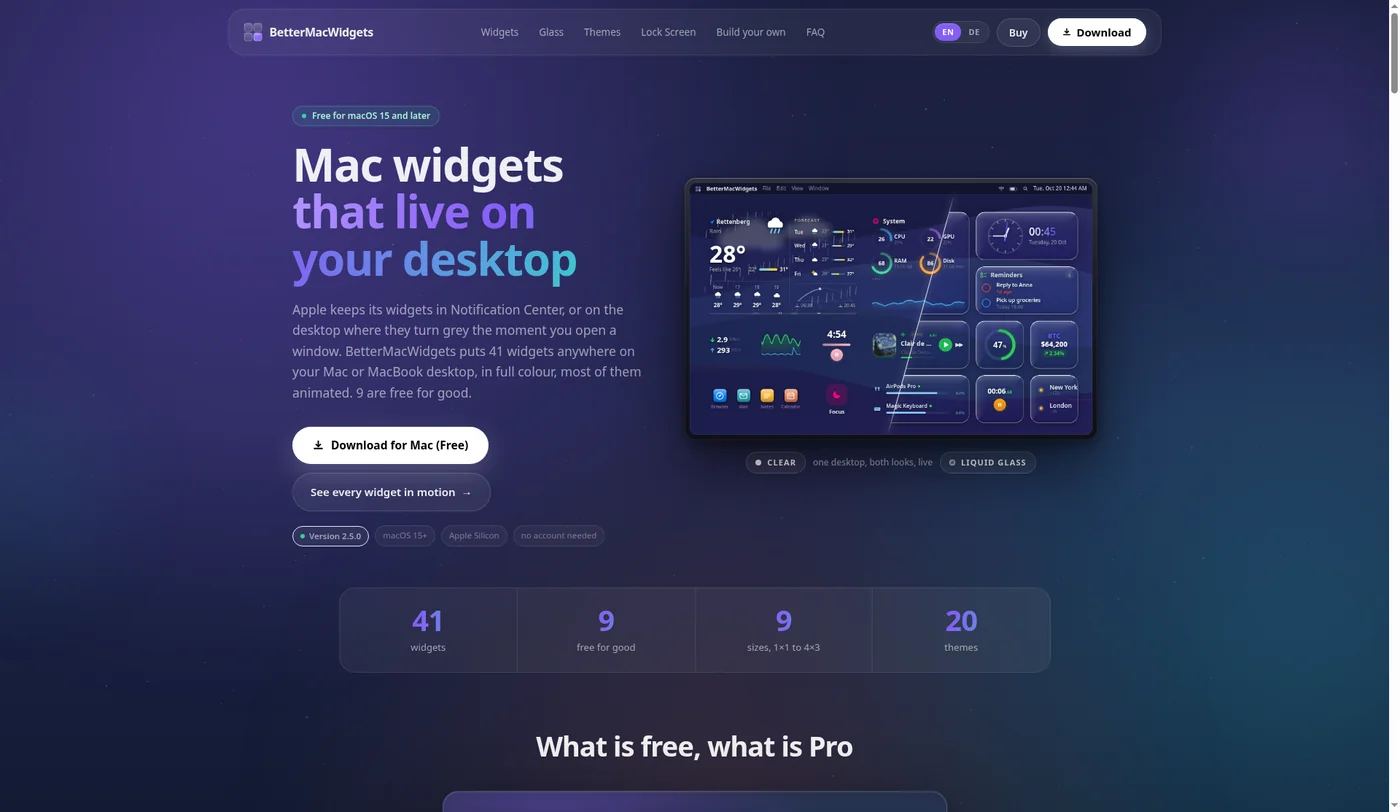
BetterMacWidgets is a native Mac app that puts its own widgets directly on the desktop instead of using Apple's widget gallery. From its official site (version 2.5.0 at the time of writing):
- 41 widgets, 9 free with no time limit (Clock, Simple Clock, Weather up to 2×1, Calendar, Reminders, Timer, World Clock, Stopwatch, Countdown).
- Pro is a one-time €12.99 for one Mac; a €19.99 bundle adds lock screen and custom JSON widgets.
- Sizes from 1×1 to 4×3, 20 themes, frosted, clear and liquid glass looks, and widget stacks.
- Requires macOS 15 Sequoia or later on Apple Silicon; Intel Macs are not supported.
Its catalog includes a Web Page widget, but the core of the app is designed, animated widgets for system stats, time and personal data.
What WilliWidgets is
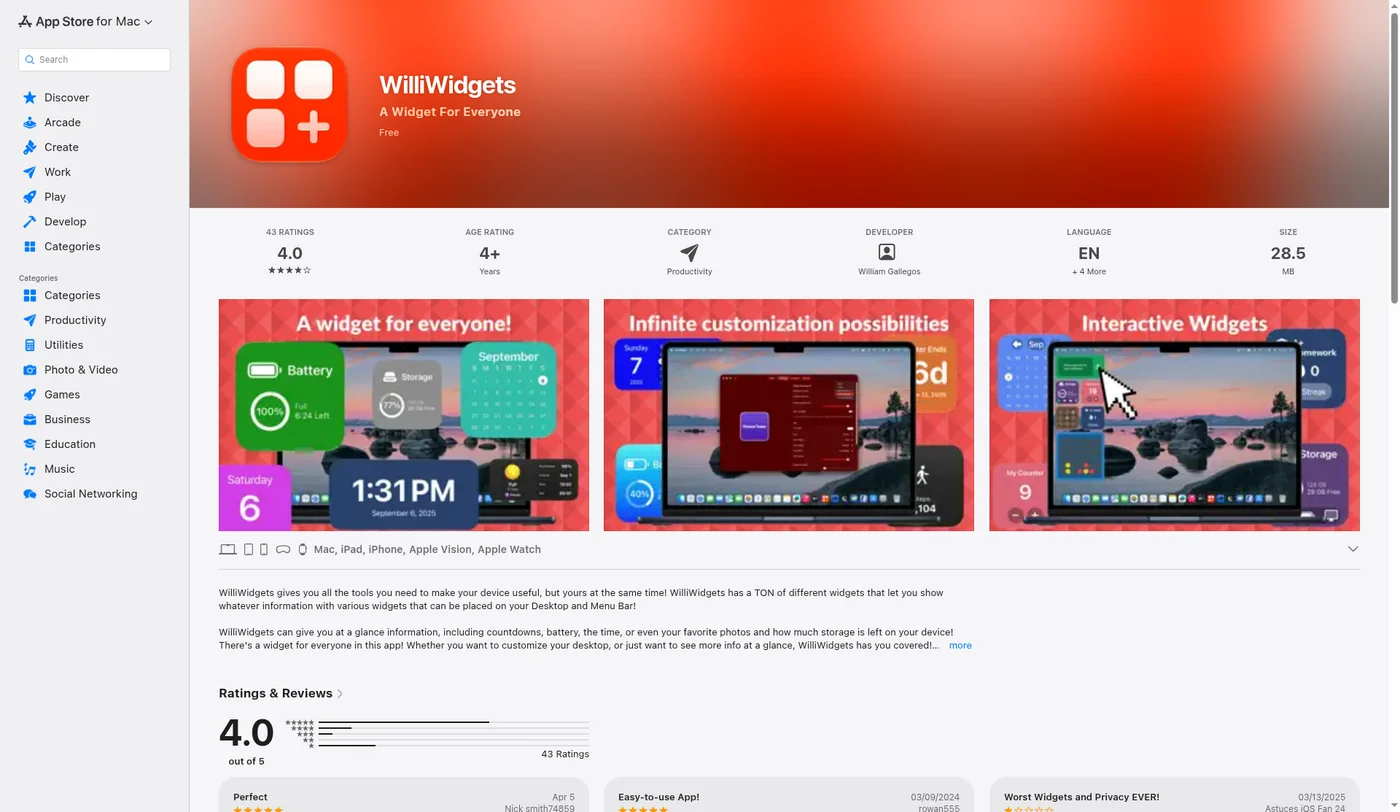
WilliWidgets, by William Gallegos, is a cross-device widget app on the App Store for iPhone, iPad, Mac, Apple Vision and Apple Watch. Its listing describes:
- Highly customizable widget themes: backgrounds, fonts, borders.
- Widgets for countdowns, battery, time, photos and storage, plus Device Stats and interactive widgets.
- Free to download, with some premium widgets.
- On Mac it requires macOS 14.4 or later.
WilliWidgets works through Apple's widget system, so its widgets appear in the normal widget gallery and on the desktop or in Notification Center.
Catalog widgets vs widgets from your own sources
The three apps overlap less than their names suggest. The real difference is where the widget's data comes from.
| BetterMacWidgets | WilliWidgets | Kepo | |
|---|---|---|---|
| Where widgets live | Its own desktop layer | Apple widget gallery (desktop, Notification Center) | A panel opened with a global shortcut |
| Where data comes from | Built-in widgets, plus custom JSON in the bundle | Built-in widgets and themes | Websites, RSS feeds and APIs you choose |
| Strength | Polished, animated, many sizes | Deep theming across Apple devices | Turning any repeated web check into a widget |
| Mac requirement | macOS 15+, Apple Silicon | macOS 14.4+ | Apple Silicon, macOS 12+ |
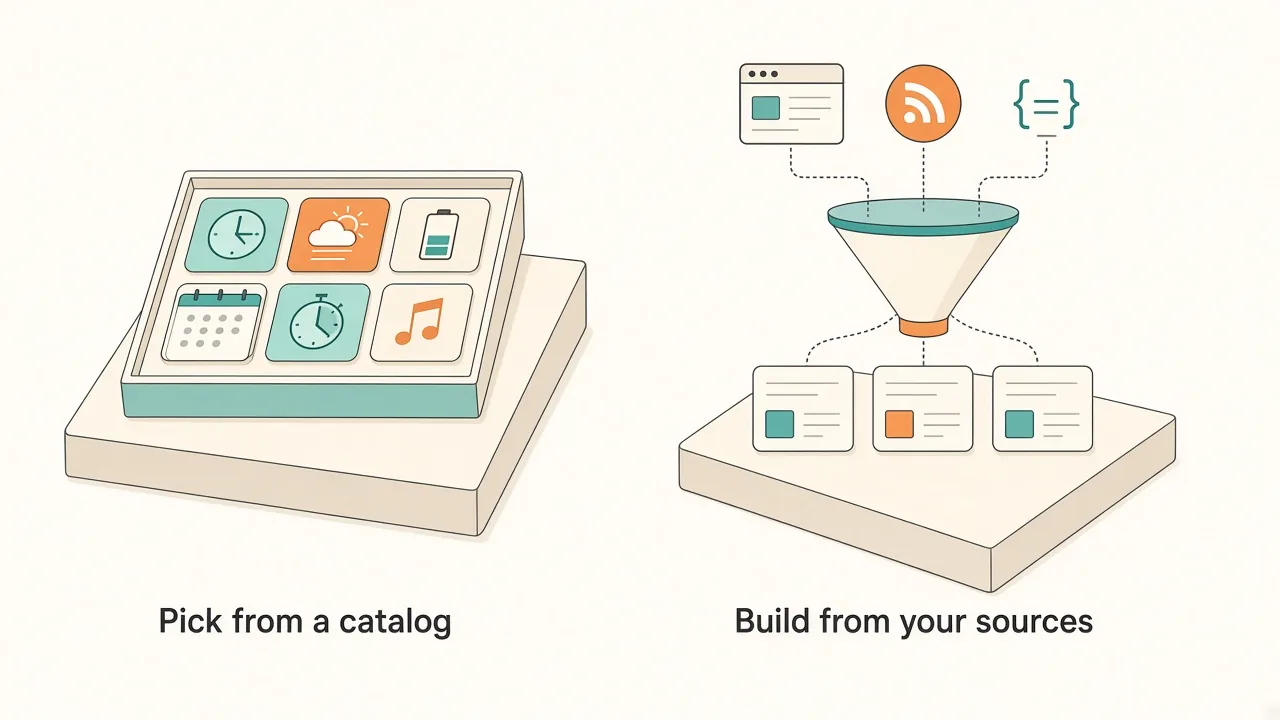
Theme apps answer "how should my clock and weather look?". A live-source tool answers "how do I stop opening that tab twenty times a day?". Many desktops need both.
When to stay with BetterMacWidgets or WilliWidgets
They are the right choice when:
- Your widgets are time, weather, battery, calendar and system stats, and you want them to look great.
- You care about themes, animation and layout on a big desktop.
- You want the same widget style on iPhone, iPad and Mac (WilliWidgets).
- You rarely need data from a specific website.
When a live-source widget panel is the better alternative
Look elsewhere when the thing you keep checking is not in any catalog:
- Websites: a pricing page, a leaderboard, a competitor's changelog. Use a website widget.
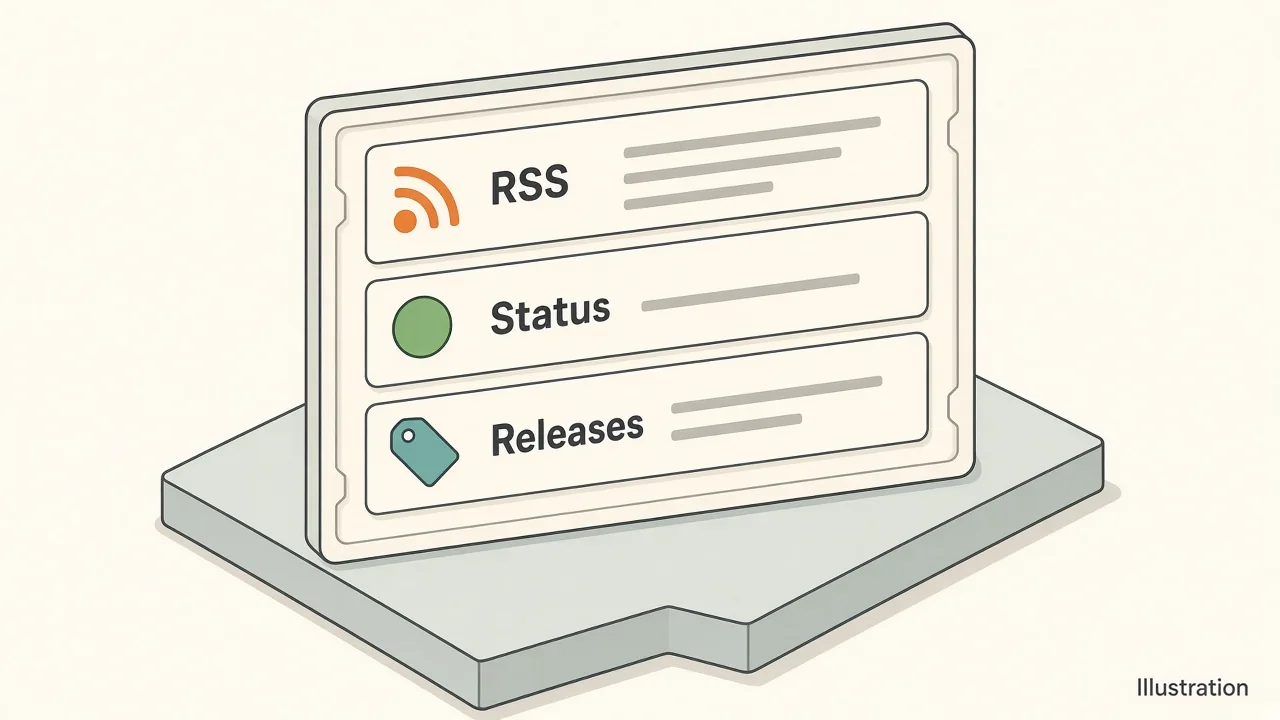
- Feeds: a blog, a subreddit, release notes. Use an RSS widget.
- Status and monitoring: uptime pages and service health, with a web status monitor widget.
- Developer signals: new releases on a repo, with a GitHub release widget.
- Internal tools: an admin dashboard behind your login, as in our internal admin dashboard widget guide.
In Kepo these sit together in one panel you open with a keyboard shortcut, so they do not compete with your themed desktop for space.
A setup that uses both
You do not have to choose one app for everything:
- Keep BetterMacWidgets or WilliWidgets for the clock, weather and battery on your desktop.
- Put the three to five web checks you repeat every day into Kepo widgets.
- Bind the Kepo panel to a shortcut you can hit from any app.
For a wider look at the category, see best widgets for Mac and custom Mac widgets.
FAQ
Is BetterMacWidgets free?
Partly. Nine widgets are free with no time limit. Pro unlocks all 41 widgets for a one-time €12.99 on one Mac, according to the developer's site.
Does BetterMacWidgets work on Intel Macs?
No. The developer states it needs macOS 15 Sequoia or later on Apple Silicon (M1 or newer). Kepo is also Apple Silicon only.
What macOS version does WilliWidgets need?
The App Store listing says WilliWidgets requires macOS 14.4 or later on Mac.
Can these apps show widgets for any website?
BetterMacWidgets has a Web Page widget among its 41, and WilliWidgets focuses on its own widget types. Kepo is built around turning websites, RSS feeds and APIs into separate small widgets you open with a shortcut.
Soft CTA
Keep the themed clock if you love it. For the tabs you keep reopening, download Kepo and turn them into Mac desktop widgets you can open with one shortcut.
Stay informed with Kepo on your desktop
Embed interactive widgets, monitor dynamic sites, track APIs, and run ambient AI agents right on your macOS desktop.
Related Articles
View all posts →Best RSS readers for Mac: reader apps vs desktop RSS ticker widgets
The best RSS setup for Mac depends on whether you want to read many feeds or keep a few work signals visible on your desktop.
Kepo vs macOS widgets: custom AI widgets for Mac
The macOS widget gallery is the right place to start, but it can only show widgets that supported apps already provide.
Kepo vs Raycast: Mac desktop widgets vs command launcher
Raycast and Kepo both reduce context switching on Mac, but they solve different parts of the workflow.
Kepo vs browser tab managers: AI widgets instead of more tabs
Tab managers and desktop widgets both reduce browser clutter, but they do it from opposite directions.