Time Calculator for Adding and Subtracting Durations
Enter one H:MM duration per line to add time, or put a minus sign before a duration to subtract it. The tool totals minutes first and then displays hours and minutes, including a negative result when deductions exceed additions. These are durations, not times of day.
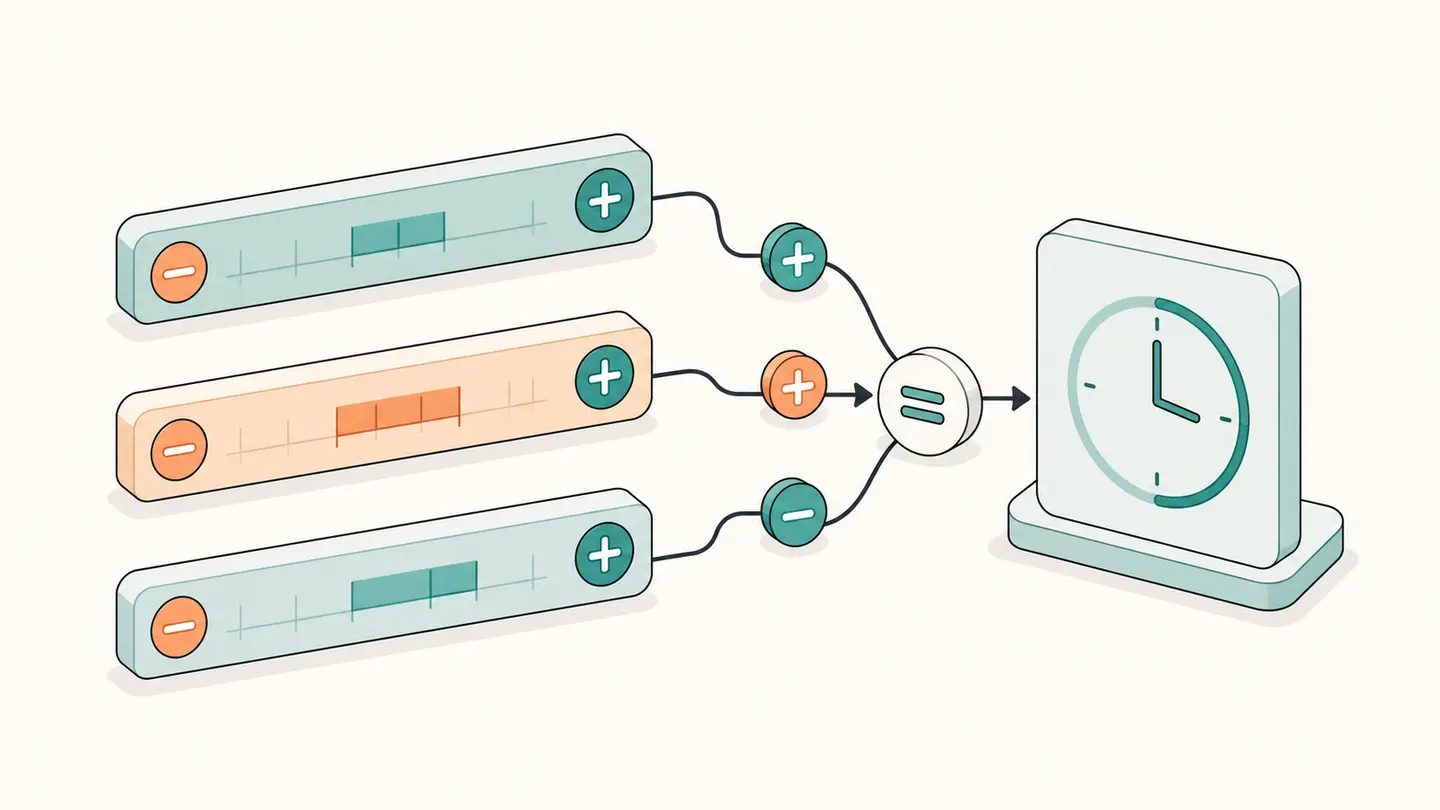
Enter one H:MM duration per line to add time, or put a minus sign before a duration to subtract it. The tool totals minutes first and then displays hours and minutes, including a negative result when deductions exceed additions. These are durations, not times of day.
One signed H:MM duration per line, up to 100 lines. Example: 1:30, 2:45 and -0:15 gives 4:00.
Best solution
Enter one H:MM duration per line to add time, or put a minus sign before a duration to subtract it.
One signed H:MM duration per line, up to 100 lines. Example: 1:30, 2:45 and -0:15 gives 4:00.
Total duration · hours:minutes
4:00
240 minutes · 4.0000 decimal hours
Minutes use base 60: 1:30 means 90 minutes, not 1.30 hours. Prefix a duration with − to subtract it.

Opens the Kepo download page; this calculation or file is not transferred.
Key solutions at a glance The main decisions from this guide, condensed into one table.
Use the Calculator
Write each session on its own line. Use 1:30 for an hour and thirty minutes, not 1.30. Hours can exceed twenty-three because this is a duration rather than a clock reading. A line can contain up to four digits of hours, while the minute portion must contain exactly two digits between 00 and 59.
Add a minus sign to the time you want to deduct. For example, -0:15 removes a fifteen-minute break. A leading plus sign is optional for additions. Blank lines, unsupported separators or a value such as 0:75 are rejected instead of silently dropping part of your input.
Check the total minutes as well as the formatted result. For 1:30, 2:45 and -0:15, the corresponding minutes are 90 + 165 − 15 = 240. Dividing by sixty gives four hours exactly. The count of entries helps you notice a session omitted from a copied list.
Copy the answer after reviewing the inputs. Changing a line resets the copy confirmation, so a previous successful copy is not presented as a copy of a newly edited result. Your duration list stays in the browser; the tool does not send it to a time-tracking account or create a saved timesheet.
How the Calculation Works
Ordinary decimal addition cannot directly add H:MM values because the minute portion is base sixty. The calculator parses each duration, multiplies its hours by sixty, adds its minute part and applies the sign to the whole duration. It then sums all signed minutes. For display, it takes the absolute total, divides by sixty and restores the sign. This avoids a misleading result such as treating one hour fifty minutes plus twenty minutes as 1.70 hours.
A Practical Walkthrough: Compare the Inputs and Counting Rules Before Saving the Result
Imagine three recorded sessions of 1:45, 0:50 and 2:10. Convert them into 105, 50 and 130 minutes before adding, which gives 285 minutes. The displayed total is 4:45 because four complete hours account for 240 minutes and forty-five minutes remain. To subtract a thirty-minute break, add a separate -0:30 line; the new total is 4:15. Do not type 1.45 for the first session. As decimal hours, 1.45 would mean one hour and twenty-seven minutes, which is a different duration. Likewise, a colon does not turn 1:75 into valid hour-minute notation: minutes must be from zero through fifty-nine. The component rejects that input instead of silently normalizing it. Negative totals are allowed because subtraction can exceed the positive entries; they are arithmetic outcomes, not automatically a scheduling error. This calculator sums durations without knowing their dates, participants or overlap. If two sessions ran at the same time, the sum still counts both durations. Decide whether you need summed effort or elapsed calendar time before using the result in a report.
Worked Reference Examples
| Input | Counting rule | Result |
|---|---|---|
| 1:30 + 2:45 − 0:15 | 90 + 165 − 15 minutes | 4:00 |
| 0:50 + 0:20 | 70 minutes | 1:10 |
| 2:00 − 3:15 | −75 minutes | −1:15 |
| 24:00 + 1:30 | 1,530 minutes | 25:30 |
Use these examples to verify the mode before entering your own values. Change one setting at a time so you can identify why the result changes. The examples are fixed demonstrations; they are not automatically updated personal data or recommended dates for your own task.
Important Boundaries
A negative total is a valid arithmetic result. It means the deductions exceed the additions, not that a real clock has a negative time. Check the signs if you expected a positive total rather than automatically discarding the minus sign.
Decimal hours are provided as a separate representation. A total of one hour ten minutes is approximately 1.1667 hours, not 1.10. Rounding that value for billing or reporting is a separate policy decision; the calculator retains the minute-based result.
This page does not calculate overtime, wages, taxes or payroll eligibility. It adds and subtracts durations you enter. For repeated session tracking, keep the underlying records in your chosen time tracker or desktop workflow so the total remains auditable.
Save a Result You Can Recheck
Keep the original inputs with the result. A bare number such as five, thirty or one hundred does not tell a later reader whether it represents dates, weekdays, minutes or complete anniversaries. The copy action records the selected calculation context, and it confirms success only after the browser accepts the clipboard operation.
Calculation fields stay on this device. Closing or refreshing the page is not a promise of persistent storage, and no account is needed to use the tool. If an input is incomplete or invalid, the component hides the previous numerical result and explains what needs changing. Do not use an old screenshot as a result for new inputs.
Kepo offers Mac desktop widgets for repeated checks and small personal workflows. You can explore those capabilities through the download page, but this calculator does not automatically transfer its inputs, save a reminder or generate a configured widget. Preserve the result yourself before moving to a desktop workflow.
Use the calculator that matches the task.
Frequently Asked Questions
Can I add more than twenty-four hours?
Yes. The entries are durations, and each line can have up to four digits of hours.
How do I subtract a break?
Enter a separate negative duration such as -0:30 for thirty minutes.
Can I enter start and finish times?
Use the time duration calculator for that task. This page expects lengths of time, not clock readings.
A useful result includes the inputs, unit and counting convention. Keep all three when you save or share it.
Stay informed with Kepo on your desktop
Embed interactive widgets, monitor dynamic sites, track APIs, and run ambient AI agents right on your macOS desktop.
Related Articles
View all posts →Time Duration Calculator
Enter two 24-hour clock readings to calculate their difference in hours and minutes. Choose Next day explicitly when the end occurs on the following day. This tool measures a nominal wall-clock interval; it does not calculate elapsed time across time zones or daylight-saving transitions.
How to calculate days between dates and business days
Enter two dates to count calendar days, weekdays, and weekends. Check whether to include the end date, follow a worked example, and account separately for holidays.
90 days from today: calculate the exact date
Find the date 90 days from today with the calculator below. See a worked example, compare calendar days with weekdays, and understand why three months can give a different answer.
How to find IP address on Mac: local vs. public IP explained
Learn how to find IP address on Mac across local network interfaces and public gateways. Master Terminal shortcuts, understand private vs. public routing, and pin live network widgets to your desktop.