Time Duration Calculator
Enter two 24-hour clock readings to calculate their difference in hours and minutes. Choose Next day explicitly when the end occurs on the following day. This tool measures a nominal wall-clock interval; it does not calculate elapsed time across time zones or daylight-saving transitions.
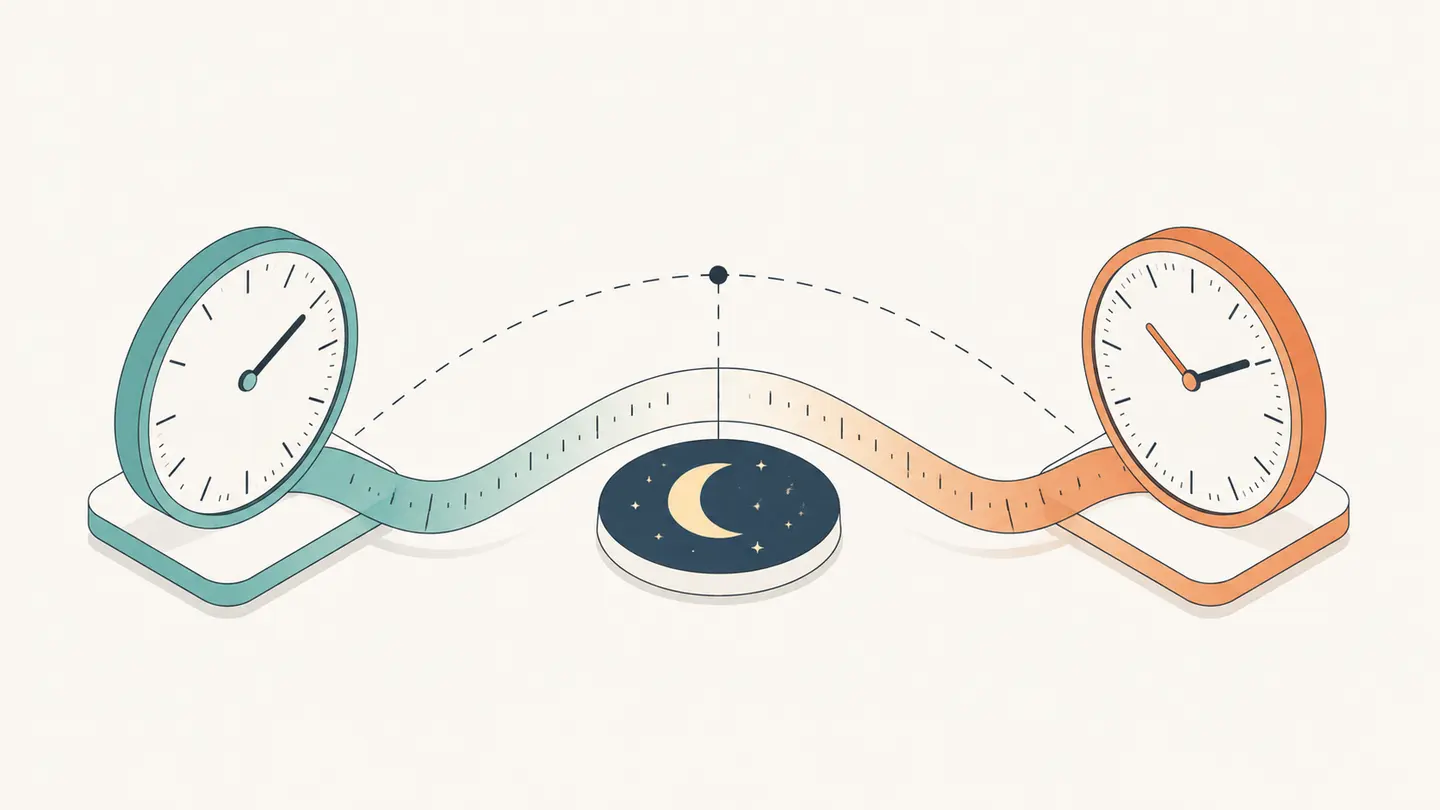
Enter two 24-hour clock readings to calculate their difference in hours and minutes. Choose Next day explicitly when the end occurs on the following day. This tool measures a nominal wall-clock interval; it does not calculate elapsed time across time zones or daylight-saving transitions.
Hours, minutes and decimal hours, with an explicit next-day setting.
Best solution
Enter two 24-hour clock readings to calculate their difference in hours and minutes.
Hours, minutes and decimal hours, with an explicit next-day setting.
Wall-clock duration
8h 30m
510 minutes · 8.5000 decimal hours
Uses local clock readings, not time zones or DST. Select Next day explicitly for overnight intervals.

Opens the Kepo download page; this calculation or file is not transferred.
Key solutions at a glance The main decisions from this guide, condensed into one table.
Use the Calculator
Enter the start as a 24-hour time. For example, 09:00 means nine in the morning and 21:00 means nine in the evening. Minutes range from 00 through 59. The calculator requires both fields; a blank start is not silently treated as midnight.
Enter the finish using the same convention. For a same-day interval, the finish must be on or after the start. If it is earlier, choose Next day only when that accurately describes your interval. The component does not guess that every reversed pair represents an overnight session.
Read the hours-and-minutes result together with total minutes. A ninety-minute period is one hour thirty minutes, or 1.5 decimal hours. It is not 1.30 decimal hours. Use the representation required by your notes or scheduling system, and keep the original readings so the calculation can be checked.
For breaks or several work sessions, use the separate time calculator linked below. This page subtracts one start from one end; it does not know whether you took a break, worked continuously or had unpaid time. Copying the interval does not approve a timesheet or apply workplace rounding rules.
How the Calculation Works
Convert each reading to minutes after midnight: hours × 60 + minutes. Subtract start minutes from end minutes. If Next day is selected, add 1,440 minutes to the end first. Divide the result by sixty for complete hours and keep the remainder as minutes. Choosing Next day can describe more than twenty-four hours when the following-day finish is later than the start time; the component follows the dates you selected rather than imposing an unstated overnight shortcut.
A Practical Walkthrough: Compare the Inputs and Counting Rules Before Saving the Result
Suppose a session begins at 22:30 and ends at 01:15. On the same calendar day, the end would precede the start, so the component rejects that interpretation. Selecting Next day changes the question explicitly. There are ninety minutes from 22:30 to midnight and seventy-five minutes from midnight to 01:15, giving 165 minutes, or two hours and forty-five minutes. Nothing in this calculation subtracts a break. If the session includes an unpaid fifteen-minute break, record that separately and subtract it only when your task calls for net working time. Also distinguish a nominal wall-clock interval from actual elapsed time across a daylight-saving transition. This tool has no date or time-zone inputs, so it cannot resolve a repeated hour or a clock jump. Two identical clock readings with Next day selected mean twenty-four nominal hours here, not a time-zone-aware measurement. For a flight, a cross-zone call or an event spanning a clock change, use timestamps with explicit zones instead. Saving the start, end and Next day setting prevents a later reader from treating the same clock values as a different interval.
Worked Reference Examples
| Input | Counting rule | Result |
|---|---|---|
| 09:00 → 17:30 | Same day | 8 h 30 min; 510 minutes |
| 23:15 → 01:45 | Next day | 2 h 30 min; 150 minutes |
| 08:00 → 08:00 | Same day | 0 minutes |
| 08:00 → 08:00 | Next day | 24 hours |
Use these examples to verify the mode before entering your own values. Change one setting at a time so you can identify why the result changes. The examples are fixed demonstrations; they are not automatically updated personal data or recommended dates for your own task.
Important Boundaries
A civil clock can skip or repeat an hour during a daylight-saving change. Without a date and a time zone, a pair of clock readings cannot identify the actual elapsed interval in that situation. Use a dated, zone-aware record when elapsed time matters.
Travel introduces the same issue. Departure at 10:00 in one city and arrival at 12:00 in another does not necessarily mean two hours elapsed. This calculator assumes the readings belong to the same nominal clock, not different local time zones.
For a casual session timer, a measured timer is more appropriate than reconstructing an interval from rounded clock readings. For a planned slot in a calendar, this wall-clock difference provides the stated schedule length. Keep that distinction in a recurring desktop workflow.
Save a Result You Can Recheck
Keep the original inputs with the result. A bare number such as five, thirty or one hundred does not tell a later reader whether it represents dates, weekdays, minutes or complete anniversaries. The copy action records the selected calculation context, and it confirms success only after the browser accepts the clipboard operation.
Calculation fields stay on this device. Closing or refreshing the page is not a promise of persistent storage, and no account is needed to use the tool. If an input is incomplete or invalid, the component hides the previous numerical result and explains what needs changing. Do not use an old screenshot as a result for new inputs.
Kepo offers Mac desktop widgets for repeated checks and small personal workflows. You can explore those capabilities through the download page, but this calculator does not automatically transfer its inputs, save a reminder or generate a configured widget. Preserve the result yourself before moving to a desktop workflow.
Frequently Asked Questions
How do I calculate a time across midnight?
Enter both clock readings and select Next day. For 23:15 to 01:45, the result is two hours thirty minutes.
Is 1:30 the same as 1.30 hours?
No. One hour thirty minutes equals 1.5 decimal hours because thirty minutes is half an hour.
Does the tool account for daylight saving?
No. It has no date or time-zone input and calculates nominal wall-clock duration only.
A useful result includes the inputs, unit and counting convention. Keep all three when you save or share it.
Stay informed with Kepo on your desktop
Embed interactive widgets, monitor dynamic sites, track APIs, and run ambient AI agents right on your macOS desktop.
Related Articles
View all posts →Time Calculator for Adding and Subtracting Durations
Enter one H:MM duration per line to add time, or put a minus sign before a duration to subtract it. The tool totals minutes first and then displays hours and minutes, including a negative result when deductions exceed additions. These are durations, not times of day.
How to calculate days between dates and business days
Enter two dates to count calendar days, weekdays, and weekends. Check whether to include the end date, follow a worked example, and account separately for holidays.
90 days from today: calculate the exact date
Find the date 90 days from today with the calculator below. See a worked example, compare calendar days with weekdays, and understand why three months can give a different answer.
How to find IP address on Mac: local vs. public IP explained
Learn how to find IP address on Mac across local network interfaces and public gateways. Master Terminal shortcuts, understand private vs. public routing, and pin live network widgets to your desktop.