NBA Scores on Mac: Track Tonight's Lakers–Clippers Slate Without Tabs
Busy NBA Wednesday (Oct 28, 2026): Lakers at Clippers tip 7:30 p.m. PT. Why pinned ESPN stays blank, and a Mac widget setup for tonight's scores, news and reactions.

Wednesday, October 28, 2026, packs a full NBA slate, capped by Los Angeles Lakers at LA Clippers at about 7:30 p.m. PT / 10:30 p.m. ET from Intuit Dome in Inglewood. For fans outside the Pacific zone that tip is late evening or Thursday morning. This piece is for tonight's games — distinct from the season-long NBA 2026-27 tracker.
To follow the score and the noise without a stream or a score app open all night, put four things one shortcut away on your Mac: a scores widget, an NBA news feed, a team or #Lakers / #Clippers keyword watch, and an optional countdown. The same panel pattern already works for Sunday Night Football, Thursday Night Football and the World Series.
Try it here
Glance at scores, quarter clocks, and tip times directly from your desktop panel without keeping ESPN or score tabs open.
Static pregame snapshot baked at publish time (0–0 · tip 7:30 p.m. PT). On desktop, the same panel widget updates from public scoreboard feeds.
NBA · NBA Scoreboard
Lakers at Clippers · Intuit Dome
0
—
0
—
| 1 | 2 | 3 | 4 | T | |
|---|---|---|---|---|---|
| LAL | — | — | — | — | 0 |
| LAC | — | — | — | — | 0 |
Desktop AI Widget
Build this widget on your Mac with Kepo AI
 Kepo
KepoKey solutions at a glance The main decisions from this guide, condensed into one table.
Tonight's slate (upcoming — no live scores yet)
As of Asia-morning research time on October 28, these games were still upcoming. Treat the table as tip times from public schedule listings (NBA.com Lakers game page; ESPN NBA schedule), not final scores. Open those links once tip-off starts.
| Tip (ET) | Matchup | Notes |
|---|---|---|
| 7:00 p.m. | Heat at Hawks | League Pass |
| 7:00 p.m. | Wizards at Cavaliers | League Pass |
| 7:00 p.m. | Hornets at Pistons | League Pass |
| 7:00 p.m. | 76ers at Pacers | ESPN |
| 7:30 p.m. | Magic at Raptors | League Pass |
| 8:00 p.m. | Knicks at Bulls | League Pass |
| 8:00 p.m. | Rockets at Bucks | League Pass |
| 8:00 p.m. | Warriors at Timberwolves | League Pass |
| 8:00 p.m. | Nuggets at Pelicans | League Pass |
| 9:00 p.m. | Spurs at Jazz | League Pass |
| 9:30 p.m. | Thunder at Mavericks | ESPN |
| 10:30 p.m. | Lakers at Clippers | Intuit Dome · featured here |
A midweek NBA night is many tips staggered across three hours. A panel you open over whatever you are doing is built for that rhythm — swap the scores prompt if you change the game you care about.
Featured tip: Lakers at Clippers
Lakers at Clippers tip at 7:30 p.m. Pacific / 10:30 p.m. Eastern on Wednesday, October 28, 2026, from Intuit Dome (NBA game id 0022600143). Local TV listings vary by market; national streaming options change by region, so check NBA.com or your provider for the feed you can actually watch.
Tip-off in your zone
| City | Tip local time |
|---|---|
| Los Angeles (PDT) | Wed, 7:30 p.m. |
| New York (EDT) | Wed, 10:30 p.m. |
| Chicago (CDT) | Wed, 9:30 p.m. |
| London (GMT) | Thu, 2:30 a.m. |
| Berlin / Paris (CET) | Thu, 3:30 a.m. |
| Beijing | Thu, 10:30 a.m. |
| Tokyo (JST) | Thu, 11:30 a.m. |
| Sydney (AEDT) | Thu, 1:30 p.m. |
For much of Asia and Australia, the LA game lands in the Thursday morning work block. The US is still on daylight time; clocks flip November 1, so recheck later-week tips after that.
Why a pinned scoreboard page often stays blank
The obvious idea is to pin ESPN's NBA scoreboard or the game page in a web-view widget. It often does not work: ESPN's NBA scoreboard and game pages tell browsers not to show them inside another app's frame (the same pattern in the SNF, TNF and season trackers). Kepo's guide for its web-view widget warns about exactly this: some sites block embedding and the widget stays blank.
So build the scores widget from data instead of from the page, and use feeds for the news.
Set up tonight's NBA tracker in Kepo
Kepo keeps small widgets in a floating panel you open with a global shortcut, over any app, including full-screen ones. Four widgets cover a busy Wednesday night.
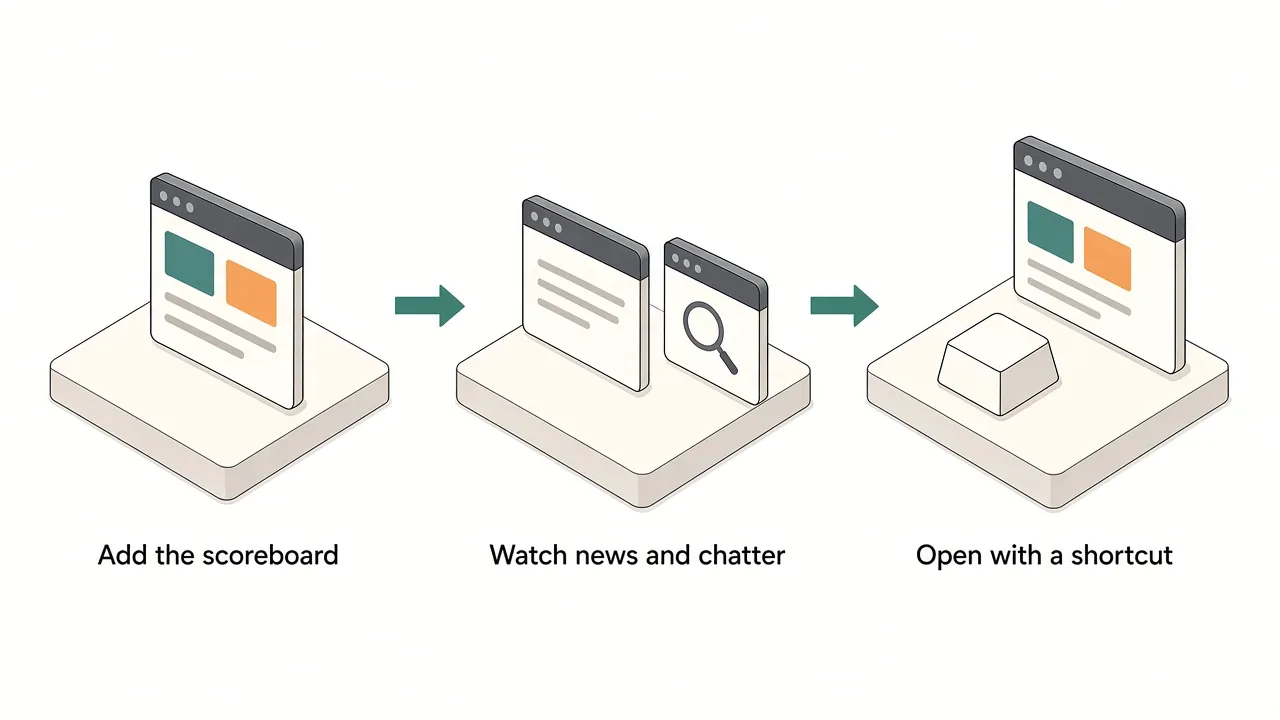
1. Tonight's score (built with AI)
Kepo has no fixed NBA plugin for a single night, so describe the widget you want. Name the source, the fields and the refresh:
- Prompt example: "Show tonight's NBA game Lakers at Clippers from a public scoreboard source: both teams, the score, the quarter and clock, or the tip time in my time zone if the game has not started. Put my team first. Refresh every 2 minutes while a game is live."
- Check it: compare the first result with ESPN or NBA.com before you rely on it, and keep the widget to one game (or swap the prompt for Thunder–Mavericks / Warriors–Minnesota if that is your focus).
2. NBA news feed
- Widget: RSS Reader, which reads one RSS or Atom feed.
- Feed URL:
https://www.espn.com/espn/rss/nba/news(ESPN's NBA headlines feed). - What it shows: the newest headlines with links, such as injury notes before tip and recaps after the final buzzer.
3. Lakers, Clippers or #NBA on X
- Widget: X Keyword Watch from the X widgets.
- Keyword: one team or tag, for example
Lakers,Clippers,Thunderor#NBA. - What it shows: the latest posts from X's Live results for that keyword. Sign in to X first for reliable results.
4. Optional: a countdown to tip
Add an Event Timer countdown named LAL @ LAC tip (or your game). The countdown runs for a length of time from when you save it, so pick Hour or Minute as the unit and enter the time left. It is a display only and sends no reminder.
For a season-long odds or champion market, reuse the pattern in the NBA 2026-27 season guide.
Score apps and tabs vs one shortcut panel
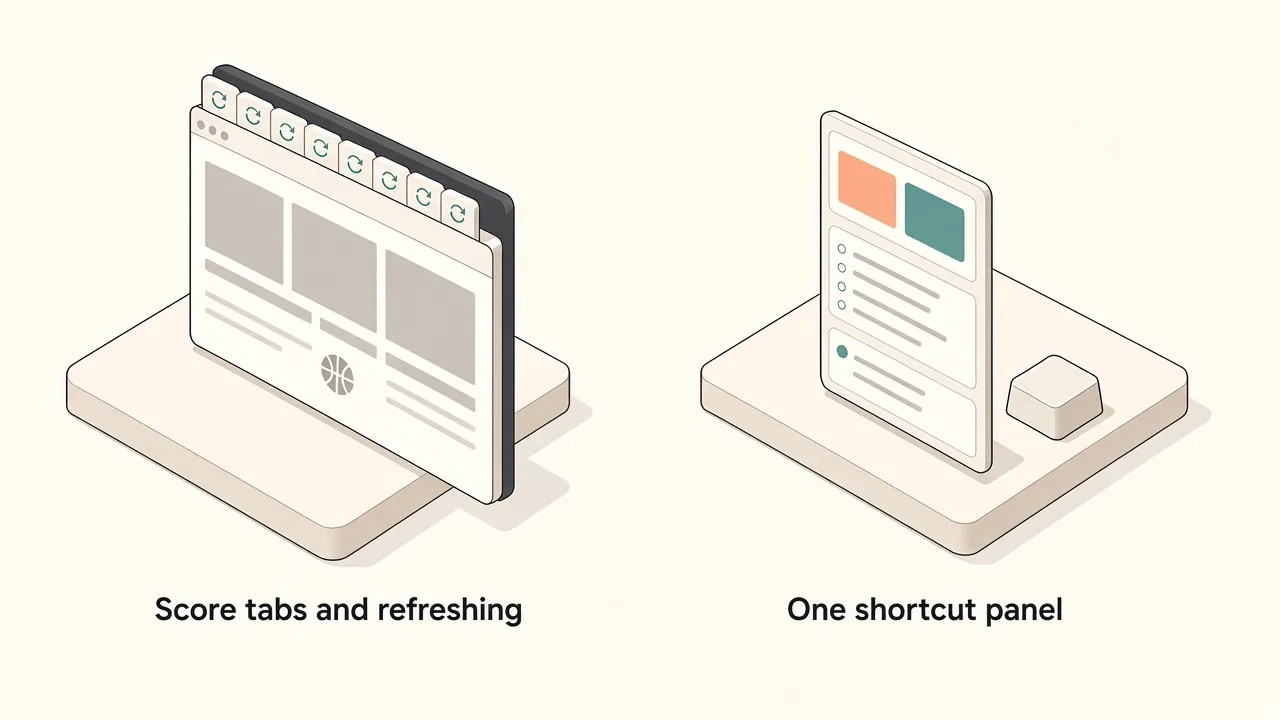
| Tabs and phone apps | Kepo panel | |
|---|---|---|
| Live score | Reload a page or unlock your phone | Scores widget refreshes on its own |
| Injury and recap news | Scroll a site's front page | One feed, newest first |
| Reactions | X tab you keep scrolling | Keyword widget, glance and close |
| During work | Switch away from your app | One shortcut over the app, one to hide |
Keep the panel small. One scores widget and one news feed answer most nights; add the keyword watch only if you check it. The same pattern works for SNF, TNF and the season guide if you follow more than one sport.
Before you install
Kepo runs on Macs with Apple silicon (M1 or later) and macOS 12 or later. There is no Intel version. Details are in Kepo system requirements.
New to widgets on the Mac? Start with the built-in Mac desktop widgets, browse free widgets for Mac, or build custom Mac widgets for sources Apple does not cover.
FAQ
What time is Lakers at Clippers tonight?
About 7:30 p.m. PT / 10:30 p.m. ET on October 28, 2026, from Intuit Dome (NBA.com game lal-vs-lac-0022600143). Convert with the table above for your city.
Which other NBA games tip Wednesday night?
A full slate, including 76ers at Pacers and Thunder at Mavericks on ESPN, plus Warriors at Timberwolves, Knicks at Bulls, Hornets at Pistons, and more. Check ESPN's NBA schedule for the latest tip times and TV.
Is there an NBA scores widget for Mac?
macOS has no built-in NBA scores widget. With Kepo you can describe one to its AI builder, using a public scoreboard as the source, and keep it next to a news feed in one panel. For season-long setup ideas, see the NBA 2026-27 season tracker.
Can I pin ESPN's NBA scoreboard in a widget?
You can try, but ESPN's NBA scoreboard and game pages block being shown inside another app's frame, so a web-view widget may stay blank. A widget built from score data, plus an RSS feed for news, is more reliable.
Will the widget alert me when the game ends?
The widgets in this setup are for glancing: open the panel and see the current state. They do not send notifications by themselves.
Get set up for tonight's slate
Set it up once and reuse it on later midweek nights: a scores widget, the ESPN NBA feed, one keyword watch, and a tip countdown if you want it, all behind one shortcut. Download Kepo for your Apple silicon Mac and add the first widget in a few minutes.
Stay informed with Kepo on your desktop
Embed interactive widgets, monitor dynamic sites, track APIs, and run ambient AI agents right on your macOS desktop.
Related Articles
View all posts →How to calculate days between dates and business days
Enter two dates to count calendar days, weekdays, and weekends. Check whether to include the end date, follow a worked example, and account separately for holidays.
How to find IP address on Mac: local vs. public IP explained
Learn how to find IP address on Mac across local network interfaces and public gateways. Master Terminal shortcuts, understand private vs. public routing, and pin live network widgets to your desktop.
How to crop an image on Mac: native tools and instant workflows
Crop an image on Mac with Preview or Photos, or try the center-crop tool on this page. Compare selection controls, aspect ratios, PNG export, and ways to preserve the original.
How to add widgets on Mac with AI-built custom widgets
A practical guide to adding widgets to the Mac desktop, using the built-in widget gallery, and creating custom widgets when the widget you need does not already exist.