M6 Mac Pre-Orders: Delivery Dates and How to Track Them From Your Mac
Apple opened M6 14-inch MacBook Pro and M6 iMac pre-orders on October 28, with availability from November 6. Here is where things stand and a Mac widget setup for news, dates and delivery changes.

Apple announced the 14-inch MacBook Pro with M6 and the new iMac with M6 on October 27, 2026. Pre-orders open today, Wednesday, October 28, and availability starts Friday, November 6. The MacBook Pro buy window was reported at 10:10 a.m. Pacific; both machines ship in the same window once orders land.
This is the post-announce wait: delivery estimates, configure-to-order queues, education pricing, and whatever else Apple may still show at today's "Pro and tell" media day in Los Angeles. For the pre-event countdown pattern, see how to follow the October 28 Apple event. Put the moving parts one shortcut away on your Mac instead of reloading the store all day.
Create it with Kepo AI
Apple opened M6 14-inch MacBook Pro and M6 iMac pre-orders on October 28, with availability from November 6.
Key solutions at a glance The main decisions from this guide, condensed into one table.
What Apple announced for M6 Macs
Two Newsroom posts on October 27 cover the hardware that opened for pre-order today. Sparse facts from Apple:
| Model | Starts at (US) | Colors | Pre-order | Availability |
|---|---|---|---|---|
| 14-inch MacBook Pro with M6 | $1,999 ($1,899 education) | Space Black, Silver | Oct 28 | Fri, Nov 6 |
| iMac with M6 (10-core) | $1,499 ($1,449 education) | Seven colors | Oct 28 | Fri, Nov 6 |
| iMac with M6 (12-core) | $1,699 ($1,599 education) | Seven colors | Oct 28 | Fri, Nov 6 |
Apple's 14-inch MacBook Pro with M6 post lists a 12-core CPU and 12-core GPU, Liquid Retina XDR (nano-texture optional), Wi-Fi 7, Bluetooth 6, and up to 24 hours of battery life. The new iMac with M6 ships in blue, green, pink, yellow, purple, orange, and silver on the familiar 24-inch 4.5K Retina all-in-one.
Pre-order day is a queue problem. The more useful signals over the next week are delivery estimates that move, pickup slots that appear, and any late media-day news that changes what you want to buy.
What else is happening on October 28
October 28 is also Apple's "Pro and tell" LA media day. Coverage ahead of the day pointed at OLED touch MacBook Pro rumors and other Pro lineup chatter. Those remain media and rumor reports, not Apple Newsroom confirmations as of this writing — do not treat OLED pricing or ship dates as official unless Apple posts them. Keep the event tracker open if you are watching that window; this article is for the M6 machines already named and priced.
Dates worth a countdown
| Date | What |
|---|---|
| Wed, Oct 28 ~10:10 a.m. PT | M6 MacBook Pro pre-orders open (reported); iMac same day |
| Wed, Oct 28 | "Pro and tell" LA media day (see event tracker) |
| Fri, Nov 6 | Availability / first customer arrivals for M6 MacBook Pro and iMac |
Why you cannot just pin Apple's buy page
The obvious move is to keep the MacBook Pro or iMac configure page open in a widget. It often does not work. Apple's store buy and order-status pages commonly refuse to load inside another app's frame (the same pattern called out in the iPhone Duo stock tracker). Kepo's web-view widget guide warns about this: sites that block embedding stay blank.
So split the job: use feeds and keyword watches for the news, a countdown for November 6 (or your own ship date), and a task to record your order's estimate when you check it in the browser.
Set up an M6 Mac pre-order tracker in Kepo
Kepo keeps small widgets in a floating panel you open with a global shortcut, over any app, including full-screen ones. Four widgets cover pre-order day and the wait to November 6.
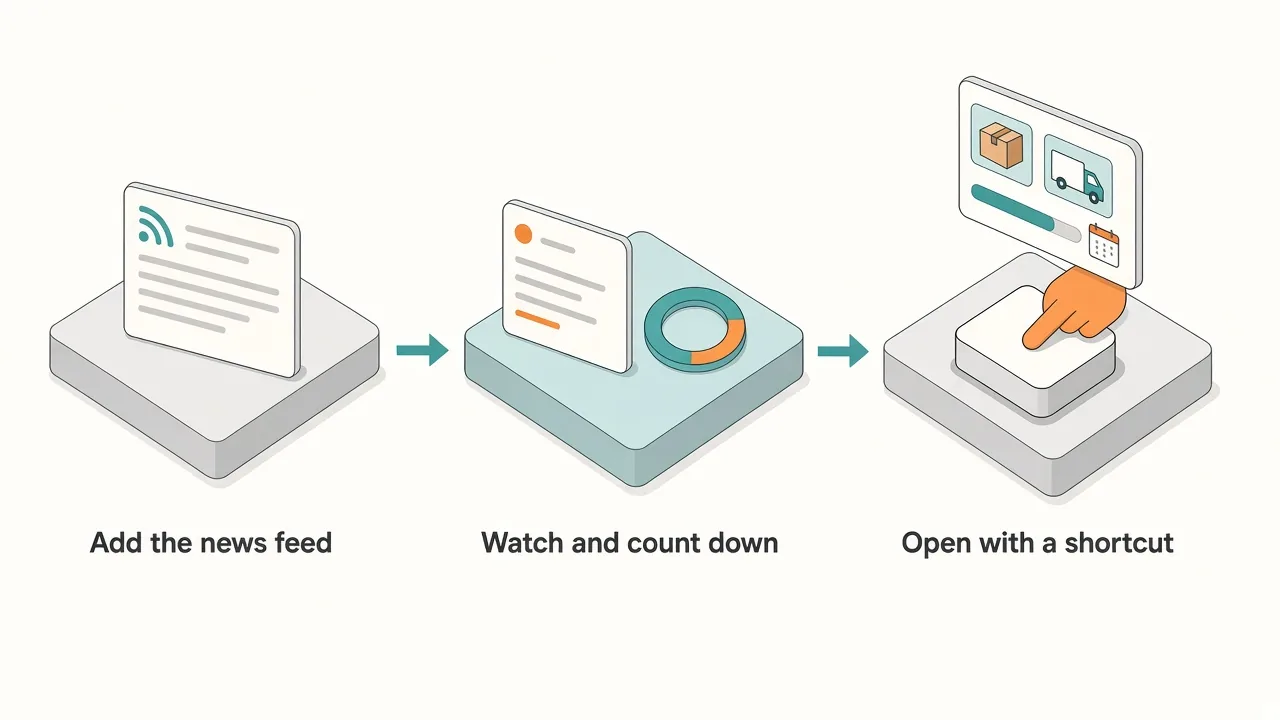
1. Apple Mac news feed
- Widget: RSS Reader, which reads one RSS or Atom feed.
- Feed URL:
https://www.apple.com/newsroom/rss-feed.rss(Apple Newsroom; returned the M6 MacBook Pro and iMac posts on October 27). Prefer broader Mac coverage? Usehttps://feeds.macrumors.com/MacRumors-Allinstead. One feed is enough. - What it shows: official Newsroom posts and, with the MacRumors feed, delivery and media-day follow-ups, newest first.
2. Live reports on X
- Widget: X Keyword Watch from the X widgets.
- Keyword:
M6 MacBook ProorM6 iMacon pre-order morning; after that, something narrower such asMacBook Pro deliveryoriMac Nov 6. - What it shows: the latest posts from X's Live results for that keyword: queue times, "my ship date moved" posts, store pickup notes. Sign in to X first for reliable results.
3. A countdown to November 6 (or your ship date)
- Widget: the Event Timer countdown.
- Setting: the countdown runs for a length of time from when you save it, so pick Day or Hour as the unit and enter the time left. Example: set it on October 28 for a November 6 arrival and the value is
9days. Use Hour for the morning pre-order open. - What it shows: the time left. It is a display only and sends no reminder, so reset it if your estimate changes.
4. Your own order's estimate
- Widget: Todo List.
- Setup: one task, for example
M6 MacBook Pro orderorM6 iMac order, with the current estimate as its due date. Each time you check order status in the browser, add a step such asOct 28: Nov 6and update the due date if it moved. - What it shows: the current estimate at a glance, plus a short history of every change.
Optional: a public stock or ship-date page, built with AI
If a retailer shows ship dates on a public page that loads without sign-in, you can describe a widget for that one check, for example: "Show the estimated delivery date for 14-inch MacBook Pro with M6 from this page, with the time it was last checked. Refresh every 30 minutes." Store pages change layout and some block automated reads, so compare the first result with the real page and keep it to one model. More on this in website widgets for Mac.
Reloading store pages vs one shortcut panel
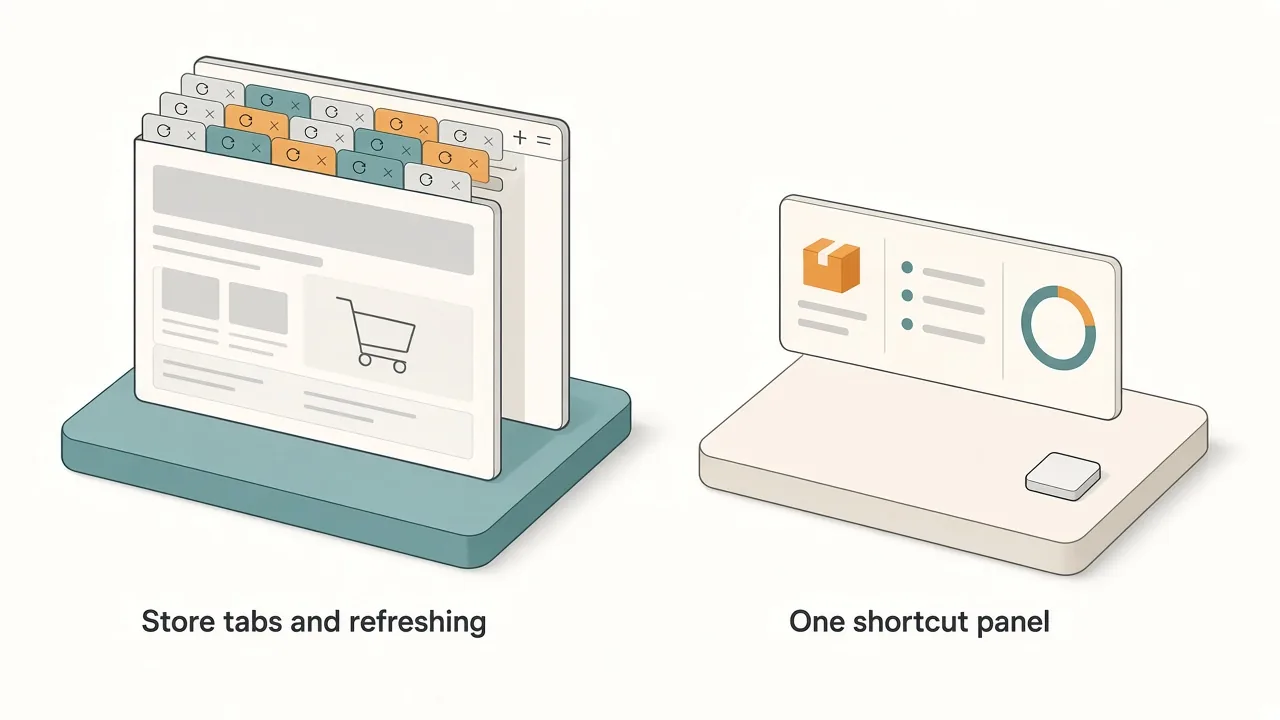
| Store tabs and refreshing | Kepo panel | |
|---|---|---|
| Pre-order and media-day news | Reload several news sites | One Apple or Mac feed, newest first |
| Delivery-date changes | Remember what the date was yesterday | Todo task with a dated history |
| Queue chatter | X tab you keep scrolling | Keyword widget, glance and close |
| Key dates | Work them out again | Countdown shows the time left |
| During work | Switch away from your app | One shortcut over the app, one to hide |
Keep the panel small. The feed and the order task answer most days; add the keyword watch on pre-order morning and drop it once your Mac ships.
Before you install
Kepo runs on Macs with Apple silicon (M1 or later) and macOS 12 or later. There is no Intel version. Details are in Kepo system requirements.
New to widgets on the Mac? Start with the built-in Mac desktop widgets, browse free widgets for Mac, or build custom Mac widgets for sources Apple does not cover.
FAQ
When do M6 MacBook Pro and iMac pre-orders open?
Wednesday, October 28, 2026, on apple.com/store and in the Apple Store app in the markets Apple listed. The 14-inch MacBook Pro window was widely reported at 10:10 a.m. Pacific; the iMac opens the same day.
When do the new M6 Macs ship?
Apple says availability begins Friday, November 6, 2026, for customer arrivals and Apple Store / reseller stock. Individual order estimates can differ once you configure and check out.
How much do the new M6 Macs cost?
In the US, the 14-inch MacBook Pro with M6 starts at $1,999 ($1,899 with education savings). The iMac with M6 starts at $1,499 for the 10-core model and $1,699 for the 12-core model ($1,449 / $1,599 education).
Was an OLED touchscreen MacBook Pro announced?
Not in Apple's October 27 M6 Newsroom posts. OLED touch MacBook Pro coverage around the "Pro and tell" day remains rumor and media reporting unless Apple confirms it. Track that separately from the priced M6 machines above.
Can a Kepo widget alert me when my Mac ships?
The widgets in this setup are for glancing: open the panel and see the newest news, posts and dates. They do not send notifications by themselves, and Apple's own buy and order pages usually cannot be shown inside a widget.
Get set up for pre-order week
Set it up once and it covers pre-order day through November 6: the Newsroom or Mac feed, one keyword watch, a countdown and your order task, all behind one shortcut. Download Kepo for your Apple silicon Mac and add the first widget in a few minutes.
Stay informed with Kepo on your desktop
Embed interactive widgets, monitor dynamic sites, track APIs, and run ambient AI agents right on your macOS desktop.
Related Articles
View all posts →How to calculate days between dates and business days
Enter two dates to count calendar days, weekdays, and weekends. Check whether to include the end date, follow a worked example, and account separately for holidays.
How to find IP address on Mac: local vs. public IP explained
Learn how to find IP address on Mac across local network interfaces and public gateways. Master Terminal shortcuts, understand private vs. public routing, and pin live network widgets to your desktop.
How to crop an image on Mac: native tools and instant workflows
Crop an image on Mac with Preview or Photos, or try the center-crop tool on this page. Compare selection controls, aspect ratios, PNG export, and ways to preserve the original.
How to add widgets on Mac with AI-built custom widgets
A practical guide to adding widgets to the Mac desktop, using the built-in widget gallery, and creating custom widgets when the widget you need does not already exist.