US Midterms 2026 Tomorrow: Track Results From Your Mac Desktop
Election Day is Tuesday, Nov 3, 2026, with all 435 House seats and 35 Senate seats up. Why results maps block embeds, Polymarket odds as of Nov 2, and a Mac widget setup.
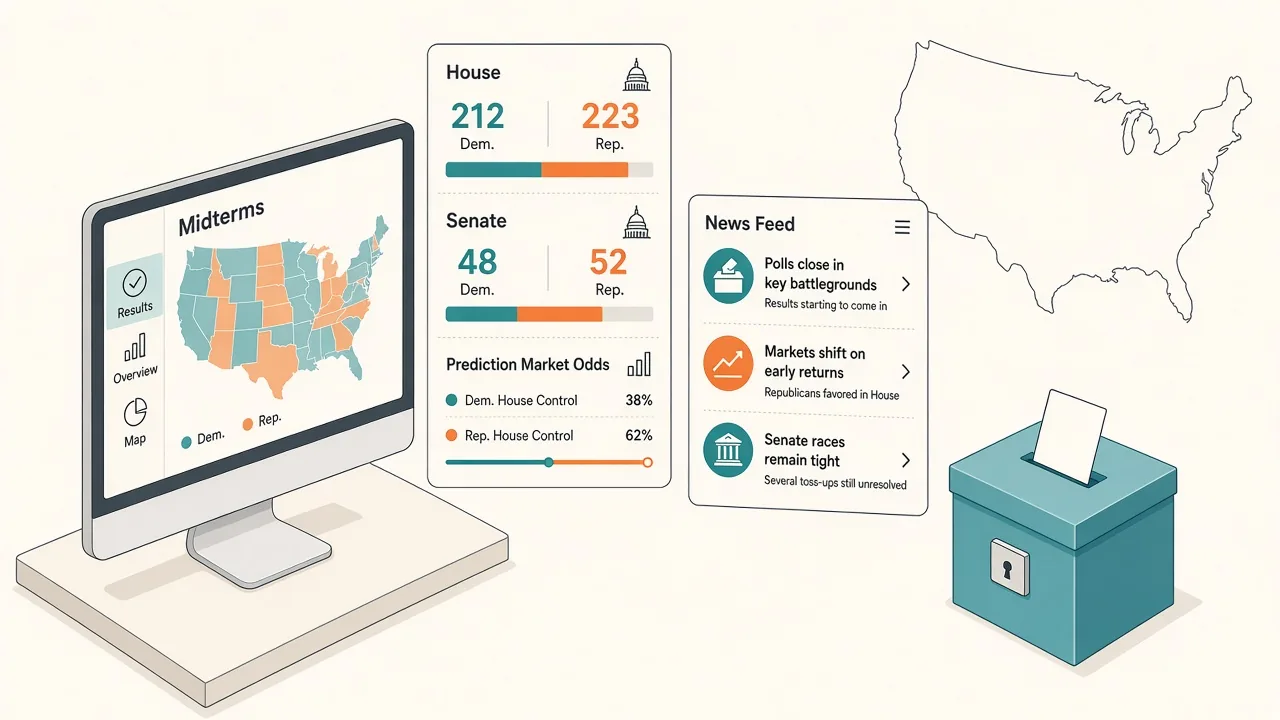
US Election Day is Tuesday, November 3, 2026. All 435 House seats are on the ballot, along with 35 Senate seats and governors' races. The first polls close around 6 p.m. Eastern. This page is a pre-results tracker for Mac users who want seats, odds, and headlines one shortcut away—not a called-seat board.
As of Asia-morning research on November 2, 2026, polls had not opened. Do not treat any seat count here as a winner. For prediction-market odds, Kepo already has a dedicated Polymarket odds desktop widget guide.
To follow the night without keeping AP, Bloomberg graphics, and X tabs open, put four things in one panel: a seat/odds widget, a results or politics news feed, an X keyword watch for midterms, and an optional Polymarket balance-of-power event.
Try it here
Glance at seats up, poll-close timing, and balance-of-power odds from your desktop panel without keeping results-map tabs open.
Static pre-results snapshot baked at publish time (Polls open Nov 3 · House 435 · Senate 35 up). No invented called seats or winners.
US Midterms 2026
First polls close ~6 p.m. ET · Election Day Tuesday
House
435
All seats
Senate
35
Seats up
Desktop AI Widget
Track the midterms on your Mac with Kepo AI
 Kepo
Key solutions at a glance The main decisions from this guide, condensed into one table.
What is fixed for Election Day
| Detail | Status | Note |
|---|---|---|
| Election Day | Tue Nov 3, 2026 | Confirmed calendar |
| House | 435 seats | All seats up |
| Senate | 35 seats up | Regular + scheduled specials in the Nov slate |
| Governors | Multiple states | Track only the races you care about |
| First poll closes | ~6 p.m. ET | Eastern states lead; West follows |
| Called winners | Not yet | Do not invent seat counts |
Prediction markets are not polls and are not results. As of November 2 research (Polymarket House and Senate control events), Democratic Party control of the House was near ~95% implied probability and Democratic control of the Senate near ~72%, with Republican control near ~6% / ~28%. Those numbers move; open the House and Senate markets for the live book.
Prefers odds with an "as of" label over fake called seats. After polls close, swap the odds widget for the sources you trust for projections.
Why results maps make a poor embed
AP and Bloomberg publish excellent graphics, but many election maps and live boards block being shown inside another app's frame. A web-view widget pointed at a map often stays blank for the same reason ESPN scoreboards do in the NFL guides. Build a compact seat or odds widget from public data, and keep a news feed for the headlines.
Set up a midterms tracker in Kepo
Kepo keeps small widgets in a floating panel you open with a global shortcut, over any app, including full-screen ones. Four widgets cover Election Night.
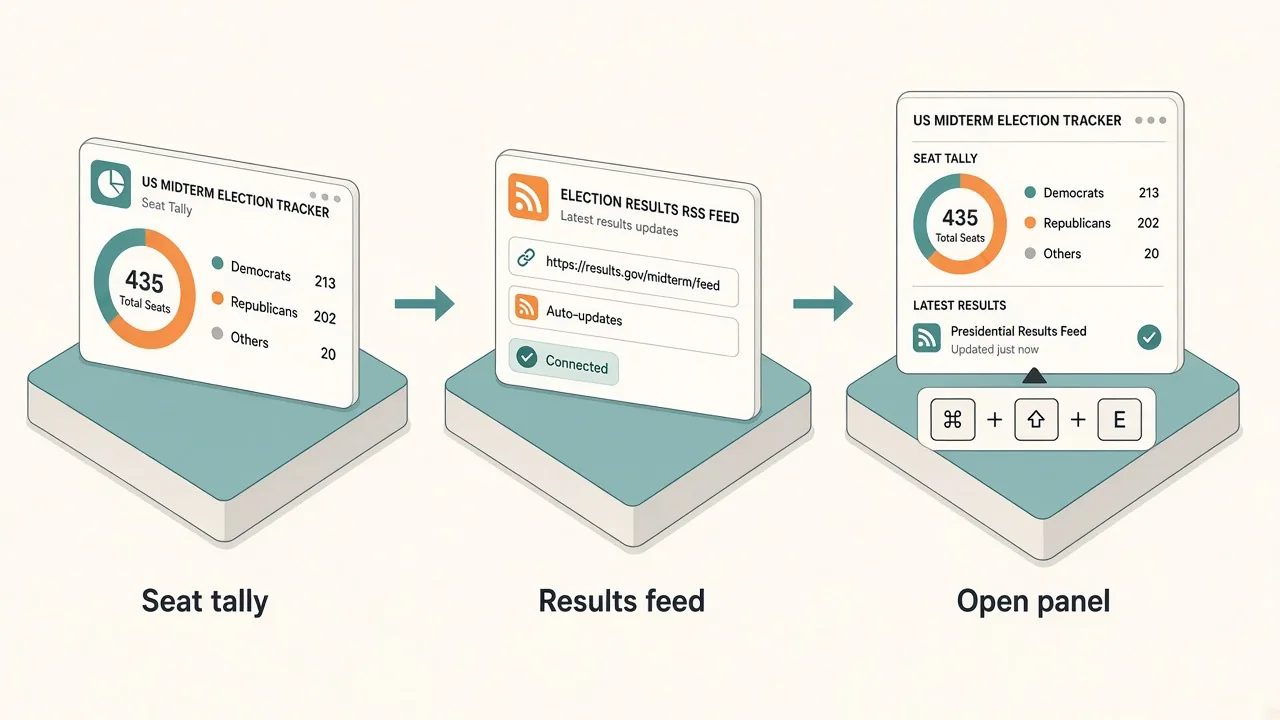
1. Seat or odds board (built with AI)
Describe the widget you want. Keep it honest: seats up and odds before polls close; called seats only after a source you trust posts them.
- Prompt example: "Show US midterms 2026: House seats up 435, Senate seats up 35, and Polymarket Democratic vs Republican control odds for House and Senate with an as-of timestamp. Refresh every 5 minutes. Do not invent called winners."
- Check it: compare the first result with AP/Bloomberg for seats and with Polymarket for odds.
2. Results or politics news feed
- Widget: RSS Reader.
- Feed URL: pick one politics/results feed you trust from AP, Bloomberg, or a national outlet that publishes RSS/Atom.
- What it shows: the newest headlines with links. One feed is enough; three outlets repeating the same projection is noise.
3. Midterms on X
- Widget: X Keyword Watch from the X widgets.
- Keyword:
midterms(or a race-specific tag if you only follow one state). - What it shows: the latest posts from X's Live results. Sign in to X first for reliable results.
4. Optional: Polymarket control markets
Use the Polymarket odds widget against the House and Senate control event pages. Odds are not forecasts you should treat as facts; they are a second glance next to a news feed.
Results tabs vs one shortcut panel

| Tabs and phone apps | Kepo panel | |
|---|---|---|
| Seat / odds glance | Reload maps that may not embed | Compact widget you control |
| Headlines | Scroll a homepage | One feed, newest first |
| Reactions | X tab you keep scrolling | Keyword widget, glance and close |
| During work | Switch away from your app | One shortcut over the app, one to hide |
Keep the panel small on Election Night. One tally or odds widget plus one news feed answers most of the evening. Add X and Polymarket only if you check them.
Before you install
Kepo runs on Macs with Apple silicon (M1 or later) and macOS 12 or later. There is no Intel version. Details are in Kepo system requirements.
New to widgets on the Mac? Start with the built-in Mac desktop widgets, browse free widgets for Mac, or build custom Mac widgets for sources Apple does not cover.
FAQ
When is Election Day 2026?
Tuesday, November 3, 2026. First polls close around 6 p.m. ET; later zones follow.
How many seats are up?
All 435 House seats and 35 Senate seats, plus governors' races. This page does not invent called winners.
Can I embed AP or Bloomberg election maps?
Many live maps block embeds, so a web-view widget may stay blank. A data widget plus an RSS feed is more reliable.
Are Polymarket odds the same as results?
No. They are prediction-market prices with an as-of time. Use AP/Bloomberg (or your preferred wire) for called seats after polls close.
Get set up for Election Night
Set it up once: a seat/odds widget, one politics feed, an X keyword watch, and optional Polymarket control markets, all behind one shortcut. Download Kepo for your Apple silicon Mac and add the first widget in a few minutes.
Stay informed with Kepo on your desktop
Embed interactive widgets, monitor dynamic sites, track APIs, and run ambient AI agents right on your macOS desktop.
Related Articles
View all posts →How to calculate days between dates and business days
Enter two dates to count calendar days, weekdays, and weekends. Check whether to include the end date, follow a worked example, and account separately for holidays.
How to find IP address on Mac: local vs. public IP explained
Learn how to find IP address on Mac across local network interfaces and public gateways. Master Terminal shortcuts, understand private vs. public routing, and pin live network widgets to your desktop.
How to crop an image on Mac: native tools and instant workflows
Crop an image on Mac with Preview or Photos, or try the center-crop tool on this page. Compare selection controls, aspect ratios, PNG export, and ways to preserve the original.
How to add widgets on Mac with AI-built custom widgets
A practical guide to adding widgets to the Mac desktop, using the built-in widget gallery, and creating custom widgets when the widget you need does not already exist.