Track the AO3 Outage on Mac Without Endless Tabs
AO3 went offline Oct 29, 2026 after a security incident; OTW estimates about 2 weeks, up to 4. Keep status, headlines, and one keyword on a Mac panel — not a wall of refresh tabs.
Archive of Our Own (AO3) went down on October 29, 2026, and the Organization for Transformative Works (OTW) later said restoration could take about two weeks and possibly up to four. The OTW status page posted that AO3 detected evidence of a security incident, that works, bookmarks, and kudos had not been deleted, and that OTW could not fully rule out exposure of account data such as usernames, emails, IP addresses, and hashed passwords. TechCrunch, The Verge, and Engadget covered the same stretch.
This page is a status check for the outage you already care about. Password changes on other sites, donor questions, and account recovery stay on OTW’s own channels. A Mac panel can hold a short status board, a news feed, and one keyword watch behind a shortcut, so you are not refreshing otwstatus.org and social tabs between other work.
Try it here
Glance at AO3 site state, the OTW ETA window, and whether works are intact from your desktop panel without refreshing the status page all day.
Static snapshot baked at publish time from otwstatus.org updates (Oct 29–30 research). On desktop, the same panel widget can refresh from the status page and news feeds.
otwstatus.org
AO3
Major incident
ETA window
2–4 wk
OTW estimate
Works data
Intact
Per OTW
Desktop AI Widget
Build this widget on your Mac with Kepo AI
 Kepo
KepoKey solutions at a glance The main decisions from this guide, condensed into one table.
What OTW posted around October 29–30
Timeline below follows the OTW status updates checked during research on October 30, 2026. Reopen that page before you treat any row as still current.
| When (UTC) | What OTW said |
|---|---|
| Oct 29, 07:13 | Investigating — AO3 down for maintenance |
| Oct 29, 09:03 | Identified — maintenance in progress; expected at least 12 hours, maybe longer |
| Oct 29, 17:41 | Estimate ~2 weeks restoration, up to 4 weeks; possible degraded/read-only return sooner, with risk of temporary downs |
| Oct 30, 01:27 | Longer security-incident update: no works deleted; user DB theft not believed but not ruled out; change reused passwords elsewhere |
OTW also said donor information sits in a separate system and was not linked to AO3, and that AO3 does not collect real names. Early maintenance messaging of “about 12 hours” was superseded by the multi-week estimate once the security incident was disclosed.
Search interest in AO3 status spiked while this was in the news.
Outage clocks slip. A board you can reopen over your work beats a screenshot from the last time you refreshed the status page.
Set up an AO3 status board in Kepo
Kepo keeps small widgets in a floating panel you open with a global shortcut, over any app, including full-screen ones. Three widgets cover a long outage: a status board, a news feed, and one keyword watch.
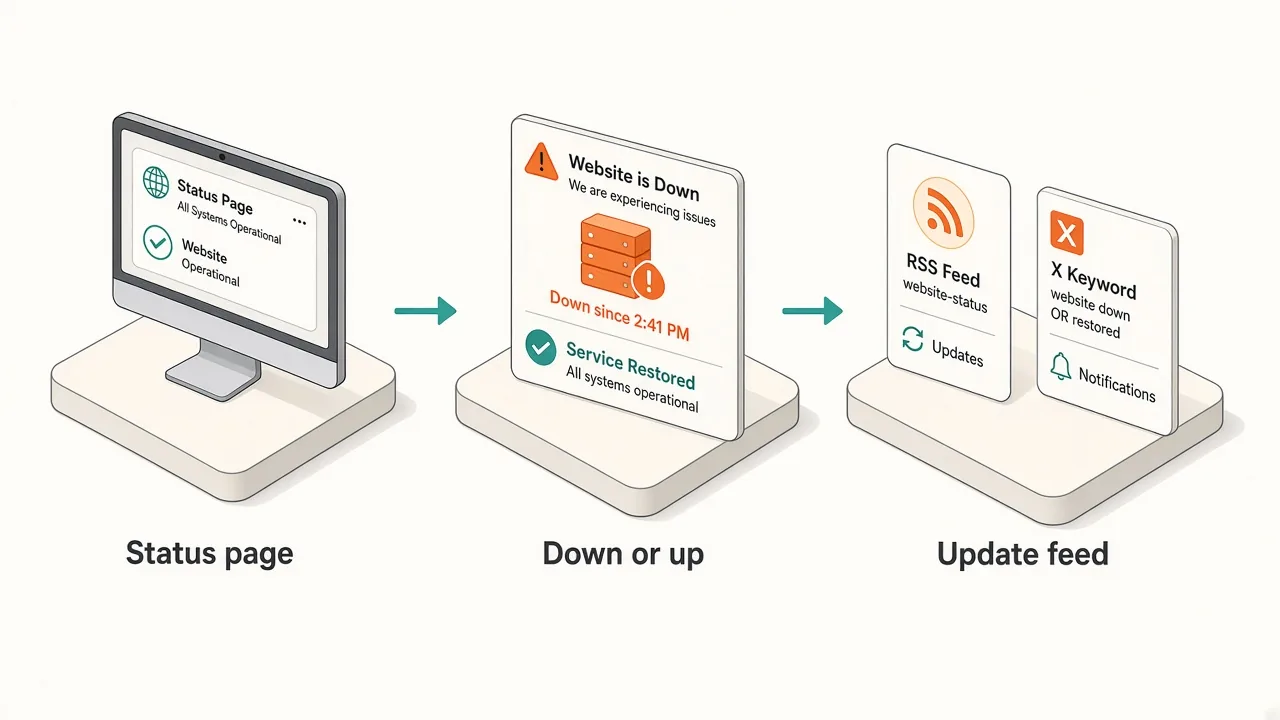
1. A status board for AO3 (built with AI)
Describe the widget around the facts you will actually check: site state, ETA window, and whether works are safe.
- Prompt example: "Show an AO3 outage status board from otwstatus.org: site state (major outage / degraded / up), ETA window (2–4 weeks from OTW), and a short note that works are intact per OTW. Refresh every 30 minutes."
- Check it: compare the first result with otwstatus.org before you rely on it. Keep the board to three lines you will glance at.
The preview on this page is a static snapshot from research time: major outage, ETA about 2–4 weeks, and works reported intact with a password-caution note. It does not refresh by itself in the browser.
2. Headlines next to the board
- Widget: RSS Reader, pointed at one news feed you already use for tech or fandom headlines.
- What it shows: the newest headlines with links. It will not replace OTW’s own wording.
- The status page itself: use otwstatus.org when you need the latest official update. Treat a pinned copy as easy to go stale, and reopen the page when a date matters.
3. One keyword on X
- Widget: X Keyword Watch from the X widgets.
- Keyword:
AO3orAO3_Status. - What it shows: the latest posts from X’s Live results for that keyword. Sign in to X first for reliable results. One keyword is enough.
Tabs vs one shortcut panel
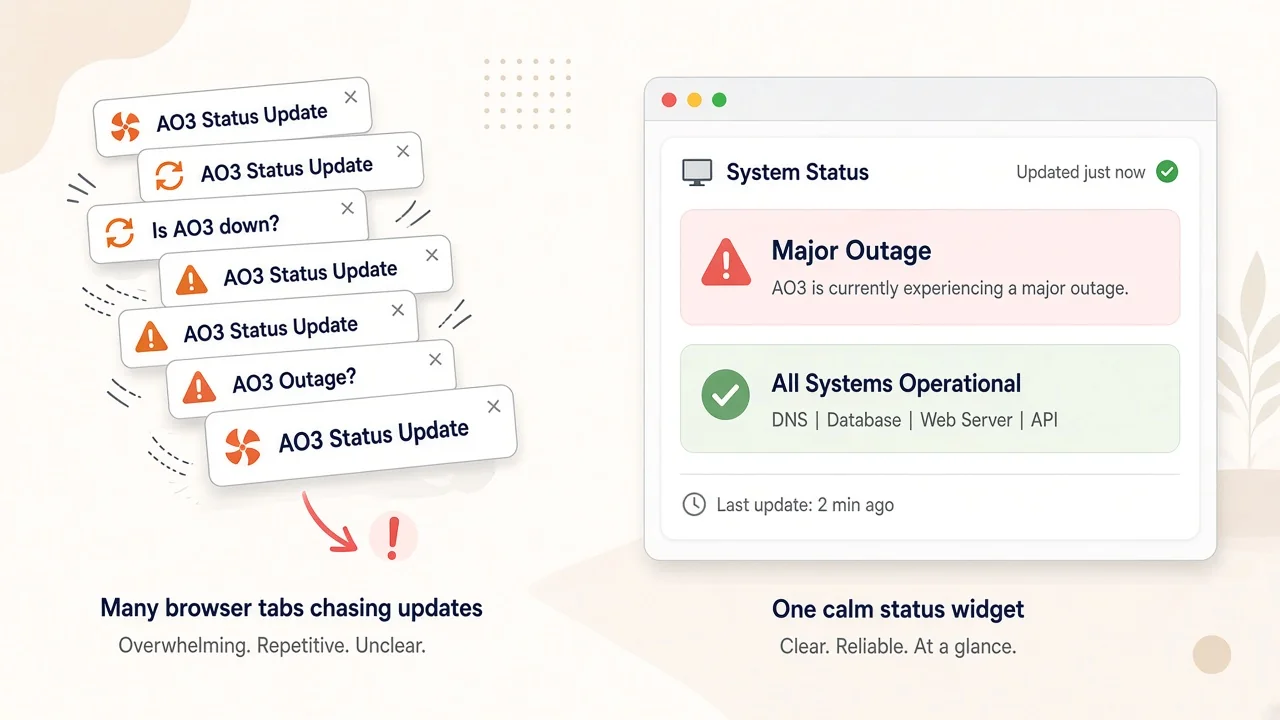
| Tabs and phone apps | Kepo panel | |
|---|---|---|
| Site status | Refresh otwstatus.org | One board with state + ETA |
| Headlines | Scroll a news front page | One feed, newest first |
| Social chatter | An X search you leave open | One keyword, glance and close |
| During work | Switch away from your app | One shortcut over the app, one to hide |
| Account / password changes | OTW guidance + your other sites | Still your other sites’ settings |
Keep the panel small. The status board and one feed answer most checks. Add the keyword watch only if the chatter matters.
Before you install
Kepo runs on Macs with Apple silicon (M1 or later) and macOS 12 or later. There is no Intel version. Details are in Kepo system requirements.
New to widgets on the Mac? Start with the built-in Mac desktop widgets, browse free widgets for Mac, or build custom Mac widgets for sources Apple does not cover.
FAQ
Where do I read the official AO3 status?
The Organization for Transformative Works posts at otwstatus.org. The multi-week estimate and security-incident note checked for this article are from October 29–30, 2026 UTC updates on that page. Open it again for anything later.
Are my works gone?
OTW said no AO3 data had been deleted and that works, bookmarks, and kudos were safe in the October 30 update. Reconfirm on the status page; this article is not a live backup of that statement.
Should I change passwords?
OTW recommended changing passwords on any other sites where you reused your AO3 password, because account fields including a hashed password could not be fully ruled out as exposed. Follow OTW’s wording and your own password-manager practice.
Will the widget alert me when AO3 is back?
The widgets in this setup are for glancing: open the panel and see the current state. They do not send notifications by themselves. OTW also warned that a degraded return could still go down again during recovery.
Keep the outage board one shortcut away
Put AO3’s state and ETA on one status board, keep a news feed beside it, and watch a single keyword if the chatter matters. Download Kepo for your Apple silicon Mac and add the first widget in a few minutes.
Stay informed with Kepo on your desktop
Embed interactive widgets, monitor dynamic sites, track APIs, and run ambient AI agents right on your macOS desktop.
Related Articles
View all posts →How to calculate days between dates and business days
Enter two dates to count calendar days, weekdays, and weekends. Check whether to include the end date, follow a worked example, and account separately for holidays.
How to find IP address on Mac: local vs. public IP explained
Learn how to find IP address on Mac across local network interfaces and public gateways. Master Terminal shortcuts, understand private vs. public routing, and pin live network widgets to your desktop.
How to crop an image on Mac: native tools and instant workflows
Crop an image on Mac with Preview or Photos, or try the center-crop tool on this page. Compare selection controls, aspect ratios, PNG export, and ways to preserve the original.
How to add widgets on Mac with AI-built custom widgets
A practical guide to adding widgets to the Mac desktop, using the built-in widget gallery, and creating custom widgets when the widget you need does not already exist.